1. Introducere
This manual provides essential information for setting up, operating, maintaining, and troubleshooting your Google Pixel 10 Pro XL smartphone. Please read this guide thoroughly to ensure optimal performance and longevity of your device.
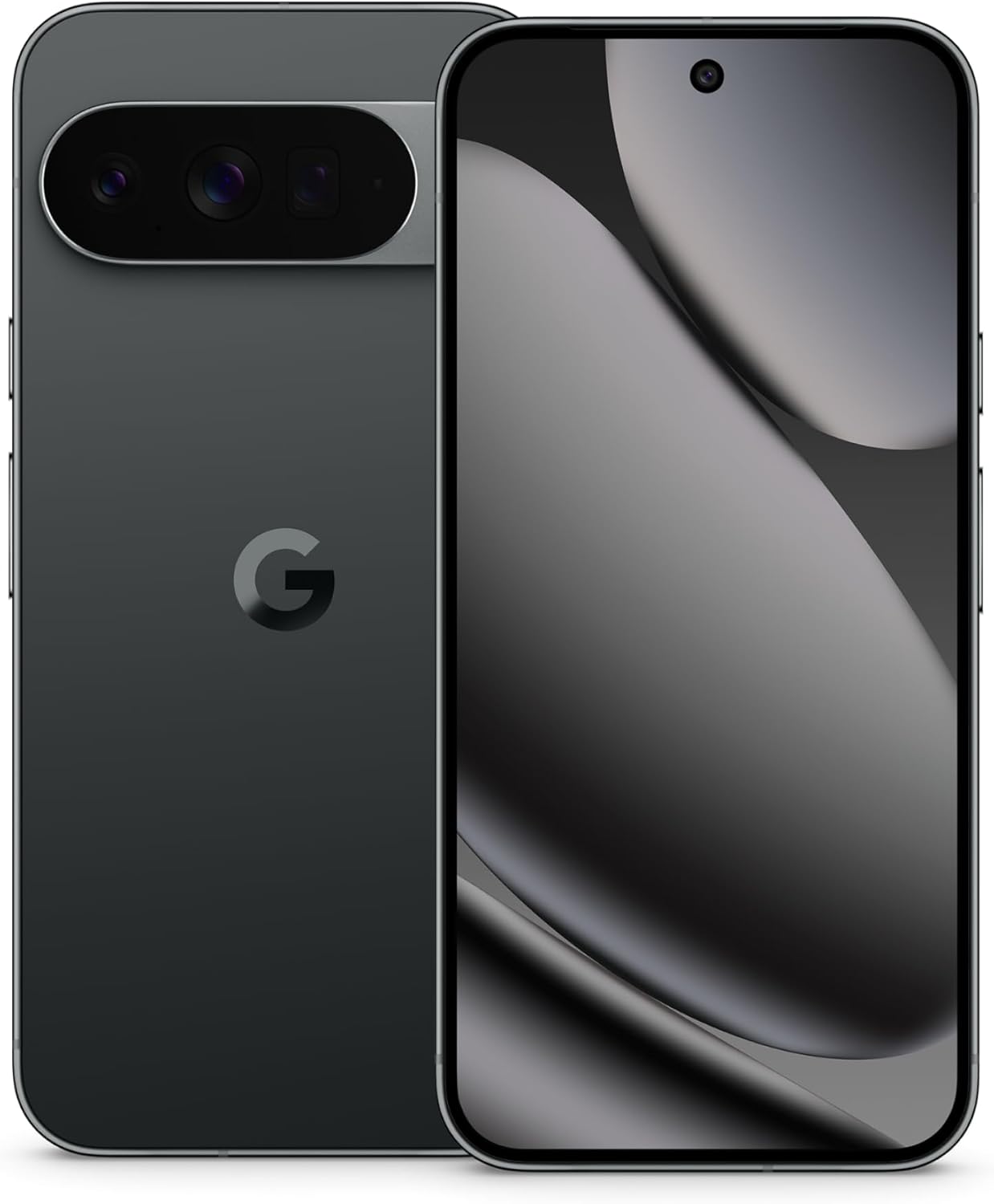
Image: The Google Pixel 10 Pro XL in Obsidian, showcasing designul său elegant și bara de cameră.
2. Configurare
2.1. Ce se află în cutie
Upon opening your Google Pixel 10 Pro XL package, you should find the following items:
- Telefon mobil Google Pixel 10 Pro XL
- Cablu USB de tip C
Please note that other accessories, such as a power adapter or headphones, may be sold separately.
2.2. Unboxing și inspecție inițială
Carefully remove the phone and accessories from the packaging. Inspect the device for any visible damage before proceeding with setup.
Video: An unboxing demonstration of the Google Pixel 10 Pro XL. This video illustrates the packaging contents and the initial appearance of the device.
2.3. Pornire și configurare inițială
- Apăsați și mențineți apăsat butonul de pornire (situat în partea dreaptă a dispozitivului) până când apare sigla Google.
- Urmați instrucțiunile de pe ecran pentru a selecta limba, a vă conecta la o rețea Wi-Fi și a accepta termenii și condițiile.
- Sign in with your Google Account or create a new one. This is essential for accessing Google services and the Play Store.
- Transfer data from your old device (optional). The setup wizard will guide you through options like Quick Switch Adapter or cloud backup.
2.4. SIM Card Activation (eSIM)
The Google Pixel 10 Pro XL supports eSIM technology, eliminating the need for a physical SIM card. During phone setup, you will be prompted to activate your eSIM. For more details, visit g.co/pixel/esim.
3. Operarea dispozitivului
3.1. Navigare de bază
Your Pixel 10 Pro XL runs on Android 16, offering intuitive gesture navigation. Swipe up from the bottom to go home, swipe up and hold for recent apps, and swipe from the left or right edge to go back.
3.2. Sistem de camere
The device features a Triple Rear Camera System. Open the Camera app to access various modes, including Photo, Video, Portrait, and Night Sight.

Image: The Pixel 10 Pro XL's 100x Pro Res Zoom in action, capturing distant subjects with clarity.
Utilizați 100x Pro Res Zoom for detailed distant shots. The upgraded 50 MP camera also supports Super Steady Videos for stable cinematic footage.

Image: The Pixel 10 Pro XL's Super Steady Video feature, ensuring smooth recording even during dynamic scenes.
3.3. Gemini AI Assistant
Your Pixel 10 Pro XL integrates the Gemini AI Assistant. Access it by saying "Hey Google" or by swiping from a corner (configurable). Gemini can assist with tasks, answer questions, and provide real-time information.

Image: The Gemini Live feature on the Pixel 10 Pro XL, allowing users to share their camera view for real-time AI assistance.
3.4. Managementul bateriei
The device is equipped with a fast-charging battery designed to last 24+ ore on a single charge. To optimize battery life:
- Reglați luminozitatea ecranului.
- Activați modul Economisire baterie atunci când este necesar.
- Închideți aplicațiile neutilizate care rulează în fundal.
For faster charging, use a compatible USB Type-C fast charger (sold separately).
3.5. Afișare
Experience vibrant visuals on the 6.8" Super Actua Display. This display offers high brightness and clarity for various viewcondiții de îngrijire.

Image: Details of the Pixel 10 Pro XL's Super Actua display and its robust build quality.
4. Întreținere
4.1. Curățarea dispozitivului
To clean your Pixel 10 Pro XL:
- Utilizați o cârpă moale, fără scame.
- Evitați materialele abrazive sau substanțele chimice dure.
- Pentru pete persistente, ușor dampro pânza cu apă.
4.2. Software Updates (Pixel Drops)
Google regularly releases software updates, known as "Pixel Drops," to enhance features, improve performance, and provide security patches. Ensure your device is connected to Wi-Fi and has sufficient battery life before installing updates.

Image: The Pixel Drops program, illustrating how the phone receives ongoing software enhancements.
4.3. Îngrijirea bateriei
Pentru a prelungi durata de viață a bateriei:
- Evitați temperaturile extreme.
- Do not consistently drain the battery to 0% or charge it to 100% if not necessary.
- Use certified charging accessories.
5. Depanare
5.1. Probleme comune
- Dispozitivul nu răspunde: Apăsați și țineți apăsat butonul de pornire timp de aproximativ 30 secunde pentru a forța o repornire.
- Connectivity problems (Wi-Fi/Bluetooth): Try toggling Wi-Fi or Bluetooth off and on. If the issue persists, restart your device or reset network settings.
- Aplicațiile se blochează: Clear the cache and data for the problematic app in Settings > Apps. If it continues, uninstall and reinstall the app.
5.2. Resetare din fabrică
O resetare la setările din fabrică va șterge toate datele de pe telefon și îl va restaura la setările inițiale din fabrică. Aceasta poate rezolva problemele persistente de software, dar ar trebui utilizată ca ultimă soluție. Faceți o copie de rezervă a datelor înainte de a continua.
- Accesați Setări > Sistem > Opțiuni de resetare.
- Selectați „Ștergeți toate datele (resetare din fabrică)”.
- Confirmați decizia și introduceți codul PIN/parola dacă vi se solicită.
6. Specificații
The Google Pixel 10 Pro XL is engineered for advanced performance and user experience.

Image: An illustration of the Pixel 10 Pro XL's internal components, emphasizing its powerful processor and memory.
| Caracteristică | Detaliu |
|---|---|
| Numele modelului | Pixel 10 Pro XL |
| Sistem de operare | Android 16 |
| Procesor | Google Tensor (3.78 GHz CPU Speed) |
| RAM | 16 GB |
| Stocare internă | 256 GB (Maximum 256 GB Flash Memory Supported) |
| Dimensiunea afișajului | Ecran Super Actua de 6.8 inchi |
| Rezoluția afișajului | 3292 x 3292 |
| Capacitatea bateriei | 5200 mAh (Battery Power Rating: 5200) |
| Conectivitate | Bluetooth, NFC, Wi-Fi, USB Type-C |
| Dimensiuni (produs) | 6.4 x 3 x 0.3 inci |
| Greutatea articolului | 12.3 uncii (0.35 kilograme) |
| Culoare | Obsidian |
| Operator fără fir | Deblocat pentru toți transportatorii |
7. Garanție și asistență
7.1. Garanție limitată
Your Google Pixel 10 Pro XL is covered by a limited warranty from Google. This warranty typically covers defects in materials and workmanship under normal use. For specific terms and conditions, including duration and coverage details, please refer to the warranty information provided with your purchase or visit the official Google support website-ul.
7.2. Asistență pentru clienți
For further assistance, technical support, or warranty claims, please contact Google Support:
- Suport online: Visit the official Google Pixel Help Center (support.google.com/pixelphone).
- Forumuri comunitare: Engage with other Pixel users and experts for solutions.
When contacting support, have your device's serial number and proof of purchase ready.


