Introducere
This instruction manual provides essential information for the safe and efficient operation of your Skyworth 60Q6600H 60-Inch QLED+ 4K Google TV. Please read this manual thoroughly before using the television and retain it for future reference. It covers setup, operation, maintenance, and troubleshooting to ensure you get the best experience from your new TV.
Informații importante privind siguranța
Pentru a reduce riscul de electrocutare, incendiu sau deteriorare, respectați întotdeauna aceste măsuri de siguranță de bază:
- Sursa de alimentare: Conectați televizorul numai la o sursă de alimentare CA 100-240V, 50/60Hz.
- Ventilare: Ensure adequate ventilation. Do not block ventilation openings. Maintain a minimum distance of 10 cm (4 inches) around the TV for proper airflow.
- Apă și umiditate: Nu expuneți televizorul la ploaie sau umezeală. Nu așezați obiecte umplute cu lichide, cum ar fi vaze, pe televizor.
- Surse de caldura: Țineți televizorul departe de surse de căldură, cum ar fi calorifere, guri de căldură, sobe sau alte aparate (inclusiv ampliificatori) care produc căldură.
- curatenie: Deconectați televizorul de la priza de perete înainte de curățare. Folosiți o cârpă moale și uscată. Nu utilizați produse de curățare lichide sau aerosoli.
- Service: Nu încercați să reparați singur acest produs. Consultați toate lucrările de service către personalul calificat de service.
- Copii: Supravegheați copiii pentru a vă asigura că nu se joacă cu televizorul.
Conținutul pachetului
Verificați dacă toate articolele enumerate mai jos sunt incluse în pachetul dumneavoastră:
- Skyworth 60Q6600H 60-Inch QLED+ 4K Google TV
- Telecomanda
- Suport TV (bază)
- Manual de utilizare (Acest document)
- Card de garanție
- Cablu de alimentare
- Șuruburi pentru ansamblul suportului
Ghid de instalare
1. Despachetarea televizorului
Carefully remove the TV from its packaging. It is recommended to have two people for this process due to the size and weight of the television. Place the TV face down on a soft, flat surface (like a blanket or foam) to prevent screen damage during stand installation.
2. Atașarea suportului
Dacă nu montați televizorul pe perete, atașați suportul inclus:
- Aliniați bazele suportului cu sloturile corespunzătoare din partea inferioară a televizorului.
- Secure each stand base with the provided screws using a screwdriver. Ensure the stands are firmly attached.
- Ridicați cu grijă televizorul în poziție verticală și așezați-l pe o suprafață stabilă și plană.
Montare pe perete: The Skyworth 60Q6600H is wall-mountable. If you choose to wall-mount, please refer to the instructions provided with your wall-mount bracket (sold separately) and ensure professional installation for safety.
3. Conectarea perifericelor
Conectați dispozitivele externe la porturile televizorului. Televizorul oferă mai multe opțiuni de conectivitate:
- HDMI (HDMI 2.1): For high-definition devices like Blu-ray players, gaming consoles, and set-top boxes.
- USB: Pentru conectarea dispozitivelor de stocare USB pentru redarea de conținut media files.
- LAN (Ethernet): Pentru o conexiune la internet prin cablu.
- Intrare antenă/cablu: For connecting an aerial or cable TV signal.
- Ieșire audio: For connecting external sound systems.
4. Pornirea inițială și prima configurare
- Conectați cablul de alimentare la televizor și apoi la o priză de perete.
- Apăsați butonul de pornire de pe telecomandă sau de pe televizor.
- Urmați instrucțiunile de pe ecran pentru a finaliza configurarea inițială, care include:
- Alegerea limbii.
- Connecting to a Wi-Fi network (or using a wired LAN connection).
- Signing in with your Google account to access Google TV features, apps, and Google Assistant.
- Scanning for available TV channels (if using an antenna).
Operarea televizorului
1. Funcții de control de la distanță
The included remote control allows you to navigate the TV's interface and control various functions. Familiarize yourself with the buttons for power, volume, channel, input selection, Google Assistant, and app shortcuts.
2. Navigating Google TV Interface
Google TV organizes your content from various streaming services and live TV into a personalized home screen. Use the directional pad and OK button on your remote to browse recommendations, access your apps, and manage settings.
3. Utilizarea funcțiilor inteligente
- Asistent Google: Press the Google Assistant button on your remote and speak into the microphone to search for content, control smart home devices, get answers, and more.
- Chromecast încorporat: Cast content (videos, photos, music) directly from your compatible smartphone, tablet, or computer to the TV. Look for the Cast icon in supported apps.
- Aplicații: Access pre-installed apps like Netflix, YouTube, and Prime Video. Download thousands more from the Google Play Store.
4. Setări imagine
Your Skyworth 60Q6600H features advanced display technologies. Adjust picture settings via the TV's menu to optimize your viewexperiență.
- QLED+ Display: Enjoy vibrant colors and enhanced brightness.
- HDR10+: Oferă contrast superior și precizie a culorilor pentru conținut compatibil.
- Eye Care 5.0: Reduces blue light emission to minimize eye strain during prolonged viewing.
- 120Hz Turbo Motion & MEMC: Enhances motion clarity, reducing blur and judder in fast-paced scenes.
- Film Maker Mode: Preserves the original aspect ratio, colors, and frame rates of films as intended by the director.
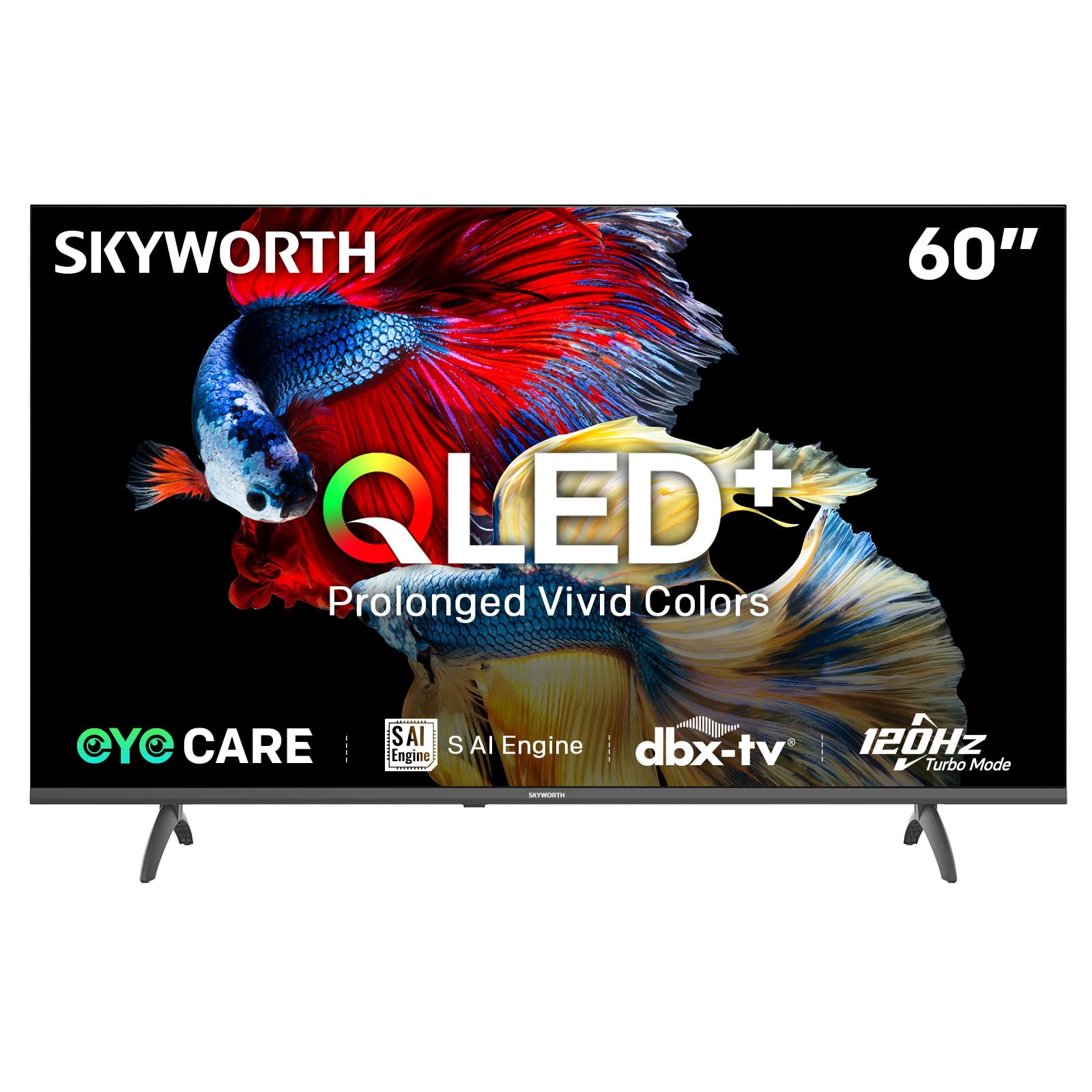
Image: A diagram illustrating the "No-Fading Extended Watching" feature, comparing Skyworth's stable and eco-friendly quantum dot performance over 10 years against conventional quantum dots.

Image: A graphic explaining the QLED+ technology, emphasizing its vivid, eco-friendly, brilliant, and prolonged color performance.

Image: An illustration of the 120Hz Turbo Motion feature, depicting a motocross rider with multiple frames to show enhanced motion clarity compared to 60Hz.
5. Setări sunet
The TV is equipped with 2x15W speakers and supports Dolby Digital/DBX audio processing for clear and powerful sound. Adjust sound modes (e.g., Standard, Music, Movie) and equalizer settings in the audio menu.

Image: A visual highlighting Skyworth's collaboration with Total Sonics for enhanced audio quality, featuring a sound wave graphic and a person associated with audio engineering.
6. Mod de joc
Activate Game Mode for reduced input lag and optimized picture settings when connecting gaming consoles, providing a more responsive gaming experience.
7. DVB-T2 Tuner
The integrated DVB-T2 tuner allows you to receive digital terrestrial television broadcasts. Perform a channel scan in the TV settings to find available channels.
Întreţinere
1. Curățarea televizorului
- Ecran: Ștergeți ușor ecranul cu o lavetă moale, fără scame. Pentru petele persistente, ștergeți ușorampClătiți laveta cu apă sau cu o soluție specială de curățare a ecranelor (asigurați-vă că este sigură pentru ecranele televizoarelor) și ștergeți ușor. Nu pulverizați niciodată lichid direct pe ecran.
- Corpul televizorului: Use a soft, dry cloth to wipe dust from the TV's frame and stand.
- Important: Deconectați întotdeauna televizorul de la priză înainte de curățare.
2. Actualizări software
Your Google TV may receive automatic software updates to improve performance and add new features. Ensure your TV is connected to the internet for these updates. You can also manually check for updates in the TV's settings menu.
3. Depozitare și manipulare
If storing the TV for an extended period, keep it in a cool, dry place, preferably in its original packaging. When moving the TV, always lift it with at least two people and avoid putting pressure on the screen.
Depanare
Înainte de a contacta serviciul de asistență pentru clienți, încercați următoarele soluții pentru problemele comune:
| Problemă | Soluție posibilă |
|---|---|
| Fără putere |
|
| Nu există imagine, dar există sunet |
|
| Fără sunet, dar imaginea este prezentă |
|
| Telecomanda nu funcționează |
|
| Probleme de conexiune la rețea |
|
Resetare din fabrică
If problems persist, a factory reset may resolve them. This will erase all personal settings and installed apps, returning the TV to its original factory state. Navigate to Setări > Sistem > Despre > Resetare > Resetare la datele din fabrică and confirm your choice.
Specificații
Detailed technical specifications for the Skyworth 60Q6600H TV:
| Caracteristică | Detaliu |
|---|---|
| Model | 60Q6600H |
| Dimensiunea afișajului | 60 inchi |
| Tehnologia de afișare | QLED+ |
| Rezoluţie | 3840 x 2160 (4K UHD) |
| Rata de reîmprospătare | 120Hz Turbo Motion |
| Suport HDR | HDR10+ |
| Luminozitate | 300 nits |
| Gama de culori | 90% DCI-P3 |
| Tehnologia de îngrijire a ochilor | Eye Care 5.0 |
| Sistem de operare | Google TV |
| Ieșire audio | 2 difuzoare de 15W |
| Tehnologia audio | Dolby Digital, DBX |
| Conectivitate | HDMI 2.1, USB, LAN, Bluetooth 5.1, Dual-band WiFi |
| Tuner | DVB-T2 |
| Dimensiuni produs (cu suport) | 134.5 lățime x 29.9 adâncime x 85.8 înălțime cm |
| Dimensiuni produs (fără suport) | 134.5 lățime x 8.8 adâncime x 78.5 înălțime cm |
| Greutate (cu suport) | 15.9 kg |
| Greutate (fără suport) | 12.1 kg |
Image: A detailed diagram illustrating the width, depth, and height dimensions of the Skyworth Q6600H 60-inch TV, both with and without its stand.
Garanție și suport
Informații despre garanție
Your Skyworth 60Q6600H TV comes with a Garanție de 3 an de la producător. This warranty covers defects in materials and workmanship under normal use. Please retain your proof of purchase for warranty claims. For full terms and conditions, refer to the included Warranty Card.
Spare part availability information is not available or provided.
Asistență pentru clienți
If you encounter issues that cannot be resolved using the troubleshooting guide, or for any other inquiries, please contact Skyworth customer support. Refer to your Warranty Card or the official Skyworth website pentru cele mai recente informații de contact.
Resurse online: Visit the official Skyworth website pentru întrebări frecvente, descărcări de software și resurse suplimentare de asistență.


