Conținutul pachetului
- AOC ACS4311 Portable Bluetooth Speaker x 1
- Cablu de încărcare USB x 1
- Manual de utilizare x 1

Image showing the AOC ACS4311 speaker, user manual, and USB-C charging cable included in the box.
Model: ACS4311 | Brand: AOC
This manual provides essential information for the safe and efficient operation of your AOC ACS4311 Portable Bluetooth Speaker. Please read it thoroughly before use and retain it for future reference.
Image showing the AOC ACS4311 speaker, user manual, and USB-C charging cable included in the box.
Familiarize yourself with the speaker's components.

AOC ACS4311 Portable Bluetooth Speaker, front view.
Top view of the AOC ACS4311 speaker, highlighting the microphone and handle strap attachment point.

Latura view of the AOC ACS4311 speaker, showing the USB-C charging port.
Înainte de prima utilizare, încărcați complet difuzorul.
To achieve a wider, more immersive sound experience, you can pair two AOC ACS4311 speakers together.

Diagram illustrating the True Wireless Stereo (TWS) pairing process between two AOC ACS4311 speakers.
The built-in microphone allows for hands-free communication when connected to a smartphone.

Image depicting the AOC ACS4311 speaker next to a smartphone, indicating its built-in microphone for clear calls.
Folosiți o lavetă moale și uscată pentru a curăța difuzorul. Nu utilizați substanțe de curățare abrazive sau solvenți.
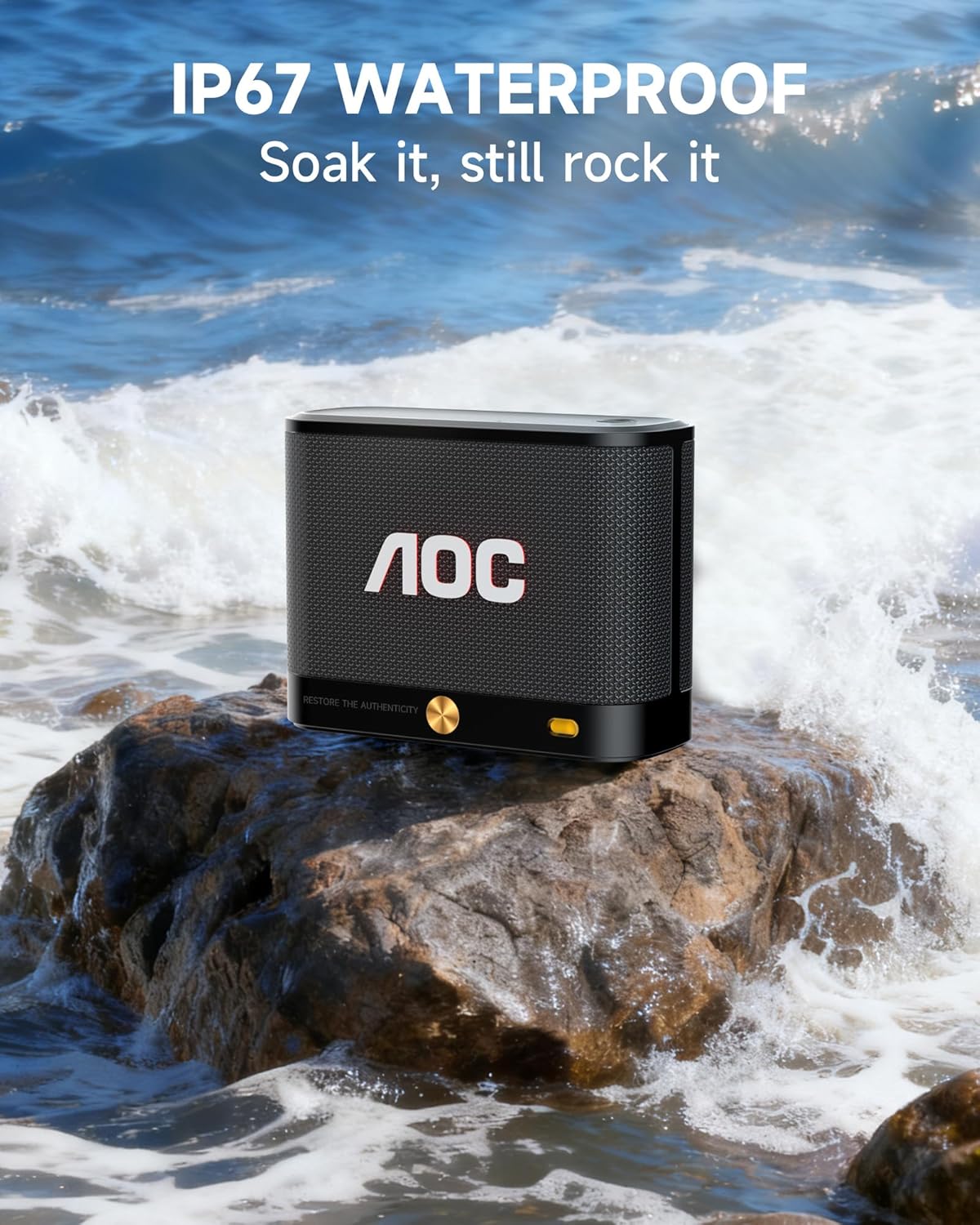
The AOC ACS4311 speaker is rated IP67, meaning it is protected against dust ingress and can withstand immersion in water up to 1 meter for up to 30 minutes.

The AOC ACS4311 speaker on a rock with waves splashing, demonstrating its IP67 waterproof capability.
| Problemă | Soluţie |
|---|---|
| Difuzorul nu pornește. | Asigurați-vă că bateria este încărcată. Conectați difuzorul la o sursă de alimentare folosind cablul USB-C. |
| Nu se poate conecta prin Bluetooth. | Ensure the speaker is in pairing mode (indicator light flashing). Turn off and on Bluetooth on your device. Move the speaker closer to your device. |
| Niciun sunet sau volum redus. | Adjust the volume on both the speaker and your connected device. Ensure the speaker is not muted. |
| Împerecherea TWS eșuează. | Ensure both speakers are not connected to any other Bluetooth device. Repeat the TWS pairing steps carefully. |

Image displaying the dimensions of the AOC ACS4311 speaker (4.5in x 3.35in x 1.77in) and its weight (0.81lb).
This product comes with a limited warranty provided by AOC. For detailed warranty information, product support, or service inquiries, please refer to the official AOC website-ul sau contactați serviciul pentru clienți.
Visit the AOC Store: AOC Official Store
 |
Manual de utilizare AOC SPX24V2 - Configurare, funcționare și specificații Manual de utilizare complet pentru afișajul AOC SPX24V2, care acoperă siguranța, configurarea, operarea, redarea media, file administrare, depanare și specificații tehnice. Vizitați www.aoc.com pentru mai multe informații. |
 |
Ghidul utilizatorului pentru tastatura mecanică de gaming AOC GK500 Ghid complet de utilizare pentru tastatura mecanică de gaming AOC GK500. Acoperă conținutul pachetului, specificațiile, aspectul dispozitivului, instalarea și utilizarea software-ului AOC G-Tools pentru profesioniști.file gestionarea setărilor, atribuirea butoanelor, programarea macrocomenzilor, efectele de iluminare RGB (Light FX) și setările de sensibilitate, împreună cu instrucțiuni de siguranță și întreținere. |
 |
Instrukcja obsługi AOC Q27G4SRU - Monitor Gamingowy Szczegółowa instrukcja obsługi dla monitora gamingowego AOC Q27G4SRU, zawierająca informacje o instalacji, konfiguracji, ustawieniach, rozwiązywaniu problemów i specyfikacjach technicznych. |
 |
Manual de utilizare AOC CS24A: Configurare, caracteristici și specificații Manual de utilizare complet pentru monitorul AOC CS24A, care acoperă configurarea, siguranța, funcții precum AMD FreeSync Premium și HDR, setările OSD, depanarea și specificațiile tehnice. |
 |
Ghid de pornire rapidă pentru monitorul de gaming AOC 27G4XE Ghid concis pentru configurarea și utilizarea monitorului de gaming AOC 27G4XE, inclusiv specificații, conexiuni și navigare OSD. |
 |
Manual de utilizare a monitorului de gaming AOC CQ32G4E - Configurare, caracteristici și depanare Manual de utilizare complet pentru monitorul de gaming AOC CQ32G4E. Acoperă configurarea, instalarea, funcții precum Adaptive-Sync și HDR, depanarea și specificațiile tehnice. Obțineți maximum de la monitorul dvs. de gaming AOC. |