Introducere
This manual provides detailed instructions for the GoveeLife H5171 Outdoor/Indoor Thermometer Hygrometer. Please read thoroughly before use to ensure proper operation and longevity of your device.
The GoveeLife H5171 is a versatile device designed to accurately monitor temperature and humidity in various environments, both indoors and outdoors. Its robust, waterproof design, combined with smart app connectivity, makes it an ideal tool for managing environmental conditions in your home, garden, or during outdoor activities.
Ce este în cutie
- Termometru x1
- Baterie AAA x2
- Snur x1
Specificații
| Caracteristică | Detaliu |
|---|---|
| Numărul de model | H5171 |
| Dimensiunile produsului | 1.42"W x 2.61"H (1.42 x 1.42 x 2.61 inches; 2.4 ounces) |
| baterii | 2 baterii AAA (incluse) |
| Tip baterie | Alcalin |
| Tip de montare | Freestanding |
| Culoare | Negru |
| Precizie | ±0.54℉ / ±3%RH |
| SampLing Rate | 2 secunde |
| Gama Bluetooth | Până la 197 de picioare (60 m) |
| Stocarea datelor | 2 ani |
| Evaluare rezistentă la apă | IP65 |
Înființat
1. Instalarea bateriei
The GoveeLife H5171 requires two AAA batteries for operation. These are included in the package.
- Gently slide open the battery cover located on the back of the device.
- Introduceți cele două baterii AAA, asigurându-vă că polaritatea este corectă (+/-).
- If present, remove the battery insulation tab.
- Închideți bine capacul bateriei.

Image: Battery compartment with AAA batteries installed.
Video: Instructions on how to install batteries and connect the GoveeLife H5171 thermometer.
2. Attaching the Lanyard (Optional)
For portability and secure carrying, attach the included lanyard to the designated loop on the top of the device.

Image: The GoveeLife H5171 attached to a backpack via its lanyard, demonstrating portability.
3. Descărcarea aplicației și asocierea dispozitivului
To unlock smart features and remote monitoring, download the Govee Home app and pair your device.
- Download the "Govee Home" app from the App Store (iOS) or Google Play (Android).
- Open the Govee Home app and create an account or log in.
- Asigurați-vă că Bluetooth este activat pe smartphone-ul dvs.
- In the app, tap the "+" icon in the top right corner to add a new device.
- Caută "H5171" and select "Portable Thermo-Hygrometer H5171".
- Follow the on-screen instructions to complete the pairing process. This typically involves pressing the device's button to initiate pairing.
- Once paired, you can personalize your device name within the app.
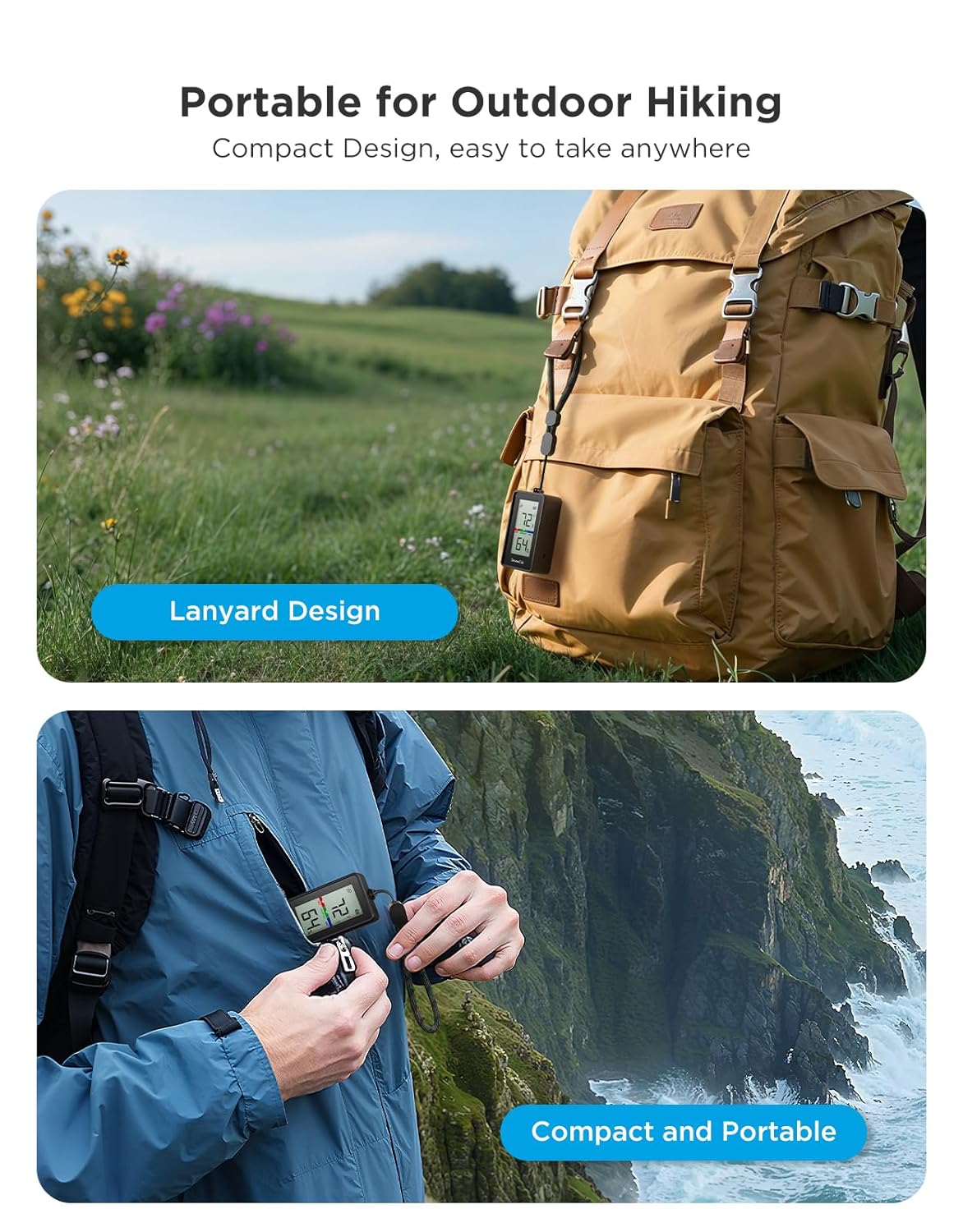
Image: The Govee Home app displaying real-time temperature and humidity data from the H5171 device.
Instrucțiuni de operare
1. Citirea afișajului LCD
The device features a clear LCD display showing current temperature and humidity readings.
- The top number indicates the temperature.
- The bottom number indicates the relative humidity percentage.
- A comfort indicator (DRY, COMFORT, WET) is displayed to quickly assess environmental conditions.

Imagine: Detaliată view of the H5171's LCD screen, highlighting temperature, humidity, and comfort zone.
2. Comutarea unităților de temperatură
To switch between Fahrenheit (°F) and Celsius (°C), briefly press the button located on the side of the device.
3. Using the Govee Home App
The Govee Home app provides enhanced functionality and data insights:
- Monitorizare în timp real: View live temperature and humidity data directly on your smartphone.
- Date istorice: Access 20-day curve readings and up to 2 years of historical data storage and export. This allows for tracking seasonal patterns and long-term trends.
- Alerte inteligente: Set custom temperature and humidity thresholds. Receive instant notifications via the app when readings exceed or fall below your set ranges. Email alerts are also available when connected to a GoveeLife product gateway (sold separately).
- Export de date: Export historical data for further analysis.
- Conectivitate: Supports Bluetooth connection up to 197ft (60m). For remote monitoring beyond Bluetooth range, connect to a GoveeLife product gateway (sold separately, supports 2.4 GHz Wi-Fi only).

Image: The Govee Home app showing customizable temperature and humidity alert settings.
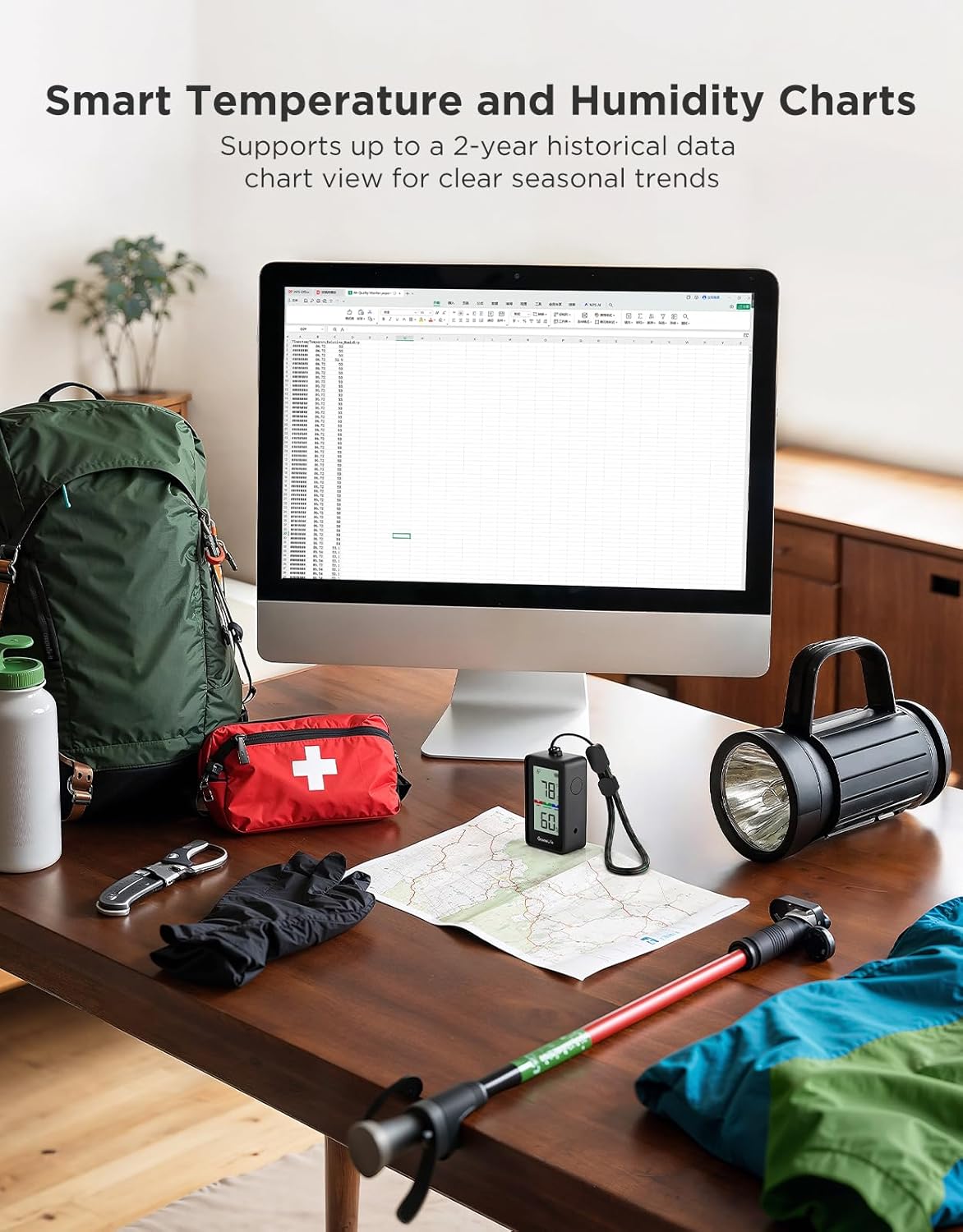
Image: The H5171 device shown with a laptop displaying detailed historical temperature and humidity charts, illustrating data export capabilities.
Video: Un pesteview of the GoveeLife Portable Thermometer H5171, showcasing its features and app integration.
Întreţinere
- curatenie: Ștergeți dispozitivul cu o lavetă moale și uscată. Nu utilizați produse de curățare abrazive și nu îl introduceți în apă.
- Înlocuire baterie: When the battery indicator on the LCD display or in the app shows low power, replace the two AAA batteries following the installation steps.
- Depozitare: Depozitați dispozitivul într-un loc răcoros și uscat atunci când nu îl utilizați pentru perioade lungi de timp.
Depanare
- Dispozitivul nu pornește: Ensure batteries are correctly inserted and fully charged. Check for the battery insulation tab and remove it if present.
- Citiri inexacte: Allow the device to stabilize for at least 30 minutes after placement. Ensure the sensor is not obstructed. Avoid placing the device in direct sunlight or near heat/cold sources.
- Probleme de conectivitate Bluetooth: Ensure Bluetooth is enabled on your phone and the device is within the 197ft range. Restart both the device and the Govee Home app.
- No app alerts: Verify alert thresholds are set correctly in the Govee Home app. Check your phone's notification settings for the Govee Home app. For email alerts, ensure a GoveeLife gateway is properly connected and configured.
Garanție și suport
Pentru informații despre garanție, asistență tehnică sau asistență suplimentară, vă rugăm să consultați pagina oficială GoveeLife. website-ul web sau contactați direct serviciul clienți GoveeLife. Păstrați bonul fiscal pentru reclamații în garanție.
Online resources and FAQs may also be available on the GoveeLife support page.


