1. Introducere
This manual provides essential information for the proper use and maintenance of your Samsung Galaxy Book4 360 2-in-1 AI PC Laptop, model NP750QGK. This device offers versatile functionality, transitioning between laptop, tent, stand, and tablet modes to suit various tasks and environments. Please read this manual thoroughly before operating your device.
2. Ce se află în cutie
Verificați dacă toate articolele sunt prezente în ambalajul produsului:
- SAMSUNG Galaxy Book4 360 laptop
- Adaptor AC de 65 W cu cablu de alimentare
- Manual de utilizare
3. Produs terminatview
The Samsung Galaxy Book4 360 is a versatile 2-in-1 laptop designed for flexibility and performance. It features a 15.6-inch FHD AMOLED touchscreen display and a durable, lightweight design.
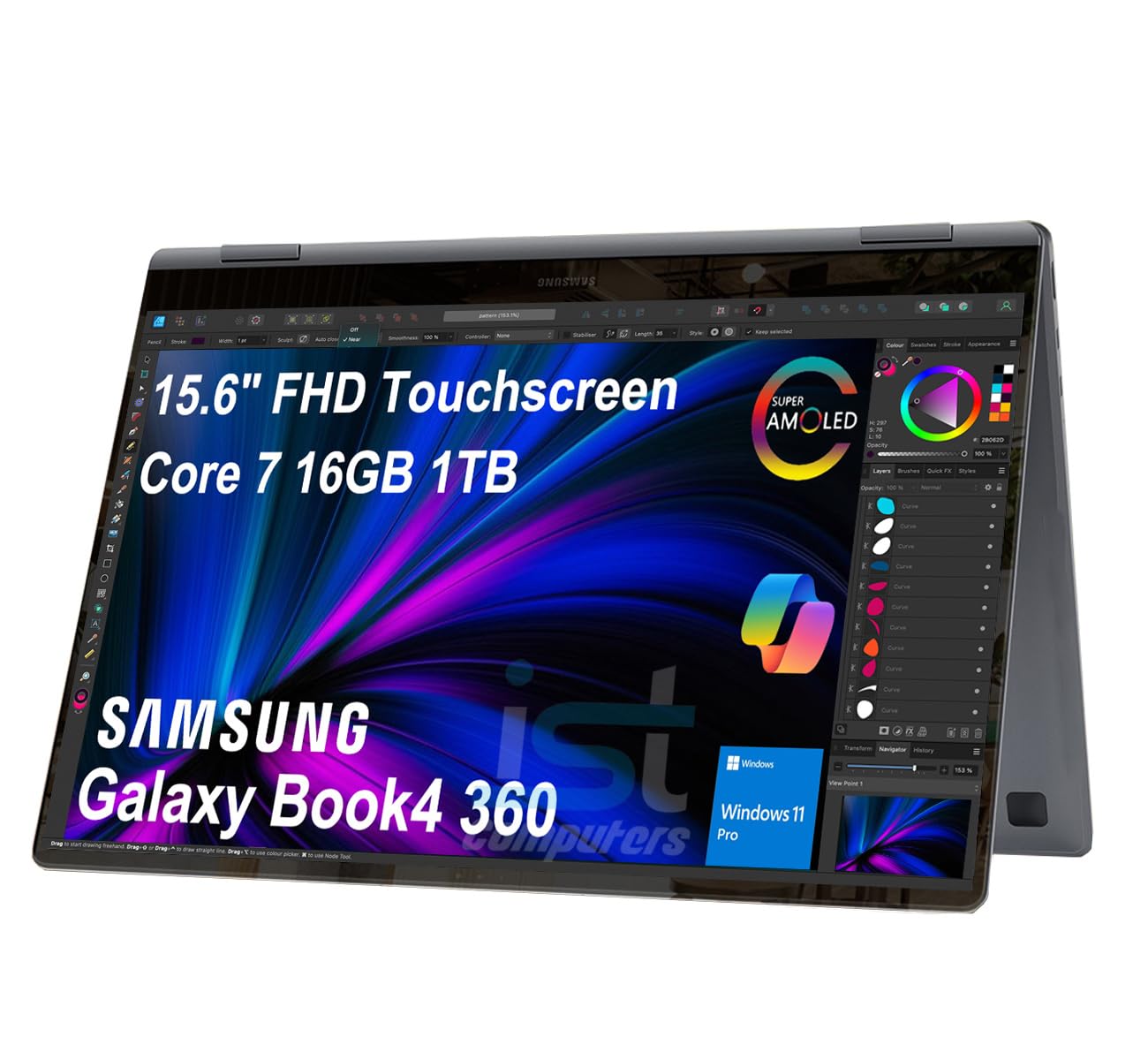
Image: The Samsung Galaxy Book4 360 laptop shown in its open, traditional laptop configuration.
3.1. Caracteristici fizice
- 15.6" FHD AMOLED Touchscreen: Provides vibrant visuals and interactive control.
- Tastatură iluminată din spate: Allows for comfortable typing in various lighting conditions.
- Cititor de amprente: Integrated for secure and convenient login.
- 1080p FHD Webcamera: For clear video conferencing.
3.2. Porturi și conectori
The device is equipped with a range of ports for connectivity:

Imagine: Detaliată view of the laptop's side ports, including HDMI, Thunderbolt 4, microSD card slot, USB 3.2 Type-A, and a 3.5mm headphone/microphone combo jack.
- 2x Thunderbolt 4 Ports: Pentru transfer de date de mare viteză, ieșire video și încărcare.
- HDMI v1.4b Port: Conectați-vă la afișaje externe.
- Port USB 3.2 tip A: Pentru dispozitive USB standard.
- microSD Reader: Expand storage or transfer files de pe cardurile de memorie.
- 3.5pi Headphone out/Mic-in Combo Jack: Pentru intrarea și ieșirea audio.
4. Configurare
4.1. Pornirea inițială
- Unpack the laptop and all accessories.
- Connect the 65W AC adapter to the laptop's Thunderbolt 4 port and then to a power outlet.
- Open the laptop lid. The device may power on automatically, or you may need to press the power button located on the side.
- Urmați instrucțiunile de pe ecran pentru a finaliza configurarea inițială a Windows 11 Pro, inclusiv selectarea limbii, conexiunea la rețea și crearea contului de utilizator.
4.2. Încărcarea bateriei
For optimal battery life, fully charge the laptop before its first use. The 65W AC adapter provides fast charging capabilities.

Image: A close-up of the laptop connected to a USB-C charger, illustrating its fast-charging capability, reaching 39% charge in 30 minutes.
5. Instrucțiuni de utilizare
5.1. Moduri de utilizare
Galaxy Book4 360 oferă patru moduri principale:
- Mod laptop: Configurație standard pentru tastare și productivitate.
- Mod cort: Ideal for presentations or viewing content in a confined space.
- Mod suport: Positions the screen for entertainment or video calls.
- Modul tabletă: Fully folded back for interactive touch-based use.
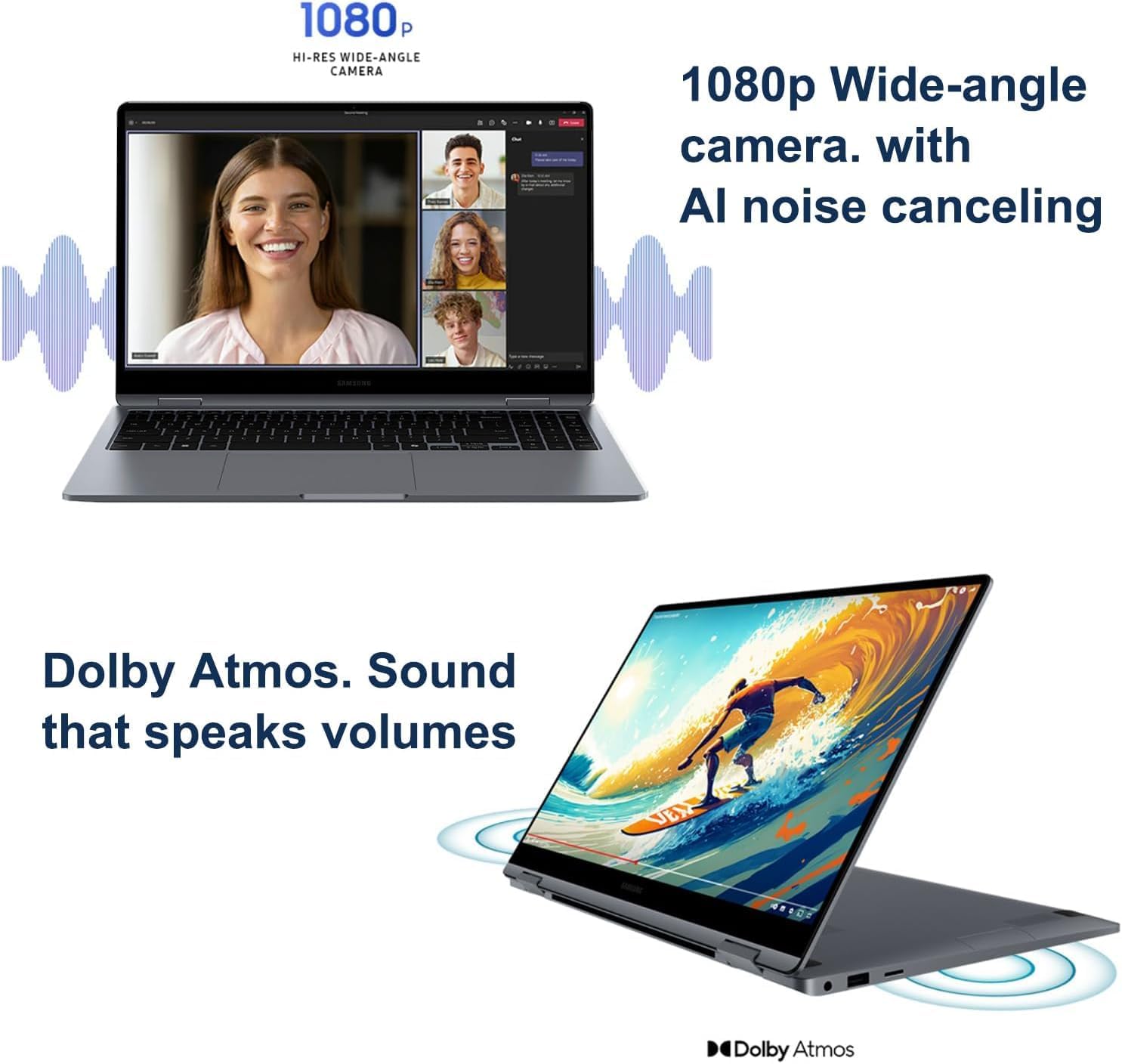
Image: The laptop configured in tent mode, suitable for media consumption or presentations.
5.2. Display and External Monitors
The 15.6-inch FHD AMOLED display provides a resolution of 1920x1080 pixels with 370 nits brightness. You can expand your workspace by connecting up to three external monitors via the HDMI and Thunderbolt 4 ports, supporting resolutions up to 4K@60Hz (without a docking station).

Image: The laptop's AMOLED display showcasing vibrant and rich colors, highlighting its visual quality.
5.3. Performanţă
Equipped with an Intel Core 7 150U processor (10-Core, 12 Threads, up to 5.4 GHz), 16GB DDR5 6000MT/s RAM, and a 1TB PCIe NVMe M.2 SSD, the Galaxy Book4 360 delivers efficient performance for various tasks.
5.4. Conectivitate
The laptop supports Intel Wi-Fi 6E for fast wireless internet and Bluetooth 5.3 for seamless pairing with compatible devices.
5.5. Webcameră și audio
The integrated 1080p FHD Webcam ensures clear video calls, complemented by high-quality microphones with AI noise canceling. The dual-speaker system with Dolby Atmos provides immersive audio.

Image: A split image showing the laptop's 1080p wide-angle camera in use during a video call and the laptop's speakers emitting sound, indicating Dolby Atmos audio.
5.6. Samsung Ecosystem Features
- Comutare automată a căștilor Buds: Seamlessly switch audio output between your Galaxy Book4 360 and paired Galaxy Buds during calls or media playback.
- Use Your Phone as a Connected Camera: Enhance video call quality by using your Samsung Galaxy smartphone as an external webcame.
- Samsung Studio: Create and edit content across Samsung Galaxy devices, utilizing Quick Share for easy transfers.
- Photo Remaster: An AI-powered tool to enhance old or low-quality photos, remove blur, and adjust lighting.
- Messages Integration: Seamlessly manage messages and interact with your smartphone directly from your laptop.

Image: A visual representation of the Buds Auto Switch feature, demonstrating how audio seamlessly transitions between the Galaxy Book4 360 and a smartphone when paired with Galaxy Buds.

Image: Individuals using a Samsung Galaxy smartphone as a connected camera to enhance the video quality of a call on the Galaxy Book4 360.

Image: The Samsung Studio interface displayed on both the laptop and a mobile phone, illustrating seamless video creation and editing across devices.

Image: The laptop screen displaying the AI Photo Remaster tool, demonstrating its ability to improve image quality with a single tap.

Image: The laptop and a smartphone displaying integrated messaging features, allowing users to manage communications across devices.
6. Întreținere
6.1. Curatenie
- Folosiți o lavetă moale, fără scame, pentru a curăța ecranul și suprafețele exterioare.
- Pentru pete persistente, frecați ușorampClătiți cârpa cu apă sau cu o soluție de curățare a ecranului. Evitați substanțele chimice dure.
- Asigurați-vă că dispozitivul este oprit și deconectat înainte de curățare.
6.2. Depozitare
- Depozitați laptopul într-un loc răcoros și uscat, ferit de lumina directă a soarelui și de temperaturi extreme.
- If storing for an extended period, ensure the battery is charged to approximately 50% to preserve its health.
7. Depanare
If you encounter issues with your Galaxy Book4 360, refer to the following common solutions:
7.1. Probleme legate de alimentare
- Dispozitivul nu pornește: Asigurați-vă că adaptorul de curent alternativ este conectat corect și că priza de alimentare funcționează. Încercați o altă priză.
- Bateria nu se încarcă: Verify the charging cable and adapter are not damaged. Ensure the connection to the laptop's Thunderbolt 4 port is firm.
7.2. Probleme de afișare
- Fără afișare: Conectați un monitor extern pentru a verifica dacă problema este la afișajul intern al laptopului. Reporniți laptopul.
- Monitorul extern nu a fost detectat: Ensure the cable is properly connected. Check display settings in Windows to detect the monitor.
7.3. Probleme de conectivitate
- Wi-Fi-ul nu se conectează: Check if Wi-Fi is enabled. Restart your router and the laptop. Ensure correct password entry.
- Dispozitivul Bluetooth nu se conectează: Asigurați-vă că dispozitivul Bluetooth este în modul de asociere și se află în raza de acoperire. Verificați setările Bluetooth de pe laptop.
Pentru probleme persistente, contactați serviciul de asistență pentru clienți.
8. Specificații
| Caracteristică | Caietul de sarcini |
|---|---|
| Numele modelului | Galaxy Book4 360 |
| Numărul de model al articolului | NP750QGK |
| Dimensiunea ecranului în picioare | 15.6 inchi |
| Rezoluția ecranului | 1920 x 1080 pixels (FHD AMOLED) |
| Procesor | Intel Core 7 150U (10-Core, up to 5.4 GHz) |
| RAM | 16 GB LPDDR5X (6000 MHz) |
| Hard Drive | SSD de 1 TB (PCIe NVMe M.2) |
| Coprocesor grafic | Grafică Intel (integrată) |
| Tip fără fir | 802.11.be (Wi-Fi 6E), Bluetooth 5.3 |
| Porturi | 2x Thunderbolt 4, 1x HDMI v1.4b, 1x USB 3.0 (Type-A), microSD Reader, 3.5pi HP/MIC Combo |
| Sistem de operare | Windows 11 Pro |
| Durata medie a bateriei | Până la 22 ore |
| Greutatea articolului | 3.22 lire sterline |
| Dimensiunile produsului | 13.99 x 8.98 x 0.54 inci |
| Caracteristici speciale | Anti Glare Coating, Backlit Keyboard, Fingerprint Reader, Touchscreen |
9. Garanție și asistență
Your Samsung Galaxy Book4 360 NP750QGK comes with the following warranty coverage:
- Upgraded SSD: Garanție de trei ani de la Issaquah Highlands Tech.
- Componente rămase: One-year warranty from the manufacturer (Samsung).
For technical support or warranty claims, please refer to the contact information provided with your purchase documentation or visit the official Samsung support website-ul.