1. Introducere
This manual provides detailed instructions for the setup, operation, maintenance, and troubleshooting of your LIGE EF13-E Military Smart Watch. Please read this manual thoroughly before using your device to ensure proper functionality and to maximize your user experience.
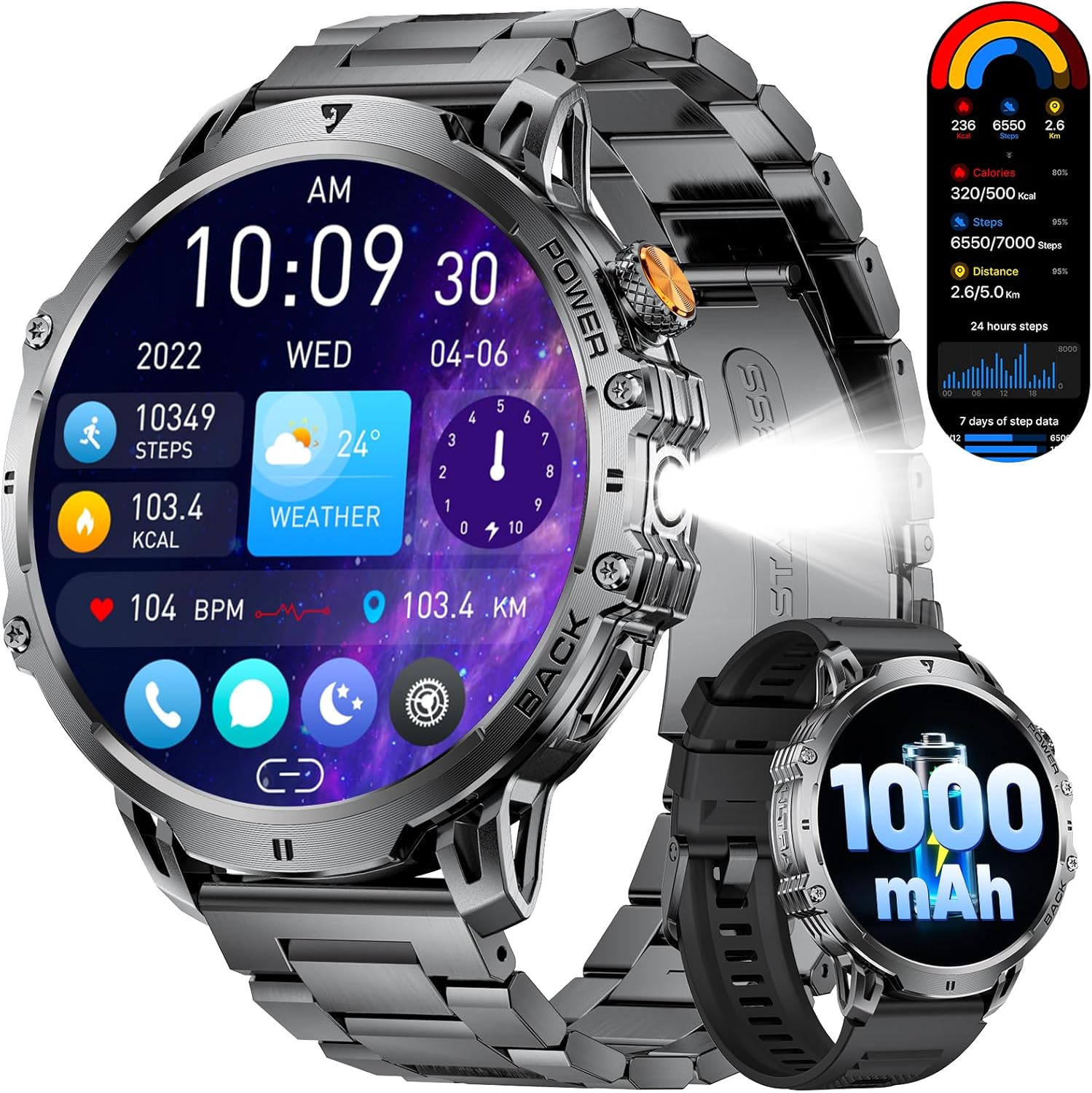
Figure 1: LIGE EF13-E Military Smart Watch Overview
2. Ce se află în cutie
Upon opening your LIGE EF13-E package, you should find the following items:
- LIGE EF13-E Smart Watch
- Cablu încărcător magnetic
- Stainless Steel Watch Strap
- Curea de ceas din silicon
- Watch Strap Adjustment Tool
- Manual de utilizare
Curea de ceas din silicon
Stainless Steel Watch Strap
3. Ghid de instalare
3.1 Încărcare inițială
Before first use, ensure your smartwatch is fully charged. Connect the magnetic charging cable to the charging points on the back of the watch and plug the USB-A end into a compatible power source. The watch will automatically power on once charging begins.

Figure 2: Magnetic Charging Connection
3.2 Instalarea și asocierea aplicației
To unlock the full functionality of your LIGE EF13-E Smart Watch, you need to install the companion application, "FitCloudPro," on your smartphone (Android 4.4+ or iOS 8.0+).
- Scan the QR code displayed on the watch screen or in the user manual to download the "FitCloudPro" app from the Google Play Store or Apple App Store.
- Activați Bluetooth pe smartphone-ul dvs.
- Open the "FitCloudPro" app, navigate to the "Device" section, and tap "Bind Device" or "Add New Device."
- Select "EF13" from the list of available devices.
- Confirmați solicitarea de asociere atât pe smartphone, cât și pe ceasul inteligent.
- Grant necessary permissions within the app for notifications, contacts, and call logs to ensure full functionality.

Figure 3: App Installation and Pairing Steps
Video 1: LIGE EF13 Smartwatch Setup and Features Overview
4. Band Installation and Adjustment
Your LIGE EF13-E Smart Watch comes with two interchangeable bands: a silicone band for sports and a stainless steel band for formal occasions. Both are designed for easy attachment and removal.
4.1 Attaching Bands
To attach a band, align the spring bar with the lug holes on the watch body. Push the spring bar inwards and slide the band into place, then release the spring bar to secure it. Ensure both ends are firmly locked.
4.2 Reglarea curelei din oțel inoxidabil
The stainless steel band can be adjusted using the provided tool to remove or add links for a comfortable fit. Insert the tool's pin into the small holes on the side of the links, push to release the pin, and remove the desired number of links. Reassemble by inserting the pins back into the links.
Figure 4: Stainless Steel Band Adjustment
5. Utilizarea ceasului inteligent
The LIGE EF13-E features a 1.85-inch HD full-touch screen for intuitive navigation and a built-in LED flashlight for convenience.
5.1 Navigare pe ecran
- Glisați în sus/jos: Accesați setările rapide sau notificările.
- Glisați la stânga/dreapta: Navigate through various widgets such as activity data, heart rate, blood oxygen, and weather.
- Apăsați butonul lateral: Reveniți la ecranul principal sau accesați meniul principal.
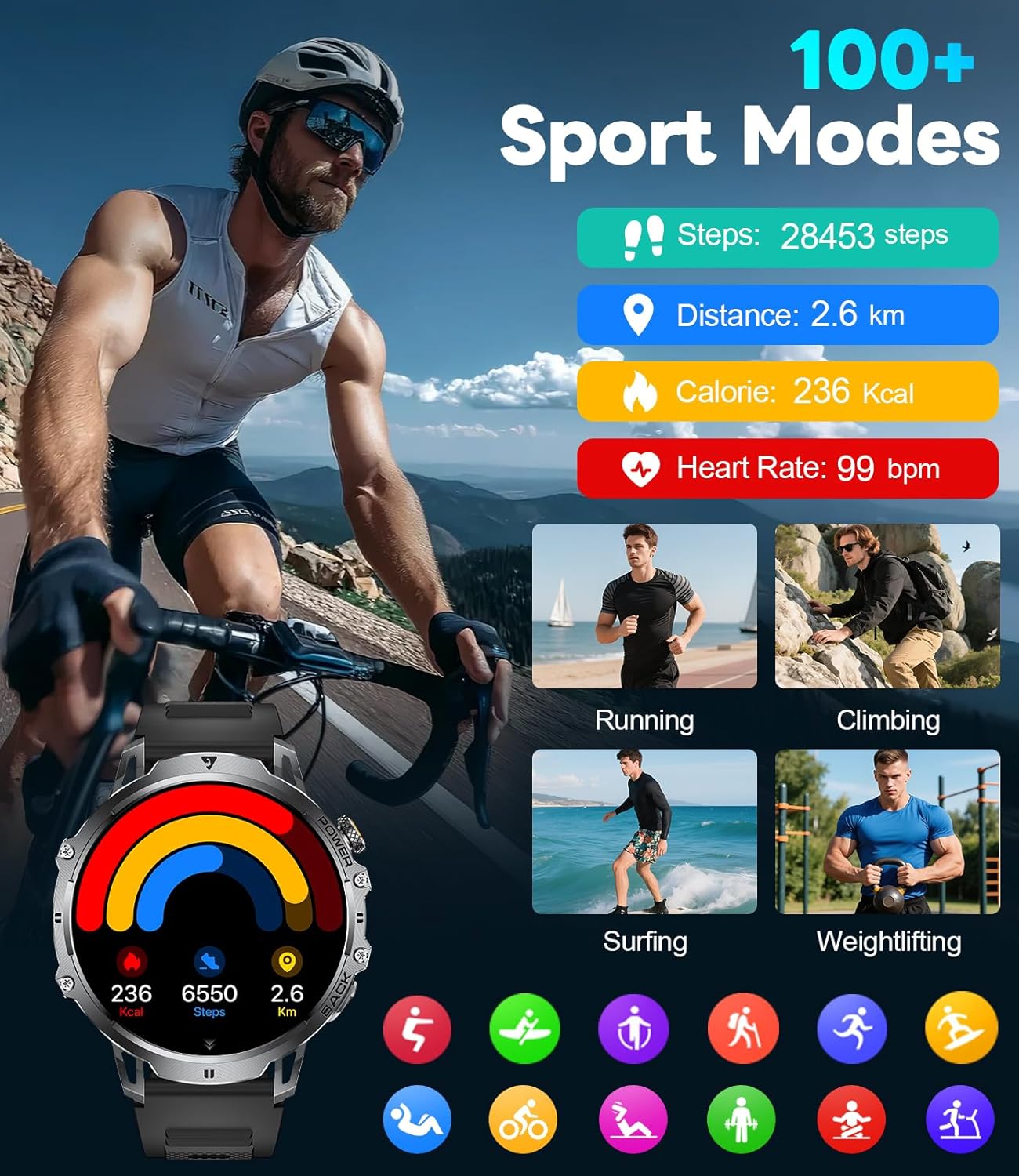
Figure 5: Watch Face and Menu Navigation
5.2 Bluetooth Calls & Notifications
Odată asociat cu smartphone-ul, ceasul îți permite să gestionezi apelurile și să primești notificări direct pe încheietura mâinii.
- Efectuarea/Primirea apelurilor: Use the built-in microphone and speaker to make or answer calls without taking out your phone.
- Alerte de mesaje: Receive real-time notifications for SMS, WhatsApp, and other social media apps.
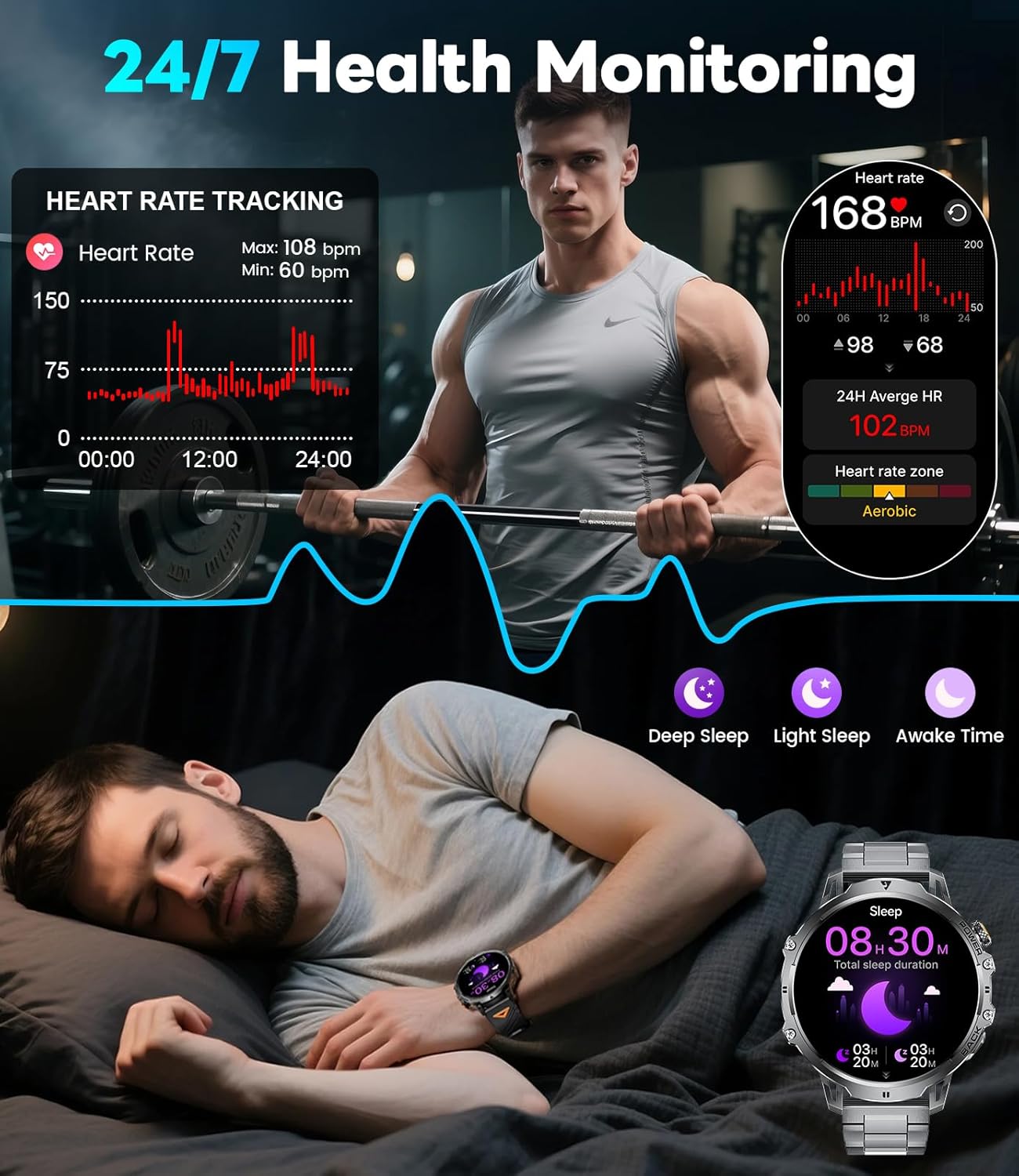
Figure 6: Bluetooth Calling and Message Notifications
5.3 Monitorizarea sănătății
The EF13-E continuously monitors key health metrics:
- Ritmul cardiac: 24/7 heart rate tracking.
- Oxigenul din sânge: Monitors SpO2 levels.
- Calitatea somnului: Tracks deep sleep, light sleep, and awake time to help improve sleep habits.
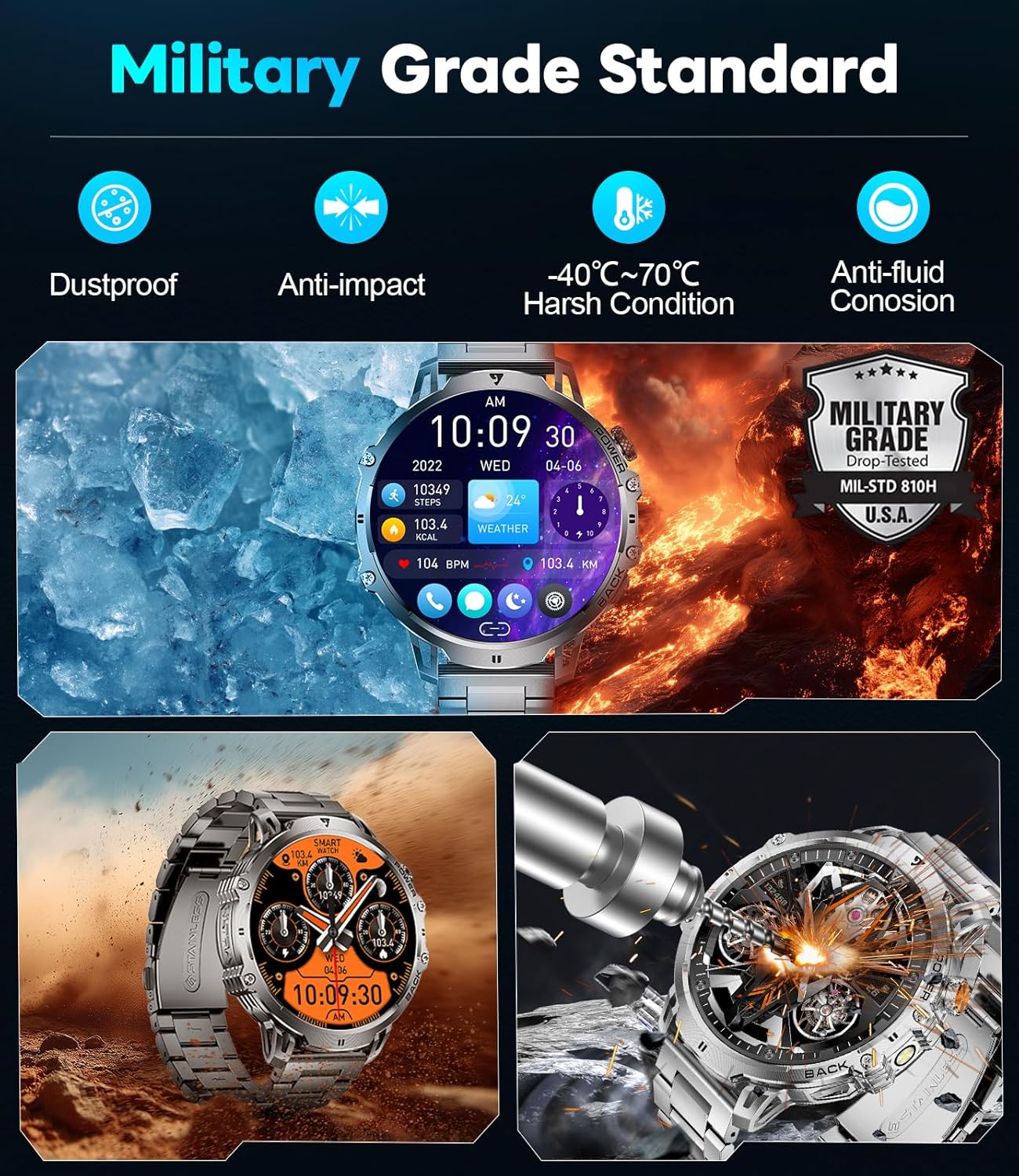
Figura 7: Funcții de monitorizare a stării de sănătate
5.4 de moduri sportive
With over 110 sports modes, the watch accurately tracks calories, distance, and steps for various activities, from running and cycling to strength training.
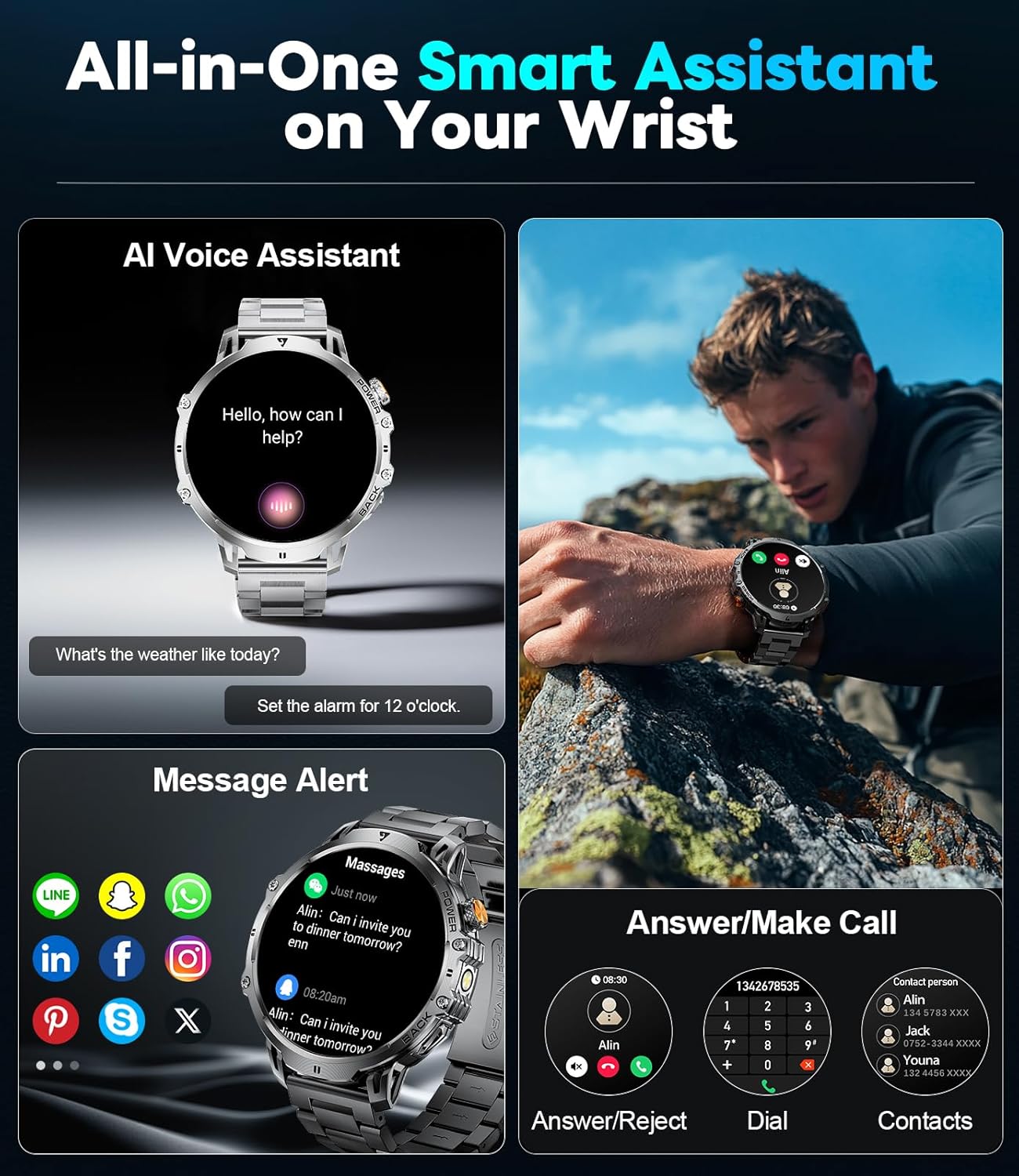
Figure 8: 110+ Sports Modes Tracking
5.5 caracteristici suplimentare
The smartwatch also includes a range of practical tools:
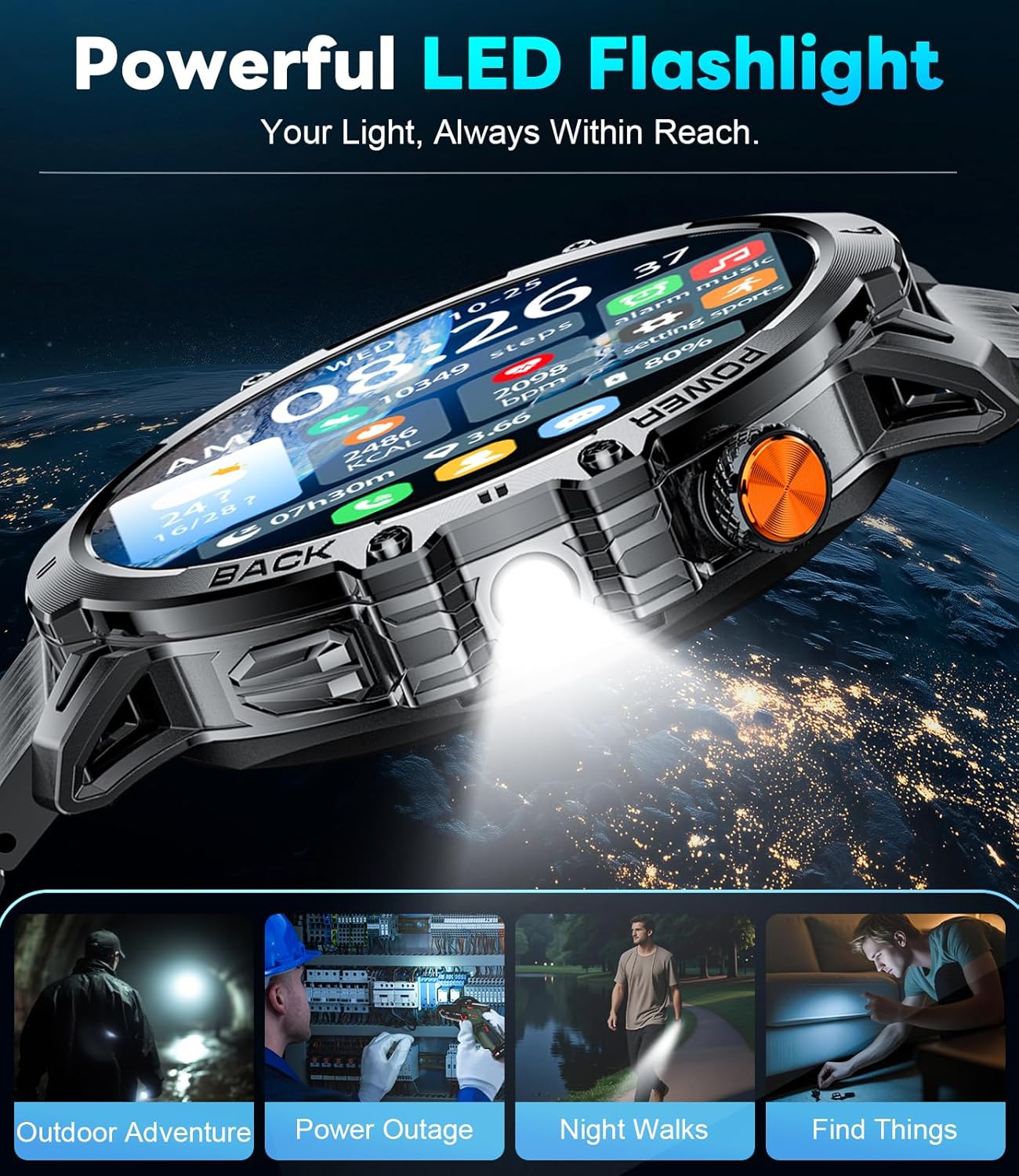
- Lanterna LED incorporata: Oferă iluminare în medii întunecate.
- Controlul muzicii: Gestionați redarea muzicii pe smartphone.
- Actualizări meteo: Obțineți informații meteo actuale.
- Stopwatch & Alarm: Funcții esențiale de cronometrare.
- Asistent vocal: Interacționează cu dispozitivul tău folosind comenzi vocale.
- Controlul camerei: Activează de la distanță camera smartphone-ului tău.
- Mini-Games: Two built-in games for entertainment.
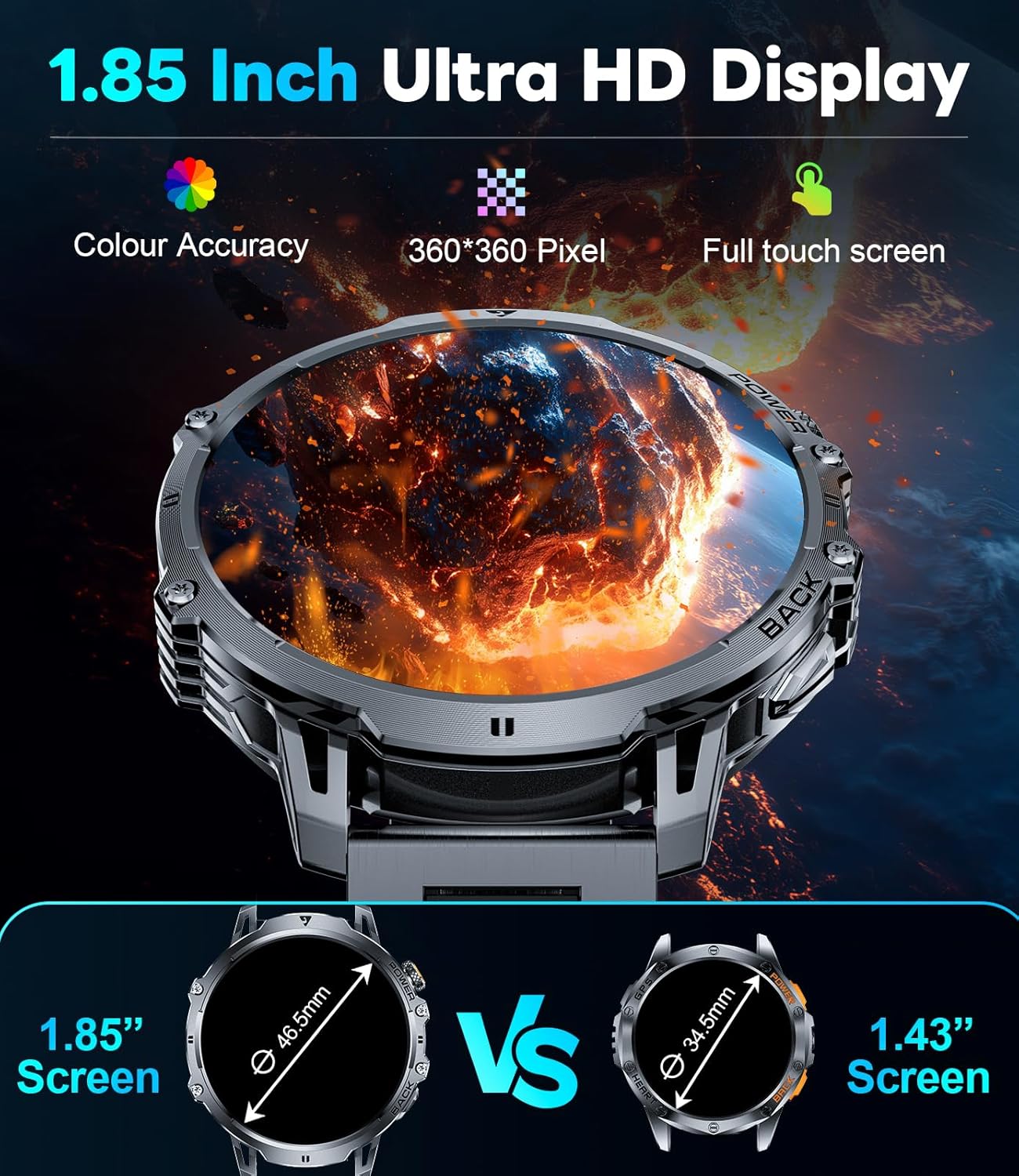
Figure 9: Powerful LED Flashlight
6. Întreținere
To ensure the longevity and optimal performance of your LIGE EF13-E Smart Watch, follow these maintenance guidelines:
- curatenie: Regularly wipe the watch screen and bands with a soft, dry cloth. For stubborn dirt, use a slightly damp cârpă și săpun ușor, apoi uscați bine.
- Rezistenta la apa: The watch is rated for 5ATM water resistance, making it suitable for swimming and showering. However, avoid hot water, steam, or prolonged submersion in deep water. Do not press buttons underwater.
- Încărcare: Use only the provided magnetic charging cable. Avoid exposing the charging contacts to metal objects to prevent short circuits.
- Depozitare: Depozitați ceasul într-un loc răcoros și uscat, ferit de lumina directă a soarelui și de temperaturi extreme.
- Evitați substanțele chimice: Do not expose the watch to strong chemicals, solvents, or detergents, as these can damage the materials.
7. Depanare
If you encounter issues with your LIGE EF13-E Smart Watch, refer to the following common solutions:
- Ceasul nu se pornește: Asigurați-vă că ceasul este complet încărcat. Conectați-l la încărcător și așteptați câteva minute.
- Nu se poate conecta la smartphone:
- Asigurați-vă că Bluetooth este activat pe telefon și că ceasul se află în raza de acțiune.
- Reporniți atât telefonul, cât și ceasul.
- Check if the "FitCloudPro" app has all necessary permissions.
- Try unbinding and re-pairing the device through the app.
- Notificări neprimite:
- Verify that "Push Notifications" are enabled in the "FitCloudPro" app for specific applications.
- Check your phone's notification settings to ensure the app is allowed to send notifications.
- Asigurați-vă că ceasul este conectat prin Bluetooth.
- Date inexacte privind sănătatea:
- Asigurați-vă că ceasul este purtat strâns pe încheietura mâinii, nici prea strâmt, nici prea lejer.
- Curățați senzorii de pe spatele ceasului.
- Evitați mișcarea excesivă în timpul măsurătorilor.
- Durată scurtă de viață a bateriei:
- Reduceți luminozitatea ecranului și timpul de afișare.
- Disable unnecessary features like continuous heart rate monitoring if not needed.
- Asigurați-vă că ceasul este complet încărcat înainte de utilizare.
8. Specificații
| Numărul de model | EF13-E |
| Marca | LIGE |
| Dimensiunea afișajului | 1.85 Inches HD TFT (360x360 resolution) |
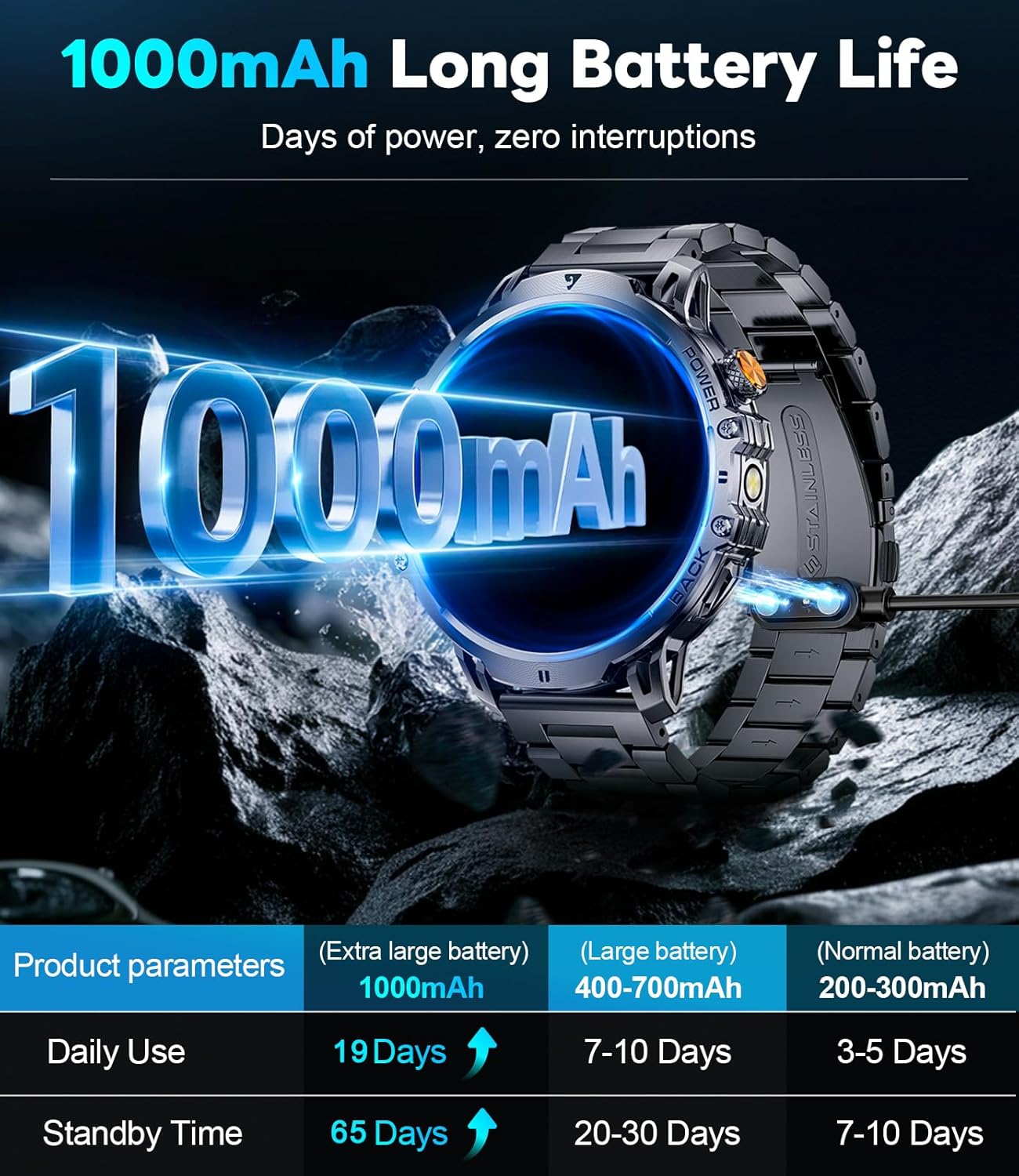
| Capacitatea bateriei | Litiu polimer de 1000 mAh |
| Timp de așteptare | Până la 65 de zile |
| Timp normal de utilizare | Over 19 Days |
| Rezistenta la apa | 5ATM |
| Conectivitate | Bluetooth |
| Compatibilitatea sistemelor de operare | Android 4.4+ și iOS 8.0+ |
| Capacitate de stocare a memoriei | 256 MB |
| Caracteristici speciale | 1.85" Large HD Screen, 5ATM Waterproof, 1000 mAh Battery, 110+ Sport Modes, Sleep Monitor, Alarm Clock, Music Player, Sedentary Reminder, Activity Tracker, Calorie Tracker, Distance Tracker, Multisport Tracker, Bluetooth calls, Notifications, Weather Forecast, Built-in LED Flashlight, Voice Assistant, Camera Control, Mini-Games. |
| Greutatea articolului | 9.6 uncii |
| Dimensiuni | 8.07 x 3.66 x 0.91 inci |

Figure 10: 1.85 Inch Ultra HD Display

Figure 11: Military Grade Standard Durability
9. Garanție și asistență
LIGE is committed to ensuring your satisfaction. If you have any questions, require support, or encounter any issues with your LIGE EF13-E Smart Watch, please do not hesitate to contact our customer service team. Refer to the contact information provided in your product packaging or on the official LIGE website pentru asistență.


