1. Introducere
The MageGee GK960 is a versatile wireless gaming keyboard designed for optimal performance and user comfort. Featuring triple-mode connectivity (Wired USB-C, 2.4GHz Wireless, and Bluetooth), vibrant RGB backlighting, a multi-functional rotary knob, and a 98% layout with a number pad, this keyboard is suitable for various computing environments and tasks. Its ergonomic design and anti-ghosting capabilities enhance the typing and gaming experience.

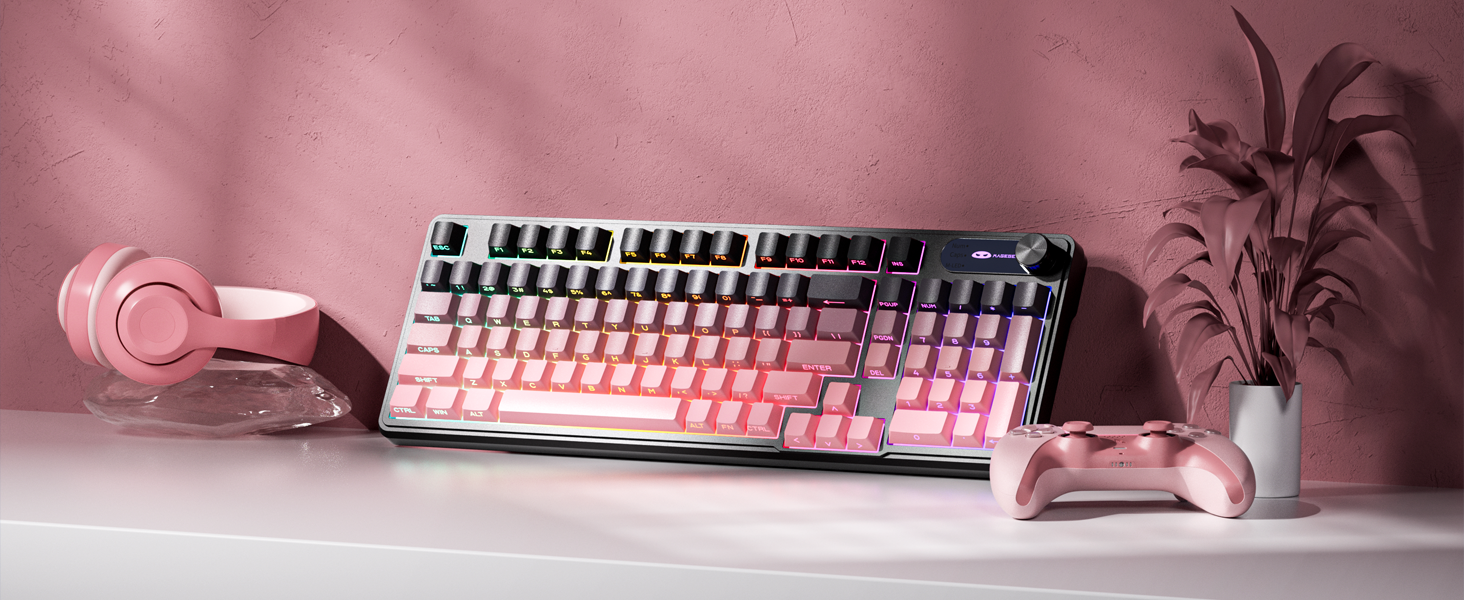
Image 1.1: MageGee GK960 Wireless Gaming Keyboard highlighting key features such as Tri-Mode Connection, Side-Printed Keycaps, Knob Control, RGB Backlit, Win/Mac Support, and 19-Key Anti-Ghosting.
2. Conținutul pachetului
Vă rugăm să verificați dacă toate articolele enumerate mai jos sunt incluse în pachetul dumneavoastră:
- 1 x MageGee GK960 Wireless Gaming Keyboard
- 1 x Manual de utilizare
- Cablu de încărcare 1 x USB-C
- 1 x receptor USB 2.4G
- 1 x User Guide (Quick Start)
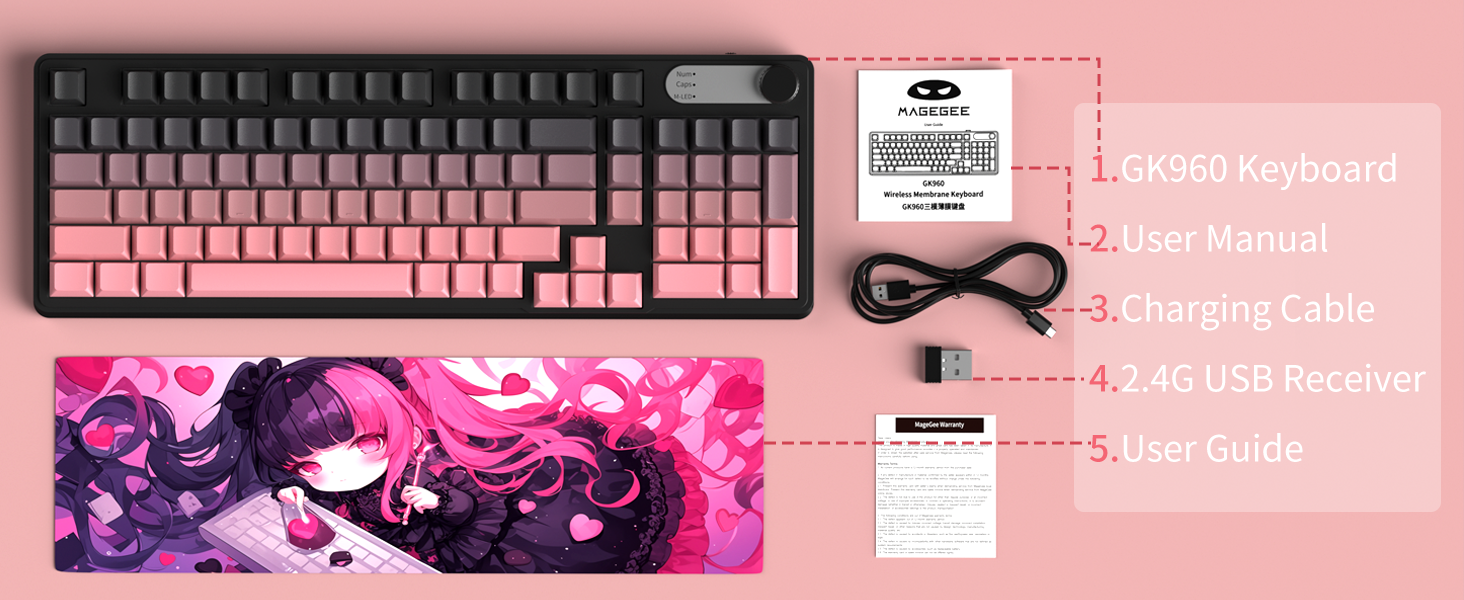
Image 2.1: Visual representation of the MageGee GK960 keyboard and its included accessories: user manual, charging cable, 2.4G USB receiver, and user guide.
3. Setup: Connectivity Modes
The GK960 keyboard offers three connectivity options: Wired USB-C, 2.4GHz Wireless, and Bluetooth. You can connect up to 5 devices simultaneously (1 wired, 1 via 2.4G, and up to 3 via Bluetooth).

Image 3.1: Diagram illustrating the three connection modes: Wired Type-C, 2.4GHz Wireless, and Bluetooth (BT FN+1/2/3).
3.1. Conexiune USB-C cu fir
- Localizați portul USB-C de pe tastatură.
- Conectați cablul USB-C furnizat la tastatură și celălalt capăt la un port USB disponibil al computerului.
- Tastatura va fi recunoscută automat și gata de utilizare.
3.2. Conexiune wireless de 2.4 GHz
- Localizați receptorul USB 2.4G (dongle-ul) din ambalaj.
- Conectați receptorul USB 2.4G la un port USB disponibil al computerului.
- Ensure the keyboard's mode switch (located on the back or side) is set to 2.4G mode.
- Tastatura ar trebui să se conecteze automat.
3.3. Conexiune Bluetooth
Tastatura acceptă conectarea a până la trei dispozitive Bluetooth.
- Ensure the keyboard's mode switch is set to Bluetooth mode.
- Pentru a asocia cu un dispozitiv, apăsați și mențineți apăsat FN + 1, FN + 2, sau FN + 3 for 3-5 seconds until the corresponding indicator light flashes rapidly. This indicates pairing mode.
- Pe dispozitivul dvs. (computer, tabletă, smartphone), deschideți setările Bluetooth și căutați dispozitive noi.
- Select "MageGee GK960" from the list of available devices to complete the pairing process. The indicator light will stop flashing once connected.
- Pentru a comuta între dispozitivele Bluetooth asociate, apăsați pur și simplu FN + 1, FN + 2, sau FN + 3 (apăsare scurtă).
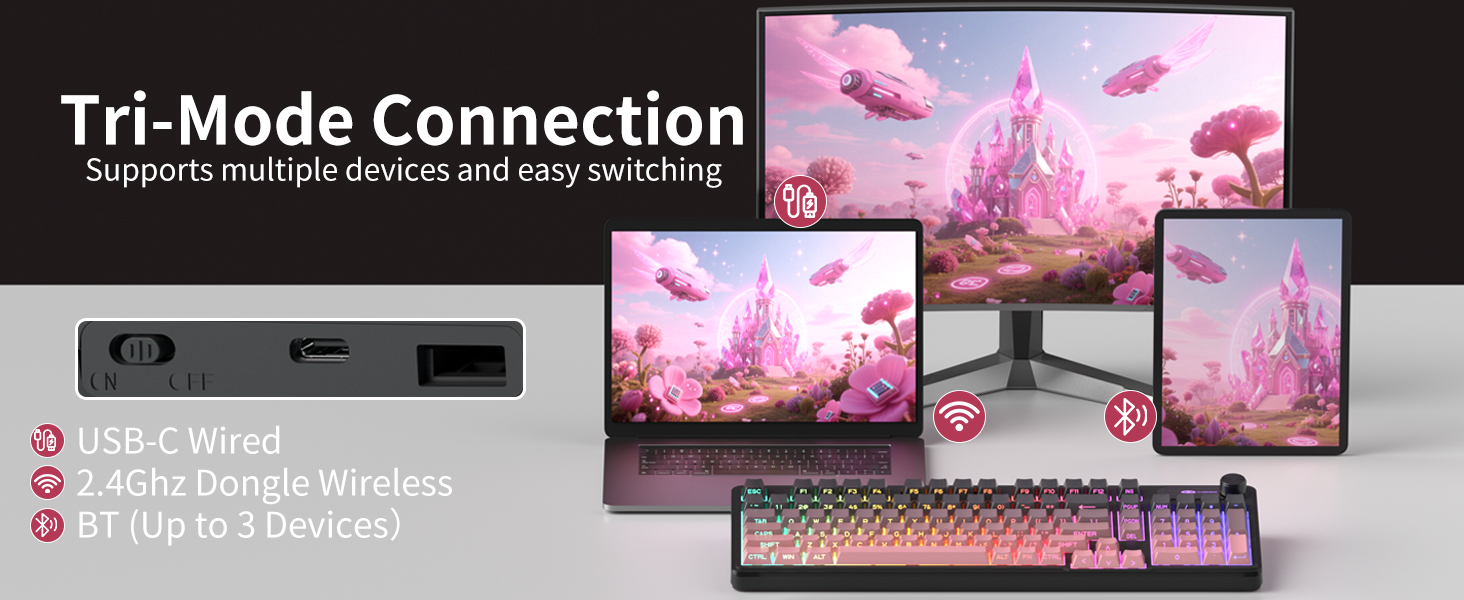
Image 3.2: The keyboard's connectivity switch, allowing selection between USB-C Wired, 2.4GHz Dongle Wireless, and Bluetooth modes.
4. Instrucțiuni de utilizare
4.1. Dual-Mode Rotary Knob
The multi-functional knob provides quick control over volume and lighting settings.
- Comutare moduri: Apăsați lung FN + Buton for 5 seconds to switch between Volume Mode and Light Mode.
- Modul volum:
- Twist the knob clockwise to increase volume.
- Twist the knob counter-clockwise to decrease volume.
- Press down on the knob to mute/unmute audio.
- Modul de lumină:
- Twist the knob clockwise to increase backlight brightness.
- Twist the knob counter-clockwise to decrease backlight brightness.
- Press down on the knob to cycle through different lighting effects.
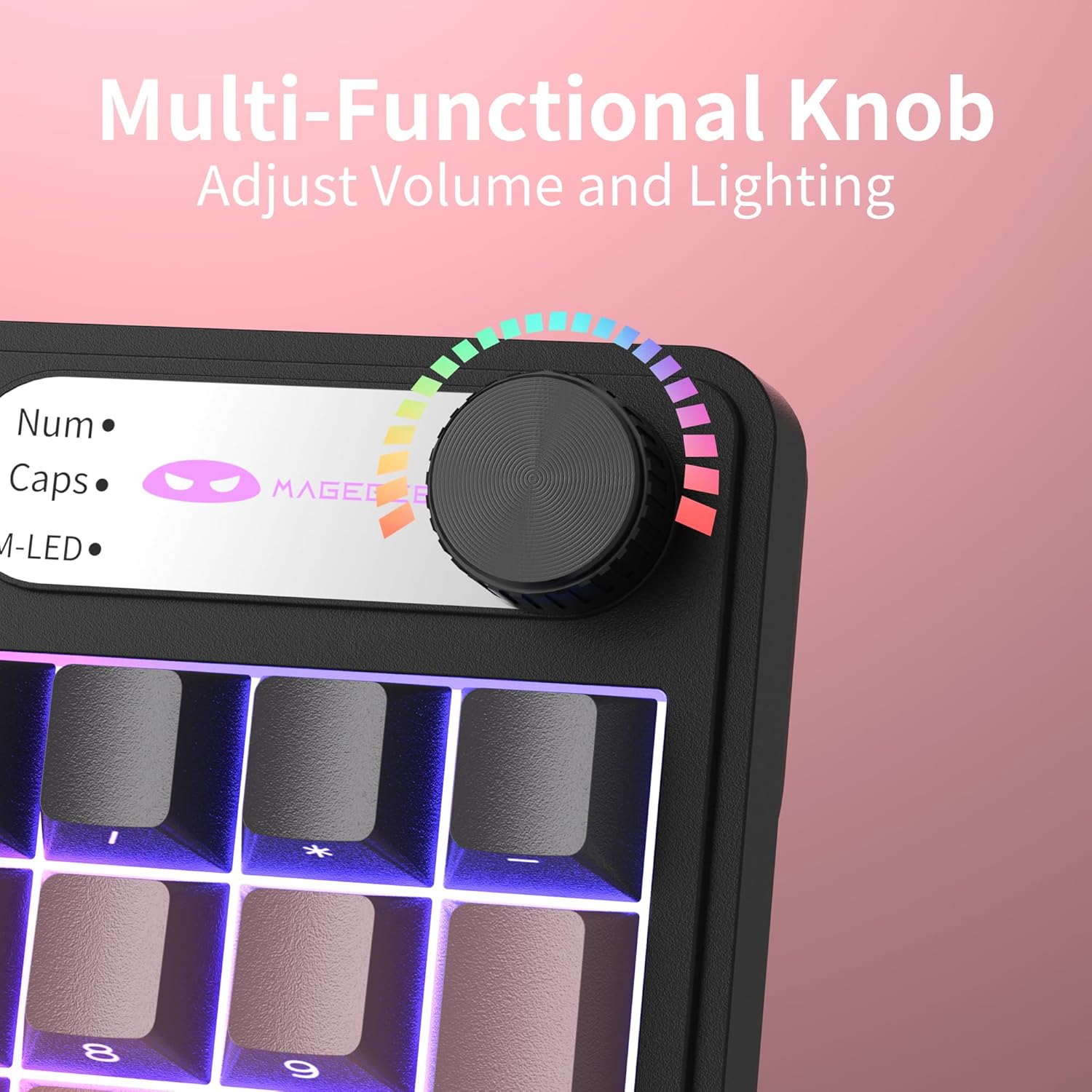
Imaginea 4.1: Prim-plan view of the multi-functional rotary knob, indicating its use for adjusting volume and lighting.
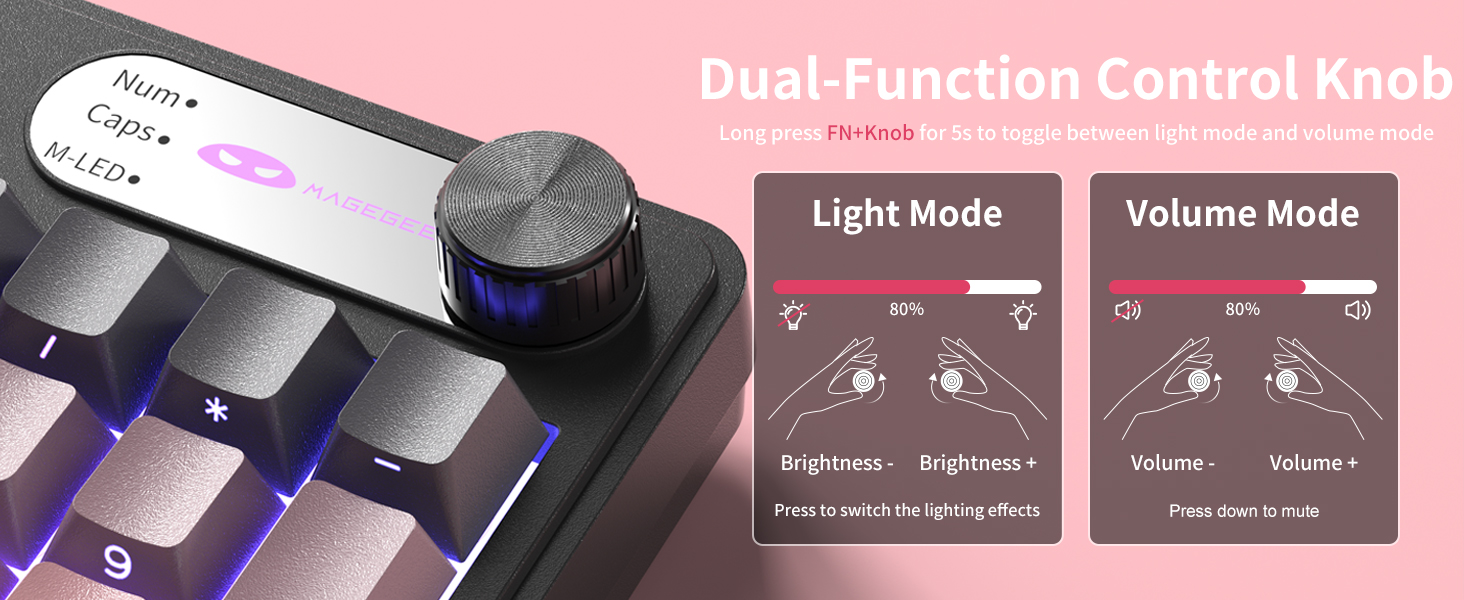
Image 4.2: Detailed illustration of the knob's functions in Light Mode (brightness adjustment, effect cycling) and Volume Mode (volume adjustment, mute).
4.2. Controlul iluminării de fundal RGB
The GK960 features vibrant RGB backlighting with adjustable settings.
- FN + Ins: Comutați între diferite moduri de lumină.
- FN + Backspace: Porniți/opriți lumina de fundal.
- FN + - / = +: Ajustați viteza luminii.
- FN + PgUp / PgDn: Reglați luminozitatea luminii.
- FN + P: Toggle the logo color.
Imaginea 4.3: Pesteview of function key combinations for controlling the vibrant RGB LED backlight, including switching modes, adjusting speed and brightness, and toggling logo color.
4.3. Comutare sistem (Windows/Mac)
The GK960 keyboard supports both Windows and Mac operating systems. You can switch between them using a simple key combination.
- To switch to Windows mode: Press FN + W.
- To switch to Mac mode: Press FN + M.
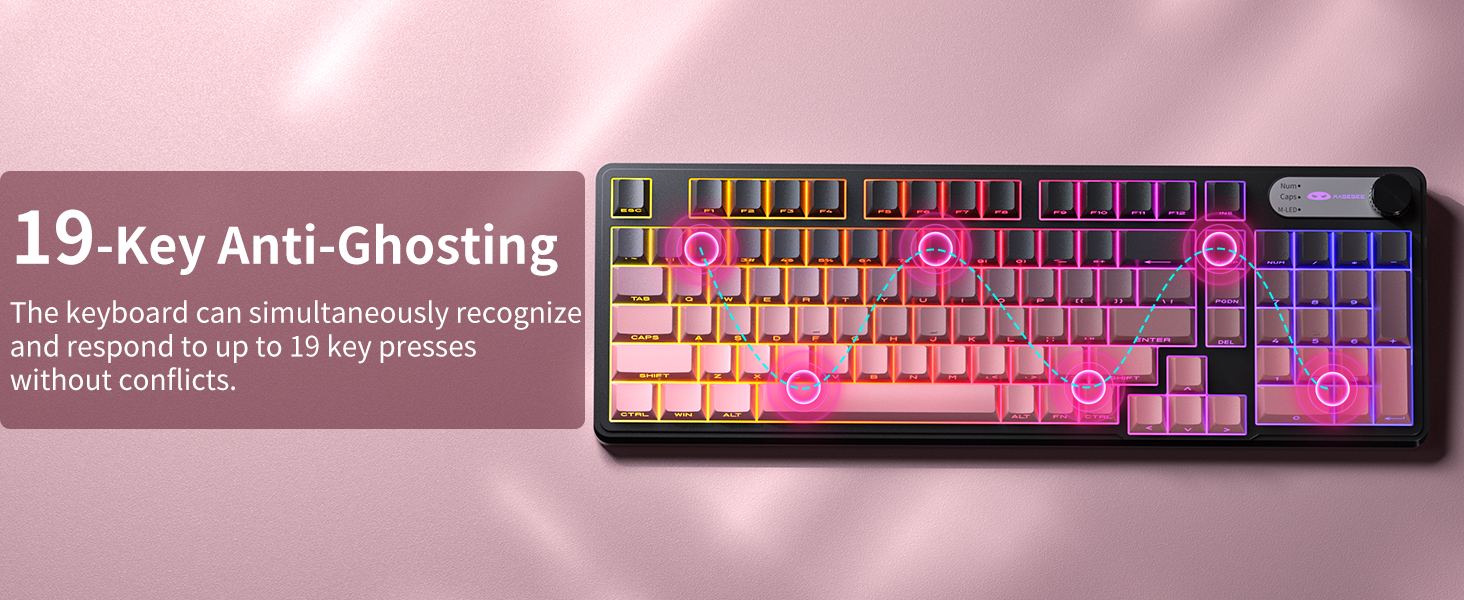
4.4. 19-Key Anti-Ghosting
The GK960 features 19-key anti-ghosting, ensuring that every keystroke is registered accurately, even during rapid, simultaneous key presses. This is particularly beneficial for gaming and fast typing, preventing missed inputs.
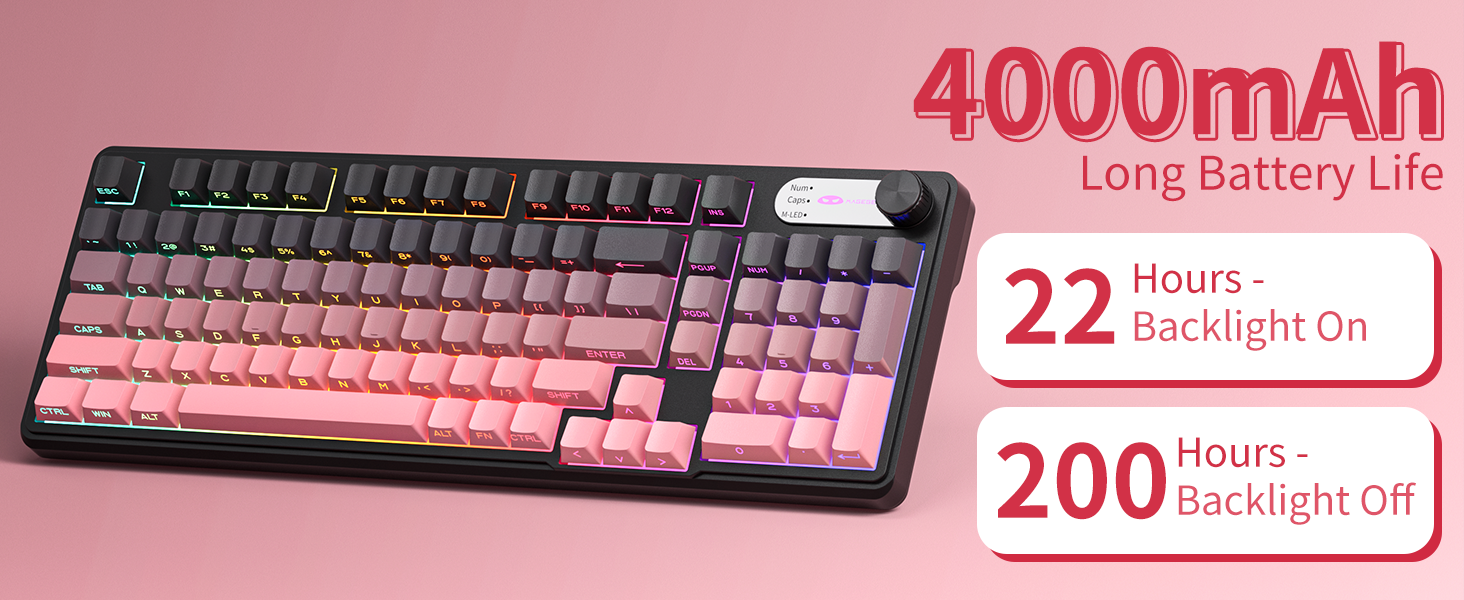
Image 4.4: Diagram illustrating the 19-key anti-ghosting feature, showing multiple simultaneous key presses being recognized.
4.5. Side-Printed Keycaps
The keycaps are crafted with double-shot injection molding, providing durability and clear legends that resist fading from prolonged use. The side-printed legends allow the backlight to shine through, enhancing visibility and aesthetics.

Imaginea 4.5: Prim-plan view of the side-printed keycaps, demonstrating how the backlight illuminates the legends.
5. Baterie și încărcare
The GK960 keyboard is equipped with a high-capacity 4000mAh battery, providing extended usage times.
- Durata de viață a bateriei: Approximately 22 hours with backlight on, and up to 200 hours with backlight off.
- Încărcare: Connect the provided USB-C cable to the keyboard and a power source (e.g., computer USB port, USB wall adapter). The keyboard can be used in wired mode while charging.
- Indicator baterie descărcată: An indicator light will signal when the battery is low, prompting you to recharge.
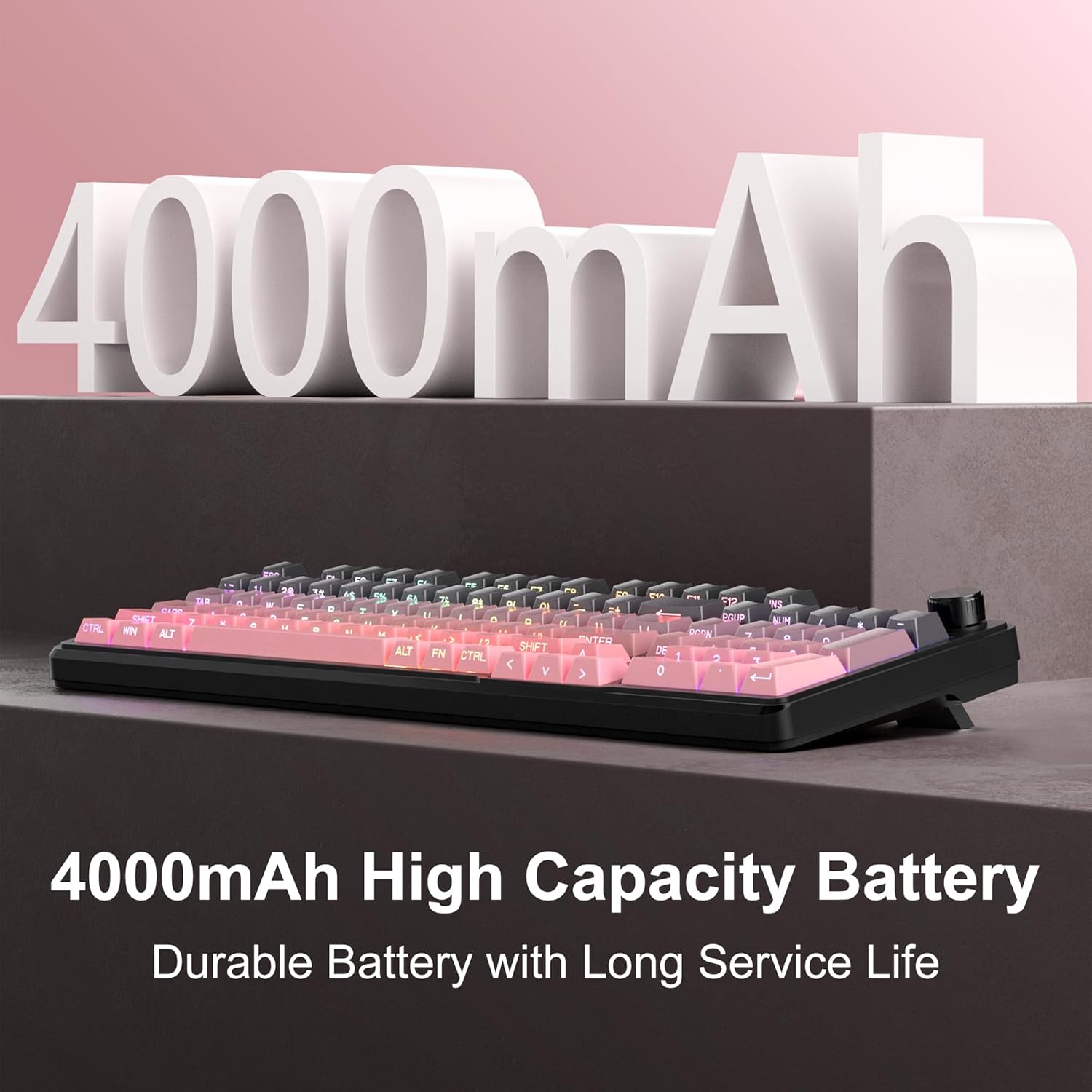
Image 5.1: Visual representation emphasizing the 4000mAh high-capacity battery for durable and long service life.
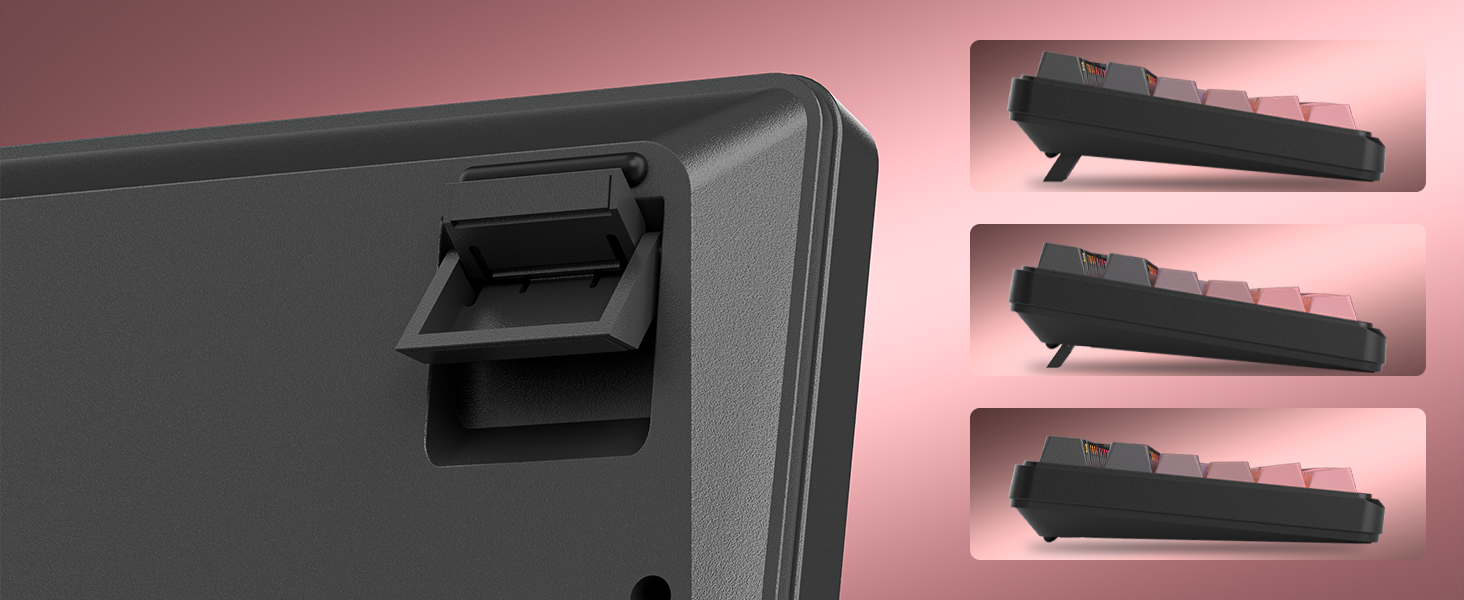
Image 5.2: Battery life estimates for the 4000mAh battery: 22 hours with backlight on and 200 hours with backlight off.
6. Întreținere
Proper maintenance ensures the longevity and optimal performance of your MageGee GK960 keyboard.
- curatenie: Use a soft, dry cloth to wipe the surface of the keyboard. For deeper cleaning, you may use a can of compressed air to remove dust and debris from between the keycaps. Avoid using harsh chemicals or abrasive materials.
- Îndepărtarea capacului tastelor: If necessary, keycaps can be carefully removed using a keycap puller (not included) for thorough cleaning. Exercise caution to avoid damaging the switches.
- Depozitare: Depozitați tastatura într-un loc răcoros și uscat, ferit de lumina directă a soarelui și de temperaturi extreme.
- Expunerea la lichid: Avoid spilling liquids on the keyboard. If a spill occurs, immediately disconnect the keyboard, turn it upside down to drain, and allow it to dry completely before reconnecting.
7. Depanare
If you encounter issues with your GK960 keyboard, refer to the following common troubleshooting steps:
- Tastatura nu răspunde:
- Asigurați-vă că tastatura este încărcată.
- Check the connectivity mode switch (Wired, 2.4G, BT) and ensure it matches your connection method.
- Pentru 2.4G, asigurați-vă că receptorul USB este conectat corect.
- For Bluetooth, ensure the keyboard is paired correctly and selected on your device. Try re-pairing if necessary.
- Încearcă conectarea prin cablu USB-C pentru a exclude problemele legate de conexiunea wireless.
- Cheile nu se înregistrează sau apar ghosting:
- Asigurați-vă că tastatura este curată și fără resturi sub capacele tastelor.
- The GK960 features 19-key anti-ghosting, but excessive simultaneous presses beyond this limit may still lead to issues.
- Test the keyboard on another device to determine if the issue is with the keyboard or the computer.
- RGB backlight not working or incorrect:
- Asigurați-vă că iluminarea de fundal este activată folosind FN + Backspace.
- Ajustați luminozitatea folosind FN + PgUp / PgDn.
- Cycle through modes using FN + Ins.
- Check if the knob is in Light Mode and adjust brightness/effects.
- Conexiune Bluetooth instabilă:
- Asigurați-vă că tastatura se află în raza de acțiune eficientă a dispozitivului.
- Minimizează interferențele de la alte dispozitive wireless.
- Remove and re-pair the keyboard in your device's Bluetooth settings.
8. Specificatii tehnice
| Caracteristică | Caietul de sarcini |
|---|---|
| Numele modelului | GK960 |
| Marca | MageGee |
| Tehnologia de conectivitate | BT/2.4G/USB-C (Tri-Mode) |
| Aspectul tastaturii | 98% Layout (with Number Pad) |
| Tip keycap | Side-Printed, Double-Shot Injection Molding |
| Anti-Ghosting | 19 Chei |
| Iluminare din spate | RGB |
| Capacitatea bateriei | 4000mAh |
| Dispozitive compatibile | Laptop, PC, Smartphone, Tabletă |
| Suport sistem de operare | Windows, Mac |
| Caracteristici speciale | Backlit, Hotkeys and Media Keys, Rechargeable, Volume Roller, Ergonomic Design |
| Greutatea articolului | 1.88 lire sterline |
| Dimensiuni pachet | 17.68 x 7.09 x 2.01 inci |

Image 8.1: Diagram showing the dimensions of the MageGee GK960 keyboard.
Imaginea 8.2: Prim-plan view of the adjustable stands on the underside of the keyboard, illustrating the different ergonomic angles.
9. Garanție și asistență
Specific warranty details and direct support contact information are not provided in this manual. For warranty claims, technical support, or further inquiries, please refer to the official MageGee website or contact the retailer from whom you purchased the product. Please retain your proof of purchase for warranty purposes.


