Introducere
This manual provides comprehensive instructions for the setup, operation, and maintenance of your SOVMIKU CG6S Wireless Outdoor Security Camera. Please read this manual carefully before using the device to ensure proper functionality and safety.
Produs terminatview
The SOVMIKU CG6S is a battery-powered wireless outdoor security camera designed for home surveillance. It features PIR motion detection, two-way audio, audible flashlight siren, 2.4GHz Wi-Fi connectivity, and color night vision.

Figure 1: SOVMIKU CG6S Security Camera. This image shows the white camera unit mounted on a wall bracket, highlighting its compact design and the SOVMIKU logo.
Caracteristici cheie:
- 3 Megapixel Quad-Pixel Sensor: Adapts to shooting conditions for enhanced detail.
- Rezistență la intemperii IP65: Designed to withstand splashes, water, and dust for outdoor installation.
- Detectarea mișcării PIR: Passive Infrared Sensor for accurate human and animal detection.
- Alarmă sonoră și cu lanternă: Automatic alerts upon motion detection.
- Audio bidirecțional: Permite comunicarea în timp real prin intermediul camerei.
- Stocare locală și în cloud: Supports microSD cards up to 128GB (not included) and encrypted cloud storage.
- Alimentat cu baterie: Long-lasting battery with solar panel compatibility for continuous power.
Înființat
1. Powering On and Resetting the Camera
To power on the camera, remove the rubber cover on the back. Press and hold the power button for 6 seconds until the camera turns on. To reset the camera, double-click the power button. You will hear an audible confirmation when the reset is complete.
2. Instalarea aplicației și crearea contului
Descărcați VicoHome application from the Google Play Store or Apple App Store. Create a new account or sign in if you already have one.
3. Device Pairing and Wi-Fi Configuration
In the VicoHome app, click the '+' icon in the top right corner to add a new device. Select 'Battery device' and confirm you hear the sound from the camera. The app will search for nearby cameras. Select your CG6S camera from the list. Enter your 2.4GHz Wi-Fi network name (SSID) and password. Confirm the details to connect the camera to your home network.
Video 1: CG6 Guide Video. This official seller video demonstrates the step-by-step process of powering on, resetting, downloading the VicoHome app, and connecting the CG6S camera to your Wi-Fi network.
4. Naming and Location Setup
After successful connection, you can name your camera (e.g., 'Front Door', 'Backyard'). Assign a location for the camera within the app. Ensure the installation location has a stable Wi-Fi signal for optimal performance.

Figure 2: MicroSD Card Installation. This composite image illustrates the process of opening the camera's port, inserting a microSD card, and using a USB adapter to connect the card to a computer for data transfer.
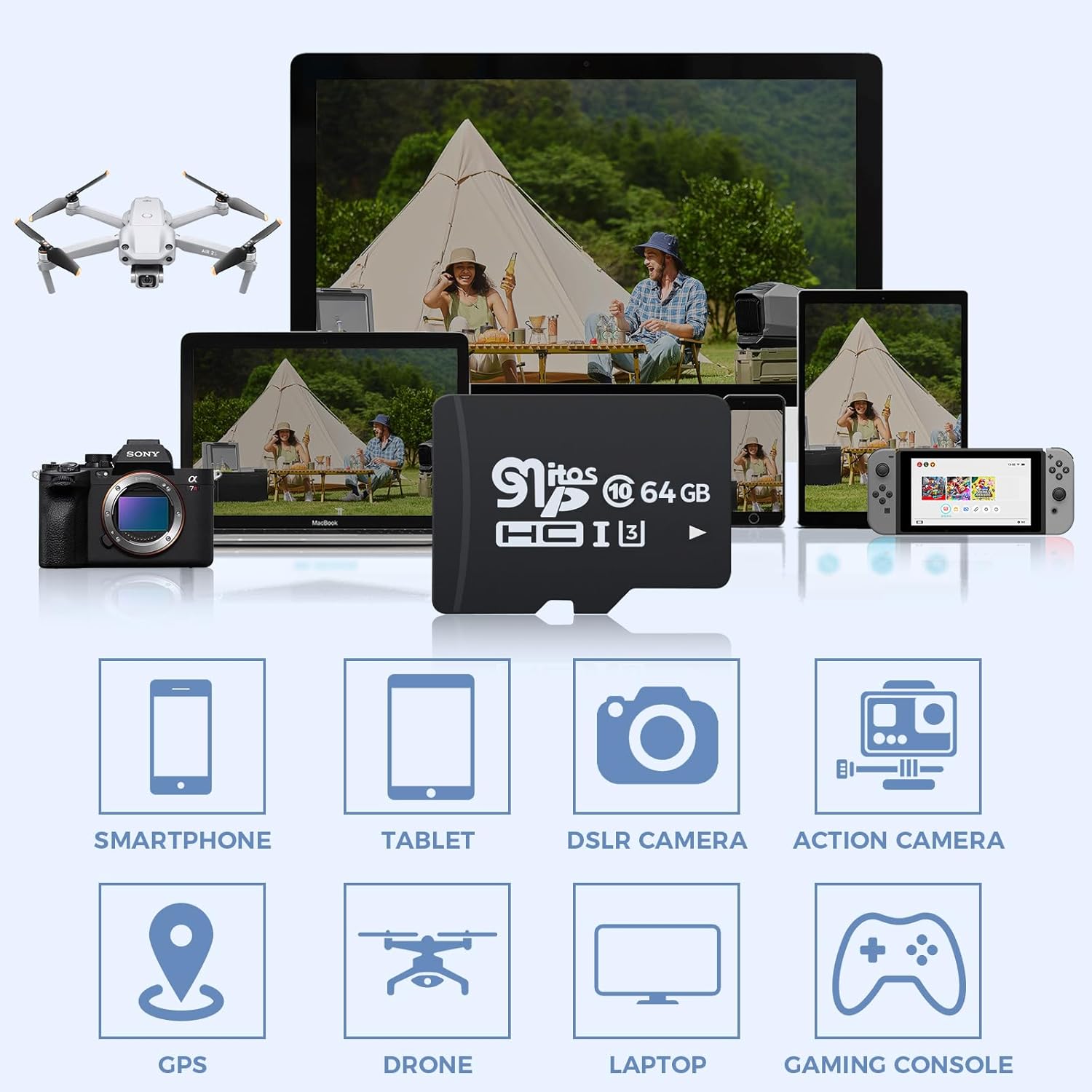
Figure 3: Local Storage Option. This image shows a hand inserting a microSD card into the camera, emphasizing the flexibility of local storage alongside cloud options.
Instrucțiuni de operare
1. Detectarea mișcării
The camera utilizes a Passive Infrared Sensor (PIR) for motion detection. When a warm body (human or animal) passes by, the PIR sensor triggers the camera to activate. For best results, place the camera where motion travels horizontally across its field of view. People traveling directly toward or away from the camera may not trigger an alert as quickly.

Figure 4: Cloud Intelligence and Detection. This image highlights the camera's ability to upload footage to an AI server for analysis of vehicles, persons, pets, and packages, pushing advanced alarm notifications to your phone.
2. Sunet bidirecțional
The camera supports two-way audio, allowing you to communicate with individuals near the camera through the VicoHome app. Simply press the 'Press to speak' button in the live view interface to activate the microphone.

Figure 5: Two-Way Audio in Use. This image depicts a scenario where a person outdoors is speaking through the camera to someone indoors, demonstrating the two-way audio functionality.
3. Audible & Flashlight Alarm
When motion is detected, the CG6S camera can automatically activate a spotlight and sound an audible alarm if these features are enabled in the app settings. This serves as a deterrent and provides visual alerts.

Figure 6: Flashlight and Audible Alarm. This image illustrates the camera's ability to flash a light and sound an alarm when motion is detected, enhancing security.
4. Vedere de noapte
The camera is equipped with color night vision capabilities, allowing for clear and detailed footage chiar și în condiții de lumină scăzută.
5. Opțiuni de stocare
The camera supports local storage via a built-in microSD card slot (up to 128GB, card not included). Additionally, encrypted cloud storage options are available for enhanced data security and accessibility.

Figure 7: MicroSD Card Compatibility. This image shows a microSD card and various electronic devices, indicating the card's versatility for storage across different platforms.
Întreţinere
1. Încărcare baterie
The camera is battery-powered. If connected to a solar panel, it will automatically charge. You can enable the 'Auto-on after charging' function in the app settings, which will automatically turn on the device when it runs out of battery and is then charged.
2. Rezistență la apă și praf
The CG6S camera has an IP65 rating, making it splash, water, and dust resistant. This resistance is not permanent and may decrease with normal wear. Ensure the charging interface's silicone waterproof protective plug is securely in place when installed outdoors.
3. Curatenie
Refer to the user guide for specific cleaning and drying instructions to maintain the camera's performance and longevity.
Depanare
If you encounter issues with your camera, please refer to the VicoHome app's help section or contact customer support. Common issues may include:
- Probleme de conectivitate: Ensure your Wi-Fi network is 2.4GHz and has a strong signal at the camera's location.
- Probleme de alimentare: Verify the battery is charged or the solar panel is receiving adequate sunlight.
- Sensibilitate la detectarea mișcării: Adjust settings in the app to optimize detection and reduce false alerts.
- Probleme cu sistemul audio bidirecțional: Check microphone and speaker settings in the app and on your mobile device.
Specificații
| Caracteristică | Caietul de sarcini |
|---|---|
| Model | CG6S |
| Rezoluţie | 3 Megapixels (4x resolution for cropping) |
| Conectivitate | Wi-Fi de 2.4 GHz |
| Depozitare | MicroSD card slot (up to 128GB supported), Cloud Storage |
| Sursa de alimentare | Battery Powered, Solar Panel Compatible |
| Rezistență la intemperii | IP65 |
| Detectarea mișcării | PIR (senzor infraroșu pasiv) |
| Audio | Audio bidirecțional |
| Caracteristici de alarmă | Audible Siren, Flashlight Alarm |
Garanție și suport
SOVMIKU offers a 180-day exchange policy for this product. For any inquiries, technical assistance, or suggestions, please contact SOVMIKU customer support via telephone or email. The brand is committed to responding within 12 hours. Your feedback is valuable and helps improve products and services.
Informații de contact: Please refer to the product packaging or the VicoHome app for the most current contact details.


