1. Introducere
This manual provides essential information for the setup, operation, and maintenance of your KOORUI 24 Inch Gaming Monitor, model E2411K. Please read this manual thoroughly before using the product to ensure proper functionality and safety. This monitor is designed to deliver a high-performance visual experience for gaming, work, and multimedia consumption.

Figura 1: Față view of the KOORUI 24 Inch Gaming Monitor E2411K.
2. Informații de siguranță
- Always place the monitor on a stable, flat surface to prevent accidental falls.
- Nu expuneți monitorul la ploaie, umezeală sau temperaturi extreme.
- Evitați blocarea orificiilor de ventilație pentru a preveni supraîncălzirea.
- Use only the power adapter and cables provided by KOORUI.
- Nu încercați să reparați monitorul singur. Apelați la personal calificat pentru toate lucrările de service.
- Deconectați cablul de alimentare în timpul furtunilor cu fulgere sau când nu este utilizat pentru perioade lungi de timp.
3. Conținutul pachetului
Verificați dacă toate articolele enumerate mai jos sunt prezente în ambalajul produsului:
- 1x KOORUI 24 Inch Monitor (E2411K)
- 1x adaptor de alimentare
- 1x cablu HDMI
- 1x Manual de utilizare
- 1x Monitor Column
- 1x Bottom Base
- 4x șuruburi

Figure 2: Contents of the KOORUI E2411K monitor package.
4. Instrucțiuni de configurare
4.1. Ansamblul monitorului
- Scoateți cu grijă toate componentele din ambalaj.
- Attach the monitor column to the bottom base using the provided screws. Ensure it is securely fastened.
- Align the assembled stand with the mounting slot on the back of the monitor panel. Gently slide the stand into place until it clicks securely.
- Alternatively, for VESA mounting, remove the stand and attach a compatible VESA 100x100mm mount (not included) to the monitor's rear panel.
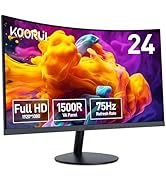
Figure 3: VESA 100x100mm compatibility and tilt adjustment range.
4.2. Conectarea monitorului
- Connect the provided HDMI cable from your computer's HDMI port to one of the HDMI ports on the monitor.
- For older systems, connect a VGA cable from your computer's VGA port to the VGA port on the monitor.
- Connect the power adapter to the DC input port on the monitor, then plug the power adapter into a power outlet.
- Dacă doriți, conectați difuzoare externe sau căști la portul de ieșire audio.
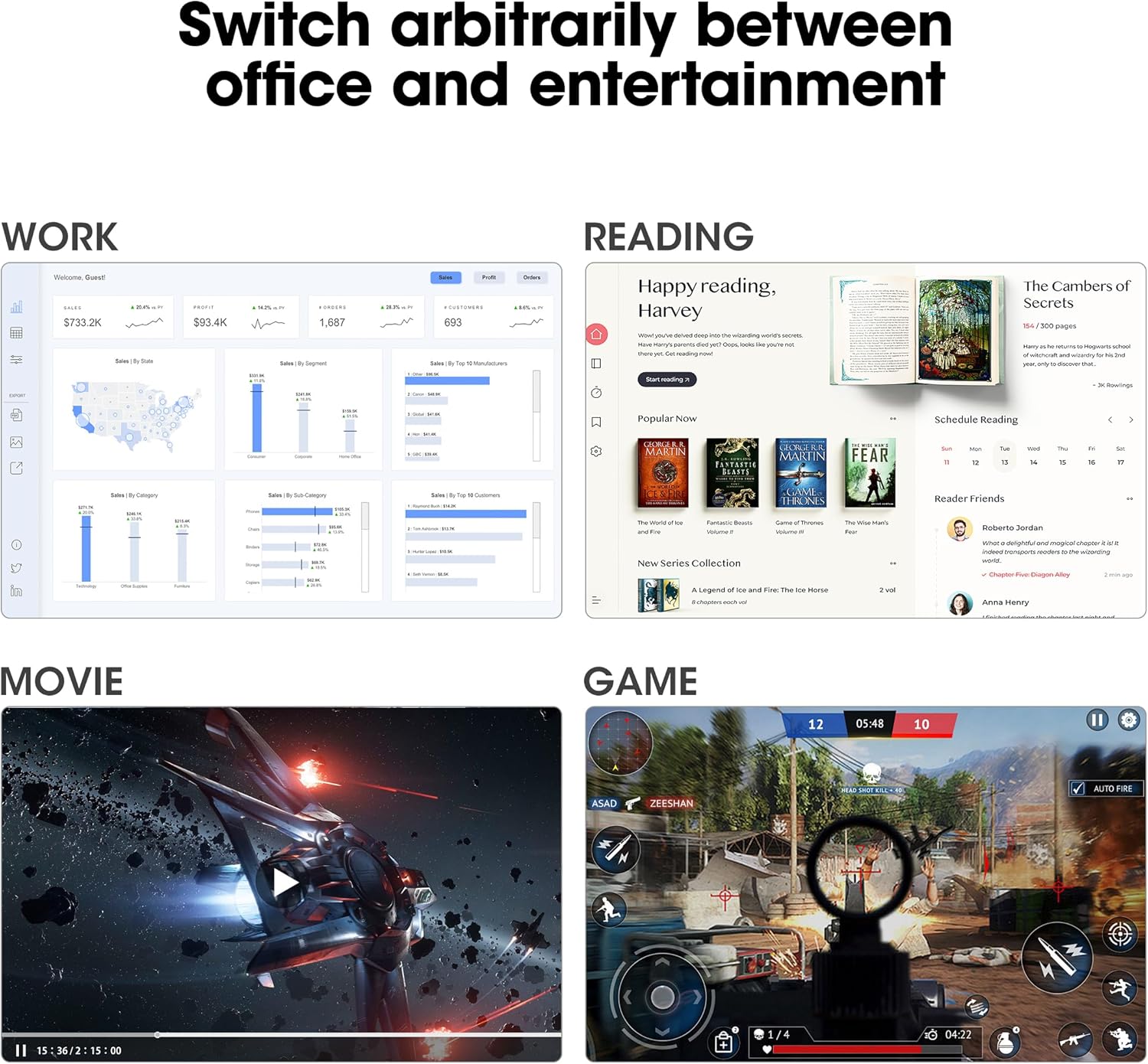
Figure 4: Connectivity options including HDMI, VGA, Audio Out, and DC power input.
Sfat: Use the cable management feature on the stand to keep your cables tidy and organized.
5. Instrucțiuni de utilizare
5.1. Pornire/Oprire
Apăsați butonul de alimentare situat pe spatele monitorului pentru a-l porni sau opri.
5.2. Meniul de afișare pe ecran (OSD).
Use the buttons on the back of the monitor to navigate and adjust settings in the OSD menu. Common settings include brightness, contrast, color temperature, input source selection, and various display modes.
5.3. Setări de afișare
- Rezoluţie: The monitor supports Full HD (1920 x 1080p) resolution. Ensure your computer's display settings are configured to this resolution for optimal clarity.
- Rata de reîmprospătare: Enjoy a smooth visual experience with a 144Hz refresh rate. Adjust your graphics card settings to utilize this refresh rate.
- Sincronizare adaptivă: This technology synchronizes the monitor's refresh rate with your graphics card's frame rate, eliminating screen tearing and stuttering during gaming. Enable Adaptive Sync in both the monitor's OSD menu and your graphics card control panel.
- Caracteristici de îngrijire a ochilor: The monitor includes Flicker-Free technology and a Low Blue Light mode to reduce eye strain during prolonged use. These features can be enabled via the OSD menu.

Figure 5: Visual comparison of 144Hz vs 75Hz refresh rates.

Figure 6: Adaptive Sync in action, preventing screen tearing.
5.4. Versatilitate
The monitor's IPS panel offers wide viewing angles and 99% sRGB color coverage, making it suitable for various tasks beyond gaming, including content creation, office work, and media consumption.
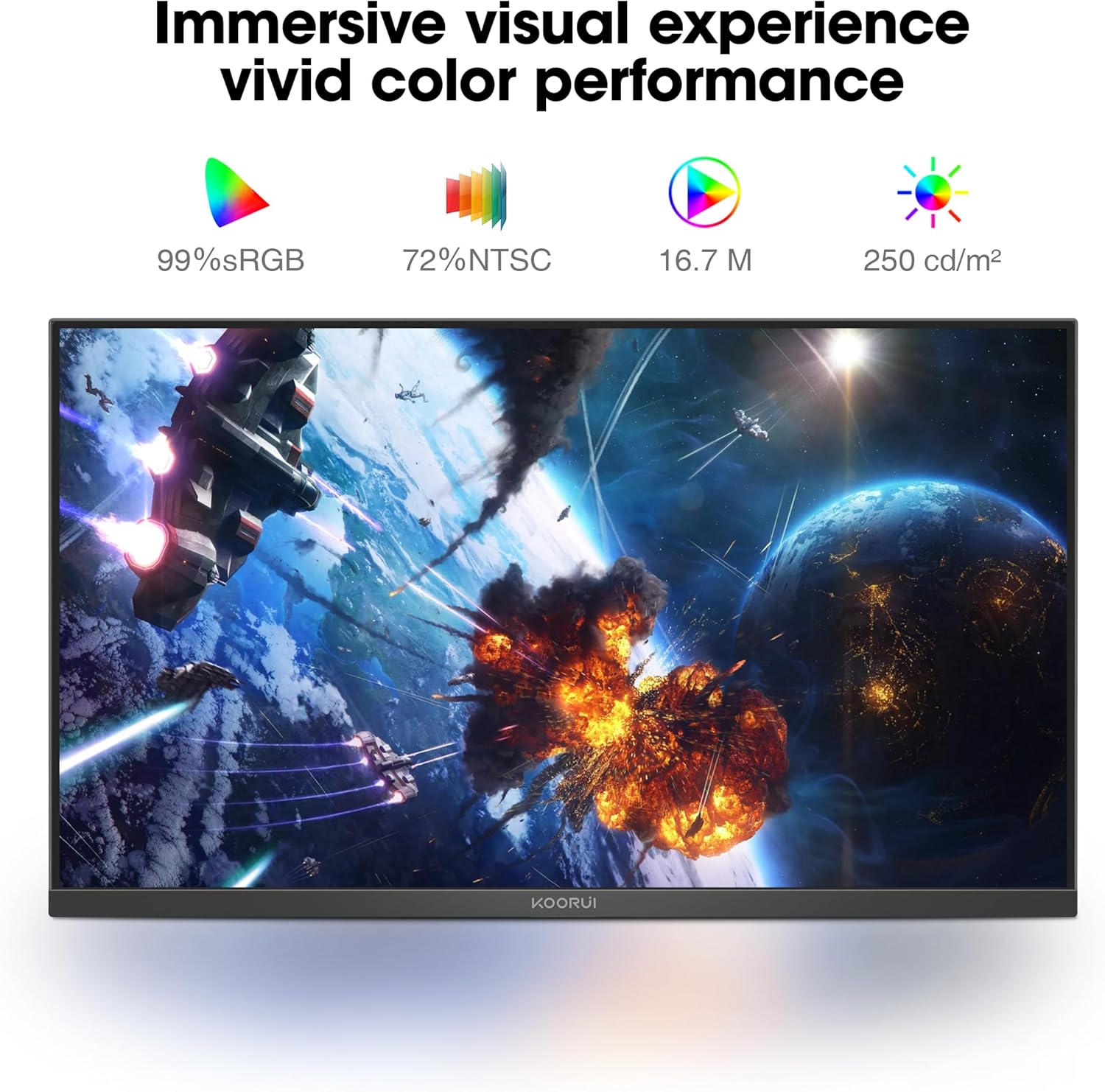
Figure 7: Immersive visual experience with vivid color performance.
Video: KOORUI 144hz gaming monitor
This video demonstrates the KOORUI 144Hz gaming monitor in action, highlighting its smooth performance and visual quality.
Video: KOORUI 144hz monitor E2411K
This video provides a detailed look at the KOORUI E2411K monitor, showcasincaracteristicile și designul său.
6. Întreținere
- To clean the screen, gently wipe with a soft, lint-free cloth. Avoid using harsh chemicals or abrasive materials.
- Pentru monitorul casing, folosește un d moaleamp pânză.
- Asigurați-vă că monitorul este deconectat înainte de curățare.
7. Depanare
| Problemă | Cauza posibila | Soluţie |
|---|---|---|
| Nicio imagine pe ecran | Power cable disconnected; Video cable loose; Incorrect input source. | Check power and video connections; Select correct input source via OSD menu. |
| Ruperea/sălbăticia ecranului | Adaptive Sync not enabled; Graphics card settings. | Enable Adaptive Sync in monitor OSD and graphics card control panel. |
| Ecran pâlpâitor | Flicker-Free mode off; Faulty cable. | Enable Flicker-Free mode in OSD; Try a different video cable. |
| Calitate slabă a culorii | Incorrect color settings; Graphics card driver issues. | Adjust color settings in OSD; Update graphics card drivers. |
8. Specificații
| Caracteristică | Detaliu |
|---|---|
| Numărul de model | MB24V29F |
| Dimensiunea ecranului | 24 inchi |
| Rezoluţie | 1920 x 1080 pixeli (FHD 1080p) |
| Rata de reîmprospătare | 144 Hz |
| Tip panou | IPS |
| Raportul de aspect | 16:9 |
| Gama de culori | 99% sRGB, 72% NTSC |
| Luminozitatea imaginii | 250 de candele pe metru pătrat |
| Conectivitate | HDMI, VGA, Audio Out, DC Power |
| Compatibilitate VESA | 100x100mm |
| Ajustare înclinare | -5° până la 15° |
| Dimensiunile produsului | 7.29 x 21.34 x 16.72 inci |
| Greutatea articolului | 8.08 lire sterline |
9. Garanție și asistență
KOORUI provides a 12-month replacement warranty for this product. In case of any damage, malfunctions, or missing accessories, please contact our professional technical support team for assistance. We are committed to ensuring your peace of mind with every purchase.
For further support, please visit the official KOORUI website sau contactați serviciul clienți prin intermediul distribuitorului.


