Manual de utilizare pentru camera auto SARMERT C3 cu 3 canale și rezoluție 4K
Model: SARMERT C3
Marcă: sarmert
Introducere
The SARMERT C3 Dash Cam is designed to provide comprehensive vehicle surveillance with its advanced 3-channel recording system. It captures crystal-clear footage from the front (4K), cabin (1080P), and rear (1080P) simultaneously, ensuring complete coverage. Equipped with features like 5G WiFi for fast data transfer, built-in GPS for tracking, G-Sensor for collision detection, and a 24-hour parking monitor, the C3 offers enhanced safety and peace of mind for every journey. This manual provides detailed instructions for setup, operation, and maintenance of your dash cam.
Conținutul pachetului
Vă rugăm să verificați dacă toate articolele enumerate mai jos sunt incluse în pachetul dumneavoastră:
- 1 × Sarmert C3 4K Dash Cam
- 1 × Rear Camera (20ft/6m)
- 1 × GPS Bracket
- 1 × cutie de ambalare
- 1 × Type-C Cigarette Lighter Power Cable (11.5ft/3.5m)
- 2 × 3M Adhesive
- 5 × Cleme de cablu
- 1 × Car Wire Trim Tool
- 1 × Manual de utilizare
- 1 × Electrostatic Sticker
- 2 × Wet Cleaning Pads
- 1 × Free 64GB Card

Image: All components included in the SARMERT C3 Dash Cam package.
Video: A detailed unboxing of the SARMERT C3 Dash Cam, showcasing all included accessories and components.
Configurare și instalare
Pasul 1: Pregătiți-vă pentru instalare
Before mounting the dash cam, ensure your windshield is clean and dry. Use the provided wet cleaning pads to thoroughly clean the area where the dash cam will be placed. Apply the electrostatic sticker to the desired location on the windshield, ensuring it is smooth and free of air bubbles. This sticker provides a clean surface for the adhesive mount.

Image: Preparing the windshield by applying the electrostatic sticker for optimal adhesion.
Step 2: Mount the Dash Cam
Attach the main dash cam unit to the GPS bracket. Peel off the protective film from the adhesive on the bracket and firmly press it onto the electrostatic sticker on your windshield. Ensure the camera lens has a clear view of the road ahead. The mount allows for slight adjustments to optimize the viewunghiul de ing.

Image: The SARMERT C3 Dash Cam securely mounted on the car's windshield.
Step 3: Install Rear Camera
Connect the rear camera cable to the main dash cam unit. Route the cable neatly along the vehicle's headliner and A-pillar, down to the rear of the vehicle. Mount the rear camera on the inside of your rear windshield, ensuring a clear view. Use the provided adhesive for secure attachment.

Image: Illustration of the 3-channel setup, including the rear camera placement.
Step 4: Cable Management and Power Connection
Use the included car wire trim tool to tuck the power cable and rear camera cable into the gaps along the windshield trim, A-pillar, and dashboard. This keeps the cables hidden and organized. Finally, plug the Type-C cigarette lighter power cable into your car's 12V power outlet to power the dash cam.

Image: Detailed diagram illustrating how to route and hide the dash cam cables for a clean installation.
Video: Step-by-step guide on the easy installation process of the SARMERT C3 Dash Cam, including cable management.
Instrucțiuni de operare
3-Channel Recording
The SARMERT C3 records simultaneously from three channels: front (4K), cabin (1080P), and rear (1080P). This provides comprehensive coverage of your vehicle's surroundings and interior. You can customize recording modes via the menu to record front and middle, front and rear, or all three channels.
Image: Visual representation of the wide-angle coverage provided by the 3-channel dash cam.
4K Ultra HD Recording & Night Vision
The front camera records in stunning 4K Ultra HD, capturing clear details. Equipped with 4 IR lights, a fast F1.8 aperture, and a 6-layer glass lens, the dash cam offers advanced night vision capabilities, ensuring high-quality images and videos even in low-light conditions. WDR (Wide Dynamic Range) technology balances strong light and backlighting for optimal clarity.
Image: Demonstrates the superior night vision and WDR capabilities for clear recordings day and night.
5G WiFi & GPS Connectivity
Download the RoadRec App from your App Store to connect your dash cam via 5G WiFi. This allows for faster wireless data transmission, enabling you to easily view, download, and share videos on your phone. The built-in GPS continuously records your vehicle's location, driving route, and speed, which can be vieweditat prin aplicație.
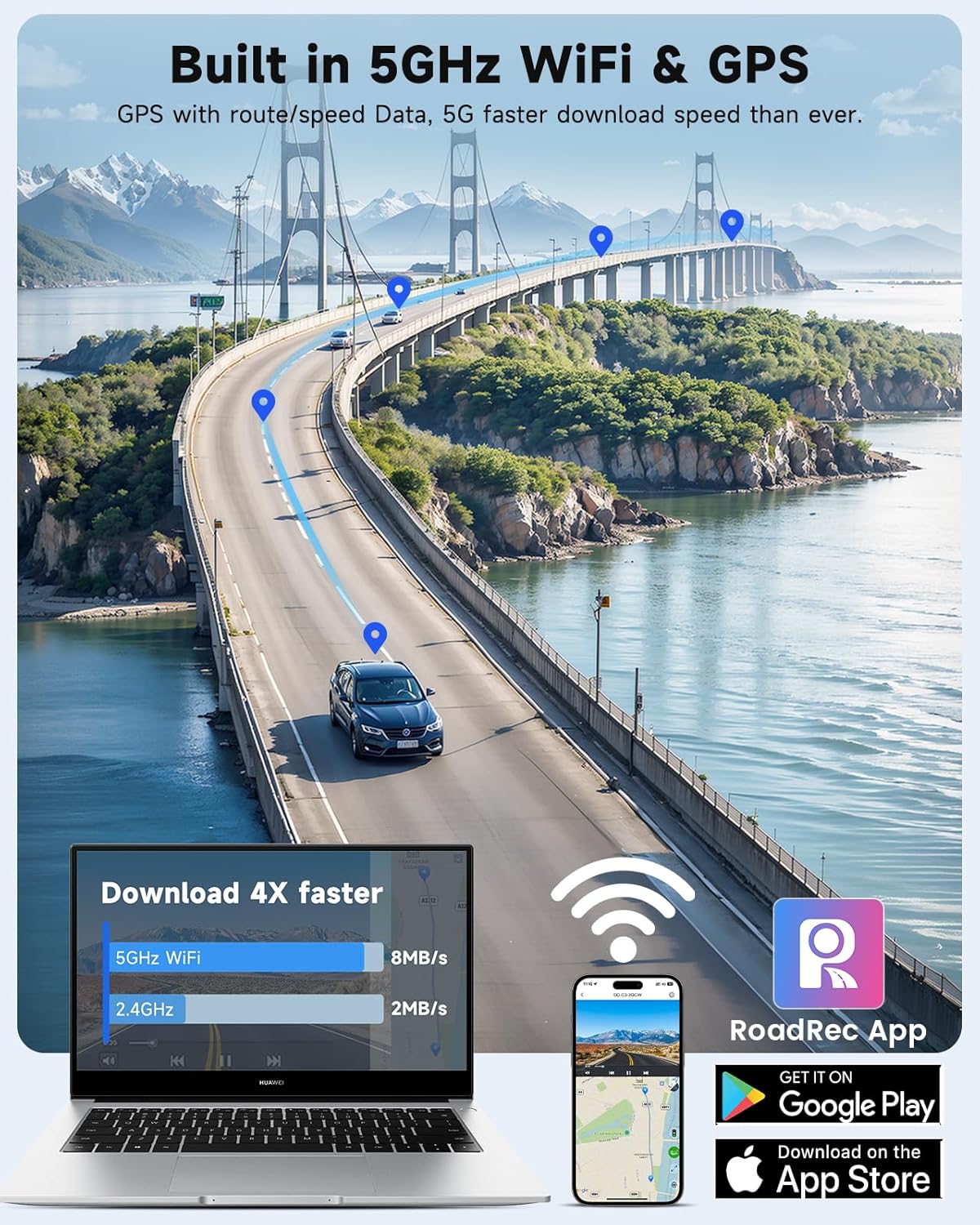
Image: Highlights the 5G WiFi and GPS functionalities, along with the companion RoadRec App.
Video: Instructions on how to connect the SARMERT 3 Channel Dash Cam to your smartphone using the RoadRec App.
24-Hour Parking Monitor & G-Sensor
With an optional hardwire kit (sold separately), the dash cam provides 24-hour parking monitoring. The variable sensitivity G-sensor automatically detects sudden vibrations or collisions, locking the video footage in an event folder to prevent overwriting. This ensures critical evidence is secured even when your vehicle is parked.
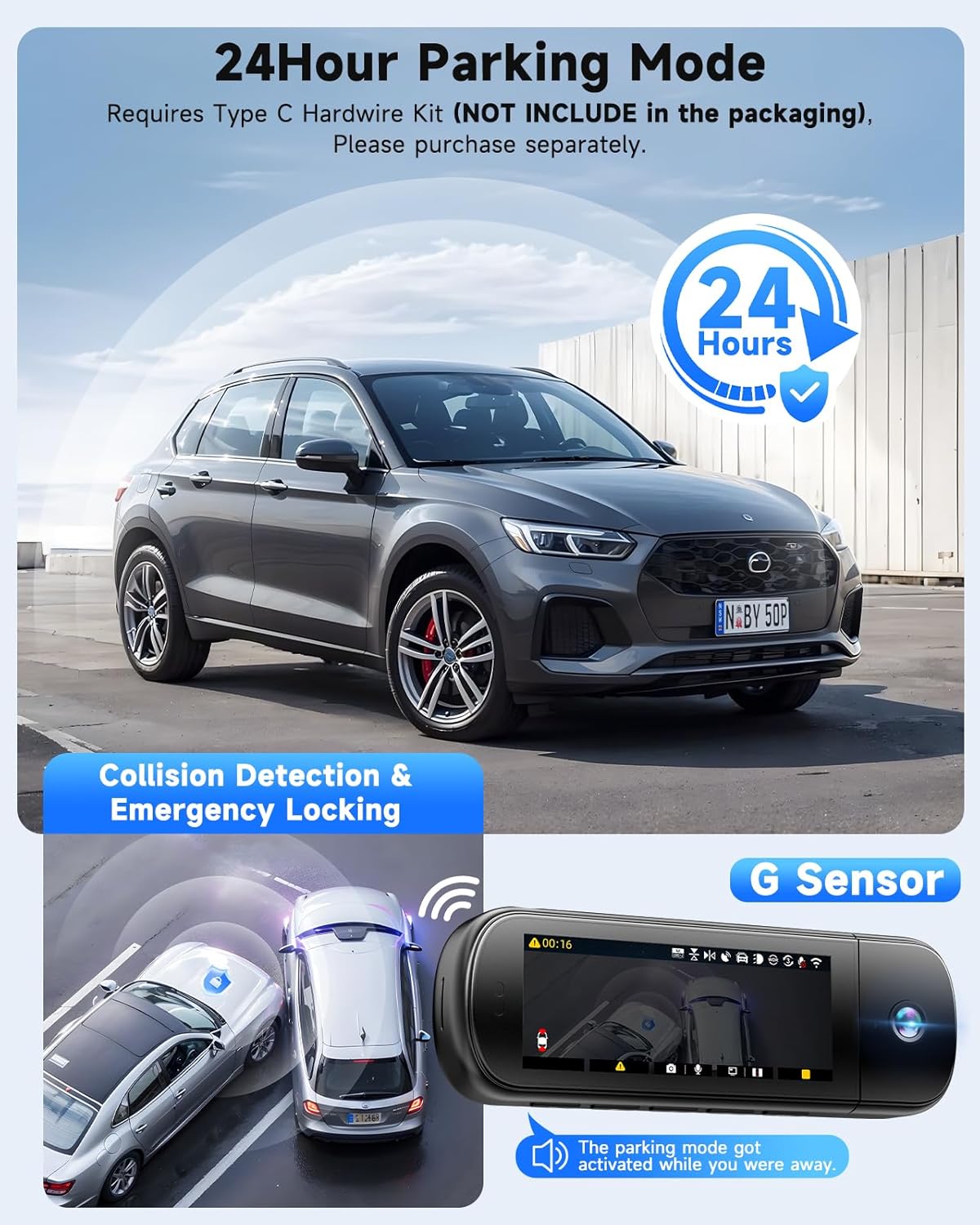
Image: Visual explanation of the 24-hour parking mode and G-Sensor functionality.
Înregistrare în buclă fără întreruperi
The loop recording function ensures continuous recording by automatically overwriting the oldest files when the memory card is full. This means your dash cam never stops capturing footage, and you don't need to manually clear the card. Important videos locked by the G-sensor will not be overwritten.

Image: Illustrates the seamless loop recording feature, ensuring constant video capture.
Memento de oboseală de conducere
The dash cam includes a real-time monitoring system that provides smart alerts to prevent driver fatigue. It reminds drivers to take breaks for safety after extended periods of driving, promoting safer habits on the road.

Image: Depicts the fatigue driving reminder feature, prompting drivers to take a rest.
Întreţinere
Proper maintenance ensures the longevity and optimal performance of your SARMERT C3 Dash Cam.
- Curățați lentilele în mod regulat: Use a soft, lint-free cloth to clean the front, cabin, and rear camera lenses to ensure clear video quality. Avoid abrasive materials that could scratch the lenses.
- Format SD Card Periodically: To maintain optimal recording performance and prevent data corruption, it is recommended to format the included 64GB microSD card every 2-4 weeks. Back up any important footage înainte de formatare.
- Verificați conexiunile prin cablu: Periodically inspect all cable connections (power, rear camera) to ensure they are secure and free from damage. Loose connections can lead to intermittent power or recording issues.
- Actualizări firmware: Keep your dash cam's firmware updated via the RoadRec App. Firmware updates often include performance improvements, bug fixes, and new features.
- Temperatura de functionare: Avoid exposing the dash cam to extreme temperatures for prolonged periods. While designed for durability, extreme heat or cold can affect performance and lifespan.
Depanare
If you encounter issues with your SARMERT C3 Dash Cam, refer to the following common problems and solutions:
| Problemă | Soluţie |
|---|---|
| Camera de bord nu pornește. | Ensure the power cable is securely plugged into both the dash cam and the car's cigarette lighter socket. Check if the car's 12V outlet is functioning. |
| Video footage este neclară sau neclară. | Remove any protective film from the camera lenses. Clean the lenses with a soft, lint-free cloth. Ensure the windshield is clean where the camera is mounted. |
| SD card error or not recording. | Format the SD card through the dash cam's menu. Ensure you are using a genuine Class 10 U3 speed microSD card. If the issue persists, try a different compatible SD card. |
| Probleme cu conexiunea Wi-Fi a aplicației. | Ensure 5G WiFi is enabled on the dash cam. Keep your phone within 25 feet of the dash cam. Restart the RoadRec App and the dash cam. |
| G-Sensor is too sensitive or not sensitive enough. | Adjust the G-Sensor sensitivity settings in the dash cam's menu. Lower sensitivity for fewer accidental triggers, higher for more critical detection. |
Specificații
| Caracteristică | Detaliu |
|---|---|
| Dimensiunile produsului | 1.18 x 1.97 x 3.15 inci |
| Greutatea articolului | 1.46 lire sterline |
| Tehnologia de conectivitate | Wi-Fi (5G) |
| Caracteristici speciale | Built-In GPS, G-Sensor, WDR, Night Vision, 24H Parking Monitor, Loop Recording, APP Control |
| Rezoluție captură video | 4K+1080P+1080P (Front+Inside+Rear) |
| Componente incluse | Sarmert C3 4K Dash Cam, Rear Camera, GPS Bracket, Type-C Cigarette Lighter Power Cable, 3M Adhesive, Cable Clips, Car Wire Trim Tool, User Manual, Electrostatic Sticker, Wet Cleaning Pads, 64GB Card |
| Tip de montare | Suport parbriz |
| Producător | sarmert |
| Prima dată disponibilă | 2 iunie 2025 |
Garanție și suport
SARMERT products are designed for reliability and performance. For any questions, technical assistance, or support regarding your SARMERT C3 Dash Cam, please refer to the contact information provided in the original product packaging or on the official SARMERT website. Our professional technical support and dedicated after-sales team are available to assist you with any installation or usage issues, typically responding within 24 hours.


