Introducere
The Logitech K250 Bluetooth® Keyboard offers effortless wireless connectivity, allowing for quick setup without a dongle and contributing to a clutter-free workspace. Designed for durability, it features a spill-resistant build and is constructed with a minimum of 64% recycled plastic. The keyboard provides a comfortable typing experience with its deep-profile keys and includes a numpad and essential function keys within a compact design, making it suitable for various environments and on-the-go use.
Produs terminatview
The Logitech K250 is a compact wireless keyboard designed for efficiency and comfort. Key features include:
- Conectivitate Bluetooth: Connects quickly and easily without a USB dongle.
- Design durabil: Built with long-lasting keys and a spill-resistant construction.
- Tastare confortabilă: Features deep-profile keys and adjustable tilt legs for an ergonomic experience.
- Aspect care economisește spațiu: Compact design includes a full numpad and essential F-key shortcuts.
- Materiale durabile: Plastic parts are made with a minimum of 64% recycled plastic.
- Durată lungă de viață a bateriei: Up to 12 months of daily use on a single set of batteries.

Figura 1: De sus în jos view of the Logitech K250 Bluetooth Keyboard, showcasing its compact layout and full numpad.

Figure 2: Diagram illustrating key features of the K250 keyboard, including the Bluetooth pair button, power/connect LED, and adjustable tilt legs on the underside.

Figura 3: Prim-plan view of the K250 keyboard alongside recycled plastic pellets, emphasizing its construction from sustainable materials.
Înființat
1. Instalarea bateriei
The Logitech K250 keyboard requires two AAA batteries, which are included in the package. To install the batteries:
- Localizați compartimentul bateriei pe partea inferioară a tastaturii.
- Deschideți capacul compartimentului bateriei.
- Introduceți două baterii AAA, asigurându-vă că polaritatea este corectă (+/-).
- Închideți bine capacul compartimentului bateriei.
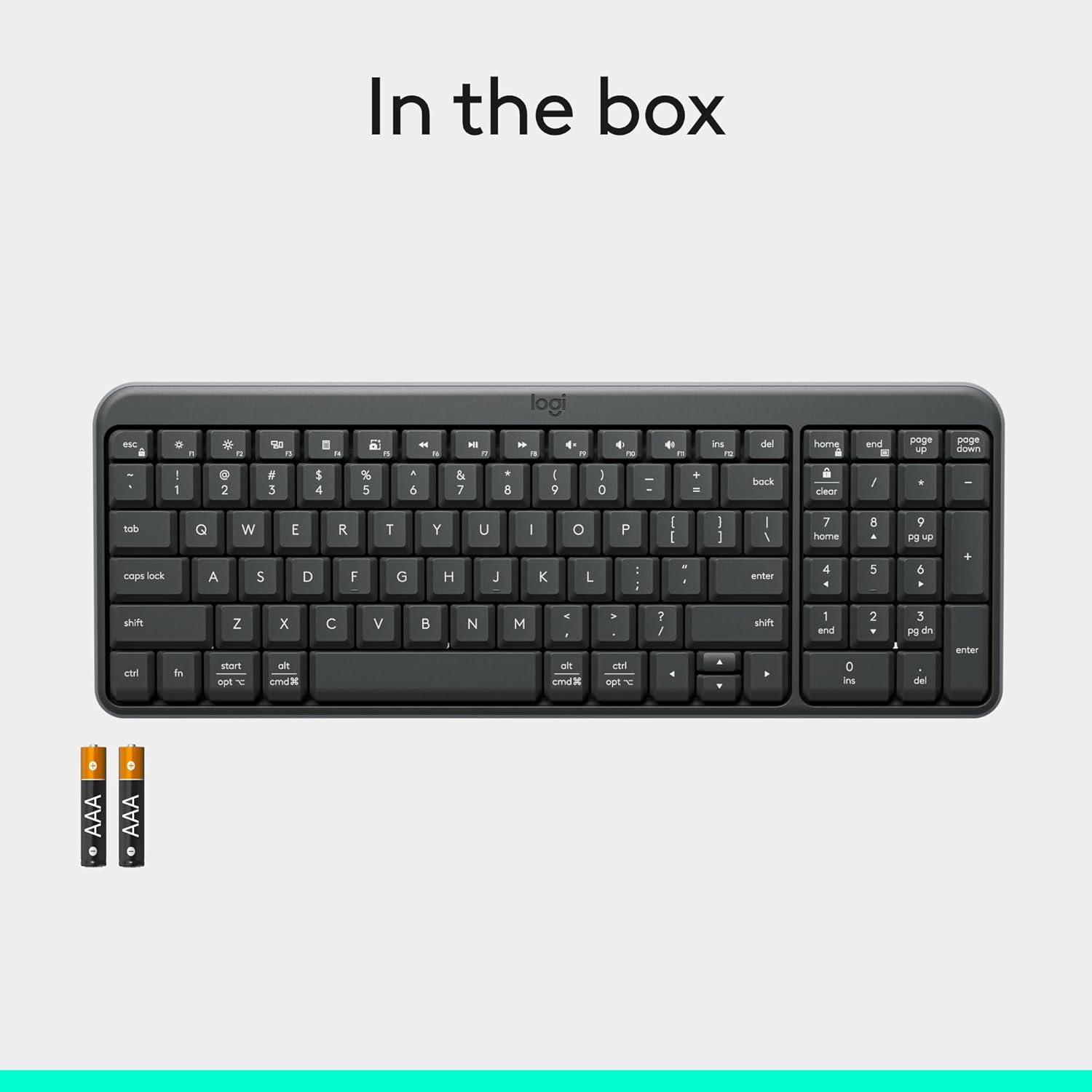
Figure 4: Contents of the K250 package, showing the keyboard and two AAA batteries.
2. Asociere Bluetooth
The K250 keyboard connects wirelessly via Bluetooth, eliminating the need for a USB dongle. Follow these steps to pair your keyboard with your device:
- Ensure the keyboard is powered on. The power/connect LED (refer to Figure 2) should be active.
- Press and hold the Bluetooth pair button on the underside of the keyboard (refer to Figure 2) until the LED starts blinking, indicating it's in pairing mode.
- On your computer, tablet, or smartphone (Windows, macOS, etc.), navigate to your Bluetooth settings.
- Caută available Bluetooth devices. The Logitech K250 should appear in the list.
- Select "Logitech K250" and follow any on-screen prompts to complete the pairing process. You may be asked to enter a code displayed on your screen using the keyboard.
- Once successfully paired, the power/connect LED on the keyboard will stop blinking and remain solid for a few seconds, then turn off to conserve power.

Figure 5: The Logitech K250 keyboard in a workspace, demonstrating easy Bluetooth pairing with a computer.
Instrucțiuni de operare
Utilizare de bază
The Logitech K250 keyboard provides a familiar typing experience with its standard QWERTY layout and integrated numpad. The deep-profile keys are designed for comfortable and accurate keystrokes.
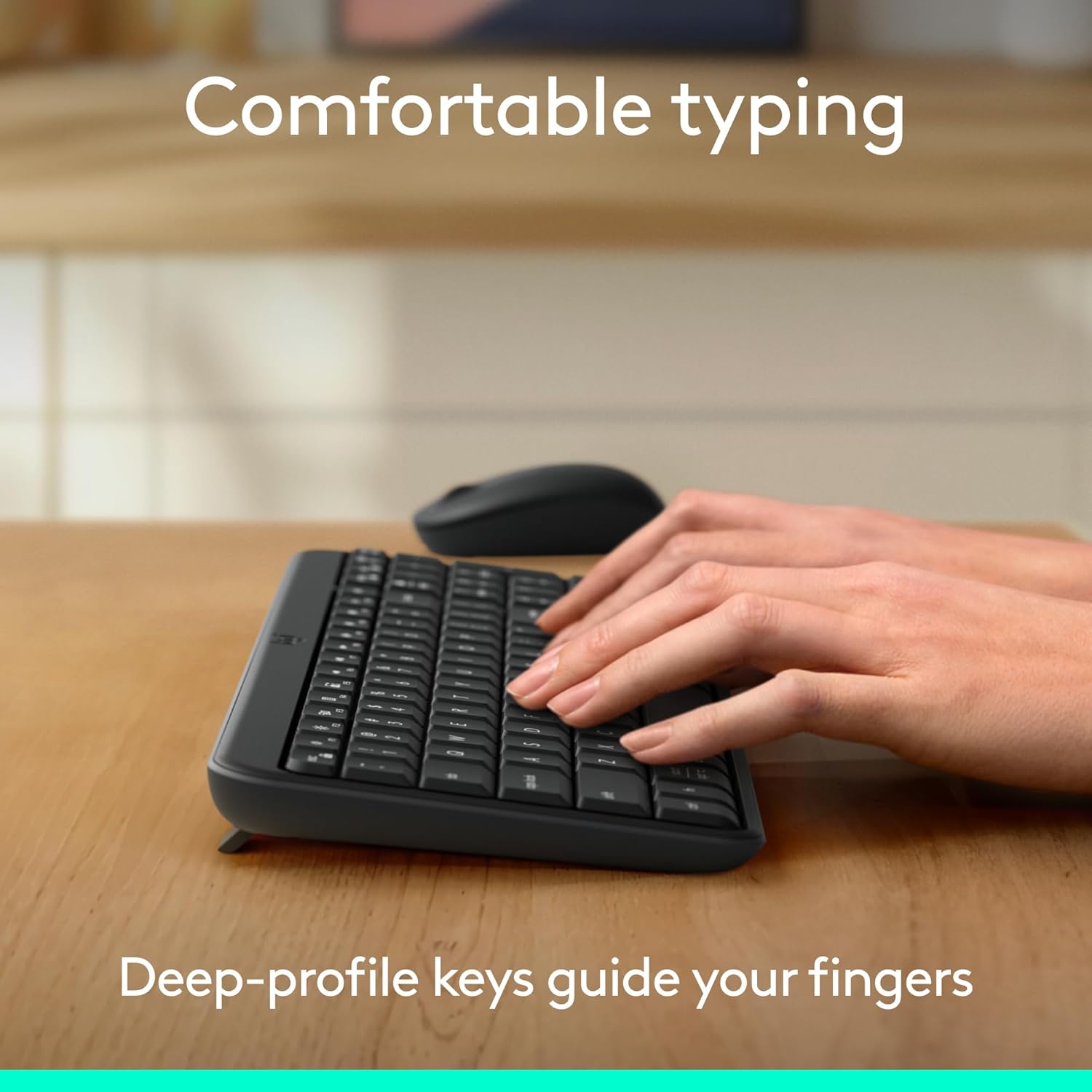
Figure 6: Hands demonstrating comfortable typing on the K250 keyboard, emphasizing the deep-profile chei.
Function Keys (F-keys) and Shortcuts
The K250 includes a row of F-keys (F1-F12) that can perform various functions, often in combination with the 'Fn' key. These shortcuts provide quick access to media controls, volume adjustments, and other system functions. Refer to your operating system's documentation for specific F-key functionalities.
Despite its compact size, the keyboard retains full functionality, including a dedicated numpad and arrow keys, making it versatile for both data entry and navigation.

Figure 7: The K250 keyboard integrated into a space-saving desk setup, demonstrating its compact yet functional design.
Întreţinere
Curățarea tastaturii
To maintain the performance and appearance of your Logitech K250 keyboard, regular cleaning is recommended:
- Deconectați tastatura de la dispozitiv înainte de curățare.
- Utilizați ușor o cârpă moale, fără scame dampcu apă sau cu o soluție de curățare blândă.
- Wipe down the keys and surface of the keyboard. Avoid excessive moisture.
- Pentru resturi între taste, folosiți aer comprimat.
- Do not immerse the keyboard in water or use harsh chemicals.
Rezistență la scurgeri
The K250 keyboard features a spill-resistant design, meaning it can withstand minor liquid spills. In case of a spill:
- Immediately disconnect the keyboard from your device.
- Întoarceți tastatura cu susul în jos pentru a scurge orice lichid.
- Ștergeți suprafața uscată cu o cârpă curată.
- Lăsați tastatura să se usuce complet la aer înainte de a o reconecta.
Note: Spill resistance is tested under limited conditions. Do not intentionally submerge the keyboard in liquid.

Figure 8: Illustration of the K250 keyboard's spill-resistant design, showing liquid on the keys.
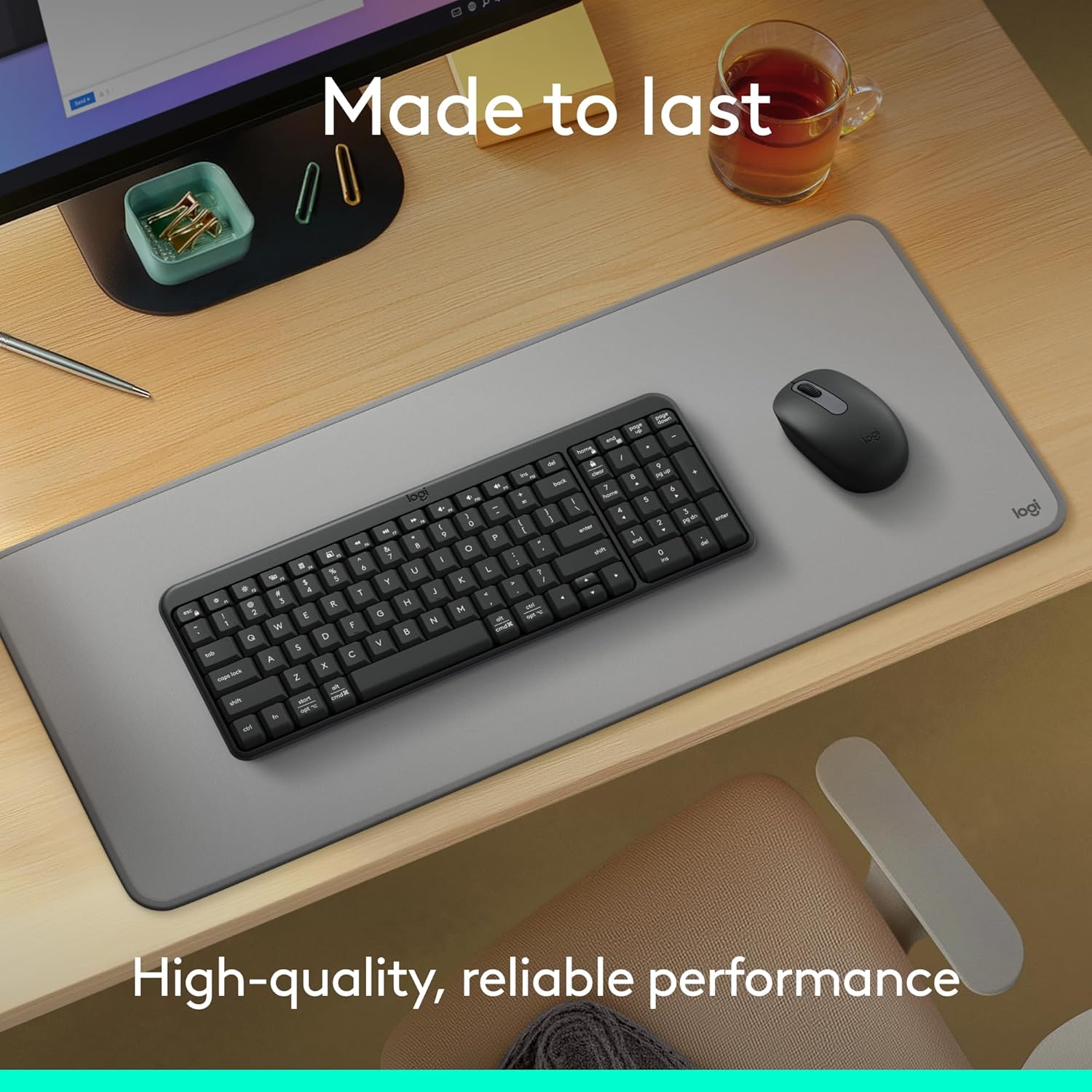
Figure 9: The K250 keyboard and a Logitech mouse on a desk, representing the product's durable construction.
Depanare
Probleme de conectivitate
- Tastatura nu se conectează:
- Asigurați-vă că bateriile tastaturii nu sunt descărcate. Înlocuiți-le dacă este necesar.
- Verificați dacă Bluetooth este activat pe dispozitivul dvs.
- Try re-pairing the keyboard by putting it into pairing mode and searching for it on your device's Bluetooth settings.
- Mută tastatura mai aproape de dispozitiv pentru a exclude problemele de rază de acțiune.
- Reporniți dispozitivul și încercați din nou asocierea.
- Conexiune intermitentă:
- Verificați dacă există alte dispozitive wireless care ar putea cauza interferențe.
- Ensure the keyboard is within optimal Bluetooth range.
- Actualizați driverele Bluetooth ale dispozitivului.
Key Functionality Issues
- Keys sticking or not responding:
- Clean around and under the affected keys using compressed air to remove debris.
- If a key feels physically stuck, gently press it multiple times to dislodge any obstruction.
- Ensure the keyboard is dry if it has recently been exposed to liquids.
- Incorrect character output:
- Check your device's language and keyboard layout settings.
- Reporniți tastatura și dispozitivul.
Specificații
| Caracteristică | Detaliu |
|---|---|
| Marca | Logitech |
| Numele modelului | K250 |
| Numărul de model al articolului | 920-013442 |
| Tehnologia de conectivitate | Bluetooth |
| Culoare | Grafit |
| Dimensiuni produs (L x l x H) | 36.98 x 13.69 x 2.29 cm |
| Greutatea articolului | 380 grame |
| Sursa de alimentare | Alimentat cu baterie |
| Bateriile necesare | 2 baterii AAA (incluse) |
| Descrierea tastaturii | Membrană |
| Dispozitive compatibile | Laptop, computer personal, tabletă |
| Caracteristici speciale | Lightweight, Portable, Spill-Resistant, Made with Recycled Plastic |
Garanție și suport
For warranty information, technical support, or further assistance with your Logitech K250 keyboard, please visit the official Logitech support website or contact their customer service. You can also find additional resources and product information on the Logitech store page on Amazon.


