1. Produs terminatview
The GIGABYTE GP-UD850GM-A is an 850W 80 Plus Gold certified fully modular power supply designed for high-performance computing systems. It features high-quality Japanese capacitors and a +12V Single Rail for exceptional power output and stability.
Caracteristici cheie:
- 850W Capacity with Single +12V Rail
- 80 Plus Gold Certified for high efficiency
- ATX Form Factor for broad compatibility
- Fully Modular Design for clean cable management
- Japanese Capacitors for enhanced durability and stability
- 120mm Hydraulic Bearing Fan for quiet and efficient cooling
- Comprehensive Protection: OVP/OPP/SCP/UVP/OCP/OTP
- Fabricat în Taiwan
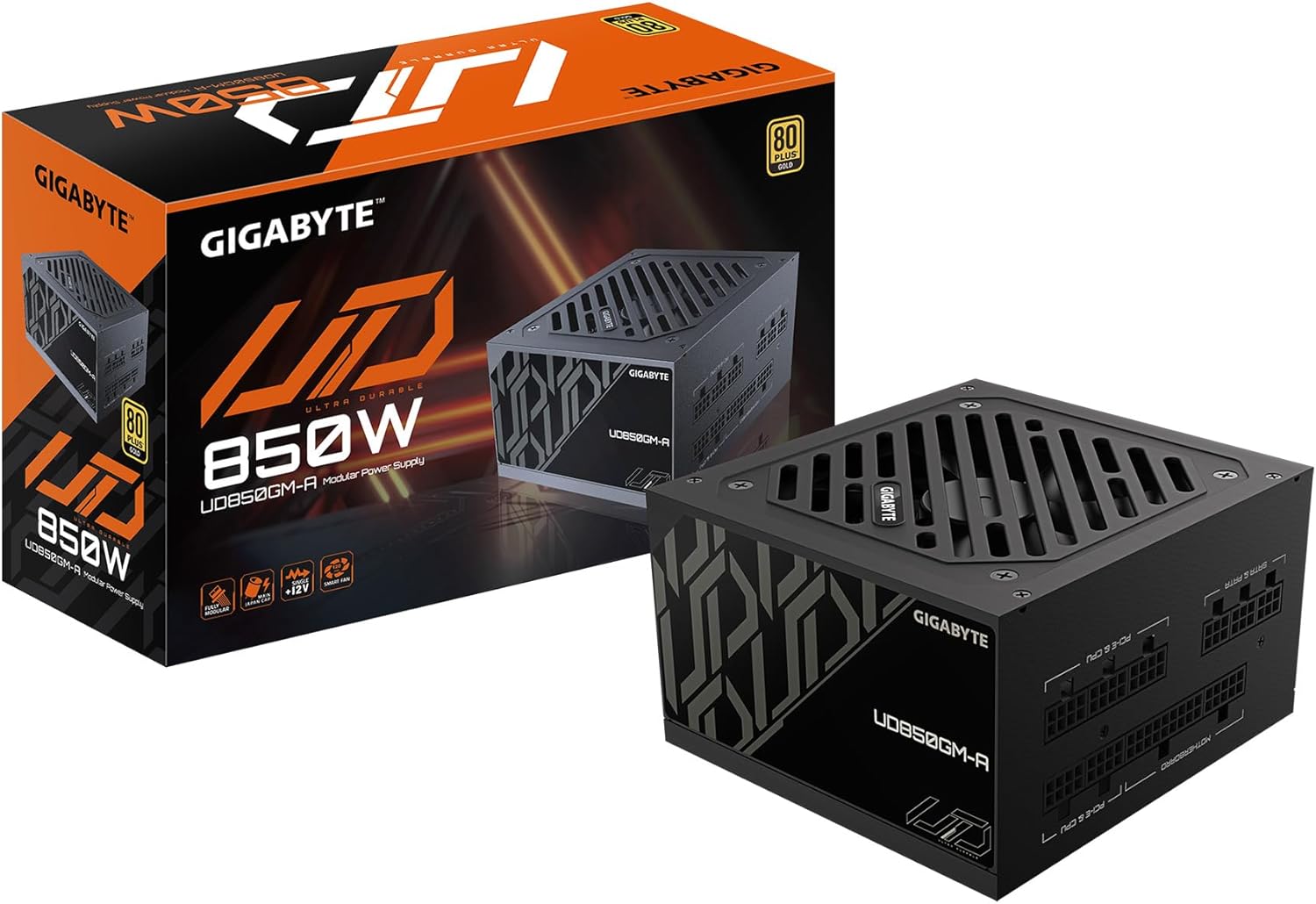
Figure 1: GIGABYTE GP-UD850GM-A 850W Power Supply and its packaging.
Produs terminatview Video:
Un produs oficial pesteview video demonstrating the key features and physical aspects of the GIGABYTE GP-UD850GM-A power supply.
2. Informații de siguranță
Please read and understand all safety instructions before installing or operating your power supply unit (PSU). Failure to do so may result in personal injury or damage to equipment.
- Pericol electric: Nu deschideți sursa de alimentare.asing. Volum ridicattages are present inside, even when the unit is unplugged. Servicing should only be performed by qualified personnel.
- Ventilare: Ensure adequate airflow around the PSU. Do not block any ventilation openings.
- Umiditate: Keep the PSU away from water, humidity, and liquids.
- Temperatură: Operate the PSU within its specified temperature range. Avoid extreme heat or cold.
- Împământare: Always connect the PSU to a grounded power outlet.
- Organizare de cabluri: Ensure all cables are properly connected and routed to prevent damage or interference.
3. Conținutul pachetului
Verificați dacă toate articolele enumerate mai jos sunt incluse în pachetul dumneavoastră:
- GIGABYTE GP-UD850GM-A 850W Power Supply Unit
- Cablu de alimentare CA.
- Modular Cable Set (including ATX/MB, CPU/EPS, PCI-e, SATA, 4 Pin Peripheral/Floppy)
- Șuruburi de montare
- Manual de utilizare

Figure 2: Assortment of fully modular cables included with the power supply.
4. Descriere fizică
The GP-UD850GM-A features a compact design, measuring approximately 140mm in length, making it suitable for various PC cases, including smaller mid-towers. It incorporates a 120mm hydraulic bearing fan for efficient cooling and quiet operation, which can turn off under low load for silent performance.

Figura 3: Sus view of the power supply showing the 120mm fan.
The power supply is fully modular, meaning all cables are detachable. This allows for improved cable management and airflow within your PC case. The modular ports are clearly labeled for easy connection.

Figure 4: Modular connection panel with labeled ports.
The side panel features an 'ULTRA DURABLE' design, which is visible through power supply windows in compatible PC cases.
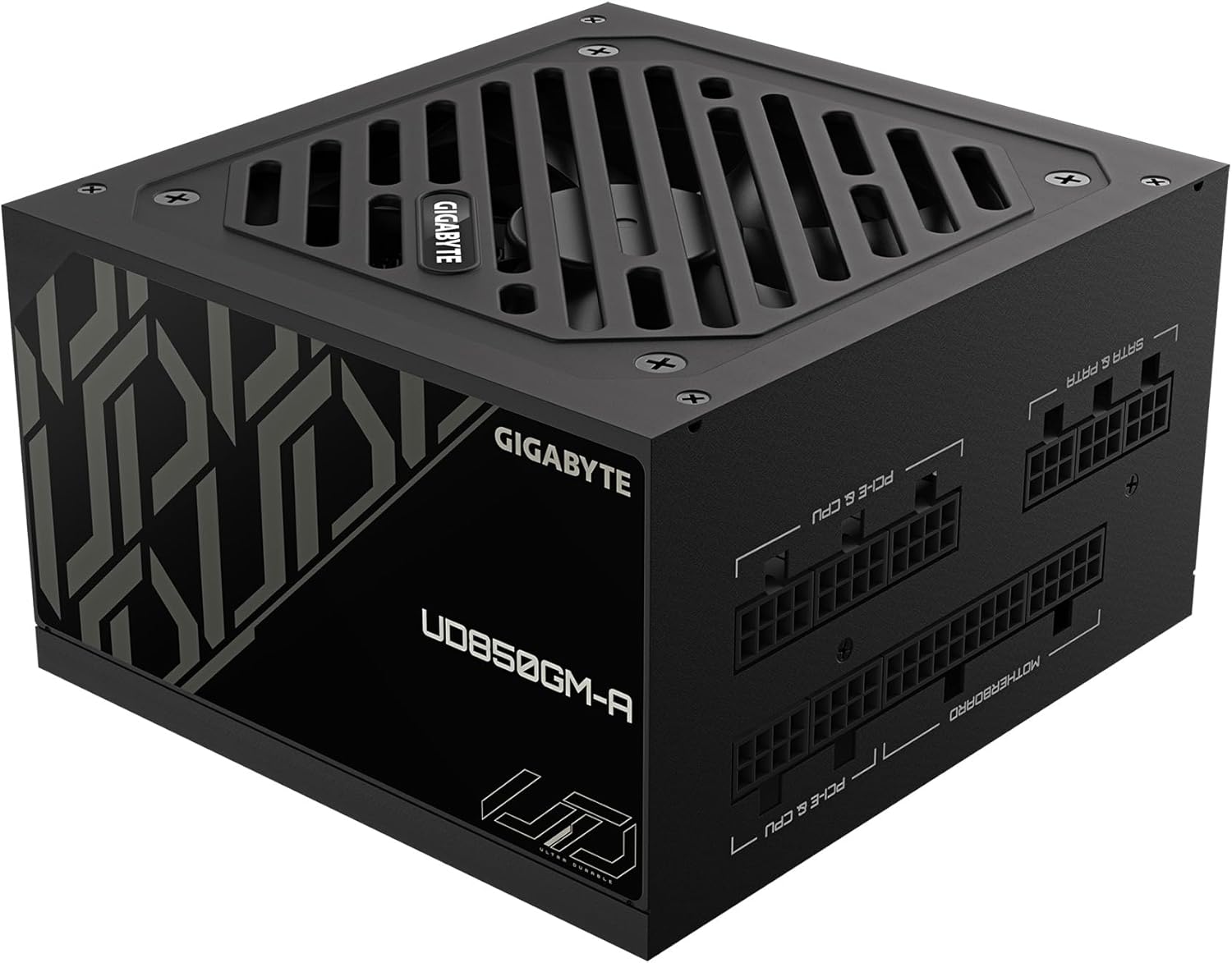
Figura 5: lateral view with 'ULTRA DURABLE' branding.
5. Configurare și instalare
Follow these general steps to install your GIGABYTE GP-UD850GM-A power supply. Refer to your PC case and motherboard manuals for specific instructions.
- Pregătiți carcasa PC-ului: Ensure your PC case is powered off and unplugged. Remove the side panel(s) to access the PSU mounting area.
- Montați sursa de alimentare: Insert the PSU into the designated bay in your PC case. Secure it with the provided mounting screws.
- Conectați cablurile esențiale:
- Connect the 20+4 pin ATX motherboard cable to the PSU and your motherboard.
- Connect the 4+4 pin CPU/EPS cable(s) to the PSU and your motherboard's CPU power connector(s).
- Connect the appropriate PCI-e 6+2 pin cables to the PSU and your graphics card(s). This PSU supports the new 12VHPWR connector for compatible GPUs.
- Conectați cablurile periferice: Connect SATA power cables to your storage drives (HDDs, SSDs) and other peripherals as needed. Use 4-pin peripheral/floppy cables for older devices if necessary.
- Organizare de cabluri: Route all cables neatly behind the motherboard tray or in designated cable management channels to improve airflow and aesthetics. Use zip ties or Velcro straps to secure them.
- Verificări finale: Double-check all connections to ensure they are secure. Replace the PC case side panel(s).
- Pornire: Connect the AC power cable to the PSU and a grounded wall outlet. Flip the power switch on the PSU to the 'ON' position. Power on your computer.
6. Instrucțiuni de utilizare
Once installed, operating the GIGABYTE GP-UD850GM-A is straightforward:
- Pornire/Oprire: Use the main power switch located on the rear of the PSU to turn the unit on or off. Always ensure your computer is properly shut down before flipping this switch.
- Funcționarea ventilatorului: The 120mm hydraulic bearing fan is designed for quiet operation. Under low system loads, the fan may stop spinning entirely to minimize noise. It will automatically activate and adjust its speed as the system load and temperature increase.
- Eficienţă: The 80 Plus Gold certification ensures high power efficiency, reducing wasted energy and heat generation.
7. Întreținere
Regular maintenance helps ensure the longevity and optimal performance of your PSU:
- Curățare de praf: Periodically clean dust from the PSU's fan and ventilation grilles using compressed air. Ensure the PC is powered off and unplugged before cleaning. Hold the fan blades gently to prevent over-spinning during cleaning.
- Verificarea cablului: Occasionally inspect all modular cables for any signs of wear, fraying, or damage. Replace any damaged cables immediately.
- Conditii de mediu: Maintain a clean, dry, and well-ventilated environment for your PC to prevent dust buildup and overheating.
8. Depanare
If you encounter issues with your GIGABYTE GP-UD850GM-A PSU, try the following troubleshooting steps:
- Fără putere:
- Ensure the AC power cable is securely connected to both the PSU and the wall outlet.
- Verify the PSU's rear power switch is in the 'ON' position.
- Check the wall outlet by plugging in another device.
- Ensure all modular cables (especially the 20+4 pin ATX and 4+4 pin CPU) are firmly seated in both the PSU and motherboard.
- Instabilitate/Blocaje ale sistemului:
- Asigurați-vă că cerințele de alimentare ale sistemului nu depășesc capacitatea de 850 W a sursei de alimentare.
- Verificați dacă există conexiuni de cablu slăbite.
- Monitorizați temperaturile sistemului pentru a vă asigura că componentele nu se supraîncălzesc.
- If possible, test the PSU with another known-good system or use a PSU tester.
- Zgomot puternic al ventilatorului:
- Clean any dust buildup from the fan and grilles.
- Ensure adequate airflow within the PC case.
- If the fan is excessively loud even under low load, it may indicate a fault.
If problems persist after trying these steps, contact GIGABYTE customer support or a qualified technician.
9. Specificații
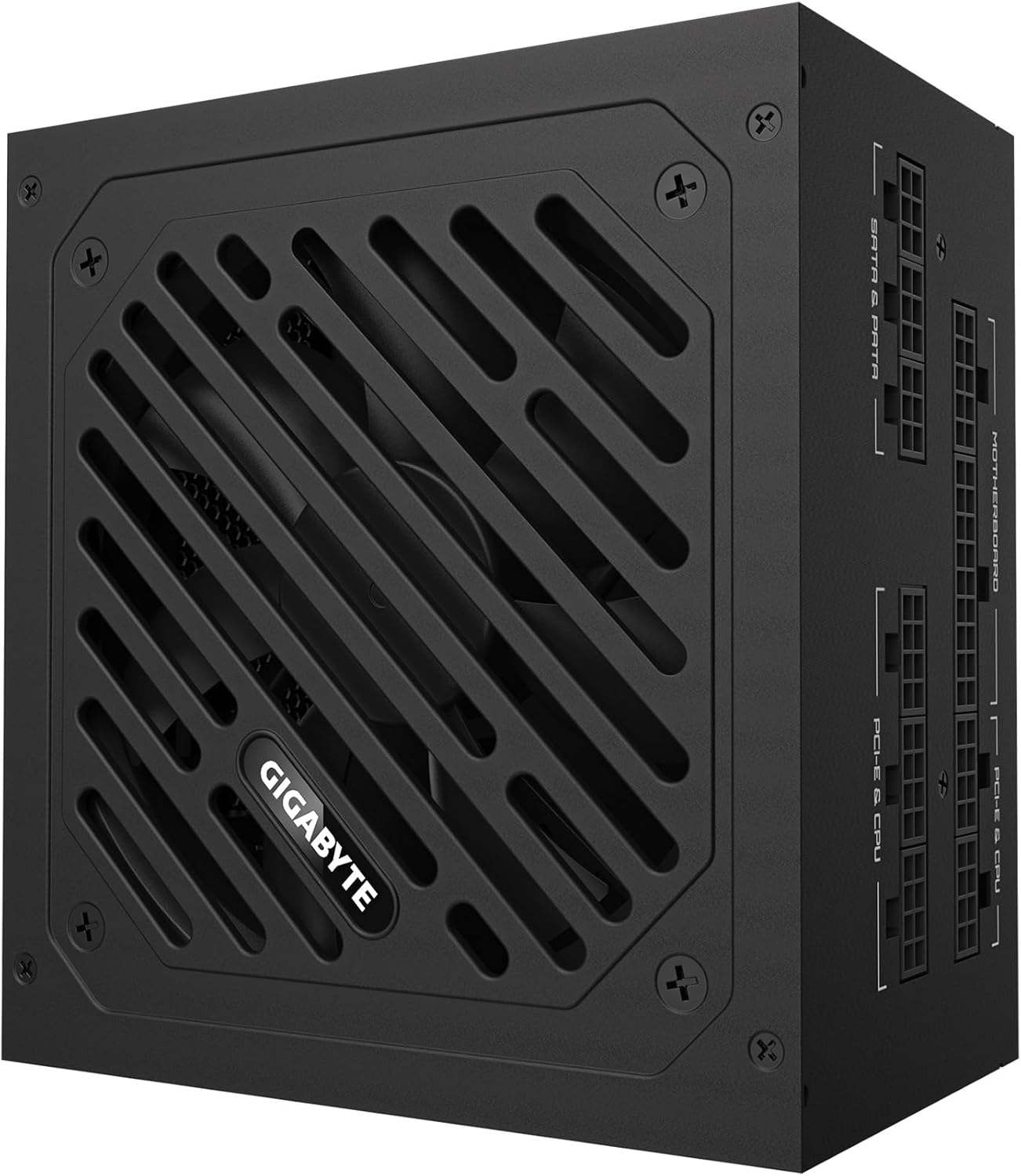
Figure 6: Detailed specification label on the power supply.
| Caracteristică | Detaliu |
|---|---|
| Marca | GIGABYTE |
| Numele modelului | GP-UD850GM-A |
| Putere de ieșiretage | 850 wați |
| Certificare de eficiență | Certificat 80 Plus Gold |
| Factor de formă | ATX |
| Proiectarea sursei de alimentare | Complet modular |
| Metoda de răcire | Air (120mm Hydraulic Bearing Fan) |
| Dispozitive compatibile | Gaming Console (and PC components) |
| Tip conector | ATX, PCI Express (including 12VHPWR) |
| Greutatea articolului | 6.5 lire sterline |
| Dimensiunile produsului | 12.4 x 8.1 x 4.6 inci |
| Culoare | Negru |
| Producător | GIGABYTE |
| Data primului disponibil | 28 ianuarie 2025 |
10. Garanție și asistență
For warranty information and technical support, please refer to the official GIGABYTE website-ul lor web sau contactați direct serviciul lor de asistență pentru clienți. Păstrați bonul fiscal pentru reclamații în garanție.
GIGABYTE offers various protection plans for their products. Please check the product's official page or contact GIGABYTE support for details on available warranty and extended protection options.


