Introducere
Thank you for choosing the ATTACK SHARK G500 Wireless Over-ear Noise Canceling Headphones. This manual provides detailed instructions for setting up, operating, maintaining, and troubleshooting your new headphones. Please read this manual thoroughly before use to ensure optimal performance and longevity of your device.
Produs terminatview
The ATTACK SHARK G500 headphones are designed to deliver a superior audio experience with advanced Active Noise Cancellation (ANC) technology. They offer versatile connectivity options, comfortable wear, and long-lasting battery life, making them suitable for various activities from gaming to travel.

Figure 1: ATTACK SHARK G500 Wireless Over-ear Noise Canceling Headphones (Beige)
The image displays the ATTACK SHARK G500 headphones in a beige color, highlighting their over-ear design and cushioned earcups.
Conținutul pachetului
- ATTACK SHARK G500 Wireless Over-ear Headphones
- Cablu de încărcare USB de tip C
- Cablu audio de 3.5 mm
- Manual de utilizare
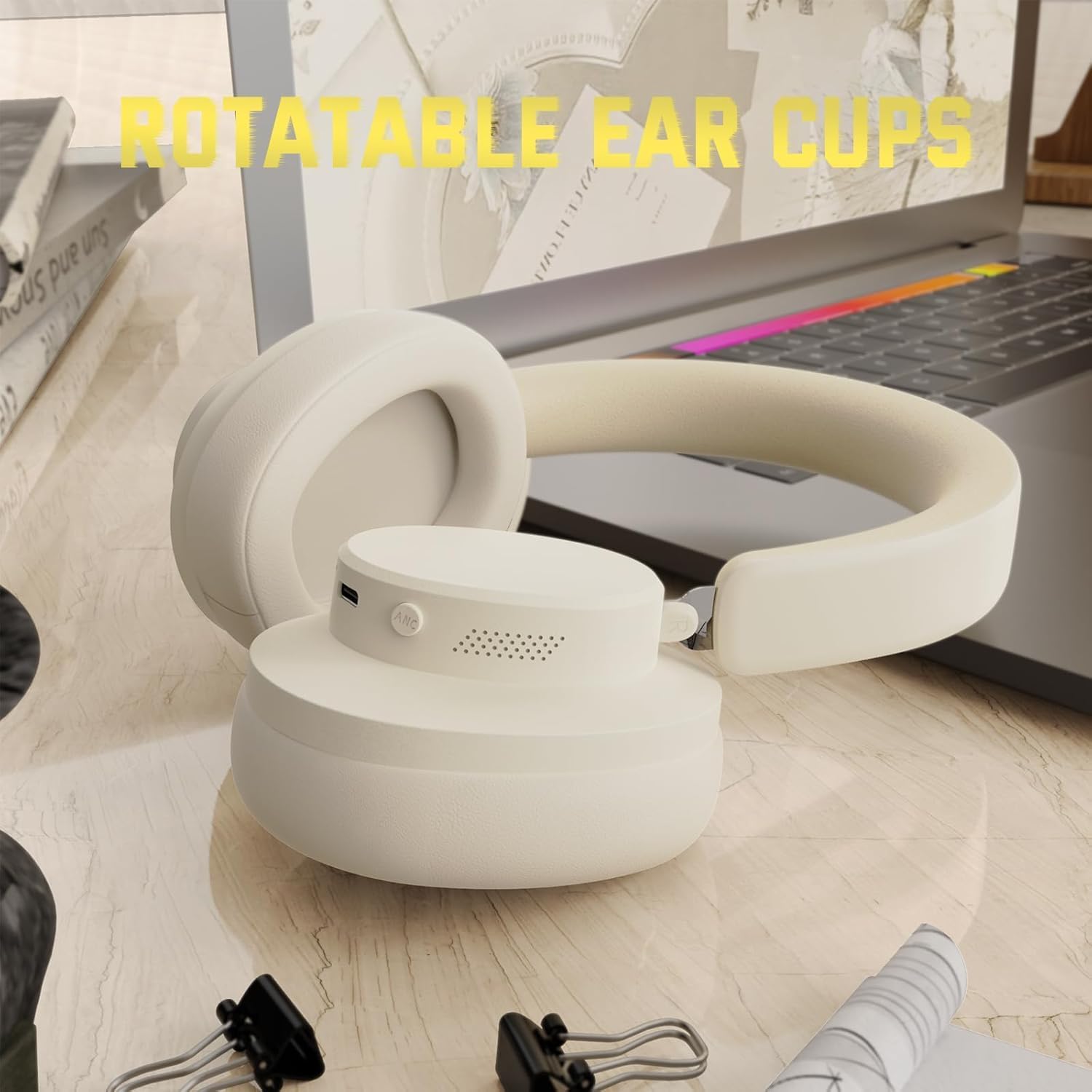
Figure 2: Included accessories with the G500 headphones
This image shows the complete package contents, including the headphones, charging cable, 3.5mm audio cable, and the user manual.
Înființat
1. Încărcarea căștilor
- Locate the USB Type-C charging port on the headphone earcup.
- Connect the provided USB Type-C charging cable to the headphones and a compatible USB power source (e.g., computer, wall adapter).
- The LED indicator will illuminate during charging. A full charge typically takes approximately 2 hours.
- The LED indicator will change color or turn off once charging is complete.
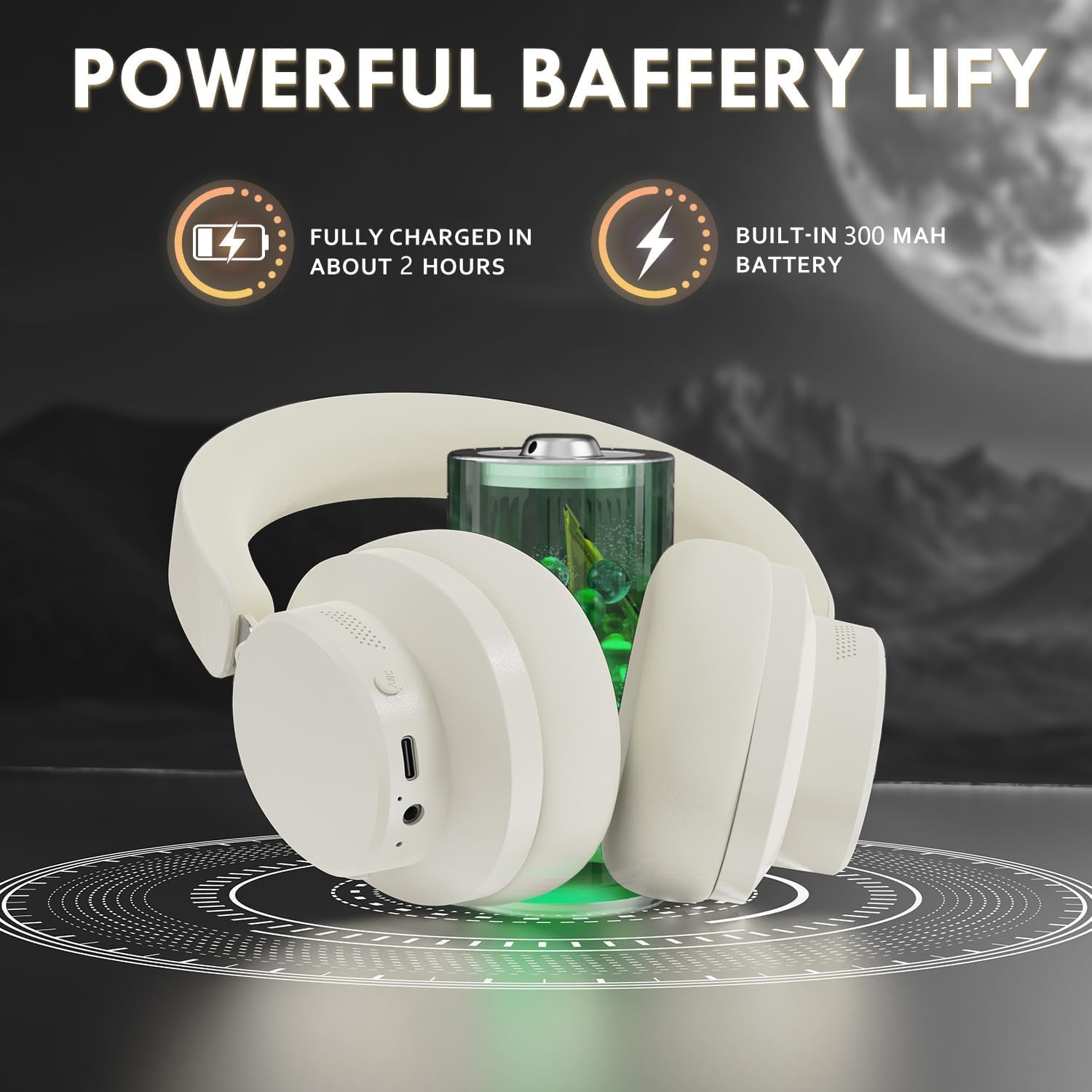
Figure 3: Location of the charging port and LED indicator
This image highlights the USB Type-C charging port and the LED indicator on the headphone earcup, essential for monitoring charging status.
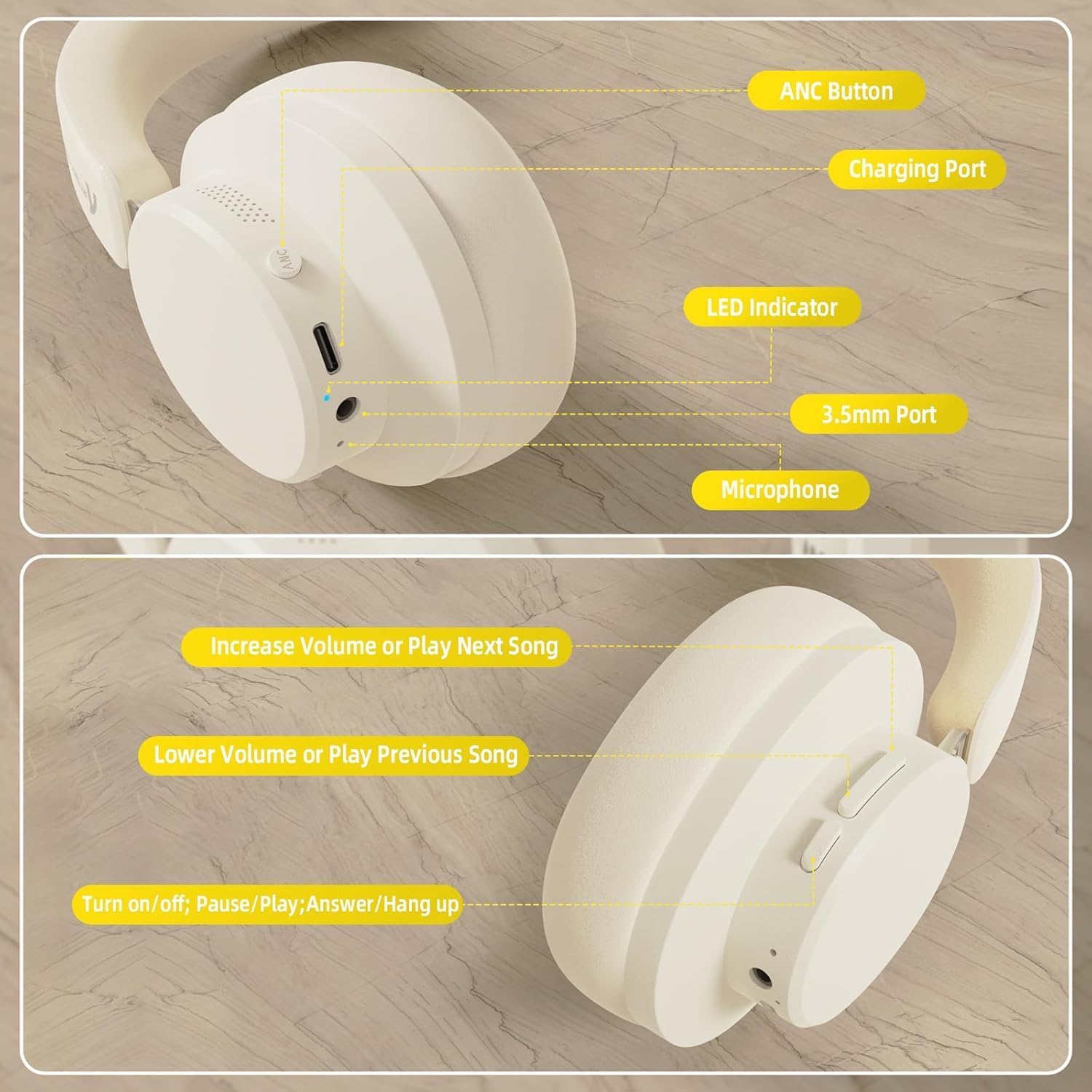
Figure 4: Visual representation of headphones charging
The image illustrates the headphones connected to a power source, with a battery icon indicating the charging process.
2. Asociere Bluetooth
- Asigurați-vă că sunt complet încărcate și oprite căștile.
- Press and hold the Power/Multi-function button until the LED indicator flashes, indicating pairing mode.
- Pe dispozitivul dvs. (smartphone, tabletă, laptop), activați Bluetooth și căutați dispozitivele disponibile.
- Select "ATTACK SHARK G500" from the list of devices to pair.
- The LED indicator will stop flashing and remain solid once successfully paired.
Video 1: ATTACK SHARK G300 Wireless Over-Ear Headphones (demonstrates general headphone features, including connectivity)
Acest videoclip oferă o imagine generalăview of ATTACK SHARK wireless over-ear headphones, showcasing their design and some features, which can be helpful for understanding the physical aspects and basic operation of the G500 model.
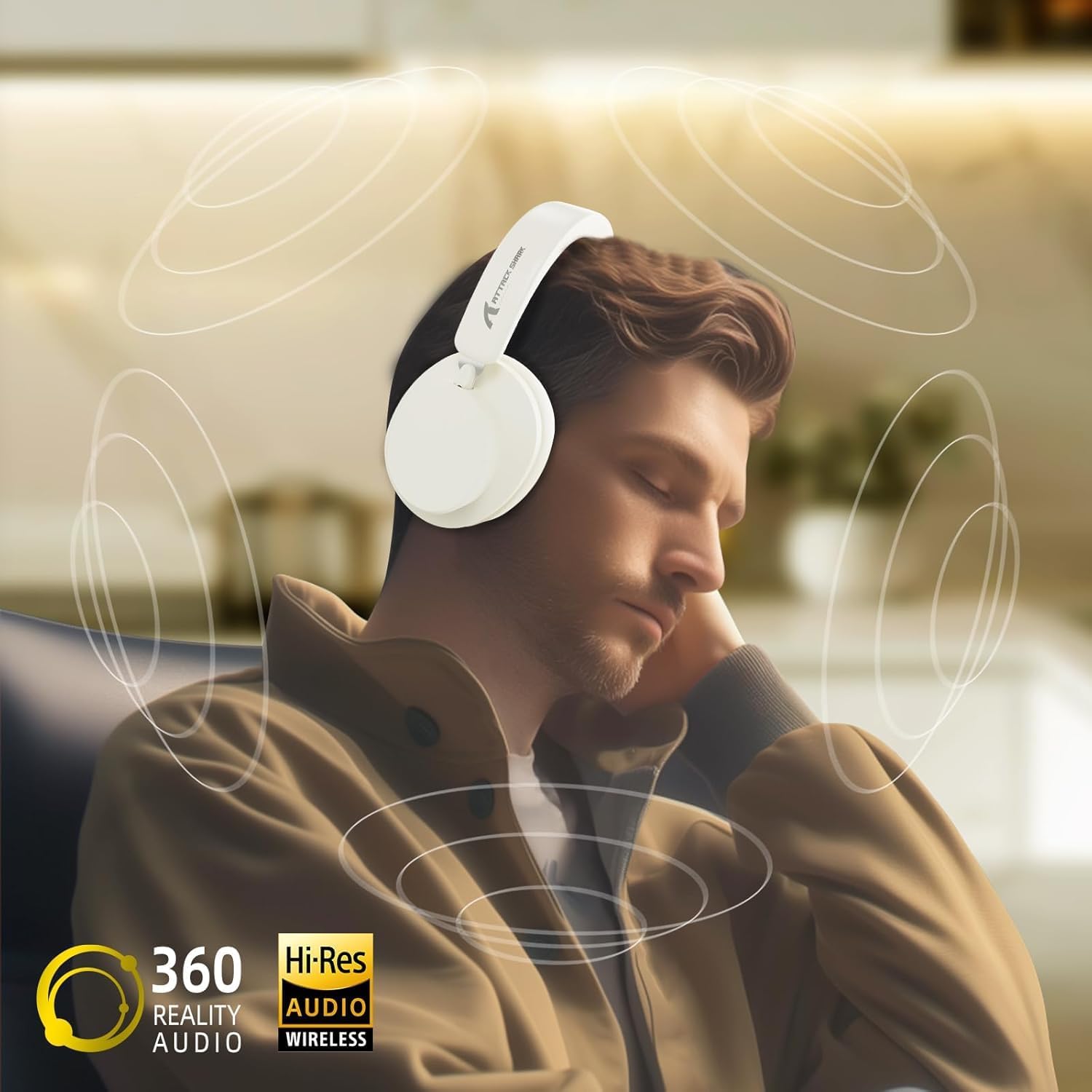
Figure 5: Dual mode connection example
The image illustrates the headphones connected wirelessly to both a smartphone and a laptop, demonstrating the dual-mode connectivity.
3. Conexiune prin cablu
- Insert one end of the 3.5mm audio cable into the 3.5mm port on the headphone earcup.
- Conectați celălalt capăt al cablului audio de 3.5 mm la mufa de ieșire audio a dispozitivului.
- Căștile vor trece automat în modul cu fir.
Instrucțiuni de operare
Comenzi terminateview
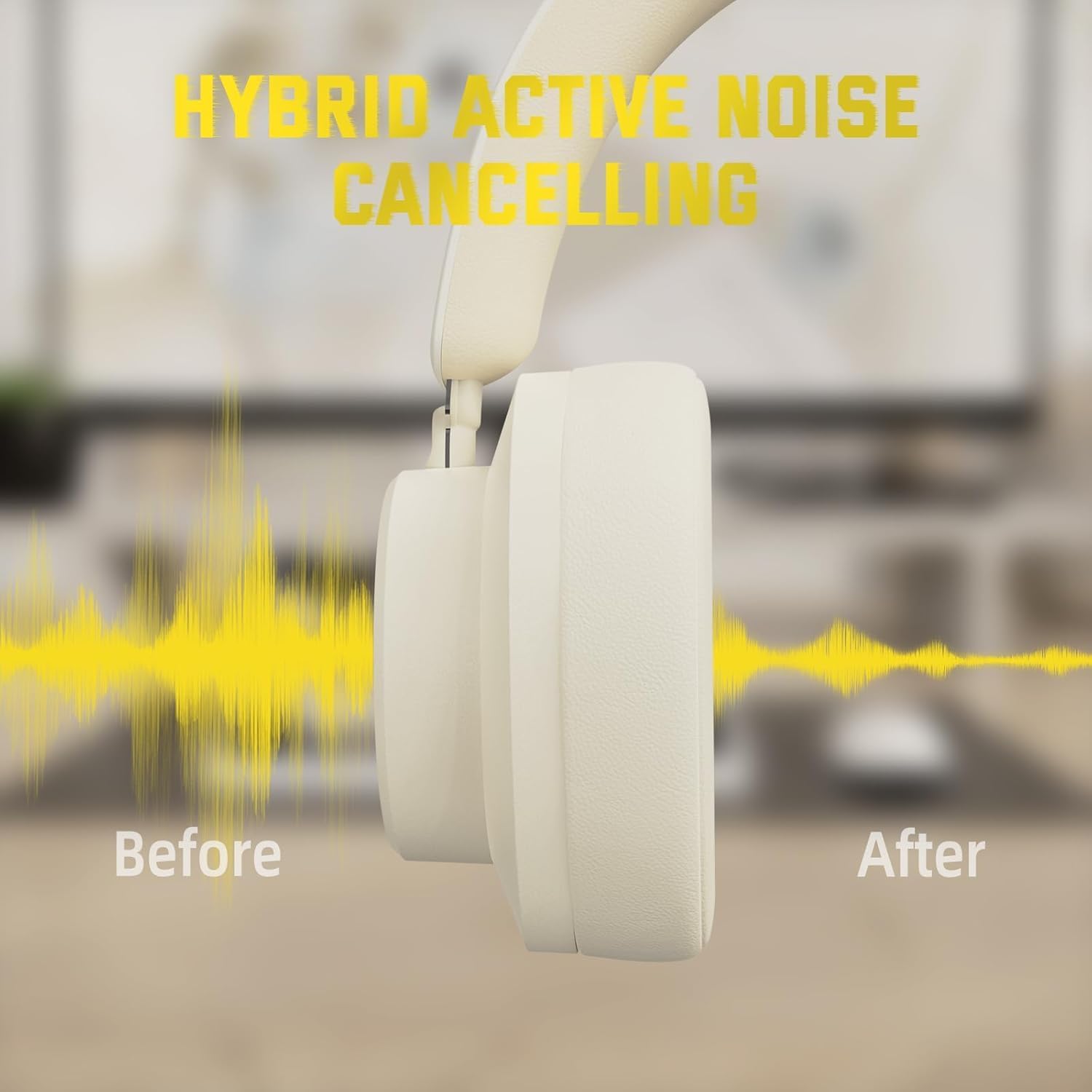
Figura 6: Detaliat view of headphone controls
This image provides a clear diagram of all control buttons and ports on the headphones, including the ANC button, charging port, LED indicator, 3.5mm port, and microphone.
Pornire/Oprire
- To Power On: Press and hold the Multi-function button for 3 seconds.
- To Power Off: Press and hold the Multi-function button for 3 seconds.
Anularea zgomotului activ (ANC)
- Press the ANC button to toggle Active Noise Cancellation on/off.
- When ANC is active, ambient noise will be significantly reduced.
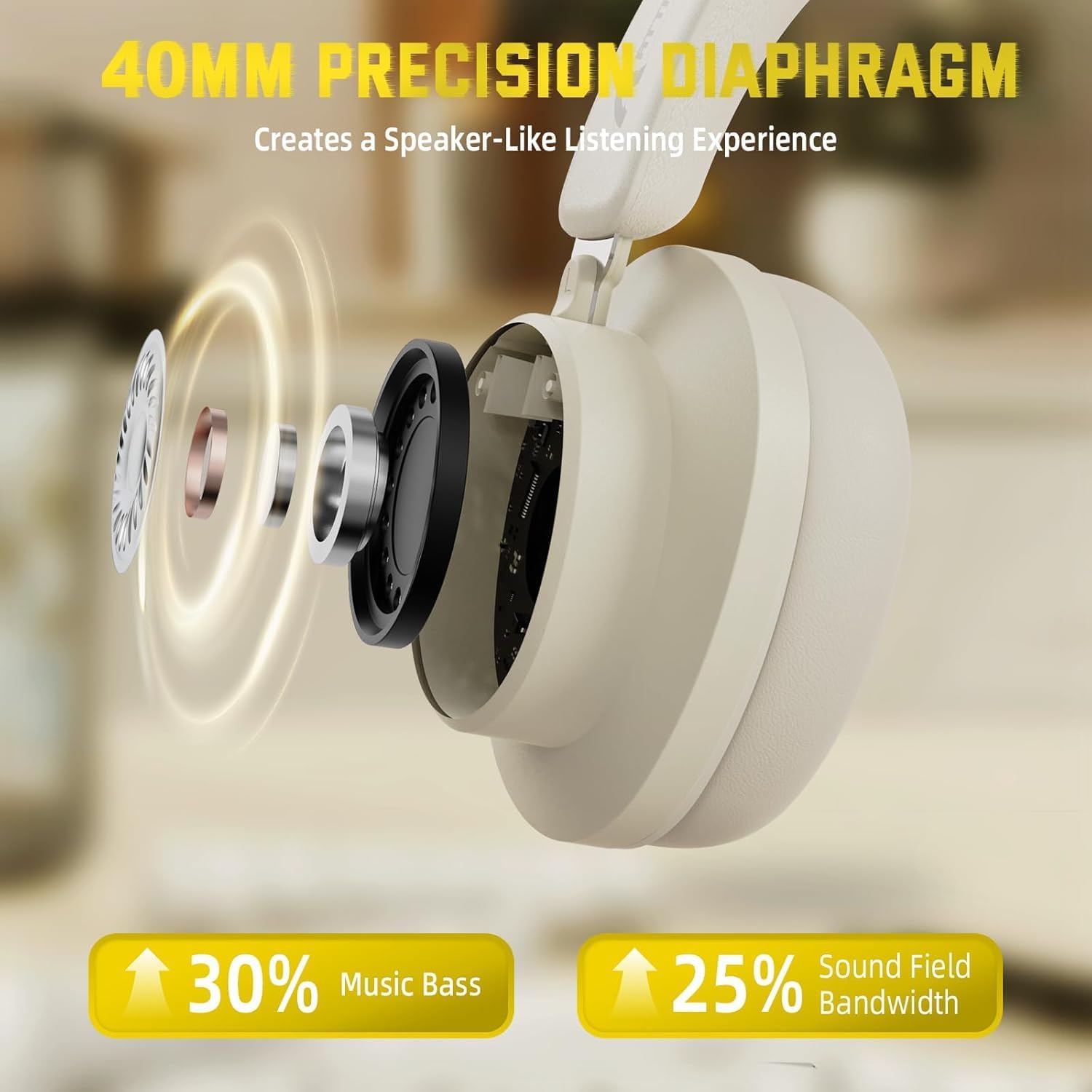
Figure 7: Hybrid Active Noise Cancelling in action
This diagram visually represents the effect of Hybrid Active Noise Cancelling, showing how external noise is reduced when the feature is activated.
Music Playback & Calls
- Play/Pause: Short press the Multi-function button.
- Next Song: Long press the Volume + button.
- Previous Song: Long press the Volume - button.
- Volume Up: Short press the Volume + button.
- Volume Down: Short press the Volume - button.
- Answer/End Call: Short press the Multi-function button.
- Reject Call: Long press the Multi-function button.
Întreţinere
- Curățați căștile în mod regulat cu o lavetă moale și uscată.
- Evitați expunerea căștilor la temperaturi extreme, umiditate sau lichide.
- Store the headphones in a cool, dry place when not in use. The rotatable earcups allow for compact storage.
- Nu încercați să dezasamblați sau să reparați căștile singur, deoarece acest lucru va anula garanția.

Figure 8: Rotatable earcups for easy storage
This image demonstrates the rotatable earcups, which allow the headphones to be folded flat for convenient storage and portability.
Depanare
| Problemă | Soluție posibilă |
|---|---|
| Căștile nu pornesc | Ensure the headphones are fully charged. Press and hold the Multi-function button for 3-5 seconds. |
| Nu se poate realiza asocierea prin Bluetooth | Make sure the headphones are in pairing mode (flashing LED). Turn off and on Bluetooth on your device. Ensure the headphones are not connected to another device. |
| Niciun sunet în modul wireless | Verificați volumul dispozitivului și volumul căștilor. Asigurați-vă că căștile sunt asociate cu succes. Încercați să le reconectați. |
| Fără sunet în modul cu fir | Ensure the 3.5mm audio cable is securely connected to both the headphones and the device. Check device volume. |
| ANC nu funcționează eficient | Ensure the ANC button is pressed and the feature is active. Adjust headphone fit to ensure a good seal around your ears. |
Specificații
| Caracteristică | Detaliu |
|---|---|
| Numele modelului | G500 |
| Tehnologia de conectivitate | Cu fir, fără fir (Bluetooth 5.0) |
| Mufă pentru căști | 3.5 mm Jack |
| Controlul zgomotului | Active Noise Cancellation (21±2DB reduction) |
| Tip de driver audio | 40mm Neodymium Dynamic Driver |
| Durata de viață a bateriei | Up to 20 Hours (300 mAh battery) |
| Material | Memory Foam, Plastic/Other Lightweight Polymer |
| Greutatea articolului | 10.8 uncii (aprox. 210 g) |
| Caracteristici speciale | Microphone Included, Rechargeable Battery, Rotatable Earcups |
| Dispozitive compatibile | Laptops, Desktops, Tablets, Telephones, Gaming Consoles, Cellphones |
Garanție și suport
For warranty information and customer support, please refer to the official ATTACK SHARK website-ul web sau contactați distribuitorul. Păstrați bonul fiscal ca dovadă a achiziției pentru reclamațiile în garanție.


