1. Introducere
This manual provides essential instructions for the safe and efficient use of your Blackview BV6200 Plus rugged smartphone. Please read this guide thoroughly before operating your device to ensure optimal performance and longevity. The Blackview BV6200 Plus is designed for durability, featuring a robust construction, a large capacity battery, and advanced communication capabilities.
2. Produs terminatview
Negrulview BV6200 Plus is a rugged smartphone built to withstand challenging environments. It features a durable exterior, a powerful 11000mAh battery, a 3W ultra-loud speaker, and a high-resolution camera system. The device operates on Android 14 and supports dual SIM functionality.
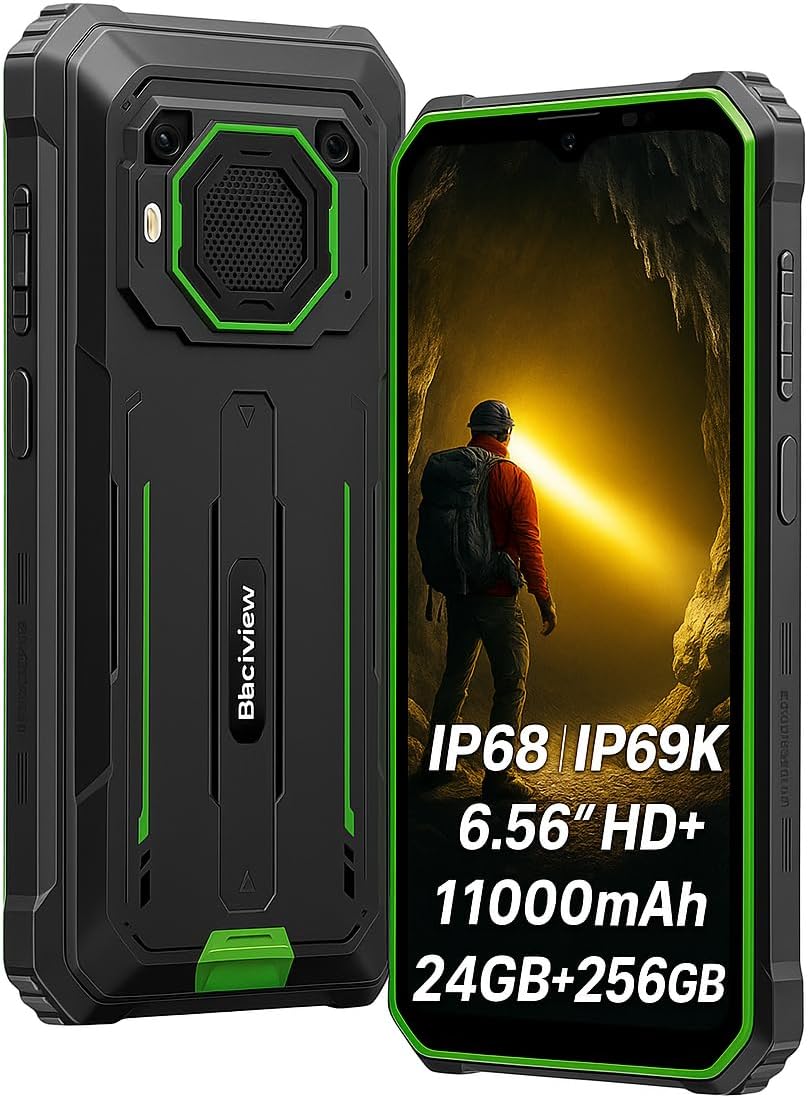
Figura 2.1: Față și spate view al Negruluiview BV6200 Plus smartphone.
2.1 Conținutul pachetului
Upon unboxing, please verify that the following items are included:
- Negruview BV6200 Plus Smartphone
- Cablu USB de tip C
- Adaptor de alimentare
- Instrumentul Ejector SIM
- Manual de utilizare (acest document)
3. Configurare
3.1 Instalarea cartelei SIM și a cardului SD
- Localizați suportul pentru cartela SIM pe lateralul dispozitivului.
- Introduceți instrumentul de ejectare a cartelei SIM în orificiul mic de lângă tavă și apăsați ușor până când tava iese afară.
- Introduceți cartela/cartelele Nano-SIM și/sau cardul microSD (până la 1 TB) în sloturile desemnate de pe tavă. Asigurați-vă că contactele aurii sunt orientate în jos.
- Reintroduceți cu grijă tava în telefon până când se fixează în poziție cu un clic.
3.2 Pornirea inițială
Press and hold the Power button (located on the right side of the device) for a few seconds until the Blackview logo appears. Follow the on-screen instructions to complete the initial setup, including language selection, Wi-Fi connection, and Google account setup.
3.3 Încărcarea dispozitivului
Before first use, it is recommended to fully charge the device. Connect the USB Type-C cable to the phone's charging port and the other end to the power adapter. Plug the adapter into a wall outlet. The device supports 18W fast charging, allowing a full charge in approximately 3 hours.

Figure 3.1: The Blackview BV6200 Plus supports 18W fast charging.
4. Instrucțiuni de utilizare
4.1 Funcții de bază
- Efectuand apeluri: Deschide aplicația Telefon, introdu numărul și atinge pictograma de apel.
- Trimiterea mesajelor: Deschide aplicația Mesaje, atinge „Începe chatul”, introdu destinatarul și mesajul, apoi trimite.
- Conectivitate la internet: Connect to Wi-Fi via Settings > Network & internet > Wi-Fi, or enable mobile data via Settings > Network & internet > Mobile network.
4.2 Funcționarea camerei
Negrulview BV6200 Plus features a 16MP AI rear camera and a 13MP AI front camera. Open the Camera app to capture photos and videos. Various modes, including an underwater camera mode, are available.

Figure 4.1: The 16MP AI rear camera system.
4.3 Ultra-Loud Speaker
The device is equipped with a 3W ultra-loud stereo speaker, capable of producing sound up to 98dB. This feature is ideal for outdoor use or situations where high volume is required.

Figure 4.2: Detail of the 3W ultra-loud stereo speaker.
4.4 Caracteristici de afișare
The 6.56-inch HD+ display offers clear visuals. It features an intelligent 90Hz dynamic refresh rate for smooth scrolling and responsive touch interactions.
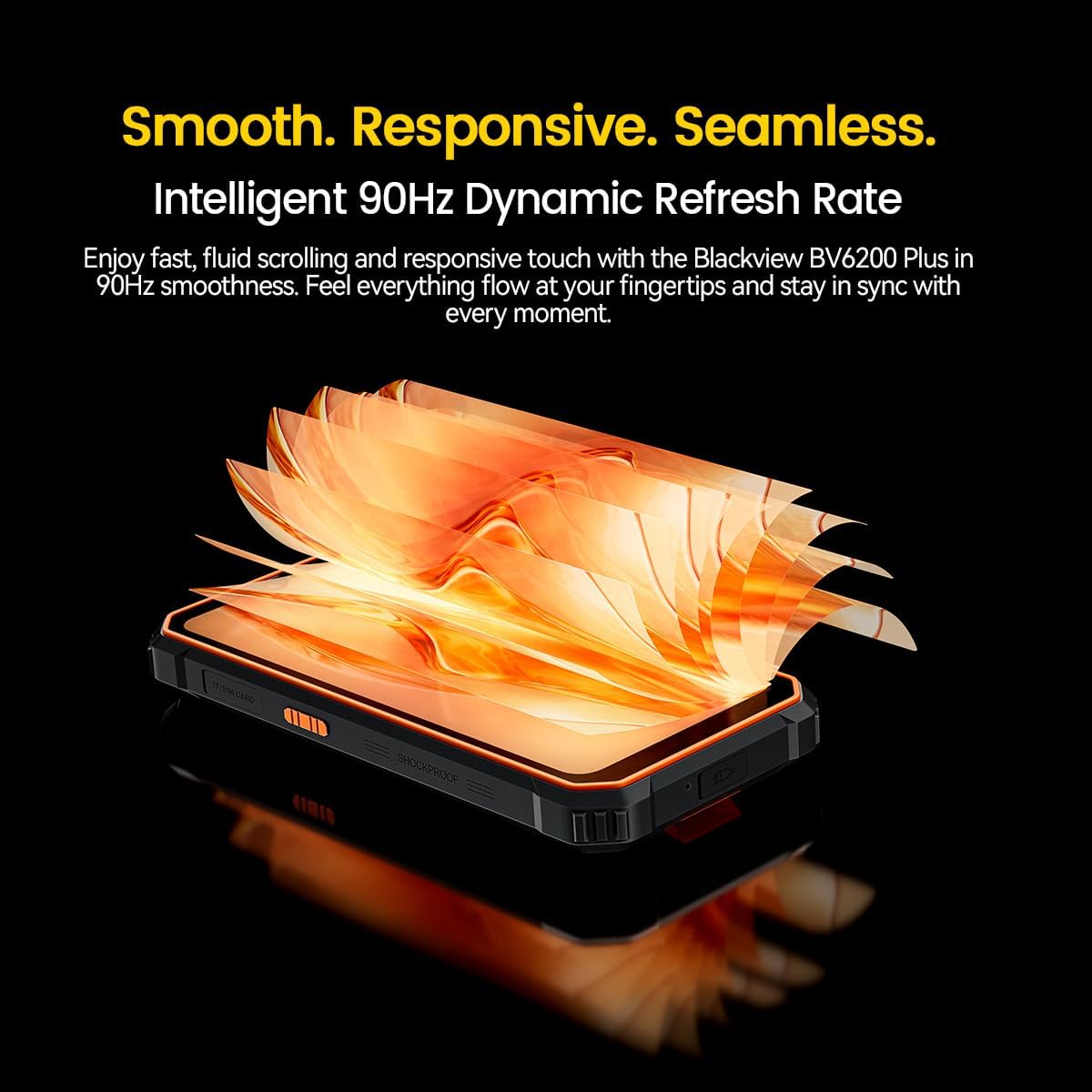
Figure 4.3: The 90Hz dynamic refresh rate display.
4.5 Glove Mode
Negrulview BV6200 Plus includes a Glove Mode, allowing you to operate the touchscreen effectively even while wearing gloves. This is particularly useful in cold weather or industrial environments. To activate/deactivate Glove Mode, navigate to Settings > Smart Assistant > Glove Mode.
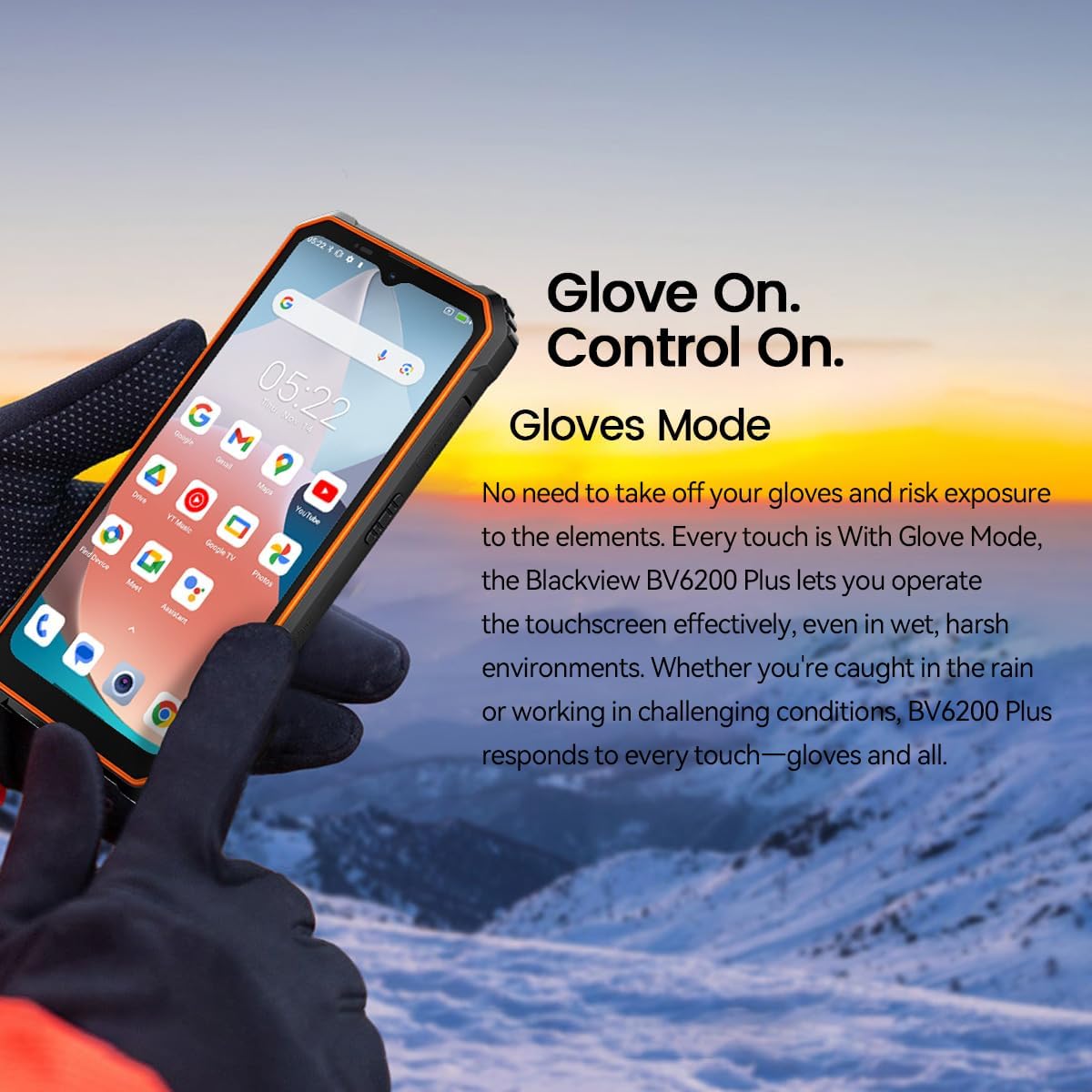
Figure 4.4: Operating the device with gloves using Glove Mode.
4.6 Funcționalitate NFC
The device supports Near Field Communication (NFC) for contactless payments, quick pairing with compatible devices, and data exchange. Ensure NFC is enabled in Settings > Connected devices > Connection preferences > NFC.
5. Întreținere
5.1 Water and Dust Resistance (IP68 & IP69K)
Negrulview BV6200 Plus is certified with IP68 and IP69K ratings, indicating resistance to dust ingress and water immersion. It can withstand submersion in water up to 1.5 meters for 30 minutes. While designed to be robust, avoid intentional prolonged submersion or exposure to high-pressure water jets beyond specified limits. Ensure all ports are securely closed before exposing the device to water or dust.
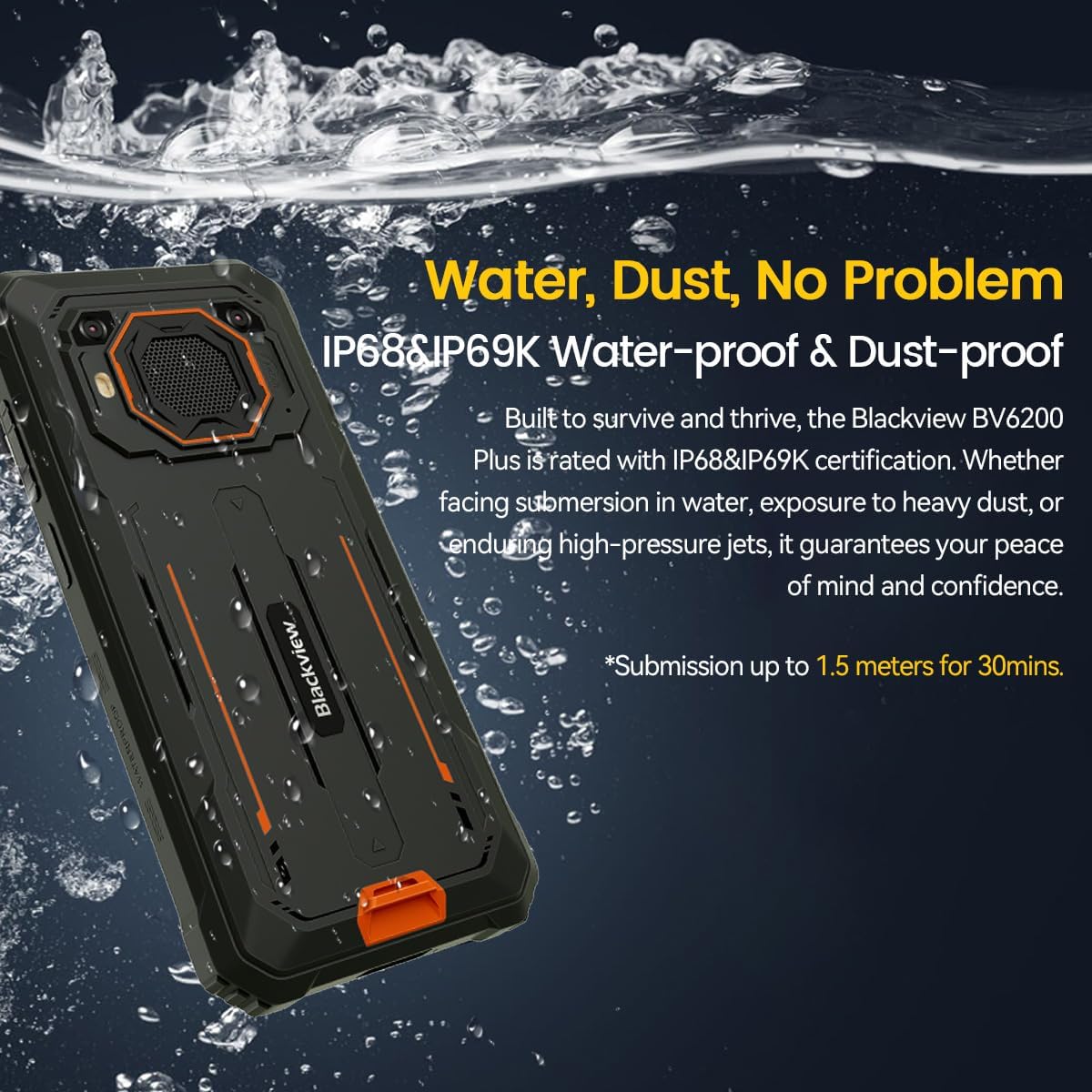
Figure 5.1: The device's water and dust resistance.
5.2 Protecție la cădere
The device features a reinforced, shock-absorbing frame and is MIL-STD 810H certified, providing 360° drop protection. It is designed to withstand drops from up to 1.2 meters. Despite its ruggedness, extreme impacts should still be avoided to prevent potential damage.

Figure 5.2: The device's robust drop protection design.
5.3 Îngrijirea bateriei
Pentru a maximiza durata de viață a bateriei și performanța:
- Evitați expunerea dispozitivului la temperaturi extreme.
- Folosiți doar încărcătorul și cablul originale furnizate.
- Nu lăsați bateria să se descarce complet frecvent.
- Dacă dispozitivul nu va fi utilizat pentru o perioadă lungă de timp, încărcați-l la aproximativ 50% înainte de a-l depozita.
6. Depanare
Dacă întâmpinați probleme cu Blackview BV6200 Plus, refer to the following common solutions:
- Dispozitivul nu pornește: Asigurați-vă că bateria este încărcată. Conectați încărcătorul la încărcător timp de cel puțin 15 minute înainte de a încerca să îl porniți din nou.
- Probleme de încărcare: Check if the charging cable and adapter are securely connected. Try a different outlet or charging accessory.
- Probleme de conectivitate la rețea: Verify that your SIM card is correctly inserted and activated. Check network settings and ensure mobile data or Wi-Fi is enabled. Restart the device.
- Aplicațiile se blochează sau se blochează: Închideți și redeschideți aplicația. Ștergeți memoria cache și datele aplicației din Setări > Aplicații. Dacă problema persistă, dezinstalați și reinstalați aplicația.
- Ecranul tactil nu răspunde: Restart the device. If the issue continues, perform a factory reset (backup data first).
For more complex issues, please contact Blackview suport pentru clienți.
7. Specificații
| Caracteristică | Caietul de sarcini |
|---|---|
| Marca | Negruview |
| Numărul de model | BV6200 PLUS |
| Sistem de operare | Android 14 |
| Dimensiunea afișajului | 6.56 inchi |
| Rezoluția afișajului | 720 x 1280 |
| RAM | Up to 24GB (8GB + 16GB Extended) |
| Stocare internă | 256 GB |
| Stocare extensibilă | SD card slot up to 1TB |
| Capacitatea bateriei | Litiu-polimer 11000mAh |
| Încărcare | Încărcare rapidă de 18 W, încărcare inversă de 5 W |
| Camera spate | 16 Megapixels AI |
| Cameră frontală | 13 Megapixels AI |
| Difuzor | 3W Ultra-loud Stereo Speaker (98dB) |
| Conectivitate | TYPE-C, GSM, 3G, 4G, Bluetooth, GPS, WIFI, NFC |
| Durabilitate | IP68 & IP69K Water/Dust Resistant, MIL-STD 810H Drop Protection |
| Viteza procesorului | 1.6 GHz |
8. Garanție și asistență
Negrul tăuview BV6200 Plus smartphone comes with a Garanție de 2 an de la producătorAceastă garanție acoperă defectele de fabricație în condiții normale de utilizare. Vă rugăm să păstrați dovada achiziției pentru a putea solicita drept de garanție.
For technical support, warranty service, or further inquiries, please visit the official Blackview website or contact their customer service department. Contact information can typically be found on the Blackview oficial webla fața locului sau în materialele de ambalare.


