Introducere
This manual provides instructions for the setup, operation, and maintenance of your Incase Wireless Mobile Mouse 1850. This compact and comfortable mouse is designed for both left and right-handed users and offers reliable wireless connectivity for various computing environments.
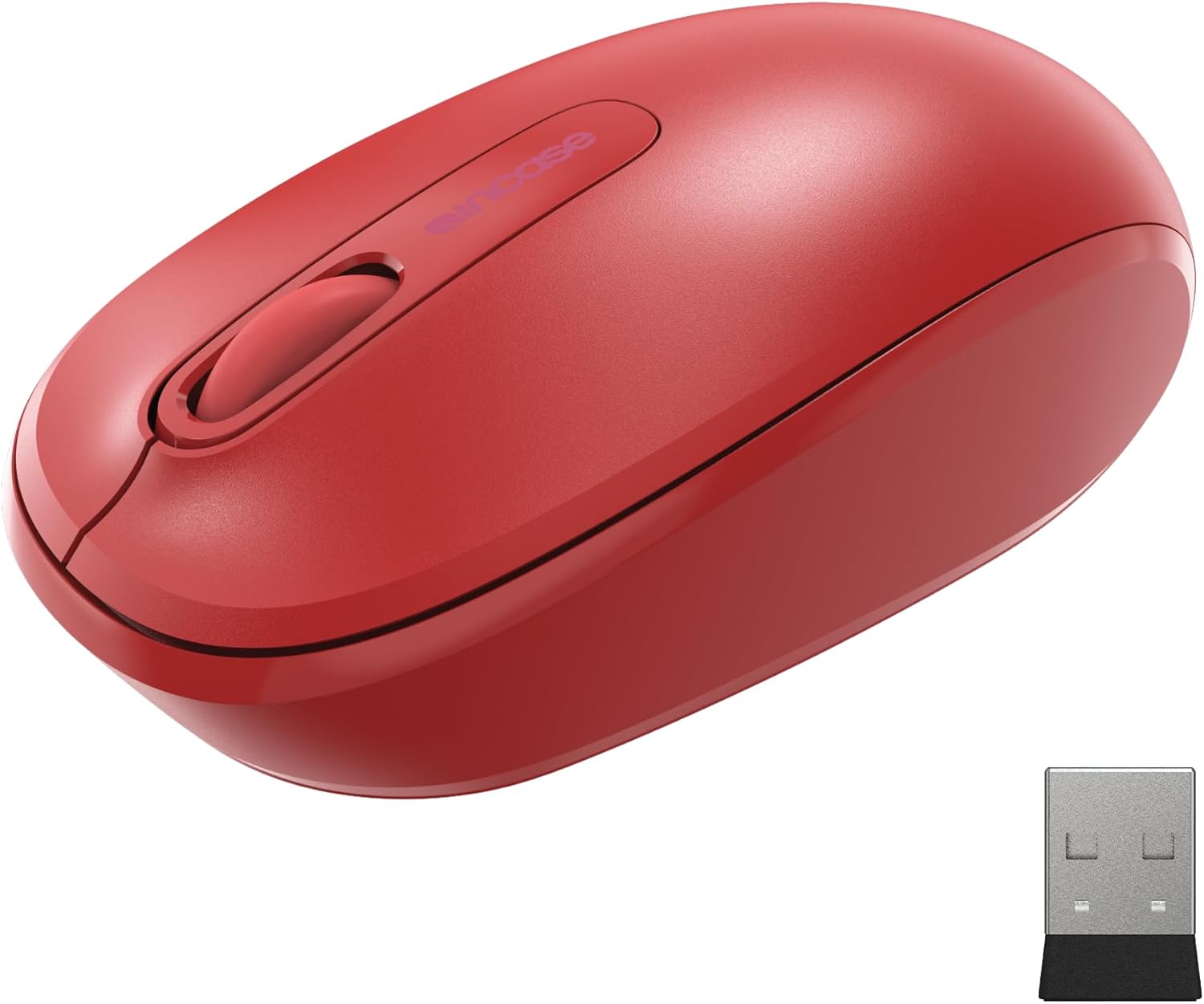
Image: The Incase Wireless Mobile Mouse 1850 in Flame Red, shown alongside its compact USB nano transceiver.
Conținutul pachetului
Asigurați-vă că toate articolele sunt prezente în colet:
- Incase Wireless Mobile Mouse 1850
- USB Nano Transceiver
- 1 baterii AA
Înființat
1. Instalarea bateriei
- Localizați compartimentul bateriei pe partea inferioară a mouse-ului.
- Deschideți capacul compartimentului bateriei.
- Introduceți bateria AA inclusă, asigurându-vă că polaritatea este corectă (+/-).
- Închideți bine capacul compartimentului bateriei.

Image: The underside of the mouse, illustrating the battery compartment and the slot for storing the USB nano transceiver.
2. Connecting the USB Nano Transceiver
- Remove the USB nano transceiver from its storage slot on the underside of the mouse (if stored).
- Plug the USB nano transceiver into an available USB port on your computer (Mac or Windows 8/10/11).
- Calculatorul dumneavoastră ar trebui să detecteze și să instaleze automat driverele necesare. Acest lucru poate dura câteva momente.
The nano transceiver is designed for "plug-and-go" convenience and can be left plugged into your computer or stored in the mouse when not in use.
Operațiunea
Pornire/Oprire
Locate the On/Off power switch on the underside of the mouse. Slide the switch to the "On" position to activate the mouse. Slide it to "Off" when not in use to conserve battery life.
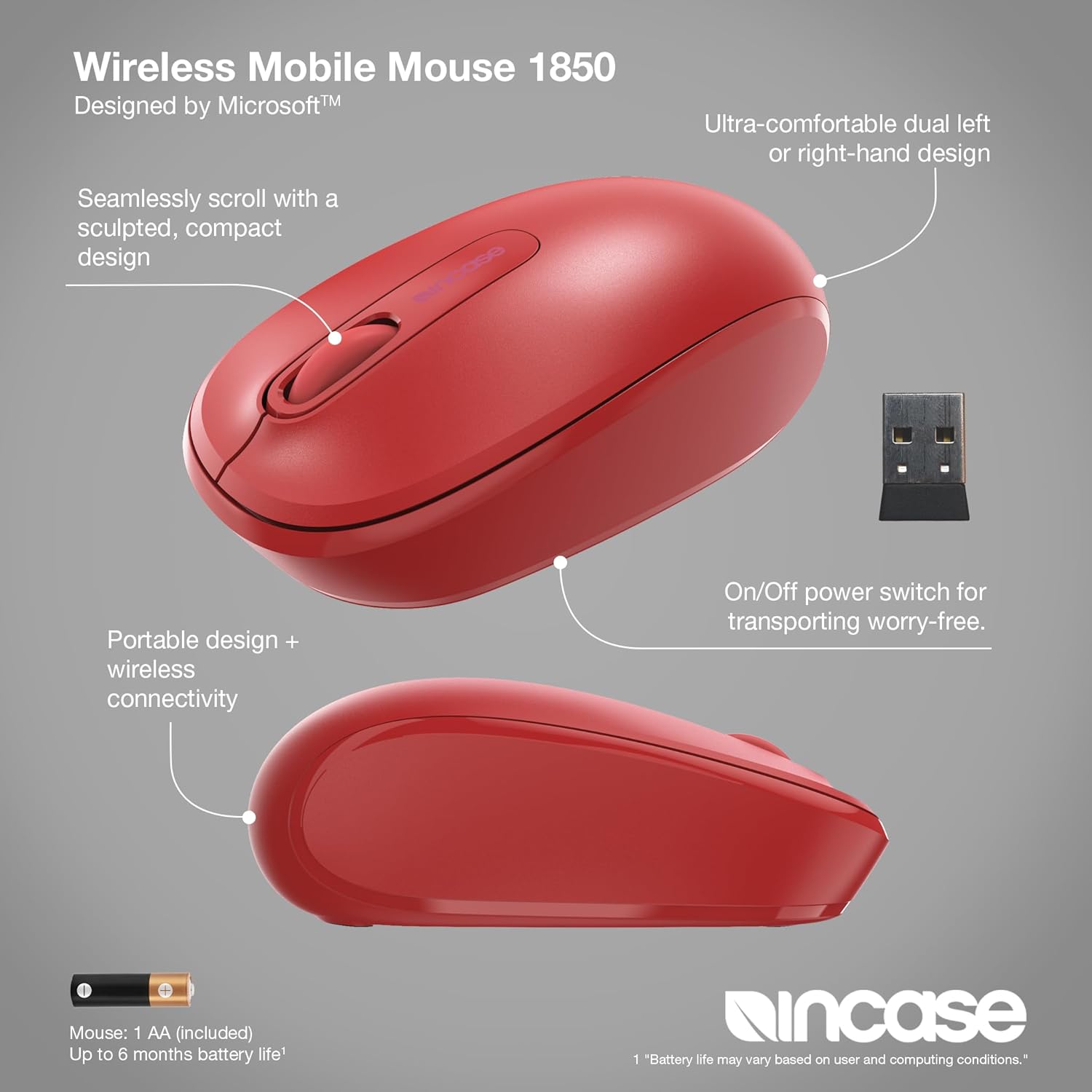
Imagine: O imagine detaliată view of the mouse, pointing out its ambidextrous design, scroll wheel, and the location of the On/Off power switch.
Funcții de bază
- Click stânga: Apăsați butonul stâng pentru a selecta elemente sau a activa funcții.
- Click dreapta: Press the right button to access context menus.
- Rotiță de defilare: Rotiți rotița de derulare în sus sau în jos pentru a naviga prin documente și web pages. The scroll wheel can also be pressed for middle-click functionality, depending on your operating system settings.
Design ambidextru
The Incase Wireless Mobile Mouse 1850 features a symmetrical design, making it comfortable for both left-handed and right-handed users. No special configuration is required for ambidextrous use, though you may adjust primary button settings in your operating system's mouse preferences.
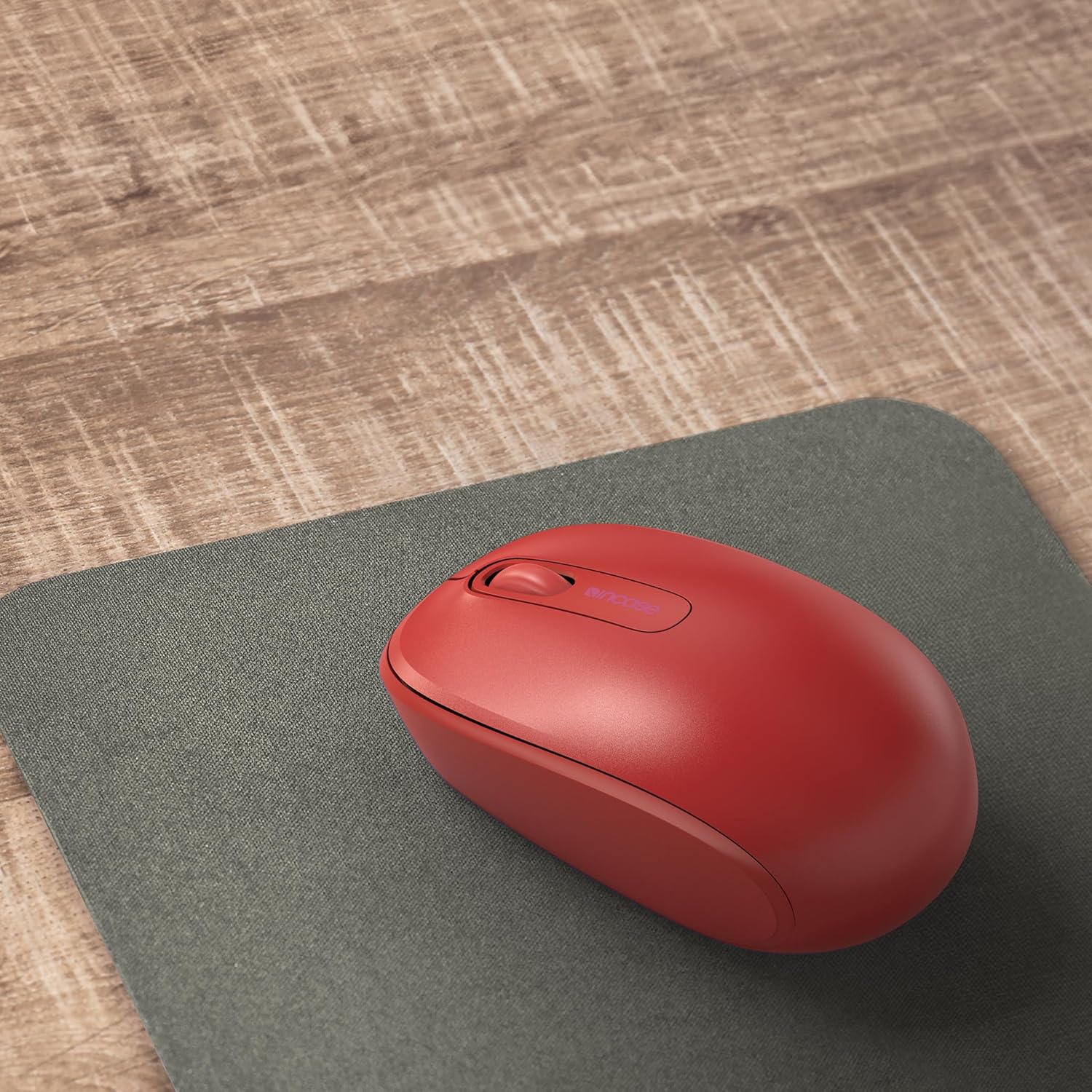
Image: The mouse positioned on a mousepad, demonstrating its ergonomic shape suitable for general use.
Întreţinere
Curatenie
- Folosiți o lavetă moale, fără scame, pentru a șterge suprafața mouse-ului.
- Pentru murdăria persistentă, dreaptă ușorampCurățați cârpa cu apă sau o soluție de curățare delicată. Evitați umiditatea excesivă.
- Nu utilizați substanțe chimice dure, agenți de curățare abrazivi sau solvenți.
Înlocuirea bateriei
The mouse is designed for up to six months of battery life. When the mouse performance degrades or stops responding, replace the AA battery by following the "Installing the Battery" steps in the Setup section.
Depanare
| Problemă | Soluţie |
|---|---|
| Șoarecele nu răspunde |
|
| Mișcare neregulată a cursorului |
|
| Probleme de conexiune wireless |
|
Specificații
- Număr de model: U7Z-00001
- Conectivitate: 2.4 GHz Wireless (USB Nano Transceiver)
- Detectarea mișcării: Optic
- Tip baterie: 1 x AA (inclus)
- Durata de viață a bateriei: Până la 6 luni (utilizare tipică)
- Dimensiuni (L x l x H): Aproximativ 4.0 x 2.3 x 1.5 inci
- Greutate: 3.2 ounces (with battery)
- Compatibilitate: Windows 8, Windows 10, Windows 11, Mac OS
- Caracteristici speciale: Ambidextrous design, Portable, Lightweight, Nano Transceiver storage

Image: A visual representation of the mouse with its approximate length (4.0 in), width (2.3 in), and height (1.5 in) indicated.
Garanție și suport
Informații despre garanție
The Incase Wireless Mobile Mouse 1850 is backed by a Garanție limitată de 1 an from the date of purchase. This warranty covers defects in materials and workmanship under normal use. It does not cover damage caused by accident, abuse, misuse, or unauthorized modification.
Vă rugăm să păstrați dovada achiziției pentru cererile de garanție.
Asistență pentru clienți
For technical assistance, warranty claims, or further information, please visit the official Incase support website or contact their customer service department. Refer to the product packaging or the Incase website pentru cele mai recente date de contact.
De asemenea, puteți vizita Incase Store on Amazon pentru informații suplimentare despre produs.


