1. Introducere
Welcome to the user manual for your Pulsar Axion Compact Thermal Imaging Monocular XG35. This device is engineered to deliver advanced thermal imaging capabilities within a portable and ergonomic design. Please review this manual thoroughly to understand the features, proper operation, and maintenance procedures for your monocular.

Image 1.1: The Pulsar Axion Compact Thermal Imaging Monocular XG35.
2. Caracteristici cheie
The Pulsar Axion Compact Thermal Imaging Monocular XG35 incorporates several advanced features for enhanced performance:
- Senzor termic de înaltă rezoluție: Features a 12-micron microbolometer and a 640x400 AMOLED display for superior image clarity and detail.
- Design compact și ușor: Engineered for portability and ease of use, fitting comfortably in hand or pocket.
- Eight Color Modes: Offers a variety of viewing options to adapt to different environments and user preferences, enhancing visibility and target identification.
- Durabilitate robustă: Designed with a wide operating temperature range (-13°F to +104°F) and an IPX7 waterproof rating for reliable performance in harsh conditions.
- Extended Detection Range: Capable of detecting heat signatures up to 1750 yards.
- Durată lungă de viață a bateriei: Equipped with an APS 5 Li-Ion battery providing up to 7 hours of continuous use.
- Stream Vision 2 App Support: Compatible with the Stream Vision 2 application for remote control, streaming, and firmware updates via iOS and Android devices.

Image 2.1: The Axion XG35 Compact monocular, emphasizing its portability.

Image 2.2: Illustration of the monocular's compact size, fitting into a pocket.
3. Conținutul pachetului
La deschiderea ambalajului, verificați dacă sunt prezente toate componentele următoare:
- Pulsar Axion Compact Thermal Imaging Monocular XG35
- Baterie APS 3
- Adaptor de alimentare
- Husă de transport
- Manual de utilizare (acest document)
4. Configurare
4.1. Instalarea bateriei
Locate the battery compartment on the monocular. Insert the APS 3 battery, ensuring correct orientation according to the markings inside the compartment. Close the compartment securely.
4.2. Încărcarea bateriei
Connect the provided power adapter to the charging port on the monocular and then plug the adapter into a standard electrical outlet. The charging indicator will illuminate. A full charge typically takes several hours. Ensure the battery is fully charged before first use for optimal performance.
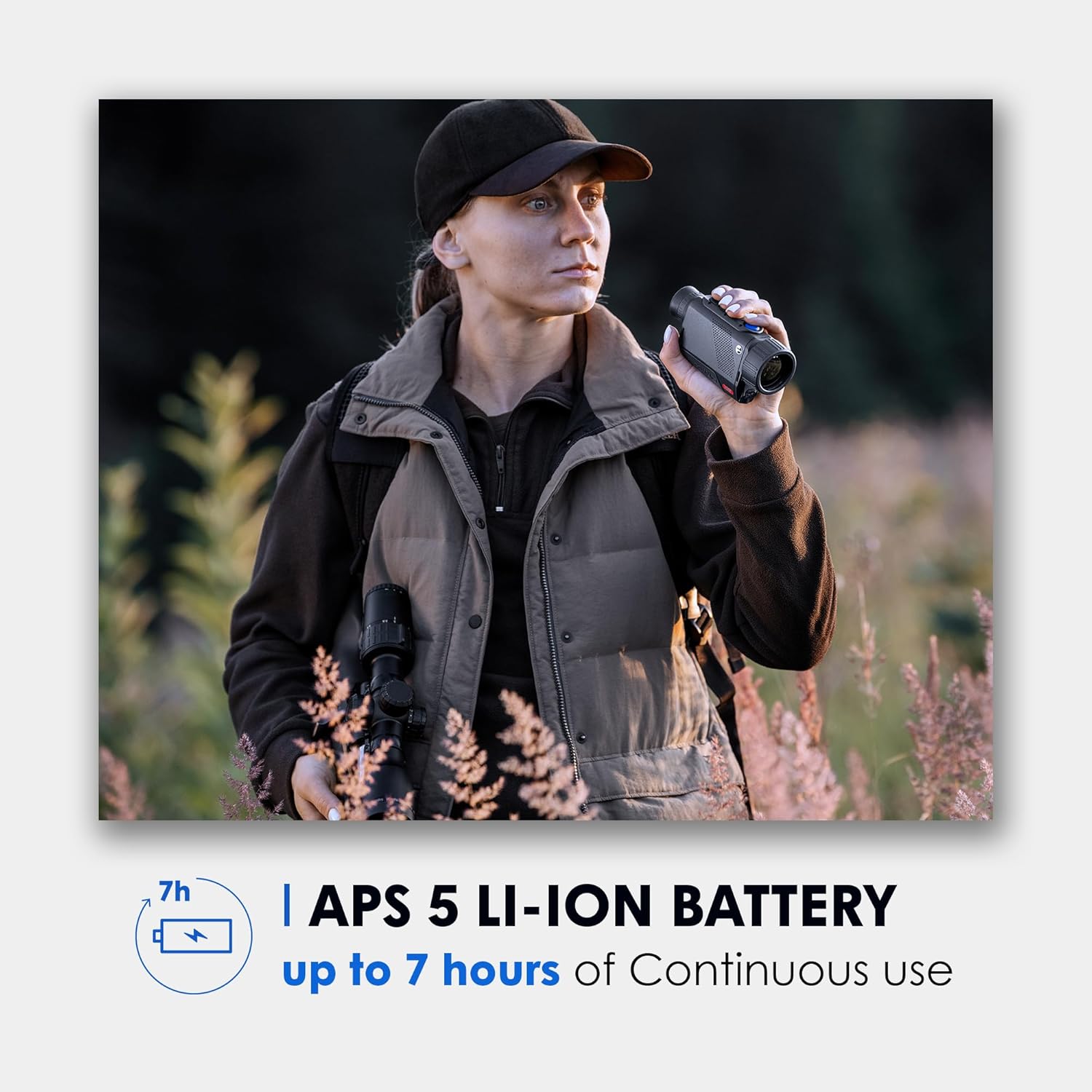
Image 4.1: Illustration of the APS 5 Li-Ion battery, indicating its capacity.
4.3. Pornire/Oprire
To power on the device, press and hold the power button (typically located on the top panel) until the display illuminates. To power off, press and hold the power button again until the display shuts down.
5. Instrucțiuni de utilizare
5.1. Controale de bază
Familiarize yourself with the buttons on the top panel of the monocular. These typically include:
- Buton de alimentare: For turning the device on/off and sometimes for quick menu access.
- Buton de meniu: To access the main settings and options.
- Zoom/Magnification Buttons: To adjust the digital magnification level.
- Color Palette Button: To cycle through different thermal color modes.
5.2. Ajustarea focalizării
To achieve a clear and sharp image, rotate the objective lens (front lens) to adjust the focus for objects at different distances. Additionally, adjust the eyepiece diopter for your individual vision by rotating the eyepiece until the on-screen information is sharp.
5.3. Moduri de culoare
The XG35 offers eight distinct color palettes to optimize viewing for various scenarios. Press the dedicated color mode button to cycle through:
- Alb fierbinte
- Negru fierbinte
- Roșu fierbinte
- Red Monochrome
- Curcubeu
- Ultramarin
- Violet
- Sepia

Image 5.1: Visual representation of the eight available color palettes.
5.4. Stream Vision 2 App Integration
Enhance your monocular's functionality by connecting it to the Stream Vision 2 mobile application. Download the app from your device's app store (iOS and Android compatible). The app allows for remote control of the monocular, live streaming of thermal footage, and convenient firmware updates.

Image 5.2: A smartphone displaying the Stream Vision 2 app interface connected to a thermal device.
6. Întreținere
6.1. Curatenie
To maintain optimal performance, keep the monocular clean. Use a soft, lint-free cloth to gently wipe the optical surfaces (lenses). For stubborn smudges, a specialized optical cleaning solution can be applied to the cloth, not directly to the lens. Avoid using abrasive materials, harsh chemicals, or excessive force, as these can damage the coatings.
6.2. Depozitare
When not in use, store the Pulsar Axion Compact Thermal Imaging Monocular XG35 in its provided carrying case. Ensure the device is powered off and stored in a dry, cool environment, away from direct sunlight and extreme temperatures. Remove the battery if storing for extended periods to prevent potential leakage.
7. Depanare
This section addresses common issues you might encounter with your monocular.
- Dispozitivul nu pornește: Ensure the APS 3 battery is correctly installed and fully charged. Connect the power adapter to confirm if the issue is battery-related.
- Poor image quality or blurry display: Adjust the objective lens for focus and the eyepiece diopter for your vision. Clean the lenses if they are dirty.
- Bateria se descarcă rapid: Ensure the device is completely powered off when not in use. Extreme cold temperatures can reduce battery life. If the battery is old or appears damaged, consider replacing it.
- No image or display issues: Try restarting the device. If the problem persists, ensure the battery is charged and properly seated.
If you encounter issues not covered here or if troubleshooting steps do not resolve the problem, please refer to the Warranty & Support section for contact information.
8. Specificații
The following table outlines the key specifications for the Pulsar Axion Compact Thermal Imaging Monocular XG35:
| Caietul de sarcini | Valoare |
|---|---|
| Numele modelului | Axion XG35 |
| Numărul piesei | PL77509 |
| Rezoluția senzorului | 640x480 (12-micron) |
| Tip de afișare | AMOLED |
| Mărire | 2.5-20x |
| Interval de detectare | 1750 de metri |
| Tip baterie | APS 3 Li-Ion |
| Temperatura de operare | -13°F până la +104°F |
| Evaluare rezistentă la apă | IPX7 |
| Material | Aliaj de magneziu |
| Greutatea articolului | 0.77 lire sterline |
| Dimensiuni articol (Lxlxh) | 5.8 x 2 x 2.8 inci |
| Producător | Sellmark Corporation |
| Data primului disponibil | 1 noiembrie 2024 |

Image 8.1: Key specifications including magnification, display, and IPX7 rating.

Imaginea 8.2: Detaliată view of the monocular's sensor specifications.

Image 8.3: Illustration of the 1750-yard detection range capability.
9. Garanție și asistență
9.1. Informații despre garanție
The Pulsar Axion Compact Thermal Imaging Monocular XG35 is covered by a 5 ani garanție producătorAceastă garanție acoperă defectele de materiale și de fabricație în condiții normale de utilizare. Vă rugăm să păstrați dovada achiziției pentru reclamațiile în garanție.
9.2. Asistență pentru clienți
For technical assistance, troubleshooting, or to initiate a warranty claim, please contact Pulsar customer support. You can find up-to-date contact information and additional resources on the official Pulsar website: www.pulsarnv.com.


