Introducere
Thank you for choosing the ErGear EGESD65W Electric Standing Desk. This manual provides detailed instructions for the assembly, operation, and maintenance of your new desk. Designed for both home and office use, this adjustable standing desk promotes a healthier and more productive work environment by allowing you to effortlessly switch between sitting and standing positions. Please read this manual thoroughly before assembly and use to ensure proper function and safety.
Informații de siguranță
- Asigurați-vă că toate componentele sunt prezente și nedeteriorate înainte de asamblare. Nu utilizați produsul dacă lipsesc sau sunt defecte piesele.
- Țineți copiii și animalele de companie departe de birou în timpul funcționării pentru a preveni accidentările cauzate de piesele în mișcare.
- Do not overload the desk. Refer to the 'Specifications' section for maximum weight capacity.
- Asigurați-vă că cablul de alimentare este conectat și poziționat corect pentru a evita pericolele de împiedicare sau deteriorare.
- Nu așezați lichide direct pe panoul de control sau pe componentele motorului.
- Folosiți biroul doar în scopul pentru care a fost conceput, ca stație de lucru.
Conținutul pachetului
Vă rugăm să verificați dacă toate componentele următoare sunt incluse în pachetul dumneavoastră:
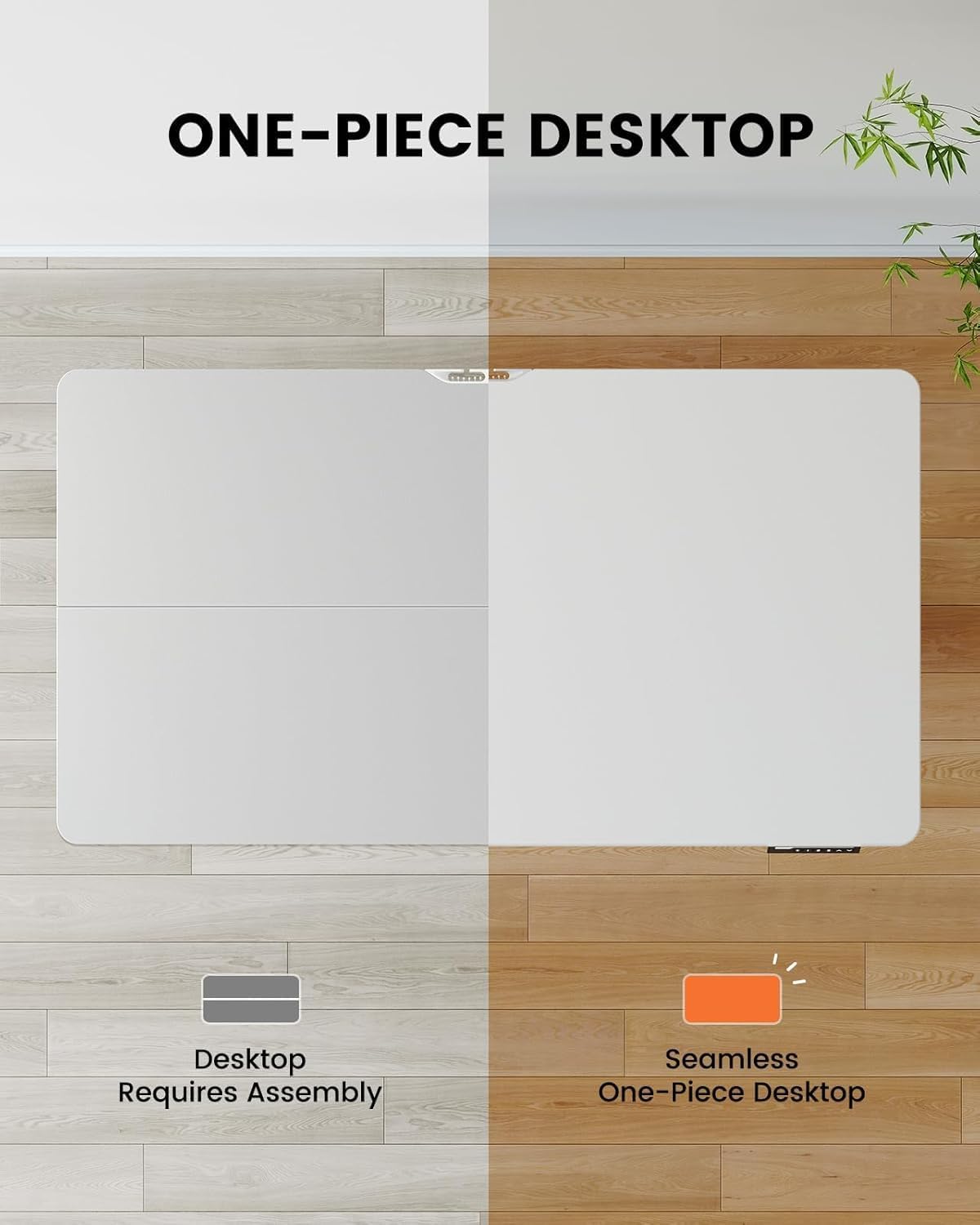
- One-Piece Desktop (48x30 inch)
- Coloane de ridicare electrice (picioare)
- Panou de control cu afișaj digital
- Tavă de gestionare a cablurilor
- Adaptor de alimentare și cablu
- Assembly Hardware Kit (screws, tools)
- Manual de instructiuni
Configurare și asamblare
The ErGear EGESD65W features a one-piece desktop for simplified and faster installation. Follow these steps carefully:
- Despachetați componente: Scoateți cu grijă toate piesele din ambalaj și așezați-le pe o suprafață curată și moale pentru a preveni zgârieturile.
- Attach Lifting Columns: Secure the electric lifting columns (legs) to the underside of the one-piece desktop using the provided screws. Ensure they are aligned correctly with the pre-drilled holes.
- Instalați Panoul de control: Mount the control panel to the designated area on the front edge of the desktop.
- Cabluri de conectare: Connect the motor cables from the lifting columns to the control box, and then connect the control panel cable to the control box. Finally, connect the power adapter to the control box.
- Attach Cable Management Tray: Install the cable management tray to the underside of the desktop as shown in the diagram, providing a neat solution for your power and data cables.
- Biroul de poziții: Carefully flip the desk upright and place it in your desired location. Ensure there is enough clearance for height adjustments.

Instrucțiuni de operare
Your ErGear standing desk is equipped with an intuitive control panel for easy height adjustment and memory presets.
Funcțiile panoului de control:
- Săgeți sus/jos (▲ / ▼): Press and hold to continuously adjust the desk height up or down. Release to stop at your desired height.
- Presetări de memorie (1, 2, 3, 4): Press a numbered button to move the desk to a pre-saved height. To save a height, adjust the desk to the desired position, then press the 'M' button followed by the desired number (1-4). The display will show 'S-' then the number to confirm.
- Afişa: Afișează înălțimea curentă a biroului în inci.


Întreţinere
Întreținerea regulată asigură longevitatea și buna funcționare a biroului dumneavoastră ErGear pentru lucru în picioare.
- curatenie: Ștergeți blatul de lucru și picioarele cu o lavetă moale șiamp Evitați produsele de curățare abrazive sau substanțele chimice dure care ar putea deteriora finisajul.
- Organizare de cabluri: Periodically check the cable management tray and ensure all cables are neatly organized and not pinched or tangled.
- Strângerea șuruburilor: În timp, șuruburile se pot slăbi. Verificați și strângeți periodic toate șuruburile de asamblare pentru a menține stabilitatea.
- Inspecția motorului: Ensure the motor and lifting columns are free from obstructions. Do not attempt to lubricate or disassemble the motor components.
Depanare
If you encounter any issues with your ErGear standing desk, please refer to the following common problems and solutions:
| Problemă | Cauza posibila | Soluţie |
|---|---|---|
| Biroul nu se mișcă. | Power cord disconnected; Motor cable loose; Overload. | Check power connection; Ensure all cables are securely plugged in; Reduce weight on desk. |
| Biroul se mișcă neuniform. | Uneven weight distribution; Loose screws. | Distribute weight evenly; Tighten all assembly screws. |
| Afișajul afișează un cod de eroare. | System malfunction; Overheating. | Unplug the desk for 10 minutes, then plug back in. If error persists, contact customer support. |
| Desk makes unusual noise. | Obstruction in lifting mechanism; Loose components. | Check for obstructions under the desk; Tighten screws. |
Dacă problema persistă după încercarea acestor soluții, vă rugăm să contactați serviciul de asistență pentru clienți ErGear pentru asistență suplimentară.
Specificații
Key technical details for your ErGear EGESD65W Standing Desk:
- Număr de model: EGESD65W-US
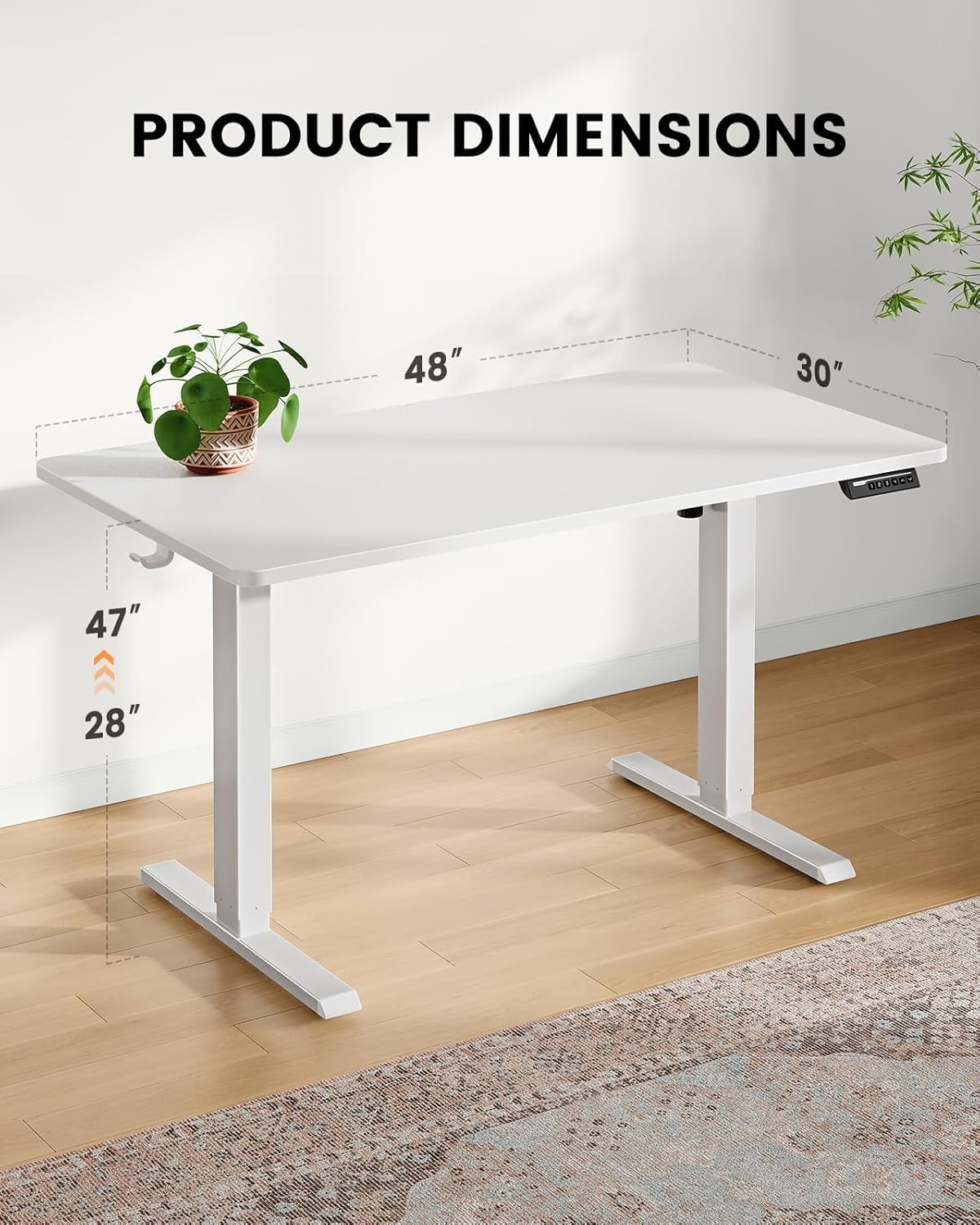
- Desktop Dimensions: 48 x 30 inci
- Gama de inaltime reglabila: Approximately 28 to 47 inches (71.1 cm to 119.4 cm)
- Material desktop: Bambus
- Material picior: Oţel inoxidabil
- Culoare: Alb
- Componente incluse: Tavă de gestionare a cablurilor
- Asamblare necesară: Da
- Operare: Electric
Garanție și suport
Your ErGear EGESD65W Electric Standing Desk comes with a Limited Warranty. For specific warranty terms and conditions, please refer to the warranty card included in your package or visit the official ErGear website-ul.
For technical support, troubleshooting assistance, or to inquire about replacement parts, please contact ErGear customer service through the contact information provided on the official ErGear website or your purchase platform. Please have your model number (EGESD65W-US) and purchase date ready when contacting support.