Introducere
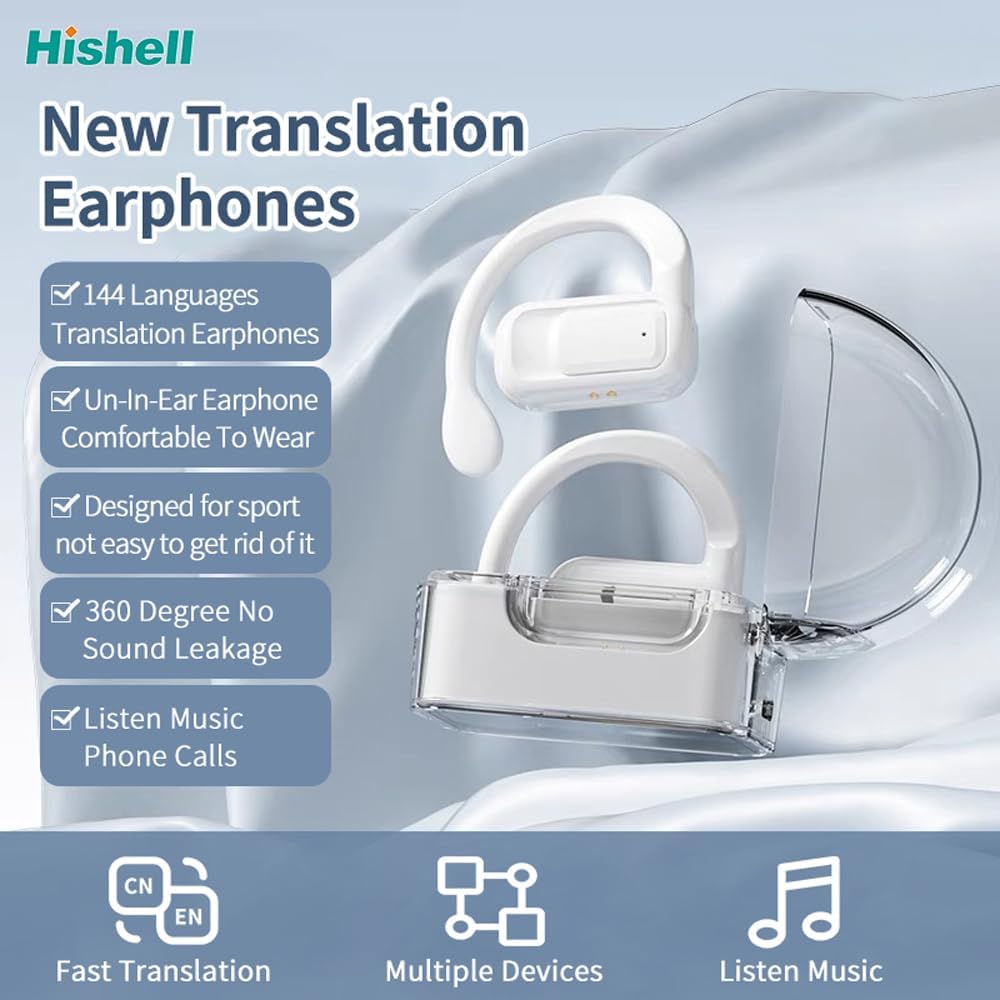
Thank you for choosing the HISHELL Language Translator Earbuds. These open-ear headphones are designed to provide seamless real-time language translation across 144 online languages, powered by 6 top translation engines. Beyond translation, they also function as versatile devices for music streaming and phone calls. This manual will guide you through the setup, operation, and maintenance of your new device to ensure an optimal user experience.

Image: The HISHELL Language Translator Earbuds, showing both earbuds and their transparent charging case.
Ce este în cutie
- 2 x Language Translator Earphones
- 1 x Charging Compartment
- 1 x Data Cable (USB-C)
- 1 x Headset User Manual
- 1 x APP Translation User Manual

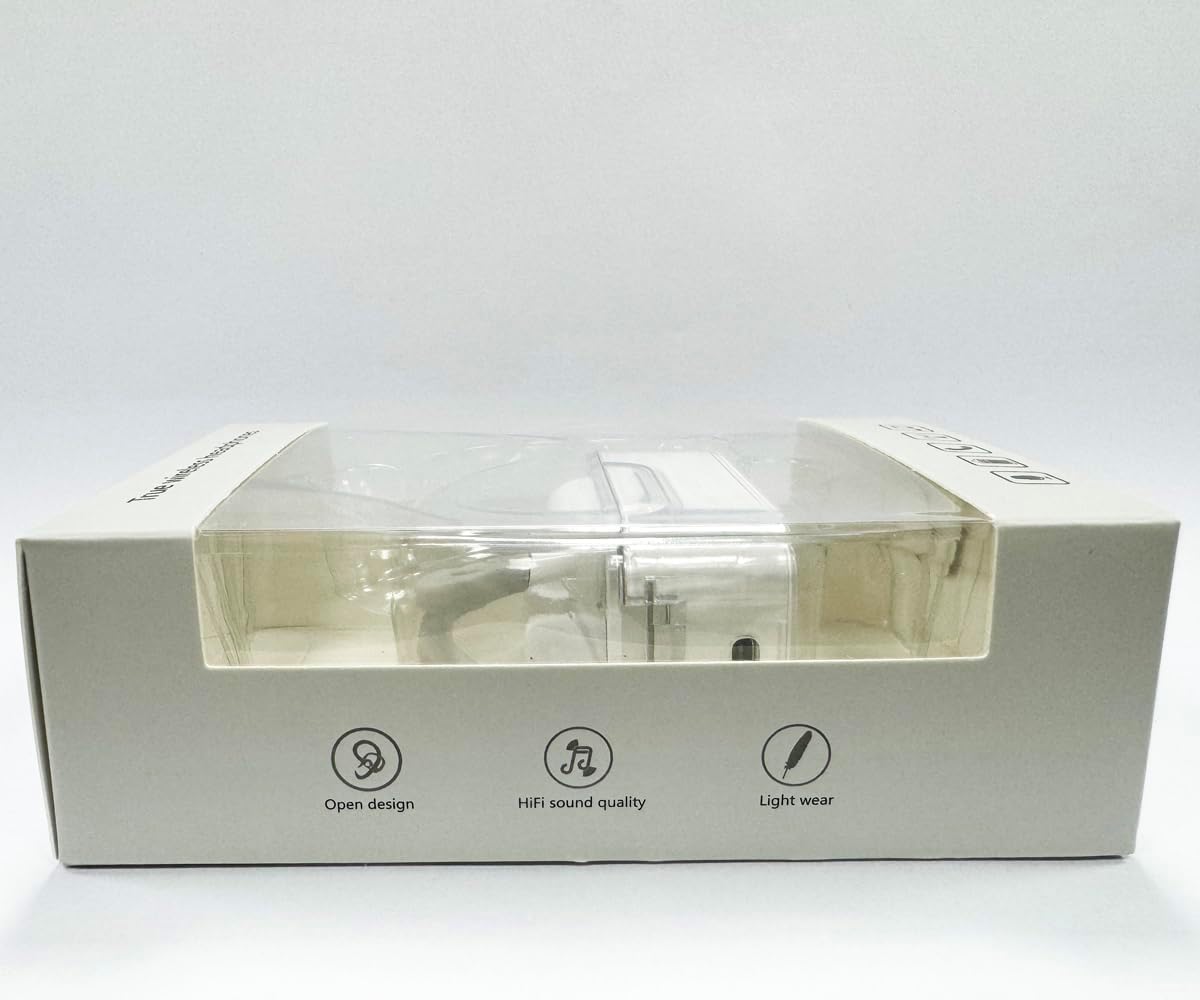
Imagine: față view of the product packaging, displaying the earbuds inside.
Înființat
1. Încărcarea căștilor și a carcasei
Before first use, fully charge the earbuds and the charging case. Connect the provided USB-C data cable to the charging port on the case and plug the other end into a USB power source (e.g., computer, wall adapter). The indicator lights on the case will show charging status.
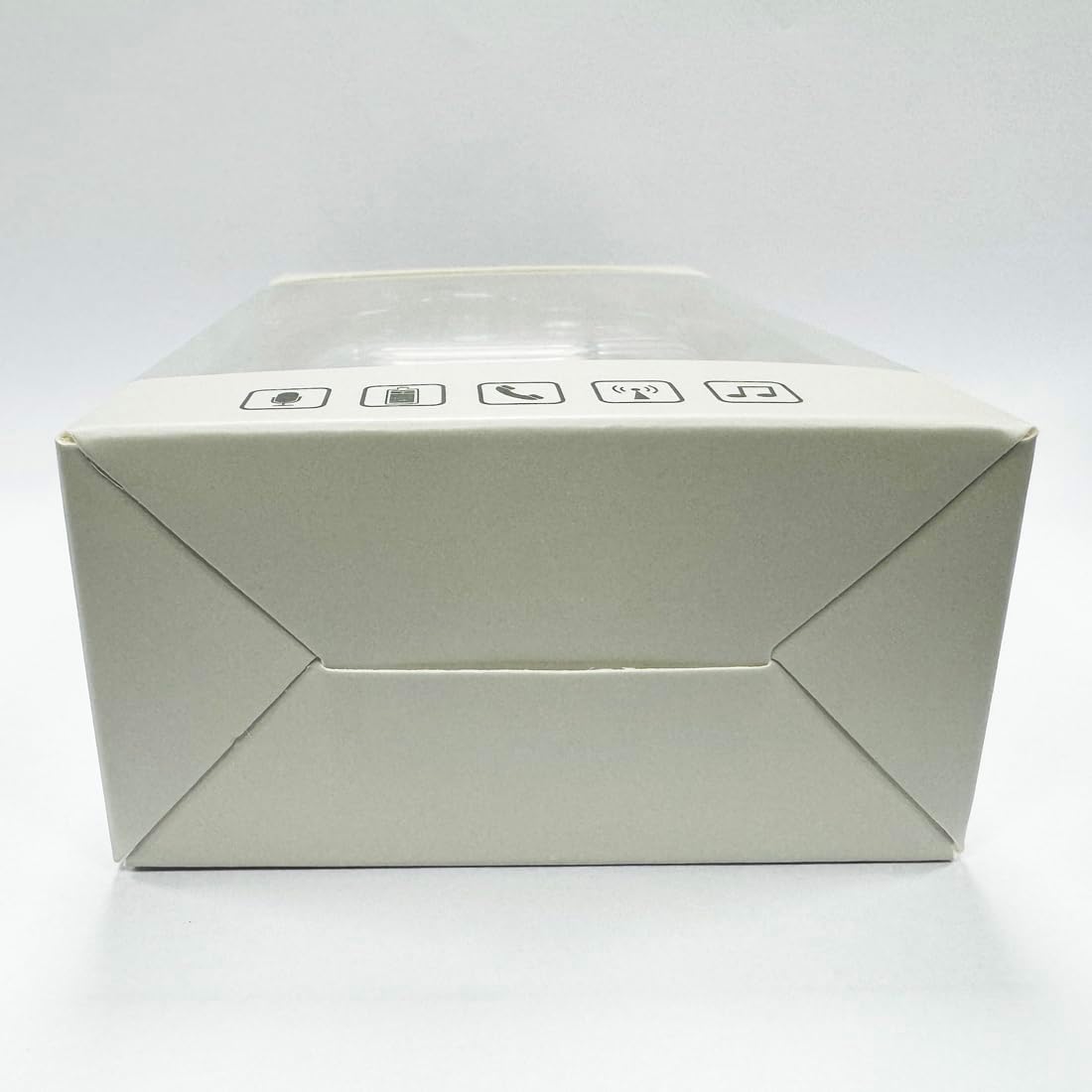
Imagine: Jos view of the charging case, highlighting the USB-C charging port.
2. Instalarea aplicației
To utilize the translation features, you must download the dedicated HISHELL translation app on your smartphone (iOS or Android). Scan the QR code provided in the APP Translation User Manual or search for "HISHELL Translator" in your device's app store.
3. Asociere Bluetooth
- Asigurați-vă că căștile sunt încărcate și scoase din carcasa de încărcare. Vor intra automat în modul de asociere.
- Pe smartphone, accesați setările Bluetooth și activați Bluetooth.
- Select "HISHELL BL02" (or similar name) from the list of available devices.
- După conectare, se va auzi un sunet de confirmare, iar căștile vor fi gata de utilizare.
Instrucțiuni de operare
The HISHELL Language Translator Earbuds offer three primary translation modes, along with standard audio functions.
Moduri de traducere

Image: Visual representation of the three distinct translation modes available with the earbuds.
- Modul atingere:
Two people each wear one earphone. Click or double-click the earphone to translate in real-time. This mode is suitable for acquaintances who are willing to wear your earphone.

Image: Two individuals using the translator earbuds in a conversational setting.
- Mod difuzor:
One person wears the earphones, and the other person holds the mobile phone. The phone's speaker will output the translation. This mode is suitable for strangers or situations where it's inconvenient for the other person to wear an earphone.
- Mod de convorbire liberă:
Both users wear an earphone. The device translates in real-time, allowing for natural, continuous conversation without needing to press buttons. This mode facilitates smooth and uninterrupted communication.
Music and Call Functions
In addition to translation, the earbuds function as standard Bluetooth headphones:
- Redare muzică: Once connected via Bluetooth, you can stream audio from your device. Use your phone's media controls for play/pause, skip tracks, and volume adjustment.
- Apeluri telefonice: The earbuds support hands-free calling. Answer/end calls directly through the earbuds (refer to the APP Translation User Manual for specific touch controls). The binaural HD microphone ensures clear communication.

Imagine: Examples of individuals comfortably wearing the open-ear translator earbuds.
Întreţinere
Curatenie
- Ștergeți căștile și carcasa de încărcare cu o lavetă moale, uscată și fără scame.
- Nu utilizați agenți de curățare abrazivi, alcool sau solvenți chimici.
- Evitați pătrunderea umezelii în orice deschidere.
Depozitare
Când nu le utilizați, depozitați căștile în carcasa lor de încărcare pentru a le proteja și a le menține încărcate. Depozitați într-un loc răcoros și uscat, ferit de lumina directă a soarelui și de temperaturi extreme.
Depanare
| Problemă | Cauza posibila | Soluţie |
|---|---|---|
| Căștile nu se împerechează | Low battery; out of range; not in pairing mode; previous connection issue. | Ensure earbuds are charged. Place them closer to your device. Re-insert into case and remove to re-enter pairing mode. Forget device in Bluetooth settings and re-pair. |
| Translation not accurate or delayed | Poor internet connection; background noise; speaking too fast/unclearly; incorrect language selection. | Ensure stable internet connection. Speak clearly and at a moderate pace. Reduce background noise. Verify correct source and target languages in the app. |
| Niciun sunet de la căști | Volume too low; not connected; media paused. | Increase volume on your device. Check Bluetooth connection. Ensure media is playing. |
| Carcasa de încărcare nu se încarcă | Cablu/adaptor defect; port de încărcare murdar. | Try a different USB-C cable and power adapter. Clean the charging port gently with a dry cotton swab. |
For further assistance, please refer to the APP Translation User Manual or contact customer support.
Specificații
| Caracteristică | Detaliu |
|---|---|
| Numărul de model | BL02 |
| Dimensiuni pachet | 5.16 x 3.15 x 1.69 inci |
| Greutatea articolului | 2.12 uncii |
| baterii | 1 baterie cu litiu polimer (inclusă) |
| Limbi de traducere | 144 online languages |
| Translation Engines | Powered by 6 top translation engines |
| Microfon | Binaural HD microphone |
| Durata de viață a bateriei (ascultare) | Aproximativ. 3 ore |
| Timp de așteptare | Aproximativ. 240 ore |
| Port de încărcare | USB-C |


Imagine: Diverse views of the HISHELL charging case, showing its dimensions and design.
Garanție și suport
Informații despre garanție
HISHELL products typically come with a standard manufacturer's warranty. Please refer to the warranty card included in your product packaging or visit the official HISHELL webpentru termenii și condițiile detaliate de garanție specifice regiunii și datei achiziției dvs.
Asistență pentru clienți
If you encounter any issues or have questions not covered in this manual, please contact HISHELL customer support. You can usually find contact information (email, phone, or support portal) on the official HISHELL website-ul web sau prin intermediul comerciantului de unde ați achiziționat produsul.


