Introducere
Thank you for choosing the One Fire Rechargeable Cordless Desk Lamp, Model WH-C30. This versatile and portable lamp is designed to provide adjustable illumination for various tasks and environments. Featuring a built-in 6000mAh battery, multiple color modes, dimmable brightness, and a USB charging port, this lamp offers convenience and flexibility. Please read this manual thoroughly to ensure proper use and to maximize the lifespan of your product.
Instrucțiuni importante de siguranță
Vă rugăm să respectați următoarele măsuri de siguranță pentru a preveni deteriorarea produsului sau vătămarea corporală:
- Do not disassemble, repair, or modify the lamp. This may cause electric shock, fire, or damage to the product.
- Păstrați lamp ferit de apă, umiditate și temperaturi ridicate.
- Avoid dropping or subjecting the lamp la impacturi puternice.
- Use only the provided or a certified USB-C cable for charging.
- Nu priviți direct în sursa de lumină LED perioade lungi de timp, deoarece vă puteți obosi ochii.
- A nu se lăsa la îndemâna copiilor.
Conținutul pachetului
Vă rugăm să verificați pachetul pentru următoarele articole:
- One Fire Rechargeable Cordless Desk Lamp (Model WH-C30)
- Cablu de încărcare USB-C
- Manual de utilizare
Produs terminatview
Familiarize yourself with the components of your One Fire desk lamp:

- Panou cu LED-uri: Oferă iluminare.
- Brat reglabil: Allows for 180° horizontal adjustment of the light panel.
- Buton de control prin atingere: Located on the base for power, color mode, and brightness adjustments.
- USB Output Port (5V1A): Pentru încărcarea dispozitivelor externe, cum ar fi smartphone-urile.
- Port de intrare tip C: For charging the lampbateria internă a lui.
- Indicatoare luminoase pentru baterie: Displays the current charge level of the lamp's battery.
- Bază pliabilă: Permite depozitare compactă și portabilitate.
Instrucțiuni de configurare
1. Încărcarea inițială
Înainte de prima utilizare, încărcați completamp. Connect the provided USB-C cable to the Type-C input port on the lamp and to a USB power source (e.g., computer, wall adapter, power bank). The battery indicator lights will show the charging progress. All four lights will be solid when fully charged.

2. Unfolding and Adjusting the Lamp
Lamp is designed to be foldable for portability. Gently unfold the arm to your desired angle. The light panel can be adjusted horizontally up to 180 degrees to direct light precisely where needed.

Instrucțiuni de operare
1. Power On/Off and Color Mode Selection
Locate the touch control button on the lampbaza lui.
- Pornire: Tap the touch control button once to turn on the lamp. It will default to the last used color mode and brightness due to the memory function.
- Schimbați modul de culoare: Cu lamp on, tap the touch control button repeatedly to cycle through the three color modes: Warm Light, Natural Light, and White Light.
- Oprire: Continue tapping the button until the lamp turns off, or long-press the button to turn it off directly from any mode.

2. Adjusting Brightness (Dimmable)
Pentru a regla luminozitatea:
- Cu lamp pe, apăsați lung the touch control button. The brightness will gradually increase or decrease. Release the button when the desired brightness level is reached.
- Lamp offers 10 distinct brightness levels.
3. Brightness Memory Function
Lamp features a brightness memory function. It will remember the last brightness setting for each color mode when turned off and on again, providing a consistent user experience.
4. Using the USB Charging Port (Power Bank Function)
Lamp is equipped with a 5V1A USB output port, allowing it to function as a power bank to charge small electronic devices like smartphones or earbuds.
- Connect your device's charging cable to the USB output port on the lampbaza lui.
- Asigurați-vă că lamp has sufficient battery charge to power your device.
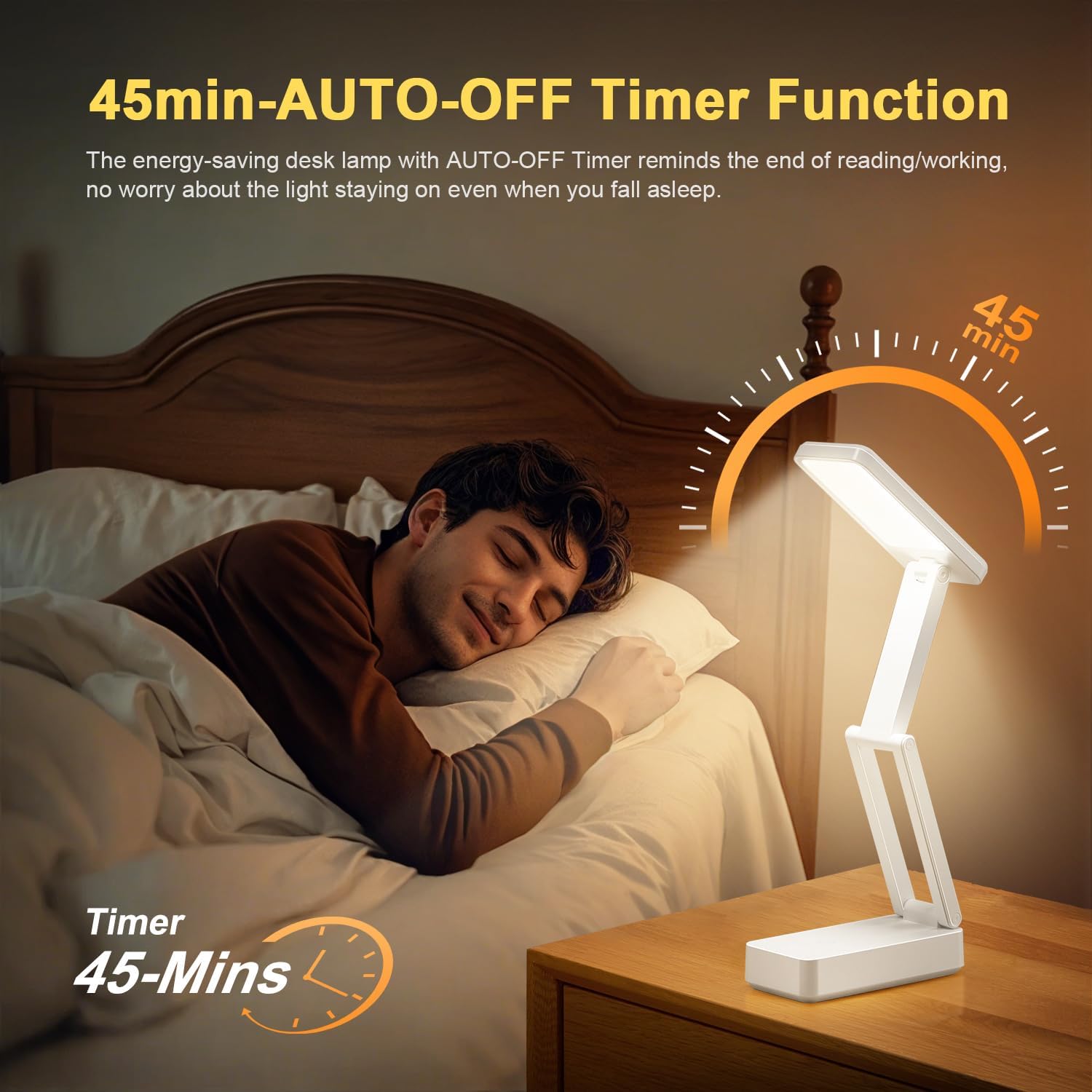
5. 45-Minute Auto-Off Timer
Lamp includes a 45-minute auto-off timer, useful for reading before sleep or for energy conservation.
- Pentru a activa cronometrul, atingere dublă the touch control button. The lamp will flash once to confirm the timer is set.
- Lamp se va opri automat după 45 minute.
- To deactivate the timer, double-tap the button again. The lamp will flash twice to confirm deactivation.
Întreţinere
1. Curatenie
Pentru a curăța lamp, ensure it is turned off and unplugged from any power source. Use a soft, dry cloth to wipe down the surfaces. Do not use abrasive cleaners, solvents, or immerse the lamp în apă.
2. Îngrijirea bateriei
- Pentru a prelungi durata de viață a bateriei, evitați descărcarea completă frecventă a acesteia.
- Dacă stocați lamp for an extended period, charge it to approximately 50-70% every three months.
- Nu expuneți lamp la temperaturi extreme.
Depanare
| Problemă | Cauza posibila | Soluţie |
|---|---|---|
| Lamp nu pornește. | Bateria este epuizată. | Încarcă lamp folosind cablul USB-C furnizat. |
| Cannot change color mode or brightness. | Operare tactilă incorectă. | Ensure you are tapping for color mode changes and long-pressing for brightness adjustments. |
| USB output port not charging devices. | Lamp battery is low or depleted; device requires more power than 5V1A. | Încarcă lamp fully. Verify your device can be charged with 5V1A output. |
| Lamp se oprește pe neașteptate. | 45-minute timer is active; battery is low. | Double-tap the touch button to deactivate the timer. Charge the lamp. |
Specificații
| Caracteristică | Detaliu |
|---|---|
| Numărul de model | WH-C30 |
| Marca | Un foc |
| Capacitatea bateriei | 6000mAh (Rechargeable Lithium Battery) |
| Sursă de lumină | 36 High-Quality LED Beads |
| Ieșire lumen | 800 lumeni |
| Moduri de culoare | 3 (Warm Light, Natural Light, White Light) |
| Niveluri de luminozitate | 10 (Dimabil) |
| Tip control | Touch Control |
| Ieșire USB | 5V1A (for charging external devices) |
| Port de încărcare | Tip-C |
| Caracteristici speciale | Brightness Memory Function, 45-Minute Auto-Off Timer, 180° Adjustable Head, Foldable Design, Eye-Caring (No Flicker, No Glare, No Blue Light) |
| Material | Acrilonitril Butadien Stiren (ABS) |
| Dimensiuni produs (pliat) | 15 cm x 7.26 cm x 5.97 cm (5.93" lățime x 2.86" înălțime) |
| Product Dimensions (Extended Height) | 16.3 inchi (41.5 cm) |
| Greutatea articolului | 0.79 livre (aproximativ 358 grame) |
Garanție și suport
One Fire provides a 12-month quality commitment for this product. If you encounter any issues or have questions regarding your One Fire Rechargeable Cordless Desk Lamp, please contact our customer service for assistance. We are committed to providing world-class quality and customer-first service.
For support, please refer to the contact information provided with your purchase or visit the official One Fire store on Amazon: Un singur magazin de pompieri


