Introducere
The Logitech POP Mouse is a compact and portable wireless Bluetooth mouse designed for modern workspaces. It features programmable buttons, quiet clicks, and the ability to easily switch between up to three devices. This manual provides instructions for setting up, operating, maintaining, and troubleshooting your POP Mouse.

Image: The Logitech POP Mouse in Off-White, showcasing designul său compact și conturat.
Ce este în cutie
- Mouse Logitech POP
- 1 baterii AA (preinstalate)
- Documentația utilizatorului
- Autocolant

Image: The contents of the Logitech POP Mouse packaging, including the mouse and a single AA battery.
Înființat
1. Pornire
The POP Mouse comes with a pre-installed AA battery. To power on the mouse, locate the power switch on the bottom of the mouse and slide it to the ON position.
2. Asociere Bluetooth
- Asigurați-vă că mouse-ul este pornit.
- Press and hold the Easy-Switch button on the bottom of the mouse for 3 seconds until the LED light starts blinking rapidly. This indicates the mouse is in pairing mode.
- On your device (laptop, tablet, PC), navigate to the Bluetooth settings.
- Select "Logitech POP Mouse" from the list of available devices to complete the pairing process.
- The LED light on the mouse will turn solid for 5 seconds to confirm successful pairing.
The POP Mouse can connect to up to 3 devices simultaneously. Use the Easy-Switch button to toggle between paired devices.
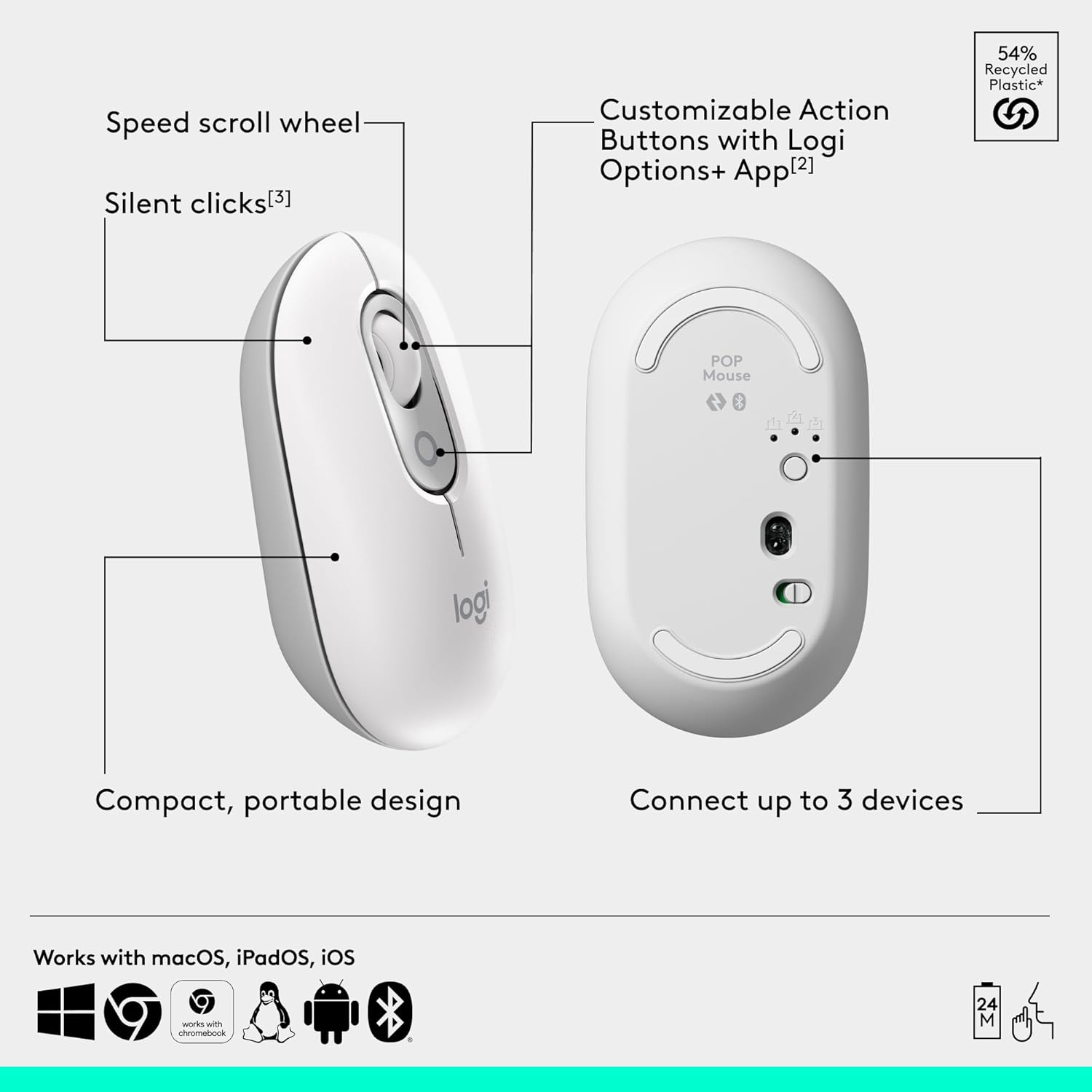
Image: A diagram illustrating the key features of the Logitech POP Mouse, including the speed scroll wheel, customizable action button, silent clicks, compact design, and multi-device connectivity.
Operating the POP Mouse
Smartwheel Speed Scroll
The Smartwheel allows you to switch between high-precision tracking and speed scrolling with a single flick. This feature enables quick navigation through documents and web pagini.
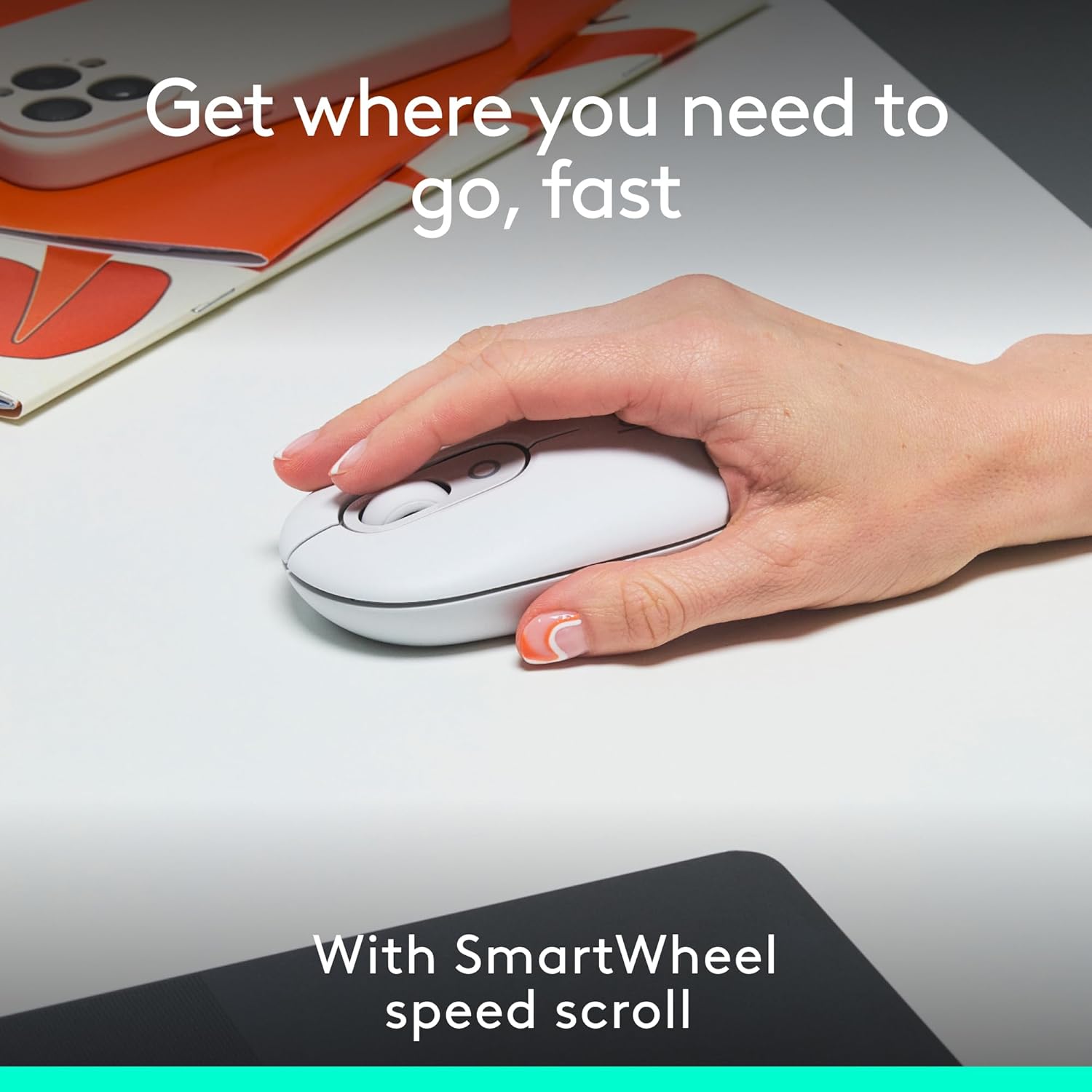
Image: A hand demonstrating the use of the Logitech POP Mouse, highlighting its Smartwheel for fast scrolling.
Customizable Action Buttons with Logi Options+ App
Enhance your productivity by customizing the action buttons on your POP Mouse using the Logi Options+ App. This application allows you to assign shortcuts for various functions, such as switching between work and entertainment modes (e.g., Spotify, Netflix) or accessing AI tools. The Logi Options+ App is available for recent versions of Windows and macOS.
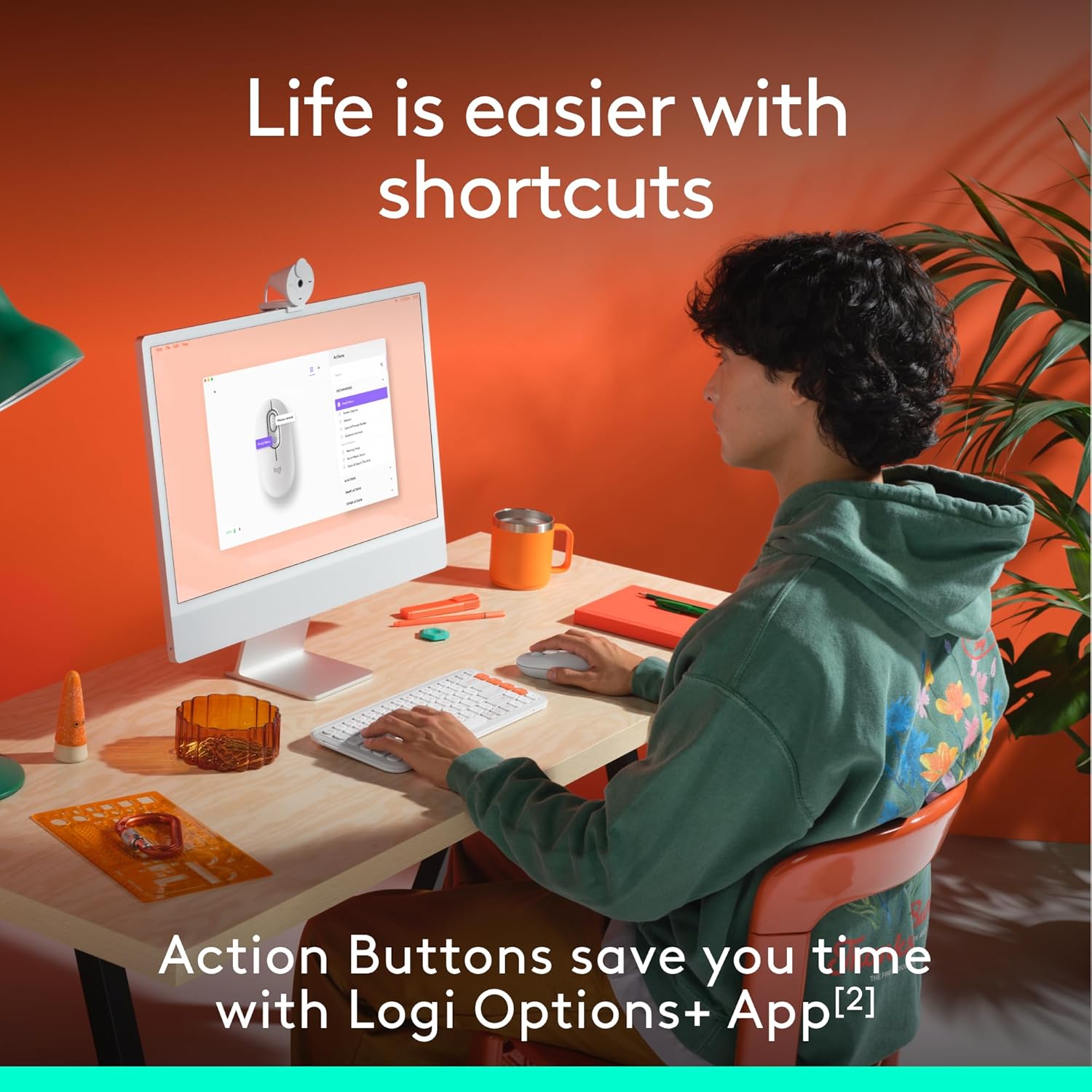
Image: A user interacting with a computer, demonstrating how the customizable action buttons on the Logitech POP Mouse can be configured via the Logi Options+ App.
Silent Touch Technology
The POP Mouse incorporates Silent Touch Technology, which reduces click noise by over 90% compared to standard mice. This feature ensures a quiet working environment.
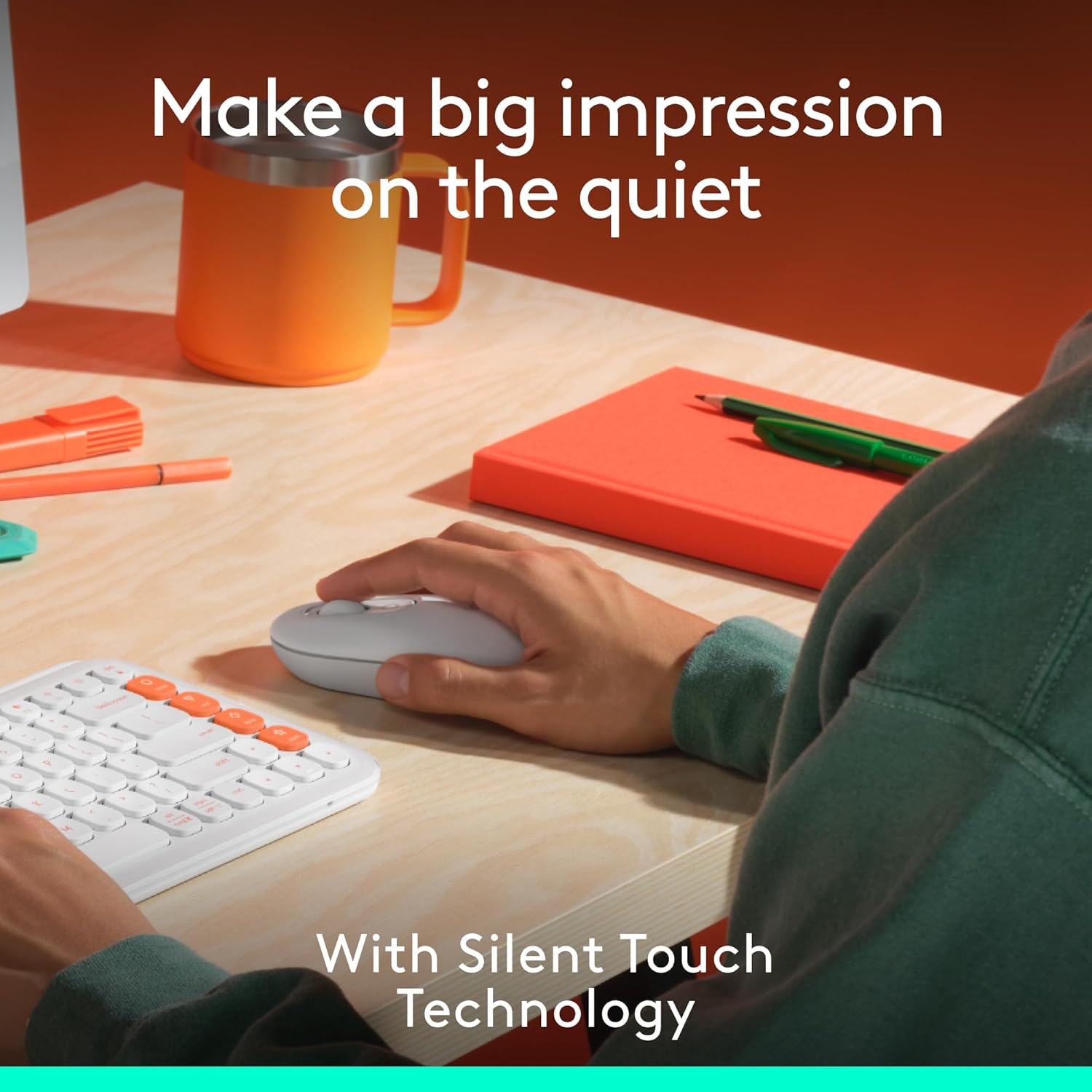
Image: A user operating the Logitech POP Mouse, illustrating the quiet clicking experience provided by Silent Touch Technology.
Conectivitate cu mai multe dispozitive
The Easy-Switch button on the bottom of the mouse allows you to seamlessly switch between up to three paired Bluetooth devices (Windows, macOS, iPadOS, ChromeOS). This is ideal for users who work across multiple platforms.
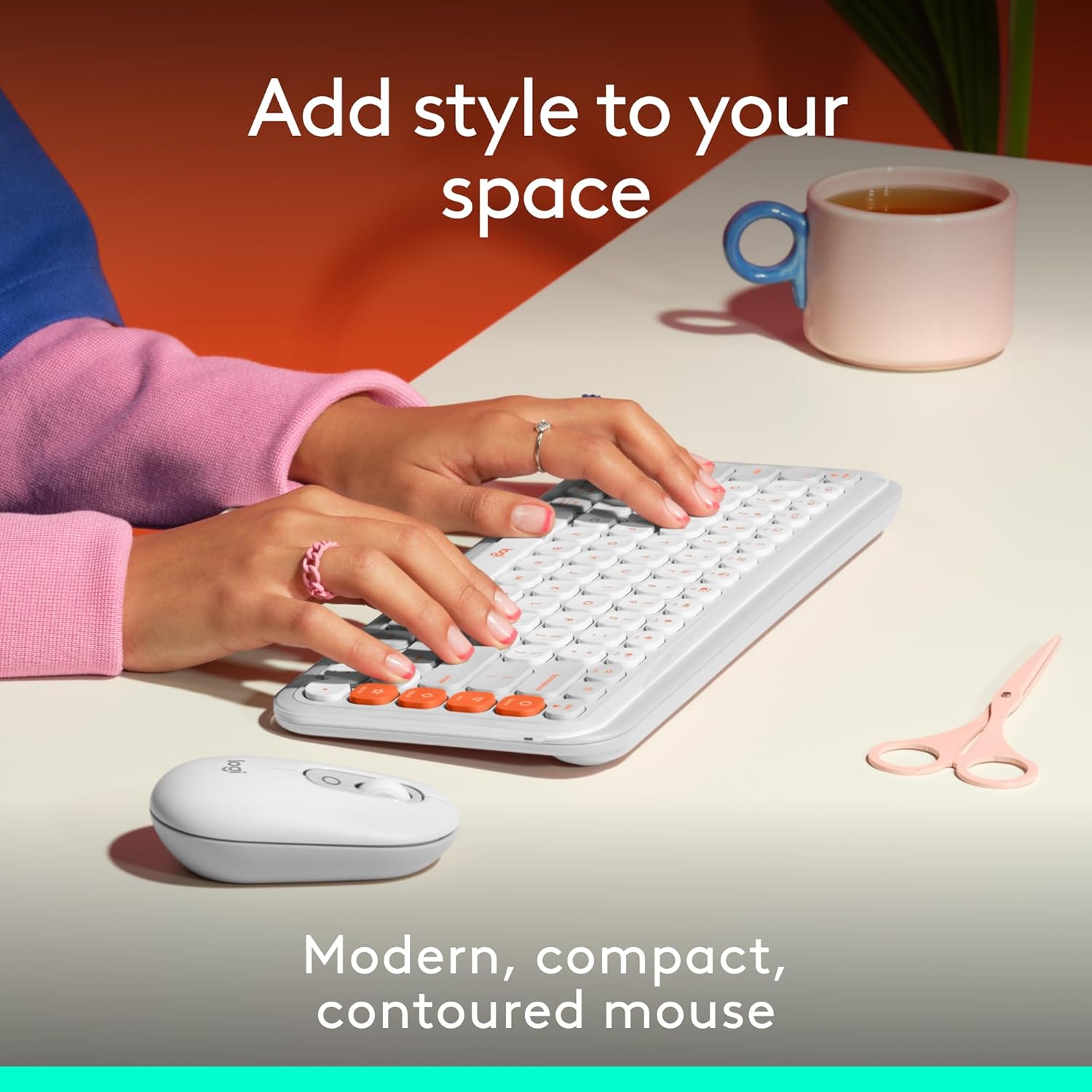
Image: The Logitech POP Mouse positioned next to a compatible keyboard on a desk, demonstrating its compact design and suitability for various setups.
Întreţinere
Curățarea mouse-ului
To maintain optimal performance and hygiene, regularly clean your POP Mouse. Use a soft, lint-free cloth lightly dampened with water or a mild cleaning solution. Avoid using abrasive cleaners or submerging the mouse in liquid.
Înlocuirea bateriei
The Logitech POP Mouse is powered by one AA battery, offering up to 2 years of battery life depending on usage. When the battery is low, the LED indicator on the mouse may flash. To replace the battery:
- Turn off the mouse using the power switch on the bottom.
- Gently remove the top cover of the mouse. It is magnetically attached.
- Scoateți bateria AA veche și introduceți una nouă, asigurându-vă că polaritatea este corectă (+/-).
- Replace the top cover and turn the mouse back on.
Depanare
Mouse Not Connecting/Responding
- Verificați bateria: Asigurați-vă că bateria nu este descărcată. Înlocuiți-o dacă este necesar.
- Ciclu de alimentare: Opriți mouse-ul și apoi porniți din nou.
- Reconectați Bluetooth: Go to your device's Bluetooth settings, remove the POP Mouse, and then re-pair it following the "Bluetooth Pairing" steps in the Setup section.
- Compatibilitate dispozitiv: Ensure your device's operating system is compatible (Windows, macOS, iPadOS, ChromeOS, Linux).
- Interferență: Mutați mouse-ul mai aproape de dispozitiv și departe de alte dispozitive wireless care ar putea cauza interferențe.
Mișcarea cursorului este neregulată sau săltăreață
- Curățați senzorul: Asigurați-vă că senzorul optic din partea inferioară a mouse-ului este curat și fără reziduuri.
- Suprafaţă: Folosiți mouse-ul pe o suprafață curată, nereflectorizantă și uniformă. Se recomandă utilizarea de paduri de mouse.
- Nivel baterie: Low battery can sometimes affect tracking performance. Replace the battery.
Action Button Not Working
- Aplicația Logi Options+: Ensure the Logi Options+ App is installed and running on your computer.
- Configurare: Verify that the action button is correctly configured within the Logi Options+ App.
Specificații
| Caracteristică | Detaliu |
|---|---|
| Marca | Logitech |
| Numărul de model | 910-007408 |
| Tehnologia de conectivitate | Bluetooth |
| Tehnologia de detectare a mișcării | Optic |
| Culoare | Aproape alb |
| Greutatea articolului | 4 uncii (aproximativ 113 grame) |
| Dimensiuni pachet | 4.96 x 3.62 x 1.85 inci |
| Sursa de alimentare | Alimentat cu baterie |
| Bateriile necesare | 1 baterie AA (inclusa) |
| Durata medie a bateriei | Până la 2 ani |
| Compatibilitatea sistemelor de operare | Windows, macOS, Linux, iPadOS, ChromeOS |
| Caracteristici speciale | Lightweight, Portable, Soundless (Silent Touch Technology), Wireless, Programmable Buttons (via Logi Options+ App), Easy-Switch (up to 3 devices) |
| Conținut de plastic reciclat | Between 37% and 68% (depending on color, excluding PCB and packaging) |
Garanție și suport
Logitech products typically come with a limited hardware warranty. For specific warranty details, please refer to the warranty information provided with your product packaging or visit the official Logitech support website-ul.
For further assistance, technical support, or to download the latest version of the Logi Options+ App, please visit the Logitech support page:
Please note: No official product videos with "Seller" as creator type were found in the provided data to embed in this manual.


