1. Introducere
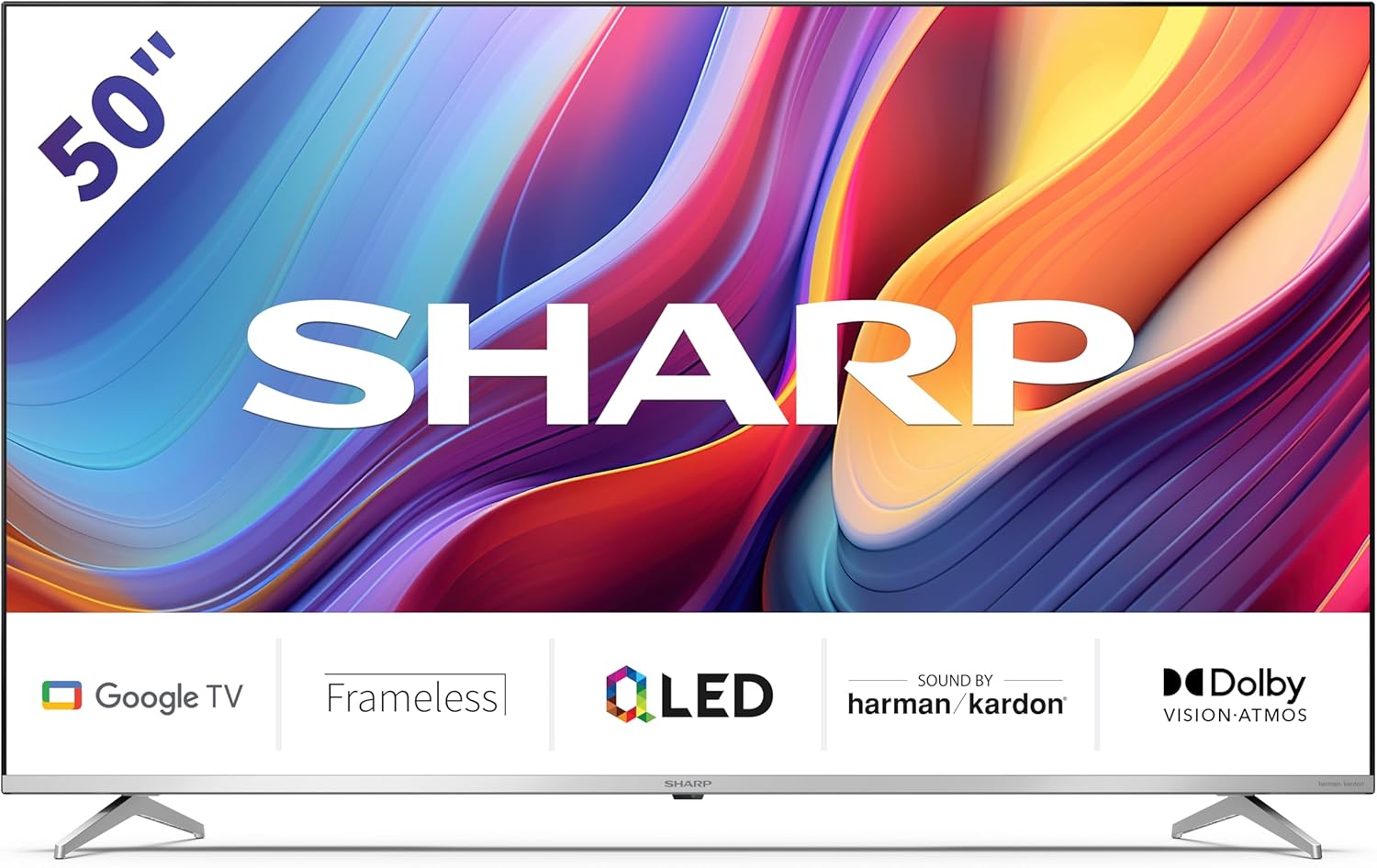
Welcome to the user manual for your new Sharp 50GP6265E 50-inch QLED 4K Ultra HD Google TV. This manual provides essential information for the safe and efficient use of your television. Please read it thoroughly before operating the device and retain it for future reference.
Informații importante privind siguranța
- Ensure the television is placed on a stable surface to prevent it from falling.
- Nu blocați orificiile de ventilație. Circulația corectă a aerului este esențială pentru a preveni supraîncălzirea.
- Protejați cablul de alimentare împotriva călcării sau ciupitului.
- Do not expose the TV to rain or moisture to reduce the risk of fire or electric shock.
- Pentru toate lucrările de întreținere, adresați personalului de service calificat.
2. Ce se află în cutie
La despachetare, vă rugăm să verificați dacă sunt incluse toate componentele următoare:
- Sharp 50GP6265E 50-inch QLED 4K Ultra HD Google TV
- Telecomanda
- 2 x AAA batteries (for remote control)
- Ghid de pornire rapidă
- TV stands (if not wall-mounted)
- Cablu de alimentare
3. Configurare
3.1 Despachetarea
Carefully remove the television from its packaging. It is recommended to keep the original packaging for potential future transport or servicing.
3.2 Instalarea standului
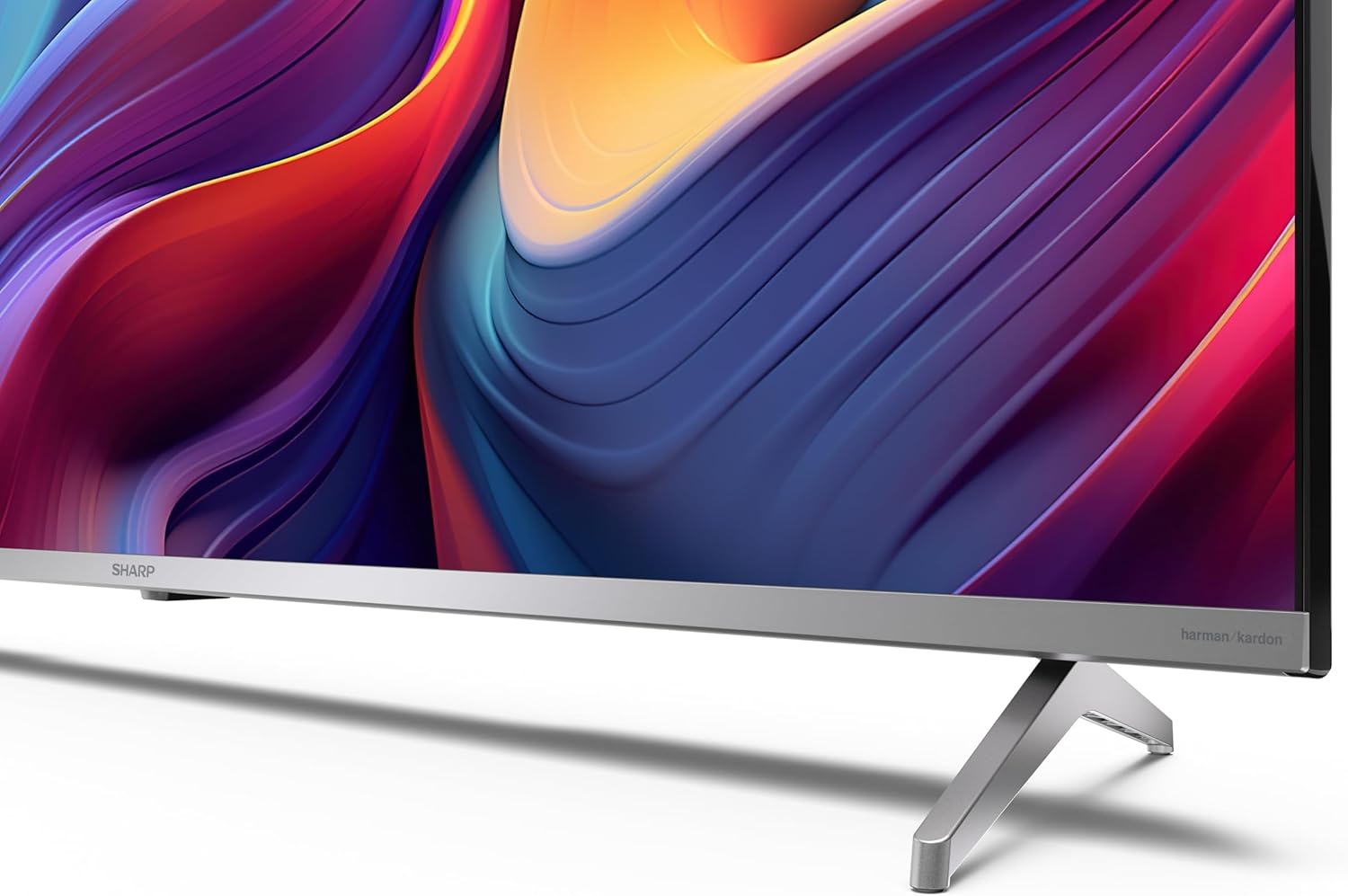
If you are not wall-mounting the television, attach the included stands to the bottom of the TV. Ensure the screws are securely fastened. Refer to the quick start guide for detailed diagrams.
3.3 Montare pe perete
For wall mounting, the VESA dimensions required are 400 x 300 mm. Use a compatible wall mount bracket (sold separately) and follow the instructions provided with the bracket. Ensure the wall can support the weight of the television (9.7 kg net weight).

3.4 Conectarea perifericelor
Televizorul dumneavoastră Sharp oferă diverse opțiuni de conectivitate:
- HDMI: Connect external devices such as Blu-ray players, gaming consoles, or set-top boxes using the 4 HDMI 2.1 ports. One port supports eARC for enhanced audio return channel functionality.
- USB: Use the 2 USB ports for connecting external storage devices to play media or for service updates.
- Ethernet: Pentru o conexiune stabilă la internet prin cablu.
- Wifi: Pentru conectivitate wireless la internet.
- Bluetooth: Conectați căști wireless, soundbar-uri sau alte accesorii compatibile Bluetooth.

3.5 Prima configurare
After connecting the power cable and turning on the TV, follow the on-screen instructions to complete the initial setup. This typically includes language selection, network connection, and Google account sign-in for Google TV features.
4. Utilizarea televizorului
4.1 Telecomandă
The included remote control allows you to navigate the TV's interface, adjust volume, change channels, and access smart features. Insert the 2 AAA batteries into the remote control, ensuring correct polarity.
4.2 Interfața Google TV
Your Sharp TV runs on Google TV, which organizes movies, shows, and live TV from all your apps and subscriptions. The home screen provides personalized recommendations and quick access to your favorite content.

Supported internet services include Netflix, Amazon Prime Video, HBO, Disney+, Movistar+, DAZN, Atresmedia, KODI, IPTV, Steamlink, Twitch, VLC, YouTube, Puffin TV Browser, Spotify, Deezer, TuneIn Radio, and many more available on Google Play for Google TV.
4.3 Setări imagine
Experience stunning visuals with 4K Ultra HD resolution and Quantum Dot technology for vibrant colors. The TV supports Dolby Vision and HDR10 for enhanced contrast and brightness. Access picture settings through the TV menu to customize brightness, contrast, color, and sharpness to your preference. AQUOS Smooth Motion technology provides image interpolation for smoother motion.
4.4 Setări de sunet
The integrated Harman/Kardon speaker system (2 x 12 W) delivers immersive audio. With Dolby Atmos support, you can enjoy a rich, multi-dimensional sound experience. Adjust sound modes and equalizer settings in the audio menu.
4.5 Funcții inteligente
- Asistent Google: Folosește comenzi vocale pentru a căuta conținut, a controla dispozitivele inteligente pentru casă și a obține informații.
- Chromecast încorporat: Cast content from your smartphone, tablet, or computer directly to your TV screen.
5. Întreținere
5.1 Curățarea televizorului
- Deconectați întotdeauna televizorul înainte de curățare.
- Folosiți o cârpă moale și uscată pentru a șterge ecranul și carcasa. Pentru petele persistente, ștergeți ușor.ampClătiți laveta cu apă sau cu un produs specializat de curățare a ecranelor.
- Evitați utilizarea detergenților abrazivi, ceară sau solvenți.
5.2 Actualizări de software
Your TV may receive software updates to improve performance and add new features. Ensure your TV is connected to the internet to receive these updates automatically or check for them manually in the settings menu.
6. Depanare
Dacă întâmpinați probleme cu televizorul, consultați următoarele probleme și soluții frecvente:
| Problemă | Soluție posibilă |
|---|---|
| Fără putere | Verificați dacă cablul de alimentare este conectat corect la televizor și la priză. Asigurați-vă că priza funcționează. |
| Nu există imagine, dar există sunet | Verificați dacă este selectată sursa de intrare corectă. Verificați conexiunile dispozitivului extern. |
| Nu există sunet, dar imaginea este prezentă | Check the volume level and mute status. Ensure audio cables are correctly connected for external devices. |
| Telecomanda nu funcționează | Înlocuiți bateriile AAA. Asigurați-vă că nu există obstacole între telecomandă și senzorul IR al televizorului. |
| Probleme de conexiune Wi-Fi | Restart your router and the TV. Re-enter the Wi-Fi password. Ensure the TV is within range of your Wi-Fi network. |
7. Specificații
| Caracteristică | Detaliu |
|---|---|
| Marca | Ascuțit |
| Numărul de model | 50GP6265E |
| Dimensiunea ecranului | 50 inchi |
| Tehnologia de afișare | QLED, Quantum Dot |
| Rezoluţie | 4K Ultra HD (3840 x 2160 pixeli) |
| Rata de reîmprospătare | 60 Hz |
| Sistem de operare | Google TV |
| Suport HDR | Dolby Vision, HDR10 |
| Sistem audio | Harman/Kardon (2 x 12 W), Dolby Atmos |
| Conectivitate | 4x HDMI 2.1 (with eARC), 2x USB, Wi-Fi, Bluetooth, Ethernet |
| Caracteristici speciale | Google Assistant, Chromecast built-in, AQUOS Smooth Motion |
| Suport de perete VESA | 400 x 300 mm |
| Dimensiuni (cu suport) | 111.6P x 26.5l x 69.3H cm (1116.4 x 692.9 x 264.7 mm) |
| Dimensiuni (fara suport) | 111.6P x 9.2l x 65.1H cm (1116.4 x 651.3 x 91.5 mm) |
| Greutate netă | 9.7 kg |
| Clasa de eficienta energetica (SDR) | G (69 kWh/1000h) |
| Clasa de eficienta energetica (HDR) | G (98 kWh/1000h) |

Pentru informații detaliate despre produs și date despre eficiența energetică, vă rugăm să consultați baza de date EPREL: https://eprel.ec.europa.eu/qr/1942440
8. Garanție și asistență
Information regarding spare parts availability and software updates is not explicitly provided for a guaranteed period. Please refer to the manufacturer's official website for the most up-to-date warranty terms and support information.
Producator: SHARP
Oficial Website: www.sharpconsumer.com
For customer service inquiries, please visit the Sharp consumer website or contact their support channels as listed on their official site.


