Introducere
The Pulsar Telos Thermal Imaging Monocular XQ35 is an advanced device designed for thermal observation. It features a 384x288 thermal imaging sensor, Image Boost Technology, and a robust design for reliable performance in various environmental conditions. This manual provides essential information for operating and maintaining your device.
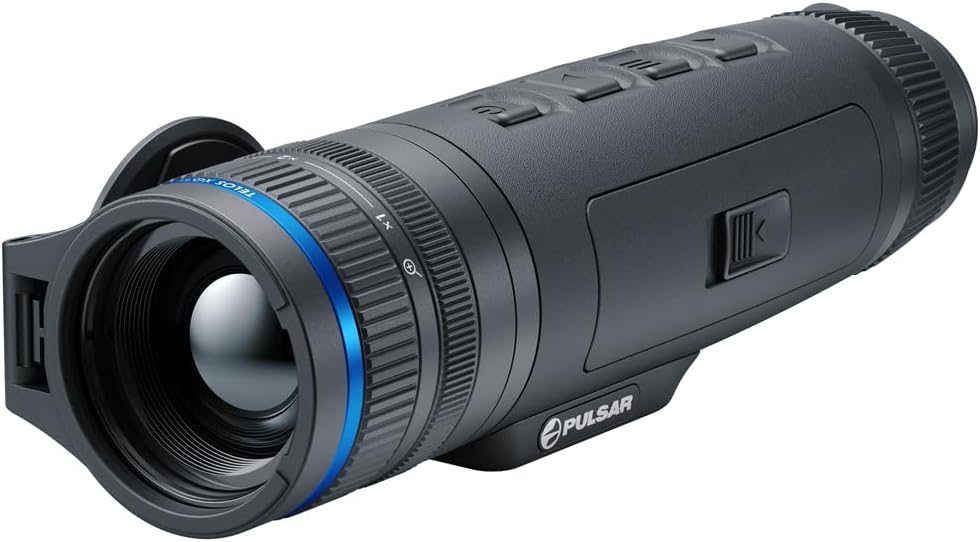
Figure 1: Pulsar Telos Thermal Imaging Monocular XQ35.
1. Configurare
1.1 Despachetarea și conținutul pachetului
Carefully unpack your Pulsar Telos XQ35 and verify all components are present. The standard package includes:
- Telos thermal imager
- LPS7i battery pack with protective cover
- Spare battery compartment cover
- Adaptor de alimentare
- Cablu USB tip C cu adaptor USB tip A
- Caz
- Curea de mână
1.2 Instalarea și încărcarea bateriei
The device uses an LPS7i battery pack. Ensure the battery is fully charged before first use.
- Insert the LPS7i battery pack into the designated compartment on the monocular.
- To charge, connect the USB Type-C cable to the monocular and then to the power adapter. Plug the adapter into a wall outlet.
- Alternatively, the LPS7i battery pack can be charged directly via its own USB-C port or using Qi wireless charging.
- A full charge provides up to 8.5 hours of continuous use.
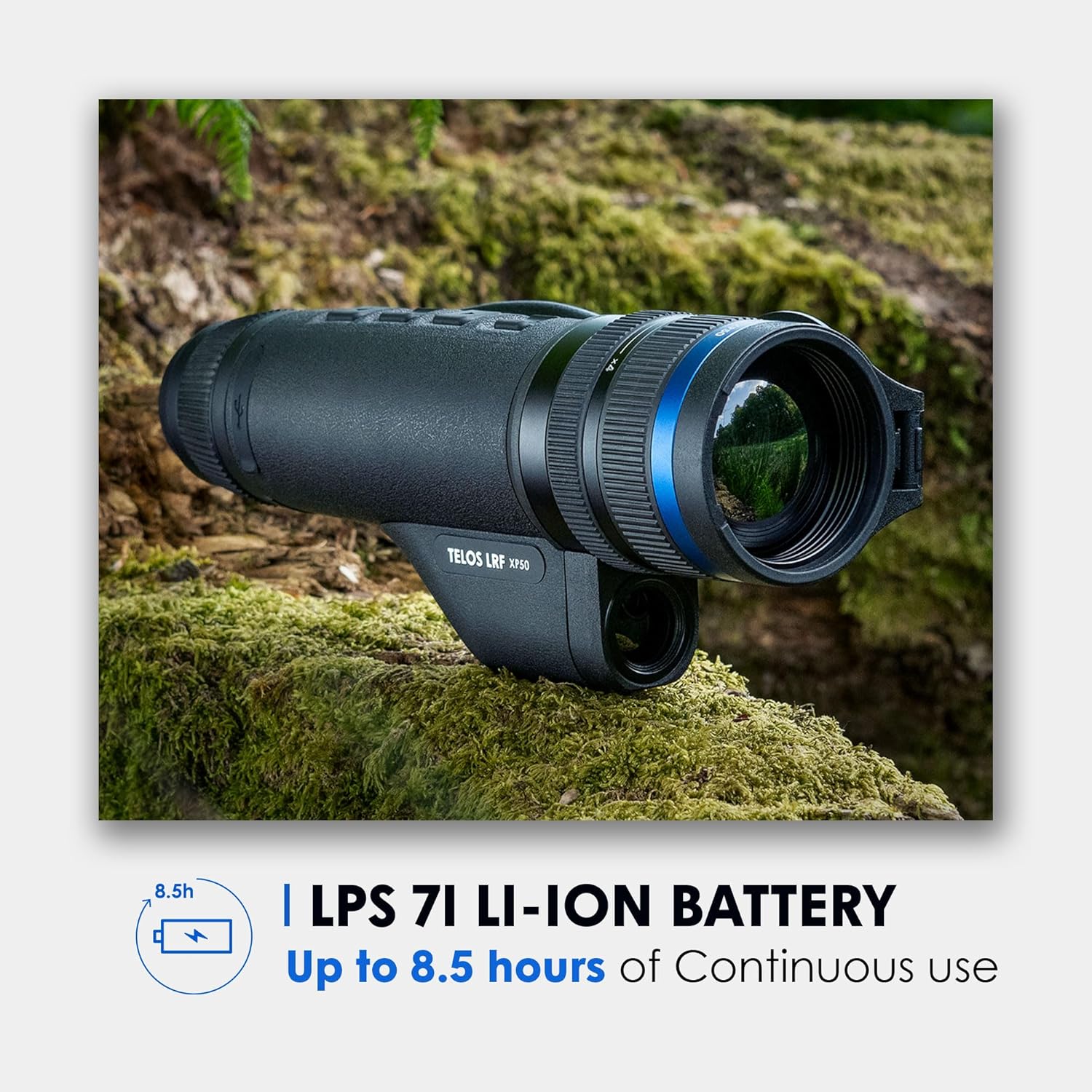
Figure 2: LPS7i Battery Pack and its typical usage duration.
2. Instrucțiuni de utilizare
2.1 Pornire/Oprire și comenzi de bază
Refer to the device's physical buttons for power, zoom, and menu navigation. A short press typically activates the device, while a long press initiates power off.

Figure 3: User demonstrating the compact and ergonomic design of the monocular.
2.2 Image Boost Technology
The Telos XQ35 features Image Boost Technology, which enhances thermal imaging for superior detection, particularly in low-light conditions. This technology processes the thermal signal to provide clearer and more detailed images.
2.3 Recording Photos and Videos
The monocular includes a built-in multimedia suite for capturing photos and videos in 1024x768 resolution. Consult the device's on-screen menu for recording options and playback.

Figure 4: Thermal view demonstrating the 10.7° wide field of view for easy scanning.
2.4 Connectivity and Stream Vision 2 App
The Telos XQ35 supports dual-band Wi-Fi (2.4GHz, 5.0GHz) for connection to the Stream Vision 2 app. This app allows for real-time video streaming and media transfer. Ensure your mobile device's cellular data is temporarily disabled if experiencing connection issues, then re-enable after establishing Wi-Fi connection to the monocular.
2.5 Detection Range and Magnification
The device offers a detection range of up to 1,421 yards, suitable for long-range nighttime reconnaissance. It features a magnification range of 3-12x.

Figure 5: Illustration of the monocular's detection range capability.
3. Întreținere
3.1 Curăţarea dispozitivului
To maintain optimal performance, keep the monocular clean. Use a soft, lint-free cloth to wipe the exterior. For lenses, use specialized optical cleaning solutions and cloths to avoid scratching. Do not use abrasive materials or harsh chemicals.
3.2 Depozitare
When not in use, store the device in its protective case in a cool, dry place, away from direct sunlight and extreme temperatures. Ensure the battery is partially charged (not fully depleted or fully charged for long-term storage) to prolong its lifespan.
4. Depanare
4.1 Probleme comune și soluții
- Dispozitivul nu pornește: Asigurați-vă că bateria este instalată corect și încărcată complet.
- Calitate slabă a imaginii: Check if the lens is clean. Adjust focus settings.
- Stream Vision 2 app connectivity issues:
- Ensure Wi-Fi is enabled on the monocular and your mobile device.
- Temporarily disable cellular data on your mobile device before connecting to the monocular's Wi-Fi network. Re-enable after connection is established.
- Verify the app is updated to the latest version.
- Video transfer problems via app: If direct transfer or viewing through the app is not functioning, connect the monocular to a computer using the USB-C cable to transfer media files.
5. Specificații
Key technical specifications for the Pulsar Telos Thermal Imaging Monocular XQ35:
| Caracteristică | Detaliu |
|---|---|
| Numele modelului | Telos XQ35 |
| Senzor de imagistică termică | 384x288, <25mK NETD |
| Interval de detectare | 1,421 de metri |
| Mărire | 3-12x |
| Rezoluția afișajului | 1024x768 AMOLED HD |
| Rezoluție video/foto | 1024x768 |
| Tip baterie | LPS7i Li-Ion (included) |
| Operating Time (max) | 8.5 de ore |
| Material | Aliaj de magneziu |
| Evaluare rezistentă la apă | IPX7 Submersion Rated |
| Greutatea articolului | 1.2 lire sterline |
| Dimensiuni articol (Lxlxh) | 8.8 x 2.5 x 2.3 inci |
| Conectivitate | Dual-band Wi-Fi (2.4GHz, 5.0GHz), USB Type-C |

Figure 6: Key specifications including magnification, display, and waterproof rating.
6. Informații despre garanție
The Pulsar Telos Thermal Imaging Monocular XQ35 is covered by a 5 ani garanție limitată. For detailed terms and conditions, please refer to the official Pulsar website or contact customer support. Product registration may be required to activate the full warranty period.
7. Suport
For further assistance, technical support, or service inquiries, please visit the official Pulsar website or contact their customer service department. Ensure you have your product model and serial number available when seeking support.
EXPORT CONTROL NOTICE: This product is controlled for export and in-country transfer under the Export Administration Regulations (EAR). Diversion contrary to U.S. law is prohibited.


