1. Introducere
This user manual provides detailed instructions for the setup, operation, maintenance, and troubleshooting of your Z-EDGE U28I4K 4K Monitor. Please read this manual thoroughly before using the product to ensure proper functionality and to prevent damage.
Caracteristicile produsului:
- Rezoluție 4K UHD (3840x2160): Delivers stunningly clear and lifelike images with exceptional detail.
- Rată de reîmprospătare de 144 Hz și timp de răspuns de 1 ms: Ensures smooth, crisp visuals and reduces motion blur, ideal for gaming.
- Panou IPS: Provides wide 178° viewing angles and consistent, accurate color reproduction.
- HDR10 Technology: Enhances picture quality with deeper blacks and brighter whites.
- Opțiuni multiple de conectivitate: Two HDMI inputs and two DisplayPort inputs for versatile device connection.
- Tehnologie de îngrijire a ochilor: Features low blue light and flicker-free technology to reduce eye strain.
- Compatibil cu montare VESA: Supports 100x100mm VESA mounting for flexible installation.
2. Conținutul pachetului
Please check the package contents upon unboxing. If any items are missing or damaged, contact Z-EDGE customer support.
- Z-EDGE U28I4K 4K Monitor
- Suport monitor (bază și gât)
- Adaptor de alimentare și cablu de alimentare
- Cablu HDMI
- Cablu DisplayPort
- Manual de utilizare
- Screws and Screwdriver for stand assembly
3. Configurare
3.1 Asamblarea standului
- Carefully remove the monitor from its packaging, keeping it protected on a soft, flat surface.
- Attach the stand neck to the monitor's rear panel using the provided screws. Ensure it is securely fastened.
- Connect the stand base to the stand neck and tighten the thumb screw or use the provided screwdriver to secure it.
- Gently place the assembled monitor on a stable, flat desk.

3.2 Conectarea la un dispozitiv
The Z-EDGE U28I4K monitor supports multiple input types. Choose the appropriate cable for your device.
- Conexiune HDMI: Connect one end of the HDMI cable to the HDMI port on your computer/device and the other end to an HDMI input port (HDMI 1 or HDMI 2) on the monitor.
- Conexiune DisplayPort: Connect one end of the DisplayPort cable to the DisplayPort on your computer/device and the other end to a DisplayPort input port (DP 1 or DP 2) on the monitor.
- Ieșire audio: Connect external speakers or headphones to the 3.5mm audio output jack on the monitor if desired.

3.3 Conexiune la alimentare
Connect the power adapter to the DC 12V input on the monitor, then plug the power cable into a wall outlet.
Important: Use only the power adapter provided with your monitor.
4. Operarea monitorului
4.1 Pornire/Oprire
Press the power button located on the back or bottom of the monitor to turn it on or off. The power indicator light will illuminate when the monitor is on.
4.2 Meniul de afișare pe ecran (OSD).
The OSD menu allows you to adjust various monitor settings. Navigate the menu using the buttons typically found on the back or bottom right of the monitor.
Setări OSD comune:
- Luminozitate/Contrast: Ajustați luminanța generală și raportul de contrast.
- Setări de culoare: Modificați temperatura culorii, gama și nivelurile RGB individuale.
- Sursa de intrare: Manually select between HDMI 1, HDMI 2, DP 1, or DP 2.
- Mod imagine: Selectați modurile de afișare presetate (de exemplu, Standard, Joc, Film, Text).
- Timp de răspuns/Overdrive: Ajustați timpul de răspuns al pixelilor pentru tranziții mai rapide.
- FreeSync/Adaptive Sync: Enable or disable adaptive synchronization technology.
- Lumină albastră scăzută: Reduceți emisia de lumină albastră pentru a minimiza oboseala ochilor.
- Fără pâlpâire: Ensure the display is free from visible flickering.
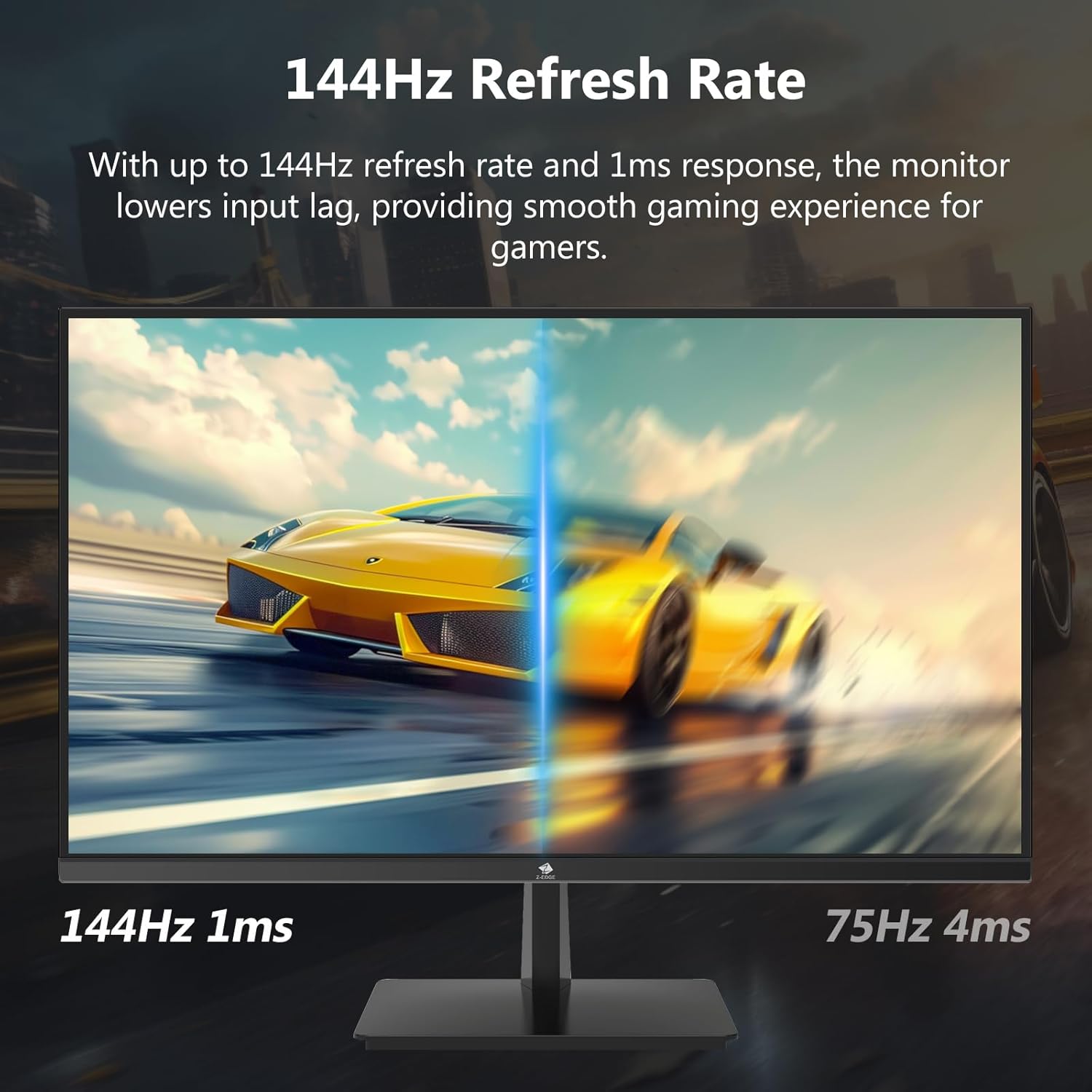

4.3 Refresh Rate and Response Time
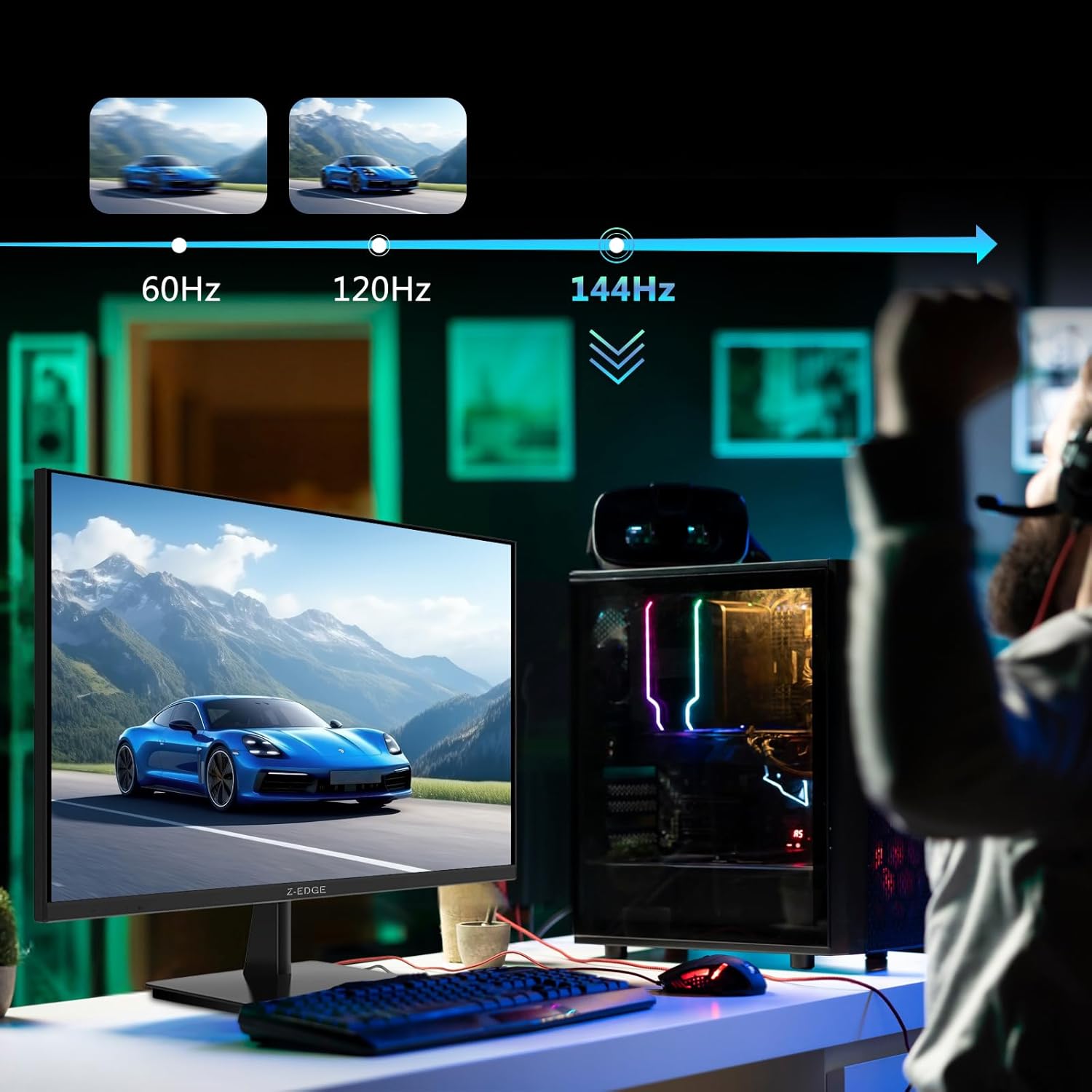
The monitor supports up to a 144Hz refresh rate and 1ms response time for optimal performance in fast-paced applications and gaming.

5. Întreținere
5.1 Curăţarea monitorului
- Deconectați întotdeauna monitorul de la priză înainte de curățare.
- Folosiți o cârpă moale, fără scame dampcurățat cu apă sau cu o soluție de curățare a ecranelor neabrazivă.
- Nu pulverizați soluția de curățare direct pe ecran.
- Evitați utilizarea benzenului, diluantului, amoniacului sau a substanțelor de curățare abrazive, deoarece acestea pot deteriora suprafața monitorului.
5.2 Depozitare
Când depozitați monitorul pentru o perioadă lungă de timp, asigurați-vă că este oprit și deconectat de la toate cablurile. Depozitați-l într-un loc răcoros și uscat, de preferință în ambalajul original pentru a-l proteja de praf și deteriorări.
6. Depanare
| Problemă | Cauza posibila | Soluţie |
|---|---|---|
| Fără putere | Power cable not connected; Power outlet faulty; Power adapter faulty. | Ensure power cable is securely connected to monitor and outlet. Test outlet with another device. Contact support if adapter is suspected faulty. |
| Fără Semnal | Input cable not connected; Incorrect input source selected; Computer/device not outputting signal. | Check HDMI/DisplayPort cable connections. Select correct input source via OSD menu. Restart computer/device. |
| Ecran pâlpâitor | Loose cable connection; Refresh rate mismatch; DCR (Dynamic Contrast Ratio) enabled. | Ensure cables are firmly connected. Adjust refresh rate in display settings. Disable DCR in OSD menu. |
| Poor Image Quality (Blurry/Distorted) | Incorrect resolution; Cable quality; Graphics driver issues. | Set display resolution to 3840x2160. Try a different high-quality cable. Update graphics drivers. |
| No Audio from Monitor | Volume too low; Incorrect audio output selected on computer; External speakers not connected/powered. | Increase monitor volume via OSD. Select monitor as audio output device in OS settings. Ensure external speakers are connected and powered. |
If the problem persists after trying these solutions, please contact Z-EDGE customer support.
7. Specificații
| Caracteristică | Detaliu |
|---|---|
| Numărul de model | U28I4K |
| Dimensiunea ecranului | 28 inchi |
| Tip panou | IPS |
| Rezoluţie | 3840x2160 (4K UHD) |
| Rata de reîmprospătare | 144 Hz |
| Timp de răspuns | 1 ms (MPRT) |
| Luminozitate | 300 cd/m² |
| Raport de contrast | 1000:1 |
| Suport de culoare | 16.7 Million Colors (8-bit) |
| Viewunghiul ing | 178° (H/V) |
| Suport HDR | HDR10 |
| Conectivitate | 2x HDMI 2.1, 2x DisplayPort 1.4, 1x Audio Out (3.5mm) |
| Muntele VESA | 100x100mm |
| Dimensiuni (cu suport) | 19 x 64 x 46 cm |
| Greutate (cu suport) | 5.96 kg |
| Intrare de putere | DC 12V |
8. Garanție și asistență
8.1 Informații despre garanție
Z-EDGE products typically come with a limited manufacturer's warranty. Please refer to the warranty card included in your product packaging or visit the official Z-EDGE webConsultați site-ul pentru termenii și condițiile detaliate ale garanției. Păstrați bonul fiscal ca dovadă a achiziției pentru solicitările de garanție.
8.2 Asistență pentru clienți
For technical assistance, troubleshooting, or warranty inquiries, please contact Z-EDGE customer support:
- Website: www.z-edge.com (Check for support contact details, FAQs, and driver downloads)
- E-mail: Consultați oficialul website pentru cea mai recentă adresă de e-mail de asistență.
- Telefon: Consultați oficialul website for the most current support phone number.
When contacting support, please have your monitor's model number (U28I4K) and serial number ready.


