1. Introducere
The AVMTON Wireless Gaming Mouse is designed for comfortable and efficient use with personal computers, laptops, and other compatible devices. Featuring a honeycomb shell for lightweight design, RGB backlighting, and a rechargeable battery, this mouse offers a responsive and ergonomic experience. It connects wirelessly via a 2.4GHz USB receiver, providing a stable connection for both office tasks and light gaming.

Image 1.1: The AVMTON Wireless Gaming Mouse shown alongside its 2.4GHz USB receiver. The mouse features a black honeycomb shell design and vibrant RGB lighting.
2. Configurare
2.1 Despachetare și componente
La despachetare, asigurați-vă că toate componentele sunt prezente:
- AVMTON Wireless Gaming Mouse
- 2.4GHz USB Receiver (typically stored in the mouse's bottom compartment)
- Cablu de încărcare USB de tip C
2.2 Conectarea mouse-ului
- Localizați receptorul USB din compartimentul din partea inferioară a mouse-ului.
- Scoateți receptorul USB de pe mouse.
- Conectați receptorul USB la un port USB disponibil pe computer sau laptop.
- Turn on the mouse using the power switch located on the bottom of the mouse. The mouse should automatically connect to the receiver.
2.3 Încărcare inițială
The mouse comes with a built-in rechargeable battery. For optimal performance, it is recommended to fully charge the mouse before its first use. The mouse can be used while it is charging.

Image 2.1: The AVMTON Wireless Gaming Mouse connected to a laptop via its Type-C charging cable. The image highlights the convenience of charging while using the mouse.
3. Instrucțiuni de utilizare
3.1 Mouse Button Functions
The AVMTON Wireless Gaming Mouse features several buttons for enhanced functionality:
- Butonul din stânga: Funcție standard de clic.
- Butonul din dreapta: Funcția standard de clic dreapta.
- Rotiță de defilare: Derulează conținutul în sus sau în jos. Poate fi apăsat și pentru funcționalitatea de clic cu butonul din mijloc.
- Butonul DPI: Ajustează sensibilitatea mouse-ului (DPI).
- Buton înainte: Navighează înainte în web browsere sau file exploratori.
- Buton înapoi: Navighează înapoi în web browsere sau file exploratori.
- Întrerupător: Pornește sau dezactivează mouse-ul.
- Comutator de lumină: Controls the RGB lighting.

Image 3.1: A detailed diagram illustrating the various buttons and components of the AVMTON Wireless Gaming Mouse, including the DPI button, scroll wheel, forward/backward buttons, and power/light switches.
3.2 Ajustare DPI
The mouse offers three adjustable DPI (Dots Per Inch) levels to control cursor speed and sensitivity. Press the DPI button (located behind the scroll wheel) to cycle through the settings: 800 DPI, 1200 DPI (default), and 1600 DPI. Choose the sensitivity that best suits your task, whether for precise work or faster movements in games.
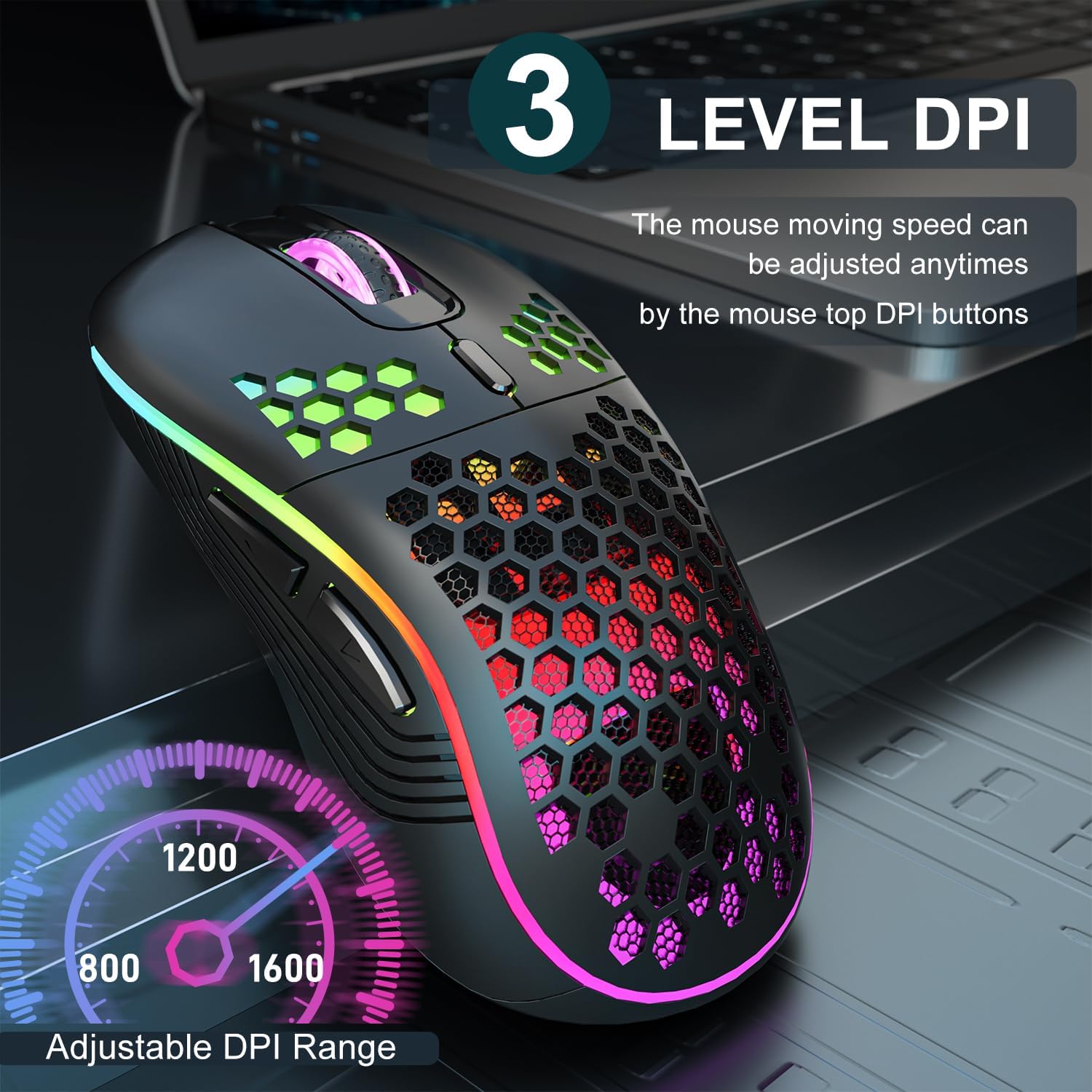
Image 3.2: The AVMTON Wireless Gaming Mouse with an overlay indicating the three adjustable DPI levels: 800, 1200, and 1600. This allows users to easily switch mouse sensitivity.
Controlul iluminării de fundal RGB 3.3
The mouse features customizable RGB lighting. Use the dedicated light switch on the bottom of the mouse to turn the RGB lighting on or off. Turning off the RGB lighting can help conserve battery life.
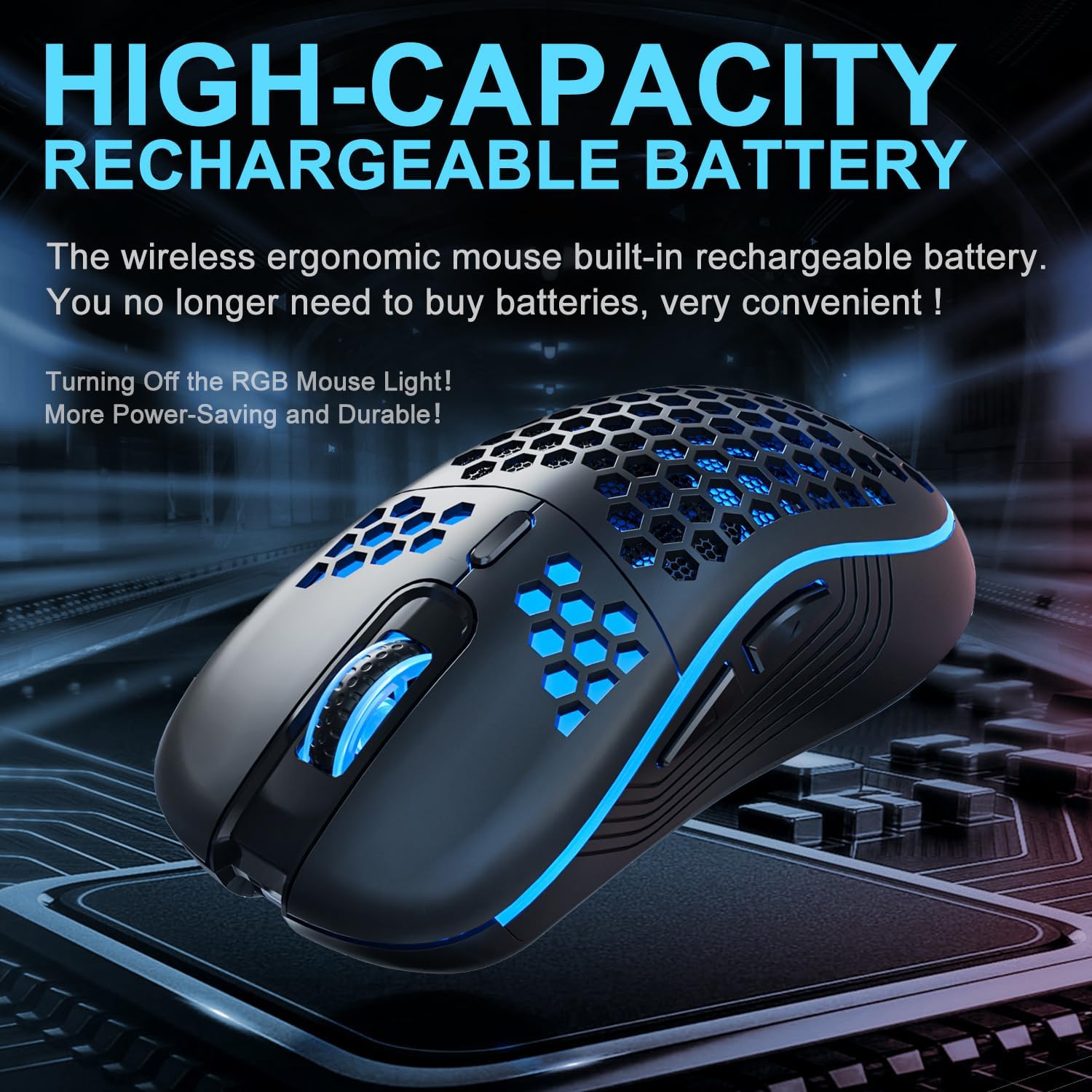
Image 3.3: The AVMTON Wireless Gaming Mouse illuminated with blue RGB lighting, highlighting its aesthetic features and rechargeable battery capacity.
3.4 Modul de economisire a energiei
To conserve battery, the mouse automatically enters a power-saving mode after a period of inactivity. To reactivate the mouse, simply move it or click any button.
3.5 Compatibilitate
The AVMTON Wireless Gaming Mouse is widely compatible with various operating systems, including Windows 2000, XP, Vista, 7, 8, 10, 11, Linux, and Mac OS. It is designed for use with personal computers and laptops.

Image 3.4: Visual representation of the mouse's wide compatibility with Windows, Linux, and Mac OS operating systems.
4. Întreținere
4.1 Încărcarea bateriei
When the mouse battery is low, connect the provided USB Type-C charging cable to the mouse's charging port and the other end to a USB power source (e.g., computer USB port, USB wall adapter). The mouse can be used normally while charging.
4.2 Curățarea mouse-ului
To maintain optimal performance and appearance, clean the mouse regularly. Use a soft, dry cloth to wipe the surface. For stubborn dirt, a slightly damp se poate folosi o lavetă, asigurându-vă că nu pătrunde lichid în mouse. Evitați utilizarea substanțelor chimice dure sau a materialelor abrazive.
5. Depanare
- Mouse-ul nu răspunde:
- Ensure the USB receiver is securely plugged into a working USB port.
- Verify that the mouse's power switch is in the 'ON' position.
- Check the battery level and charge the mouse if necessary. - Mișcarea cursorului este neregulată sau lentă:
- Adjust the DPI setting using the DPI button.
- Ensure the mouse is used on a clean, non-reflective surface. A mouse pad is recommended.
- Recharge the mouse if the battery is low. - Iluminarea RGB nu funcționează:
- Ensure the light switch on the bottom of the mouse is in the 'ON' position.
- The mouse may be in power-saving mode; move or click to wake it up. - Latency during large games:
- This mouse is primarily designed for office scenarios and small games. Large, graphically intensive games may experience some latency due to the wireless connection and mouse specifications.
6. Specificații
| Marca | AVMTON |
| Numele modelului | mouse fără fir |
| Tehnologia de conectivitate | USB (2.4GHz Wireless) |
| Tehnologia de detectare a mișcării | Optic |
| Niveluri DPI | 800 / 1200 (Default) / 1600 |
| Tip baterie | Litiu polimer reîncărcabil (inclus) |
| Durata medie a bateriei | 6 months (approx.) |
| Port de încărcare | USB tip C |
| Caracteristici speciale | Honeycomb Design, RGB Backlight, Lightweight, 6 programmable Buttons |
| Orientarea mâinii | Ambidextru |
| Material | Plastic |
| Sistem de operare compatibil | Windows 2000 / XP / Vista / 7 / 8 / 10 / 11, Linux, Mac OS |
| Dimensiunile coletului | 13.7 x 8.7 x 4.9 cm |
| Greutatea articolului | 140 g |
7. Garanție și asistență
Specific warranty details are not provided within this manual. For warranty information, technical support, or any inquiries regarding your AVMTON Wireless Gaming Mouse, please refer to the product packaging or contact AVMTON customer service directly through their official website-ul sau distribuitorul de unde a fost achiziționat produsul.


