1. Introducere
This manual provides instructions for the setup, operation, and maintenance of your AgfaPhoto Realiview APF700 Wi-Fi Digital Photo Frame. Please read this manual thoroughly before using the device to ensure proper functionality and to prevent damage.
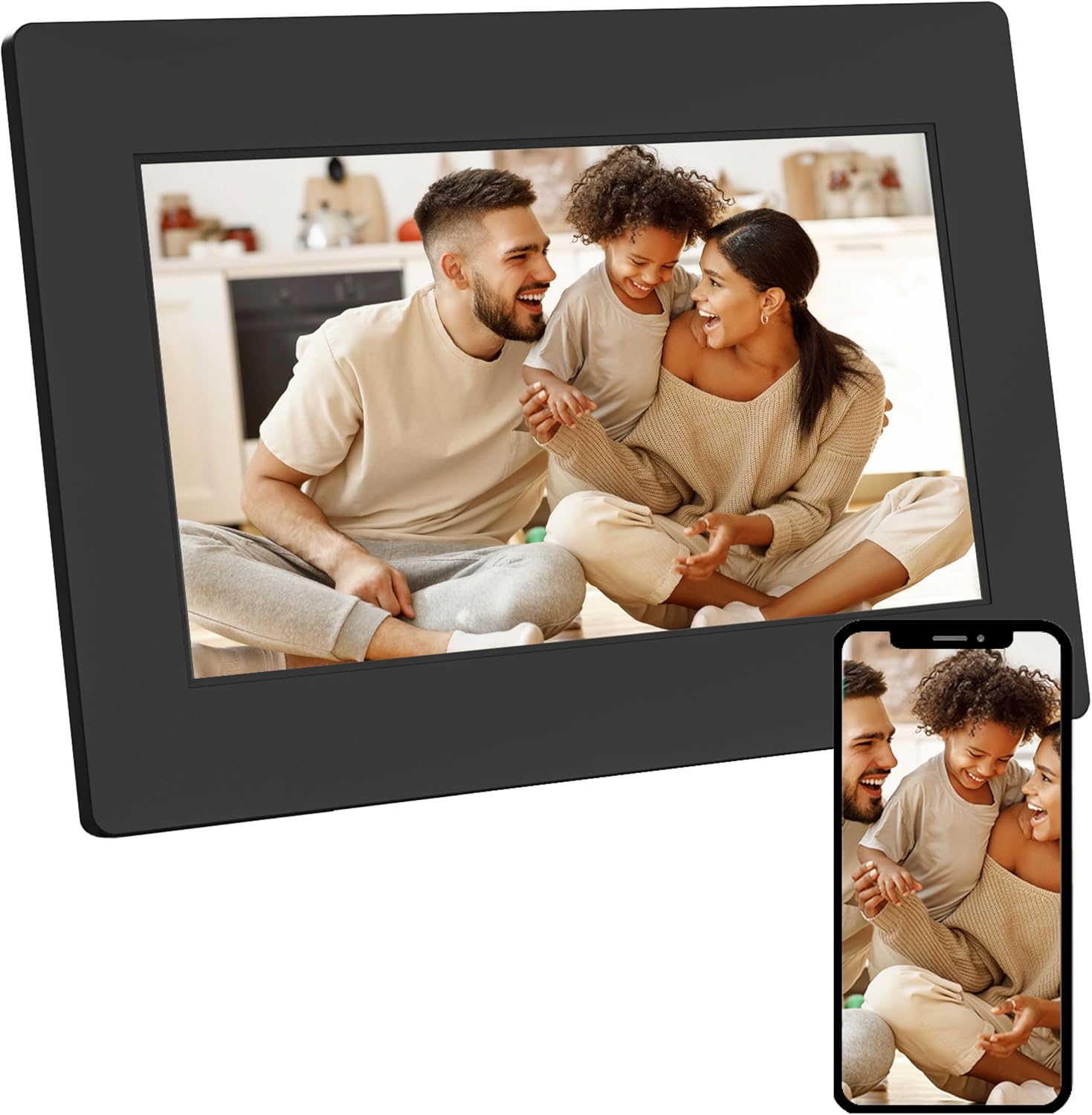
Image 1.1: AgfaPhoto Realiview APF700 Digital Photo Frame with a family photo displayed.
2. Conținutul pachetului
Verificați dacă toate articolele sunt prezente în colet:
- AgfaPhoto Realiview APF700 Digital Photo Frame (7-inch)
- Adaptor de alimentare
- Manual de utilizare (acest document)
- Suport (pre-atașat sau separat)
3. Produs terminatview
AgfaPhoto Realiview APF700 is a 7-inch Wi-Fi enabled digital photo frame designed to display photos and videos. It features a touchscreen interface and integrates with the FRAMEO application for easy content sharing.
3.1 Față View
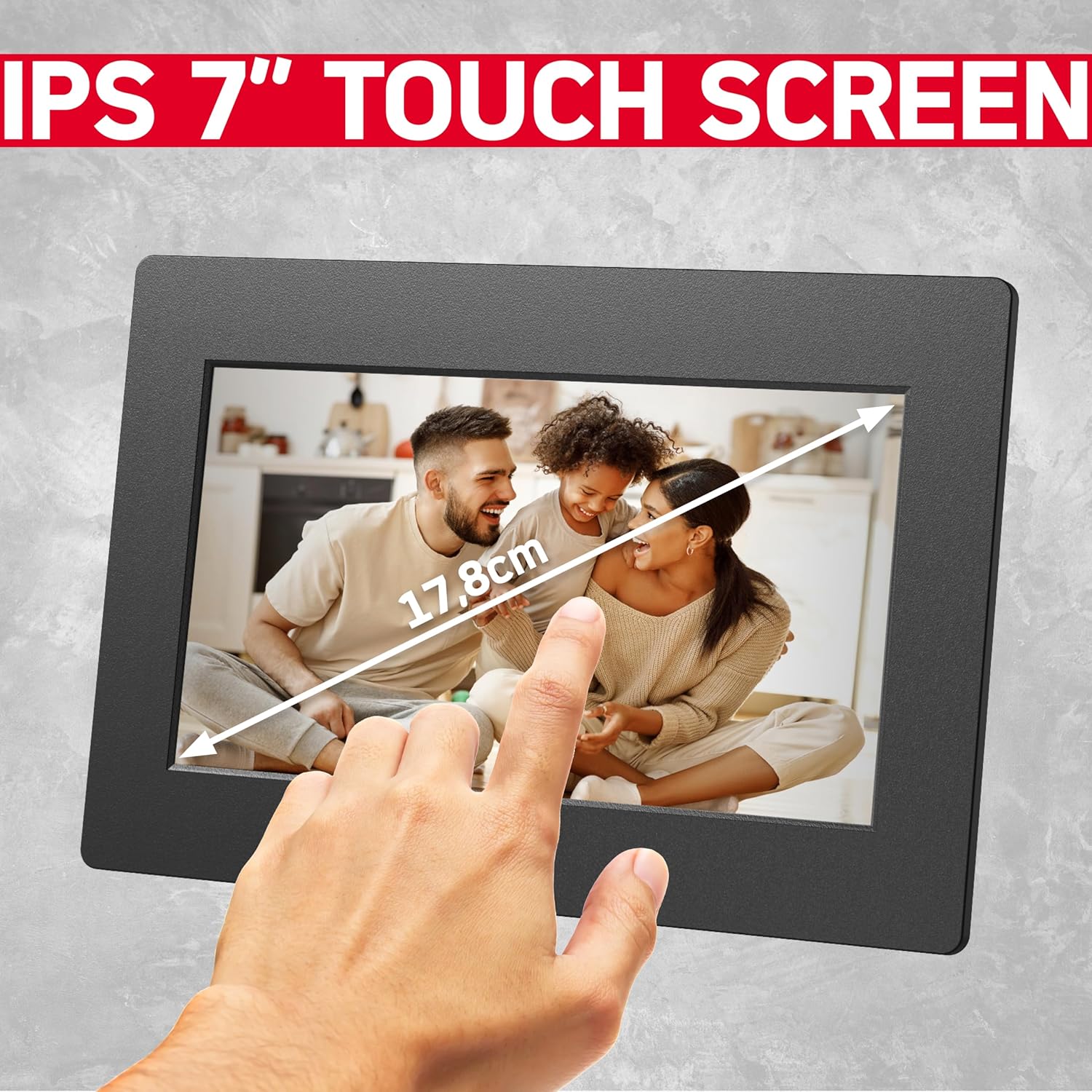
Imaginea 3.1: Față view of the 7-inch touchscreen display.
The front of the frame features the 7-inch IPS touchscreen display, which is the primary interface for interaction.
3.2 Spate View și Porturi

Imaginea 3.2: Față și spate views of the digital photo frame, highlighting ports and features.
The rear of the frame typically includes:
- Port intrare alimentare
- USB Port (for external storage)
- MicroSD Card Slot (for external storage)
- Butonul de resetare
- Mounting Holes (for wall mounting, if applicable)
4. Configurare
4.1 Powering On the Frame
- Connect the power adapter to the frame's power input port.
- Conectați adaptorul de alimentare la o priză de perete.
- The frame will automatically power on and display the startup screen.
4.2 Configurarea inițială și conexiunea Wi-Fi
Upon first use, the frame will guide you through the initial setup process:
- Selectați limba preferată.
- Alegeți fusul orar.
- Connect to a Wi-Fi network: The frame will scan for available networks. Select your network and enter the password.
- Once connected, the frame will display a unique device ID. Note this ID for connecting with the FRAMEO app.
5. Instrucțiuni de utilizare
5.1 Using the FRAMEO App
The FRAMEO app is essential for sending photos and videos to your digital frame.
- Descărcați aplicația: Download the "FRAMEO" app from the Apple App Store (for iOS) or Google Play Store (for Android).
- Creați un cont: Open the app and follow the instructions to create a user account.
- Conectați-vă la cadru: In the app, select "Add Friend" or a similar option. Enter the unique device ID displayed on your AgfaPhoto Realiview frame. This establishes a connection, allowing you to send media.

Image 5.1: The FRAMEO application interface on a smartphone.
5.2 Trimiterea fotografiilor și videoclipurilor
Once connected via the FRAMEO app:
- Open the FRAMEO app on your smartphone.
- Selectați fotografiile sau videoclipurile pe care doriți să le trimiteți din galeria dispozitivului.
- Choose your AgfaPhoto Realiview frame as the recipient.
- Add a caption if desired, then send. The media will appear on your frame shortly, provided both the frame and your phone are connected to the internet.

Image 5.2: Instant sharing functionality with the FRAMEO app.
5.3 Setări de afișare
Access display settings by tapping the screen and navigating to the settings menu.
- Luminozitate: Reglați luminozitatea ecranului pentru o performanță optimă viewing.
- Modul de somn: Set a schedule for the frame to automatically turn off/on.
- Interval de prezentare: Customize how long each photo or video is displayed.
- Rotire automată: The frame supports automatic rotation of content based on its orientation (portrait or landscape).

Image 5.3: Demonstration of the auto-rotate function.
5.4 Clock and Weather Functions
The frame can display current time and weather information. These functions are typically enabled and configured within the frame's settings menu, requiring an active internet connection to retrieve data.

Image 5.4: Icons representing the frame's various display functions.
6. Managementul stocării
AgfaPhoto Realiview APF700 comes with 32GB of built-in memory. You can also expand storage using a MicroSD card or a USB drive.

Image 6.1: Illustration of the frame's 32GB built-in storage capacity.
6.1 Managing Internal Storage
Within the frame's settings, you can view storage usage and delete unwanted photos or videos to free up space.
6.2 Using External Storage
Insert a MicroSD card into the designated slot or connect a USB drive to the USB port. The frame will typically detect the external storage, allowing you to import media to the internal memory or play content directly from the external source.
7. Depanare
Această secțiune abordează problemele frecvente pe care le-ați putea întâmpina.
| Problemă | Cauza posibila | Soluţie |
|---|---|---|
| Rama nu pornește. | Fără conexiune la curent. | Ensure the power adapter is securely connected to the frame and a working power outlet. |
| Nu se poate conecta la Wi-Fi. | Parolă incorectă, în afara intervalului sau problemă de rețea. | Verify Wi-Fi password. Move the frame closer to the router. Restart the router. |
| Fotografiile/videoclipurile nu apar în cadru. | No internet connection, incorrect frame ID, or app issue. | Check frame's Wi-Fi connection. Confirm the correct frame ID is entered in the FRAMEO app. Ensure the app is updated. |
| Ecranul tactil nu răspunde. | Eroare temporară de software. | Restart the frame by unplugging and replugging the power adapter. |
8. Specificații
- Model: APF700
- Dimensiunea ecranului: 7 inchi
- Tip de afișare: Ecran tactil LCD
- Rezoluţie: 1024 x 600 (as per A+ content, overriding 1080p from specs list for consistency with typical 7-inch frames)
- Memoria internă: 32 GB
- Conectivitate: Wifi
- Aplicații compatibile: FRAMEO (iOS & Android)
- Stocare externă: MicroSD Card, USB Drive
- Dimensiuni produs: 7.7 x 5.3 x 0.99 inci
- Greutatea articolului: 1.34 lire sterline
9. Îngrijire și întreținere
- curatenie: Use a soft, dry cloth to clean the screen and frame. Avoid abrasive cleaners or solvents.
- Plasare: Place the frame on a stable surface, away from direct sunlight, heat sources, and moisture.
- Putere: Utilizați numai adaptorul de alimentare furnizat.
- Actualizări de software: Periodically check for and install software updates via the frame's settings menu to ensure optimal performance and security.
10. Garanție și asistență
For warranty information and technical support, please refer to the official AgfaPhoto website-ul web sau contactați direct serviciul lor de asistență pentru clienți. Păstrați bonul fiscal ca dovadă a achiziției.
Suport online: www.agfaphoto.com


