Introducere
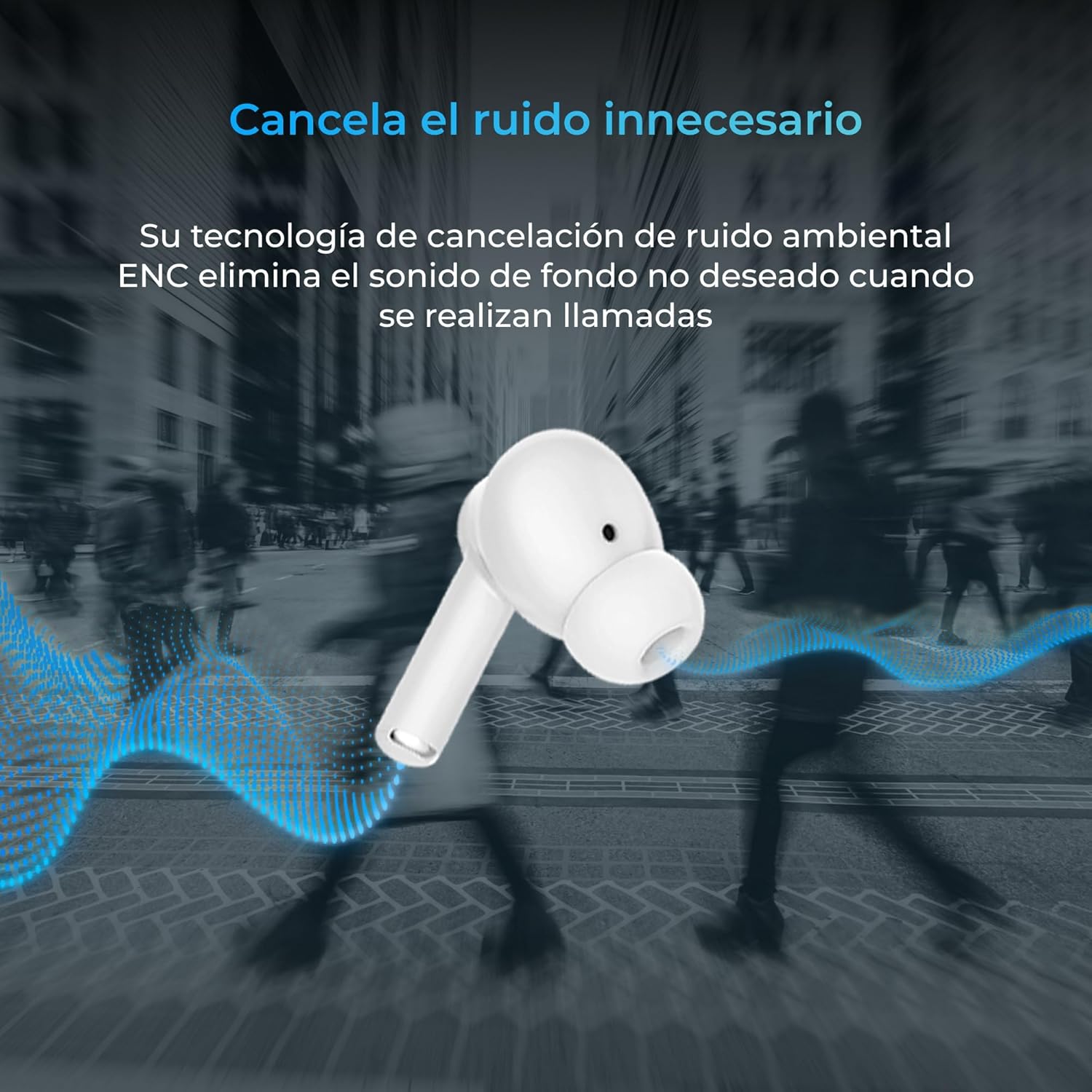
Thank you for choosing the KSIX Orion Wireless Earbuds. These earbuds are designed to provide a superior audio experience with features such as HD calls, Environmental Noise Cancellation (ENC), True Wireless Stereo (TWS), and intuitive touch controls. With up to 15 hours of total battery life and IPX4 water resistance, they are perfect for music, sports, and travel. This manual will guide you through the setup, operation, and maintenance of your new earbuds to ensure optimal performance and longevity.
Produs terminatview




Înființat
1. Încărcarea căștilor și a carcasei
Before first use, fully charge your KSIX Orion earbuds and charging case. The case and earbuds can be fully charged in approximately 1 hour. The earbuds provide up to 5 hours of playback, and the charging case provides an additional 10 hours, for a total of 15 hours of autonomy.
- Puneți căștile în carcasa de încărcare.
- Conectați carcasa de încărcare la o sursă de alimentare utilizând un cablu USB-C compatibil.
- Indicatorul luminos de pe carcasă va afișa starea de încărcare.
2. Împerecherea cu dispozitivul dvs.
The KSIX Orion earbuds utilize Bluetooth 5.3 for a stable and uninterrupted connection.
- Ensure the earbuds are in the charging case and the case lid is open, or take them out of the case. They will automatically enter pairing mode.
- Pe smartphone, tabletă sau alt dispozitiv compatibil Bluetooth, accesați setările Bluetooth.
- Caută "KSIX Orion" in the list of available devices.
- Select "KSIX Orion" to connect. Once connected, you will hear a confirmation tone, and the earbuds will be ready for use.
- If pairing fails, place the earbuds back in the case, close the lid, wait a few seconds, then open the lid and try again.
Instrucțiuni de operare
The KSIX Orion earbuds feature intuitive touch controls for easy management of music and calls.
Atingeți Comenzi
| Acţiune | Căști din stânga | Earbud dreapta |
|---|---|---|
| Redați/Întrerupeți muzica | O singură atingere | O singură atingere |
| Următorul cântec | Triple robinet | Triple robinet |
| Cântecul precedent | Atingeți de două ori | Atingeți de două ori |
| Creșterea volumului | Apăsare lungă (dreapta) | Apăsare lungă (dreapta) |
| Reducerea volumului | Apăsare lungă (stânga) | Apăsare lungă (stânga) |
| Răspundeți/Terminați apelul | O singură atingere | O singură atingere |
| Respinge apelul | Apăsare lungă | Apăsare lungă |
| Activați Asistentul vocal | Atingeți și mențineți apăsat timp de 2 secunde | Atingeți și mențineți apăsat timp de 2 secunde |
Asistent vocal
The KSIX Orion earbuds are compatible with popular voice assistants such as Siri, Amazon Alexa, and Google Assistant. To activate your preferred voice assistant, use the designated touch control (tap and hold for 2 seconds). You can then issue commands for calls, music control, and more.
Întreţinere
Proper maintenance ensures the longevity and optimal performance of your KSIX Orion earbuds.
- curatenie: Regularly clean the earbuds, especially the ear tips and charging contacts, with a soft, dry, lint-free cloth. Do not use abrasive cleaners or solvents.
- Rezistenta la apa: The earbuds are IPX4 water resistant, meaning they are protected against splashing water from any direction. They are resistant to sweat and light rain. Do not submerge the earbuds in water or expose them to strong jets of water. Ensure the earbuds are dry before placing them back in the charging case to prevent damage.
- Depozitare: Când nu le utilizați, depozitați căștile în carcasa lor de încărcare pentru a le proteja de praf și deteriorări. Depozitați într-un loc răcoros și uscat, ferit de temperaturi extreme.
- Îngrijirea bateriei: Pentru a prelungi durata de viață a bateriei, evitați descărcarea completă frecventă a căștilor și a carcasei. Încărcați-le regulat, chiar dacă nu le utilizați constant.
Depanare
If you encounter issues with your KSIX Orion earbuds, try the following solutions:
| Problemă | Soluție posibilă |
|---|---|
| Căștile nu se împerechează |
|
| Niciun sunet de la una sau ambele căști |
|
| Căștile nu se încarcă |
|
| Poor call quality / ENC not working |
|
Specificații
| Caracteristică | Detaliu |
|---|---|
| Numărul de model | BXTW09B |
| Marca | KSIX smart your tech |
| Culoare | Alb |
| Tehnologia de conectivitate | Fără fir (Bluetooth 5.3) |
| Plasarea urechii | In-ear |
| Factor de formă | In-ear |
| Izolarea fonică | Anularea zgomotului de mediu (ENC) |
| Nivel de rezistență la apă | IPX4 (rezistent la stropire) |
| Durata de viață a bateriei (căști) | Până la 5 ore |
| Durata totală de viață a bateriei (cu carcasă) | Până la 15 ore |
| Timp de încărcare | Aproximativ. 1 oră |
| Gama de frecvente | 20 Hz - 20,000 Hz |
| Tip control | Control tactil, control vocal |
| Dispozitive compatibile | Smartphones, tablets, laptops, desktops, smart speakers |
| Utilizări recomandate | Calls, Music, Sport, Travel |
| Componente incluse | Carcasă de încărcare fără fir |
Garanție și suport
For detailed warranty information and customer support, please refer to the official KSIX website or contact their customer service directly. Information regarding spare parts availability and software update guarantees is not available in this manual.
Pentru asistență suplimentară, vă rugăm să vizitați: www.ksix.com


