Introducere
This manual provides detailed instructions for the setup, operation, and maintenance of your VTech CS2000 DECT Cordless Home Phone. Please read this manual thoroughly before using your new phone to ensure proper functionality and to take full advantage din caracteristicile sale.
The VTech CS2000 is designed for home use, offering reliable long-range communication, essential call management features, and user-friendly design.

Figure 1: VTech CS2000 DECT Cordless Home Phone, showing the handset docked in its base unit.
Înființat
Conținutul pachetului
Asigurați-vă că toate articolele sunt prezente în colet:
- VTech CS2000 Handset
- VTech CS2000 Base Unit
- Adaptor de alimentare pentru unitatea de bază
- Cablu de linie telefonică
- Rechargeable NiMH Battery (1 included)
Instalarea și încărcarea bateriei
The VTech CS2000 uses a rechargeable NiMH battery. Proper installation and initial charging are crucial for optimal performance.
- Localizați compartimentul bateriei de pe spatele receptorului.
- Insert the supplied NiMH battery, ensuring the polarity matches the diagram inside the compartment.
- Închideți bine capacul compartimentului bateriei.
- Așezați receptorul pe unitatea de bază. Indicatorul de încărcare de pe receptor ar trebui să se aprindă.
- Allow the handset to charge for at least 16 hours before initial use, even if the display indicates a full charge sooner. This ensures maximum battery capacity.
Conectarea unității de bază
- Conectați un capăt al cablului liniei telefonice la mufa TEL LINE din spatele unității de bază.
- Conectați celălalt capăt al cablului liniei telefonice la o priză telefonică de perete.
- Connect the small end of the power adapter to the POWER jack on the back of the base unit.
- Conectați capătul mare al adaptorului de alimentare la o priză electrică standard.
- Asigurați-vă că toate conexiunile sunt sigure.
Utilizarea telefonului dvs
Efectuarea și primirea apelurilor
Efectuarea unui apel:
- Apăsați tasta VORBI button (green receiver icon) or lift the handset from the base.
- Formați numărul de telefon dorit.
- Apăsați tasta Sfârşit button (red receiver icon) or place the handset back on the base to end the call.
Primirea unui apel:
Când sună telefonul, apăsați butonul VORBI button or lift the handset from the base to answer.
Difuzor hands-free
The VTech CS2000 features a hands-free speakerphone function, allowing you to talk without holding the handset.
- În timpul unui apel, apăsați tasta VORTORUL button (speaker icon).
- Pentru a reveni la receptor, apăsați butonul VORBI butonul din nou.
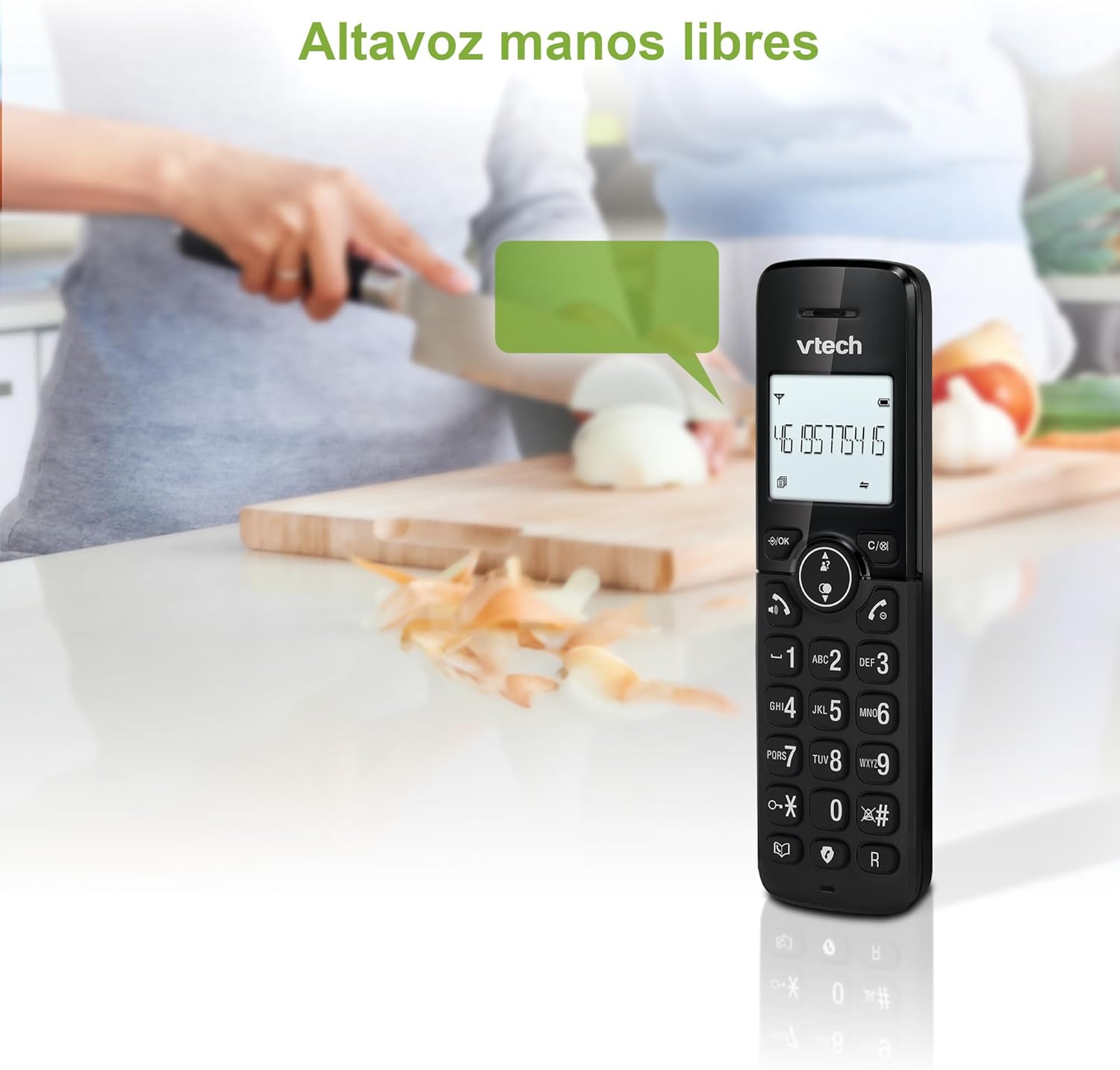
Figure 2: Using the hands-free speakerphone function.
Blocarea apelurilor
The call blocking feature allows you to prevent unwanted calls. You can block up to 30 numbers.
- To block a number during a call, press the APEL BLOC buton.
- To add a number to the block list manually, navigate to the Call Block menu in the phone settings.
- Follow the on-screen prompts to add or remove numbers from the block list.
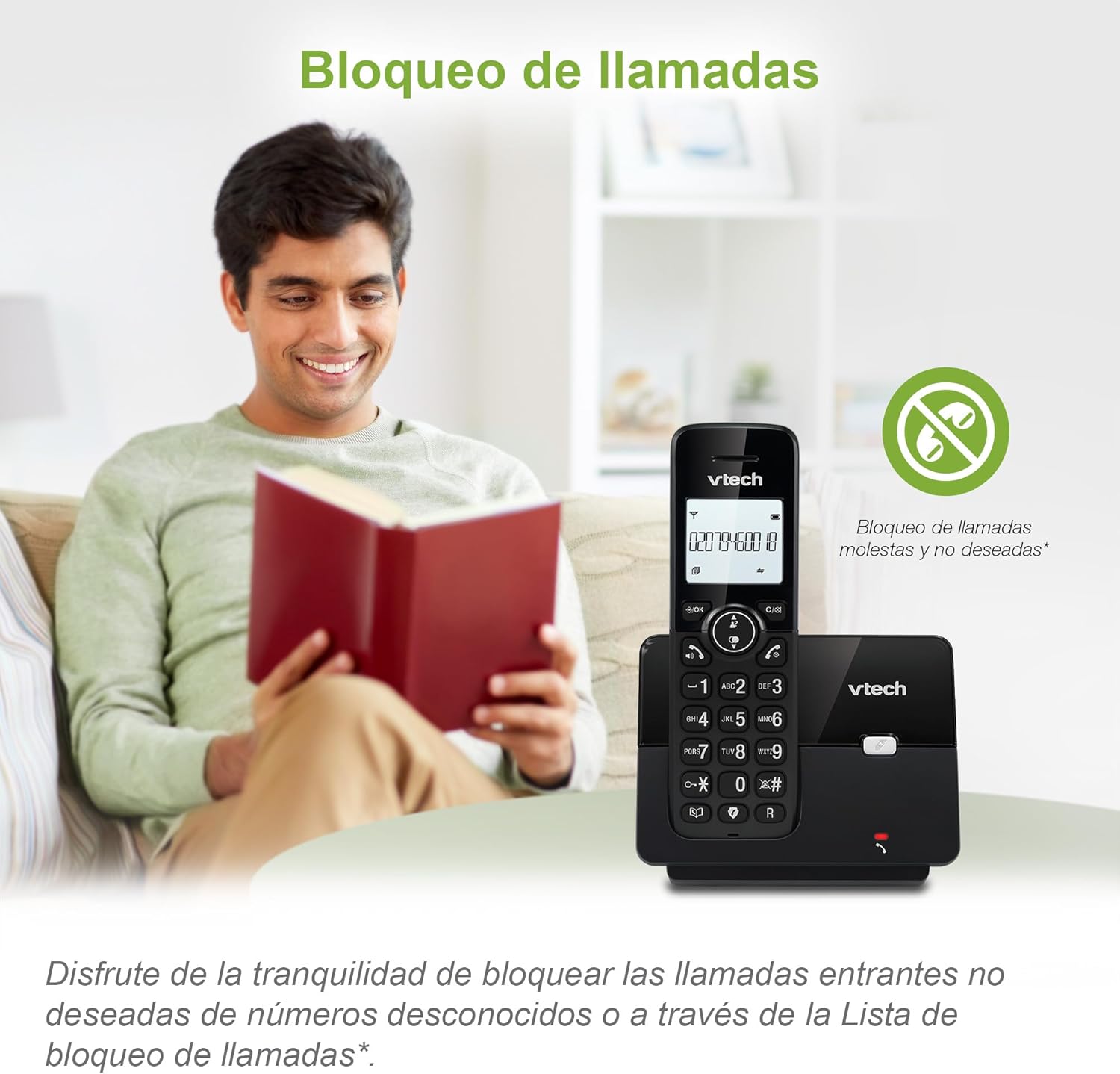
Figure 3: The call blocking feature helps manage unwanted calls.
Agendă telefonică (Director)
Stocați până la 30 de nume și numere în agenda telefonică pentru apelare rapidă.
- Apăsați tasta MENIU / OK buton.
- Navigate to the "Phonebook" or "Directory" option.
- Select "Add New Entry" and follow the prompts to enter the name and number.
- To dial from the phonebook, press the DIRECTORUL button and scroll to the desired entry, then press VORBI.

Figure 4: Managing contacts in the phonebook.
ID apelant și apel în așteptare
The phone stores up to 20 caller ID records with name and number (service subscription may be required).
When a new call comes in while you are on another call, the call waiting feature alerts you (service subscription may be required).
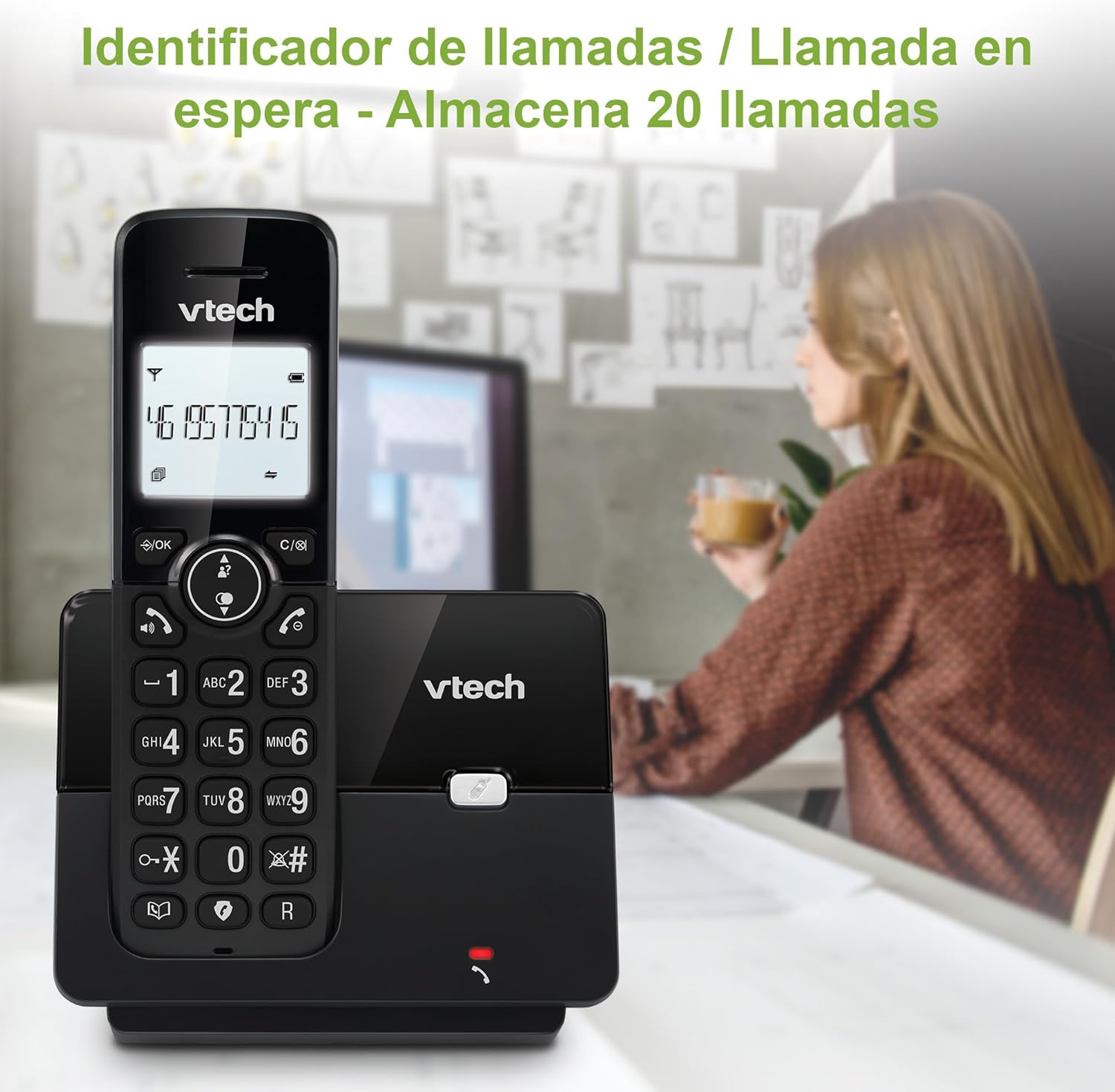
Figure 5: Caller ID display on the handset.
Lista de reapelare
Telefonul stochează ultimele 10 de numere formate pentru reapelare rapidă.
- Apăsați tasta REAPELARE buton.
- Scroll through the list using the navigation keys.
- Presa VORBI to redial the selected number.

Figure 6: Accessing the redial list.
Mod ECO
The ECO mode automatically adjusts the radio frequency power based on the distance between the handset and the base unit, helping to conserve energy.
Adjusting Ring Volume and Melody
You can customize the ring volume and melody of your handset.
- Apăsați tasta MENIU / OK buton.
- Navigate to "Settings" or "Ring Settings".
- Select "Ring Volume" or "Ring Melody" and choose your preference.
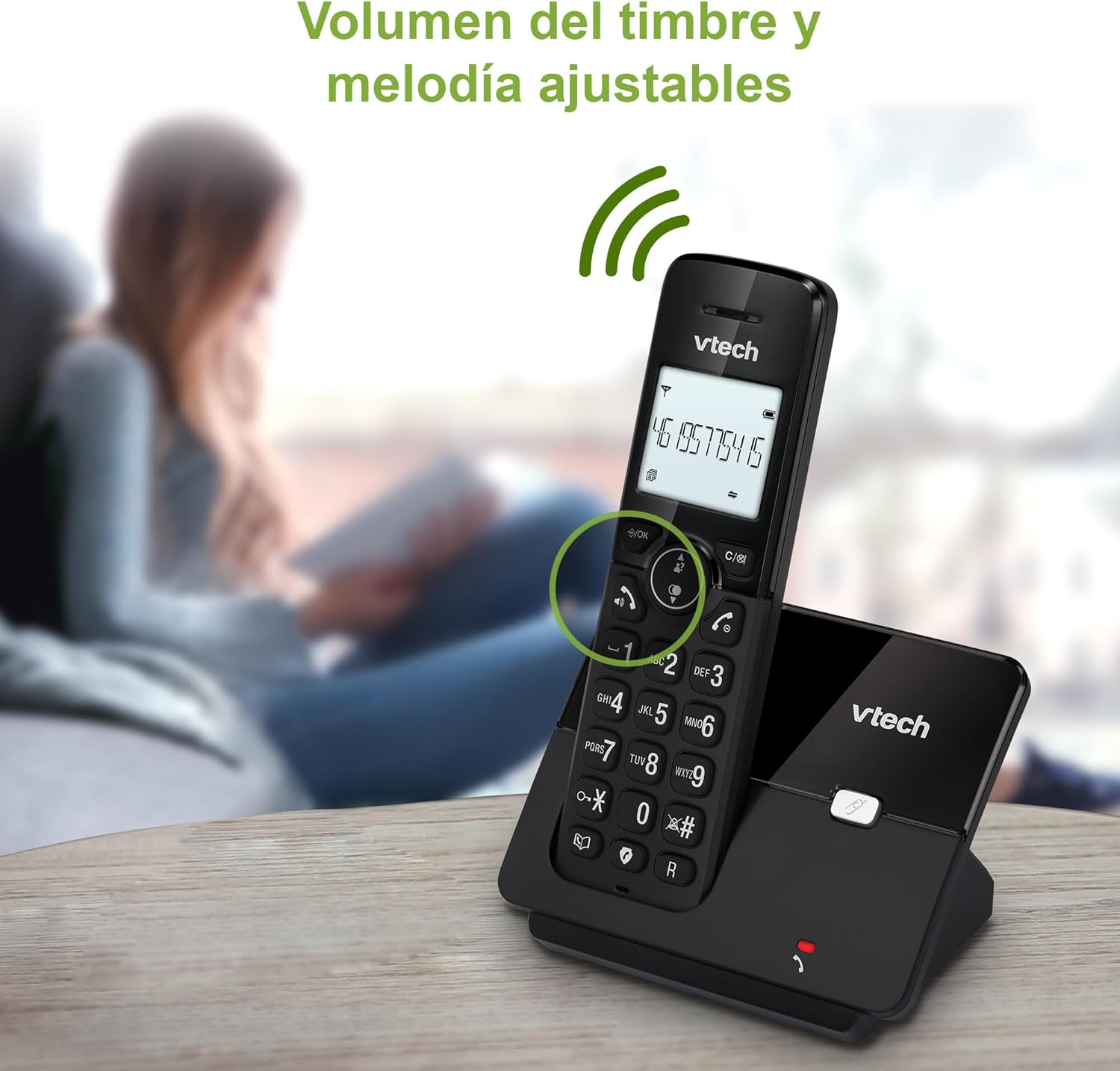
Figure 7: Adjusting ring volume and melody.
Alarm and Silence Function
The phone includes an alarm function and a silence mode for convenience.
- To set an alarm, navigate to the "Alarm" option in the menu and follow the prompts.
- To activate silence mode, typically press and hold the MUTE button or access the "Silence" option in the settings.

Figure 8: Alarm and silence functions.
Afișaj cu fundal luminos
The 1.8-inch backlit display provides clear visibility, especially in low-light conditions.

Figure 9: The 1.8-inch backlit display for clear viewing.
Long Range Capability
The VTech CS2000 utilizes DECT technology to provide a stable operating range of up to 300 meters outdoors, ensuring clear communication throughout your home and property.

Figure 10: The phone offers reliable long-range coverage.
Întreţinere
Curatenie
Curățați telefonul și unitatea de bază cu o lavetă moale șiamp cloth. Do not use cleaning sprays or abrasive cleaners, as they can damage the finish or electrical components.
Îngrijirea bateriei
- Only use the supplied rechargeable NiMH battery or an approved replacement.
- Dacă telefonul nu va fi utilizat pentru o perioadă lungă de timp, scoateți bateria pentru a preveni scurgerile.
- Aruncați bateriile în mod responsabil, conform reglementărilor locale.
Depanare
If you experience issues with your VTech CS2000 phone, try the following solutions:
| Problemă | Soluţie |
|---|---|
| Fără ton de apel. | Ensure the telephone line cord is securely connected to both the base unit and the wall jack. Check if the power adapter is properly connected and plugged into a working outlet. |
| Telefonul nu se încarcă. | Ensure the handset is correctly placed on the base unit. Clean the charging contacts on both the handset and base unit with a dry cloth. Verify the power adapter is connected. |
| Calitate slabă a sunetului sau static. | Move closer to the base unit. Ensure there are no large metal objects or other electronic devices interfering with the signal. Check for loose telephone line connections. |
| Nu pot efectua sau primi apeluri. | Check if the phone line is active. Ensure the handset is registered to the base unit (refer to the full manual for registration steps if needed). Temporarily unplug the base unit's power adapter, wait a few seconds, then plug it back in. |
| ID-ul apelantului nu se afișează. | Asigurați-vă că v-ați abonat la serviciul de identificare a apelantului de la furnizorul dumneavoastră de servicii telefonice. |
Specificații
| Marca | Vtech |
| Numărul de model | CS2000 |
| Culoare | Negru |
| Tip de telefon | Telefon DECT fără fir |
| Dimensiunea ecranului | 1.8 inchi |
| Compoziția bateriei | NiMH |
| Numărul de baterii | 1 (Product Specific - Included) |
| Material | Plastic |
| Sursa de alimentare | Alimentat cu baterie |
| Tip de apelator | Tastatură unică |
| Tip de sistem de răspuns | Fără fir |
| Greutatea articolului | 300 grame |
| Operațiune pe mai multe linii | Operare cu o singură linie |
| Caracteristici speciale | Cordless, Call Blocking, Hands-Free Speakerphone, Backlit Display, ECO Mode, Caller ID, Phonebook, Redial |
Garanție și suport
Pentru informații despre garanție și asistență tehnică, vă rugăm să consultați documentația inclusă odată cu achiziția sau să vizitați site-ul oficial VTech. webPăstrați bonul fiscal ca dovadă a achiziției.
Producător: VTECH TELECOMMUNICATIONS LTD
Țara de origine: China


