1. Introducere
The GONEO Portable Power Station GNV-USY16 is a versatile and reliable power source designed for various applications, including outdoor activities, emergency backup, and powering sensitive electronics. This manual provides essential information for safe operation, optimal performance, and proper maintenance of your device. Please read this manual thoroughly before using the power station.
2. Instrucțiuni importante de siguranță
- Nu dezasamblați, reparați și modificați unitatea. Reasamblarea incorectă poate provoca incendii sau vătămări corporale.
- Nu expuneți unitatea la foc sau temperaturi ridicate (peste 60°C/140°F).
- Do not use or store the unit in a bathroom or in areas exposed to rain or moisture.
- Use only the recommended accessories and chargers.
- Țineți unitatea departe de copii și animale de companie.
- Evitați căderile, impacturile puternice sau vibrațiile puternice.
- Nu introduceți obiecte străine în porturi.
- Asigurați o ventilație corespunzătoare în timpul utilizării și încărcării. Nu acoperiți unitatea.
- În caz de incendiu, utilizați un stingător cu pulbere uscată.
3. Produs terminatview
3.1 Conținutul pachetului
- GONEO Portable Power Station GNV-USY16
- Adaptor de curent alternativ
- Cablu încărcător auto
- Manual de utilizare
3.2 Identificarea componentelor

Imagine: față view of the GONEO Portable Power Station GNV-USY16, highlighting its various ports, display, and carrying handle.
3.3 Porturi de intrare/ieșire

Image: Close-up of the power station's input and output ports, including DC, PV, Car Socket, USB-C, USB-A, and AC outlets, with exampmai multe dispozitive compatibile.
- DC Input/Output (12V/12A): For charging the power station or powering 12V DC devices.
- Intrare PV: For connecting solar panels to charge the power station.
- Car Socket (12V/12A): Pentru alimentarea aparatelor auto de 12V.
- USB-C Input/Output (PD 100W): For fast charging the power station or compatible USB-C devices.
- Ieșire USB-A (5V/2.4A): For charging standard USB devices.
- AC Output (110V/600W): Standard AC outlets for household appliances.
3.4 LED Display Panel

Imagine: O imagine detaliată view of the 5.5-inch LED display, showing indicators for charging status (DC, CAR, PD), battery percentage, estimated time to full/empty, input/output power, and active output ports (DC, CIG, USB-A, USB-C, AC, LIGHT).
The 5.5-inch LED display provides real-time information about the power station's status:
- Baterie Percentage: Afișează nivelul actual de încărcare.
- Timp până la umplere/golire: Estimated time remaining for charging or discharging.
- Putere de intrare: Displays the current power input (in Watts).
- Putere de iesire: Displays the current power output (in Watts).
- Indicatori de încărcare: DC, CAR, PD icons illuminate to show the active charging method.
- Indicatori de ieșire: Icons for DC, CIG (Car Socket), USB-A, USB-C, AC, and LIGHT illuminate when their respective outputs are active.
4. Configurare și utilizare inițială
- Despachetarea: Scoateți cu grijă stația de alimentare și toate accesoriile din ambalaj.
- Taxă inițială: Before first use, fully charge the power station using the provided AC adapter. Connect the AC adapter to the DC input port and plug it into a wall outlet. The LED display will show charging progress.
- Pornire/Oprire: Apăsați și mențineți apăsat butonul principal de alimentare timp de câteva secunde pentru a porni sau opri unitatea.
5. Funcționare
5.1 Încărcarea centralei electrice
Stația electrică poate fi reîncărcată folosind trei metode:
- Adaptor CA: Connect the provided AC adapter to the DC input port.
- Panou solar: Connect a compatible 100W solar panel to the PV input port.
- USB-C PD 100W: Use a compatible USB-C PD charger and cable.
For fastest charging, use both the USB-C PD port and the DC input port simultaneously. This can fully recharge the battery in approximately 2 hours.
5.2 Alimentarea dispozitivelor
To power a device, ensure the power station is turned on. Press the respective output button (e.g., AC, DC, USB) to activate the desired port. The corresponding icon on the LED display will illuminate.
- Iesire AC: Connect devices requiring 110V AC power (up to 600W).
- DC Output/Car Socket: Conectați dispozitive de 12V CC.
- USB-A/USB-C Output: Connect USB-powered devices for charging.
Funcție lanterna LED 5.3
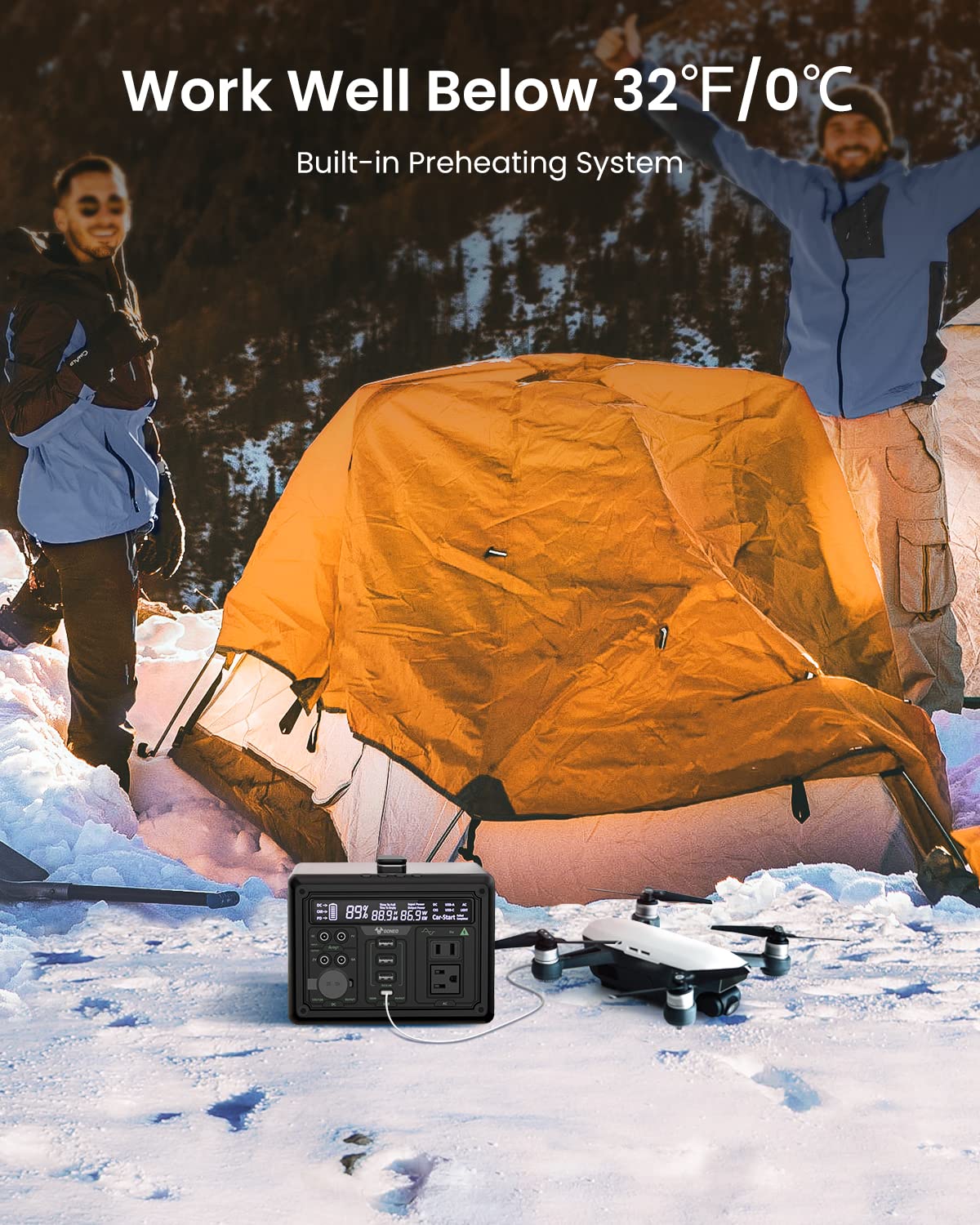
Image: The GONEO Power Station's 6.5-inch LED flashlight panel illuminating a camping tent at night, demonstrating its four lighting modes: Normal, Bright, SOS, and Flashing.
The power station features a 6.5-inch LED flashlight panel with four lighting modes:
- Normal: Iluminare standard.
- Luminos: Increased brightness for enhanced visibility.
- SOS: Clipește semnalul internațional de primejdie.
- Clipește: A continuous flashing pattern.
To activate or cycle through modes, press the dedicated flashlight button.
5.4 Low Temperature Operation

Image: The GONEO Power Station in a snowy outdoor setting, demonstrating its ability to operate effectively in cold conditions (below 32°F/0°C) due to its built-in preheating system, shown charging a drone.
The power station includes a built-in preheating system that automatically detects low temperatures (down to -20°C/-4°F) and initiates heating to ensure optimal battery performance and charging capability in cold environments.
5.5 Funcționare silențioasă
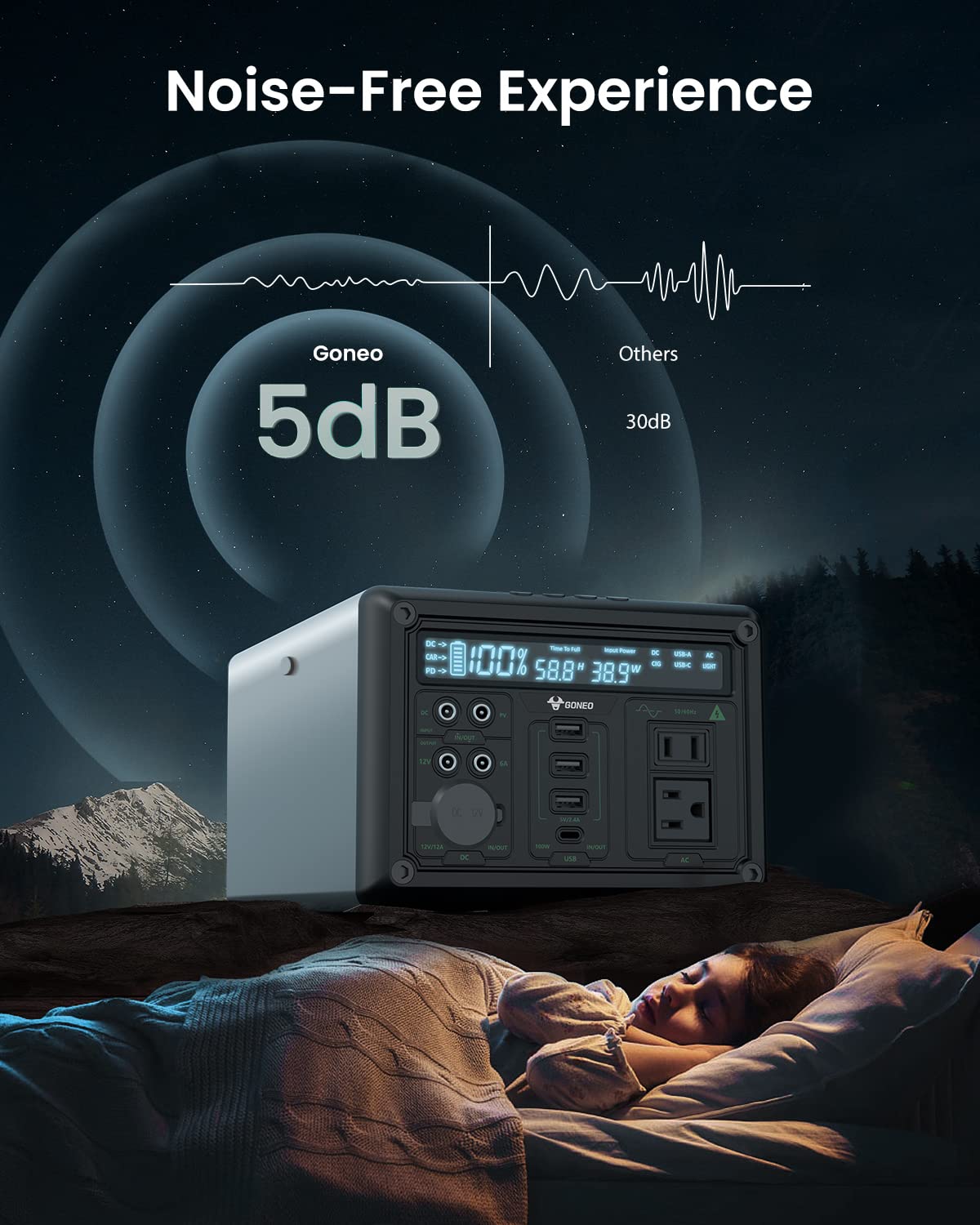
Image: The GONEO Power Station operating at a low noise level of 5dB, depicted next to a person sleeping peacefully in a tent, illustrating its fanless design for a quiet environment.
Designed with a fanless cooling system, the power station operates at a low noise level of approximately 5dB, providing a quiet environment suitable for camping, RV trips, or during power outages.
6. Îngrijire și întreținere
- curatenie: Folosiți o lavetă uscată și moale pentru a șterge exteriorul unității. Nu utilizați substanțe de curățare abrazive sau solvenți.
- Depozitare: Store the power station in a cool, dry place, away from direct sunlight and extreme temperatures. For long-term storage, charge the unit to 50-80% every 3-6 months to preserve battery life.
- Îngrijirea bateriei: Avoid fully discharging the battery frequently. Recharge the unit promptly after use.
7. Depanare
| Problemă | Cauza posibila | Soluţie |
|---|---|---|
| Unitatea nu pornește | Bateria este complet descărcată; butonul de pornire nu a fost apăsat suficient de mult timp. | Încărcați unitatea; Apăsați și țineți apăsat butonul de pornire timp de 3-5 secunde. |
| Nicio ieșire din porturi | Output port not activated; Device draws too much power; Battery is low. | Press the corresponding output button; Check device wattage; Recharge the power station. |
| Se încarcă încet | Using a low-power charger; Environmental temperature is too low. | Use the provided AC adapter or a 100W PD charger; Ensure unit is within operating temperature range. |
8. Specificatii tehnice
| Model | GNV-USY16 |
| Capacitatea bateriei | 607Wh (Lithium Ion) |
| Ieșire AC | 110V, 600W (undă sinusoidală pură) |
| Intrare DC | 12V/12A |
| Intrare/ieșire USB-C | PD 100W |
| Ieșire USB-A | 5V/2.4A |
| Ieșire priză auto | 12V/12A |
| Lanterna LED | 6.5 inch, 4 Modes (Normal, Bright, SOS, Flashing) |
| Dimensiuni (Lxlxh) | 27.94 x 18.8 x 13.72 cm (11.0 x 7.4 x 5.4 țoli) |
| Greutate | Nu este specificat în datele furnizate |
| Material | Aluminiu |
| Temperatura de operare | -20°C până la 40°C (-4°F până la 104°F) |
9. Garanție și asistență pentru clienți
For warranty information, technical support, or any questions regarding your GONEO Portable Power Station GNV-USY16, please refer to the warranty card included with your product or contact GONEO customer service directly. Contact details are typically available on the official GONEO website sau prin intermediul platformei dvs. de achiziții.


