1. Introducere
Thank you for choosing the beeprt BY-480BT-8 Bluetooth Shipping Label Printer. This thermal printer is designed for efficient and high-speed printing of shipping labels, making it ideal for small businesses, e-commerce sellers, and home use. This manual provides detailed instructions to help you set up, operate, and maintain your printer, ensuring optimal performance and longevity.
2. Informații de siguranță
- Folosiți întotdeauna adaptorul de alimentare furnizat împreună cu imprimanta.
- Nu expuneți imprimanta la apă sau umiditate excesivă.
- Evitați amplasarea imprimantei în lumina directă a soarelui sau în apropierea surselor de căldură.
- Keep the printer away from dust and debris to prevent damage.
- Nu încercați să dezasamblați sau să reparați imprimanta singur. Contactați personalul de service calificat.
- Asigurați o ventilație corespunzătoare în jurul imprimantei în timpul funcționării.
- Use only thermal labels compatible with the printer.
3. Conținutul pachetului
Vă rugăm să bifați căsuța pentru următoarele elemente:
- beeprt BY-480BT-8 Thermal Label Printer
- Adaptor de alimentare
- Cablu USB
- Label Rolls (starter pack)
- Manual de utilizare (acest document)
4. Produs terminatview
Familiarize yourself with the components of your beeprt label printer.

Figura 4.1: Faţă view of the beeprt BY-480BT-8 printer actively printing a shipping label. The image highlights the compact design and the label output slot.
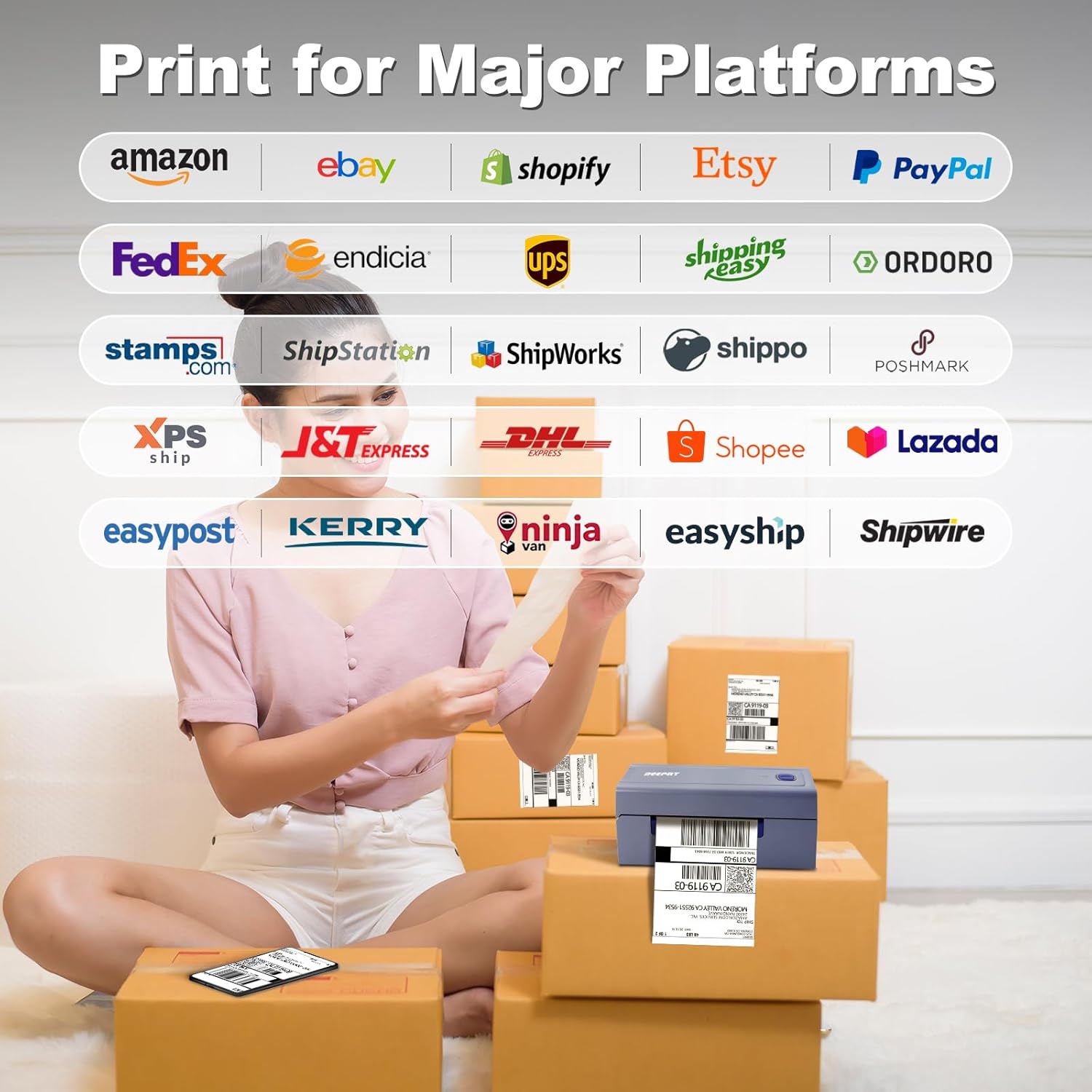
Figura 4.2: Latura view of the printer demonstrating Bluetooth connectivity with a mobile device. This image emphasizes the wireless capability of the printer.
5. Instrucțiuni de configurare
5.1 Încărcarea etichetelor
- Open the top cover of the printer by gently pressing the release latches on both sides.
- Remove any existing label roll or paper.
- Adjust the movable guides to match the width of your label roll.
- Insert the new label roll into the printer, ensuring the labels feed from the bottom and the print side faces upwards.
- Închideți capacul superior până când se fixează în poziție cu un clic.
- The printer will automatically detect and calibrate the label size.

Figura 5.1: Illustration of various label widths and shapes supported by the printer, ranging from 1.57 inches to 4.3 inches, including common 4x6 inch shipping labels.
5.2 Instalarea și conectivitatea driverelor
The beeprt BY-480BT-8 printer supports both USB and Bluetooth connectivity across multiple operating systems.
5.2.1 Conexiune USB
- Conectați imprimanta la computer folosind cablul USB furnizat.
- The printer is compatible with Windows (8 and later), Mac OS (10.9 and above), and Chrome OS.
- Drivers can typically be found on the manufacturer's official website or the included installation CD/USB drive (if applicable). Follow the on-screen instructions for installation.

Figura 5.2: The printer connected to a laptop via USB, illustrating its compatibility with various desktop operating systems.
5.2.2 Conexiune Bluetooth
- Ensure Bluetooth is enabled on your device (PC, smartphone, tablet).
- For Windows/Chrome OS, search for Bluetooth devices and pair with the printer.
- For iOS/Android devices, download the dedicated beeprt printing application from your device's app store. Follow the in-app instructions to connect and print wirelessly.
- Note: Direct Bluetooth printing is not supported for Mac OS; use USB connection for Mac.
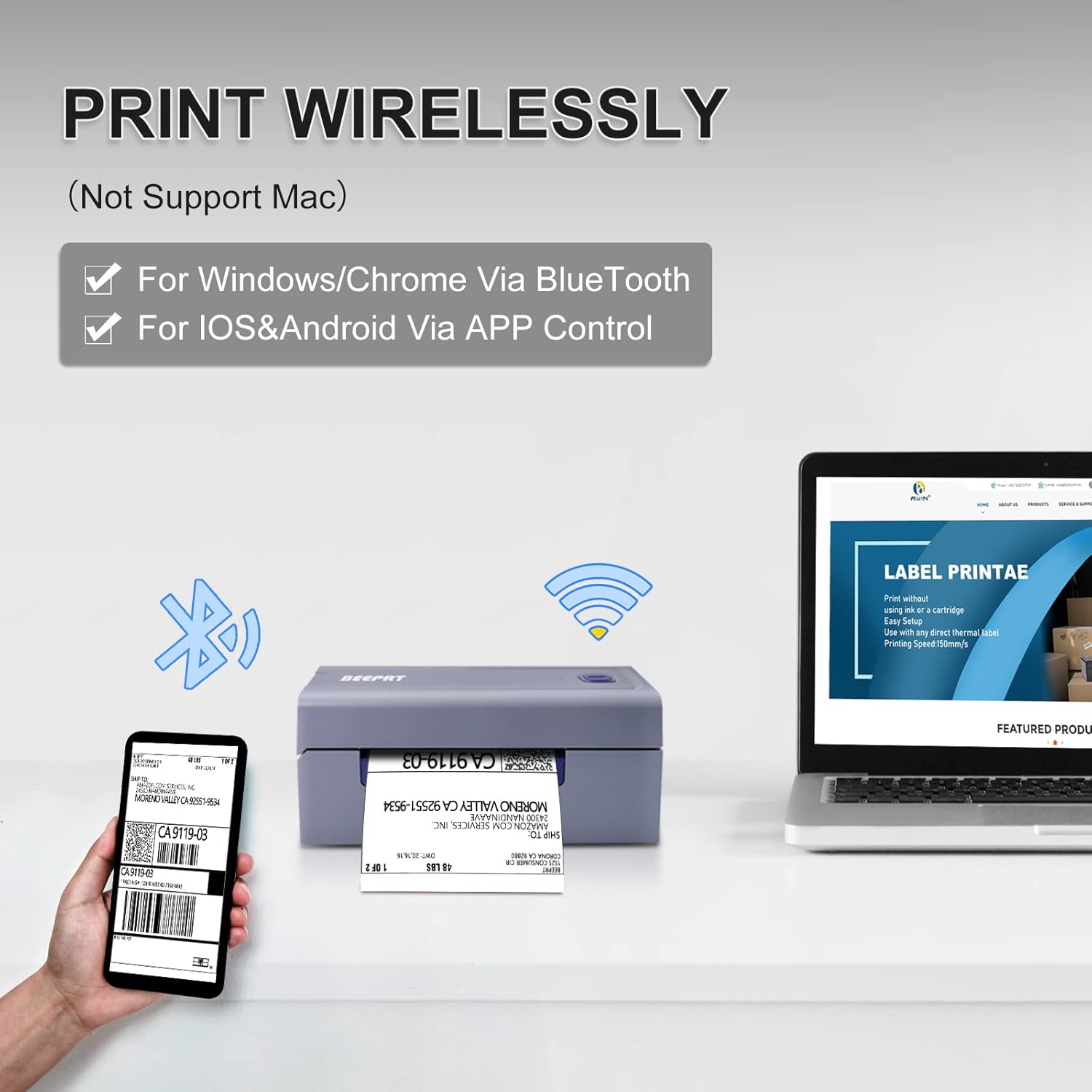
Figura 5.3: The printer demonstrating wireless connectivity options, including Bluetooth for Windows/Chrome and app control for iOS/Android.
6. Instrucțiuni de utilizare
6.1 Printing a Label
- Asigurați-vă că imprimanta este pornită și conectată la dispozitiv (prin USB sau Bluetooth).
- Open the document or application from which you wish to print your label (e.g., shipping software, PDF viewer).
- Select the beeprt BY-480BT-8 printer from your printer options.
- Verify print settings such as label size (e.g., 4x6 inches) and orientation.
- Initiate the print command. The printer is capable of high-speed printing, up to 72 labels per minute.

Figura 6.1: Un detaliat view of the printer's output, showcasing the high-speed printing capability of 72 labels per minute.
6.2 Compatibilitatea platformei
The beeprt BY-480BT-8 printer is compatible with major shipping and e-commerce platforms, streamlining your workflow.

Figura 6.2: Visual representation of the printer's broad compatibility with popular e-commerce and shipping service platforms.
7. Întreținere
- Curățarea capului de imprimare: Regularly clean the print head with an alcohol swab or a specialized thermal printer cleaning pen to ensure clear print quality. Ensure the printer is off and cooled down before cleaning.
- Curățarea exteriorului: Ștergeți exteriorul imprimantei cu o lavetă moale șiamp pânză. Nu utilizați substanțe chimice dure sau produse de curățare abrazive.
- Depozitare: When not in use for extended periods, store the printer in a cool, dry place, away from direct sunlight and extreme temperatures.
- Manipularea etichetelor: Store thermal labels in a cool, dark place to prevent premature fading.
8. Depanare
| Problemă | Cauza posibila | Soluţie |
|---|---|---|
| Imprimanta nu răspunde | Power issue, loose cable, driver problem. | Check power connection. Reconnect USB/Bluetooth. Reinstall printer drivers. |
| Calitate slabă a imprimării | Dirty print head, incorrect label type, low print density setting. | Clean the print head. Ensure you are using thermal labels. Adjust print density in printer settings. |
| Etichetele nu se alimentează corect | Labels improperly loaded, paper jam, incorrect label size calibration. | Reload labels correctly. Clear any paper jams. Perform auto-calibration for label size. |
| Probleme de conexiune Bluetooth | Bluetooth neactivat, asociere incorectă, interferențe. | Ensure Bluetooth is on. Forget and re-pair the device. Move closer to the printer. |
9. Specificații
- Marca: bip
- Nume model: BY 480BT
- Număr de model articol: BY-480BT-8
- Tehnologia de imprimare: Termic
- Tehnologie de conectivitate: Bluetooth, USB
- Media tipărită: Etichete
- Capacitate maximă de intrare a foii: 72
- Dimensiune maximă media: 4x6 inci
- Max Black and White Print Resolution: 600 dpi (estimated)
- Viteza de imprimare: 72 labels/minute
- Dispozitive compatibile: PC (Windows 8+, Mac OS 10.9+, Chrome OS), Smartphones (iOS, Android)
- Dimensiuni produs: 3.14 x 7.87 x 3.54 inci
- Greutatea articolului: 4.18 lire sterline
- Metoda de control: App (for mobile), Software (for PC)
- Caracteristica speciala: Fără fir
10. Garanție și asistență
The beeprt BY-480BT-8 printer comes with a limited warranty. For specific warranty terms and conditions, please refer to the warranty card included in your package or visit the official beeprt website-ul.
For technical support, troubleshooting assistance, or inquiries regarding your product, please contact beeprt customer service through their official website or the contact information provided in your product documentation. Please have your model number (BY-480BT-8) and purchase details ready when contacting support.


