Introducere
Thank you for choosing the One Fire Sound Machine Baby Night Light. This versatile device combines a smart night light, a sound machine with 14 natural sounds, a Bluetooth speaker, and an alarm clock, all controllable via touch or a dedicated mobile application. Designed to create a soothing environment for babies and children, it also offers features beneficial for adults, such as customizable RGB lighting and a wake-up alarm with sunrise simulation.

The One Fire Sound Machine Baby Night Light, featuring app control and charging capabilities, designed to create a peaceful environment.
Ce este în cutie
Upon unboxing your One Fire Sound Machine Baby Night Light, please ensure all components are present:
- One Fire Sound Machine Baby Night Light Unit
- Cablu de încărcare USB
- Manual de utilizare
- Remote Control (Note: Primary control is via touch or app, but a remote may be included for convenience.)
- Built-in Lithium Ion Battery (pre-installed)
Înființat
1. Încărcarea dispozitivului
Before first use, fully charge the One Fire Sound Machine. Connect the provided USB charging cable to the charging port on the device and plug the other end into a compatible USB power adapter (not included). The built-in 3000mAh battery provides extended use, up to 200 hours in dimmest mode or 10 hours in brightest mode on a single charge.
2. Downloading the Mobile Application
For full control and customization features, download the dedicated mobile application. Caută "One Fire" or refer to the QR code in the included user manual to find the app on your device's app store (iOS/Android).
3. Asociere Bluetooth
- Asigurați-vă că Bluetooth este activat pe smartphone sau tabletă.
- Power on the One Fire Sound Machine.
- Open the One Fire mobile application. The app will guide you through the pairing process.
- Alternatively, you can pair directly from your device's Bluetooth settings by selecting "One Fire" from the list of available devices.
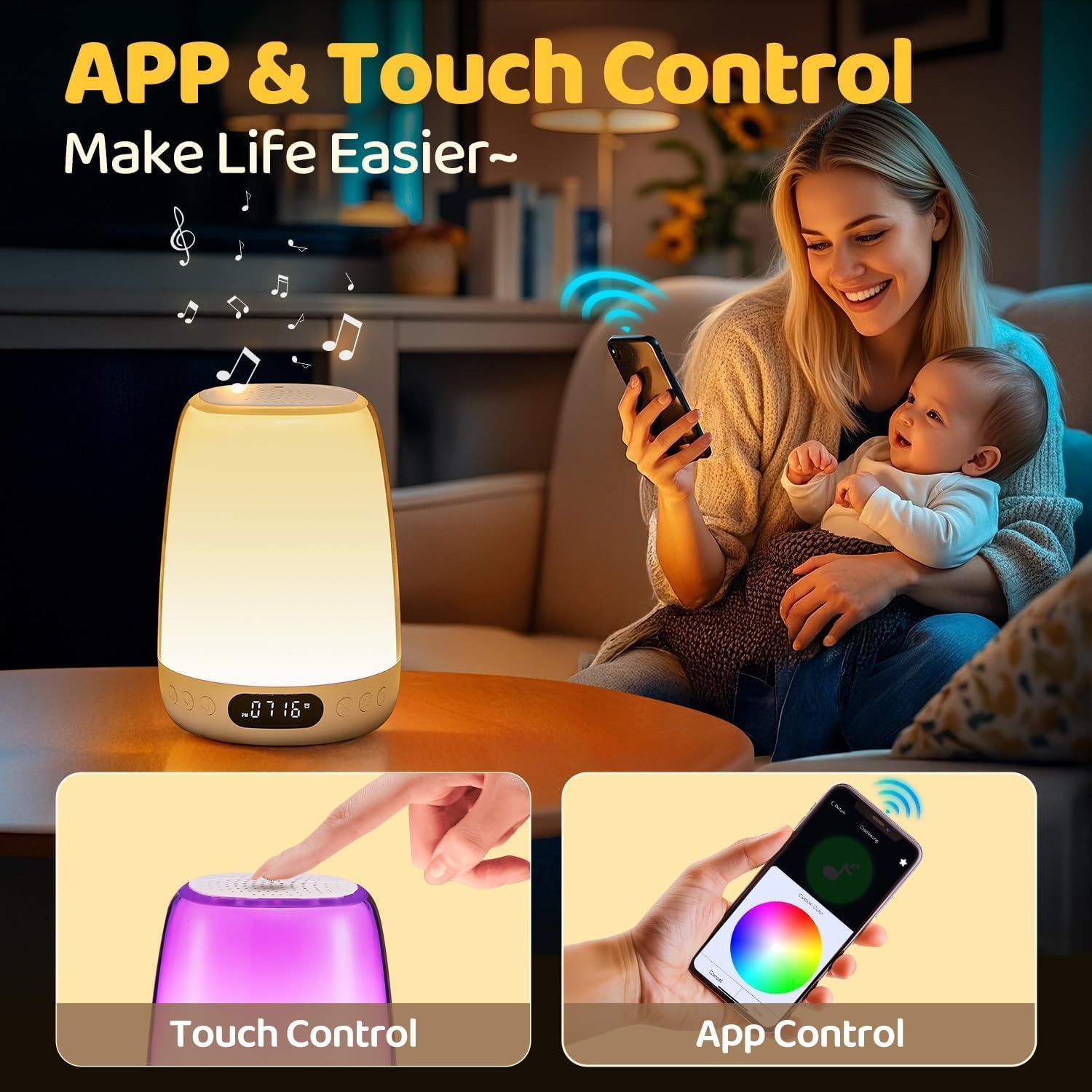
The One Fire Sound Machine can be controlled via intuitive touch gestures on the device or through the comprehensive mobile application.
Instrucțiuni de operare
Touch Control
The top surface of the night light is touch-sensitive, allowing for quick adjustments:
- Robinet: Tap the top to cycle through different light colors and sound modes.
- Apăsați și mențineți apăsat: Press and hold the top to adjust brightness or turn the light on/off.
Controlul aplicațiilor mobile
The mobile app provides extensive control and customization options:
- Personalizare lumină: Choose from 48 RGB colors and 10 brightness levels. Create custom lighting effects.
- Selectarea sunetului: Select from 14 built-in white noises and lullabies, including Cradlesong, Music Box Sounds, Little Star, White Noise, Pink Noise, Brown Noise, Fan, Shush, Heart Beat, Drizzling, Chirp, Night Sounds, Twitter, and Streams.
- Difuzor Bluetooth: Play your favorite music or audio content via the high-quality Bluetooth speaker.
- Ceas cu alarmă: Set multiple alarms with customizable light and sound combinations. Utilize the sunrise simulation feature for a gentle wake-up.
- Temporizator automat: Set a timer for 30, 60, or 90 minutes for the light and/or sound to automatically turn off, ideal for sleep routines.

Explore endless lighting possibilities and customize colors using the mobile application.
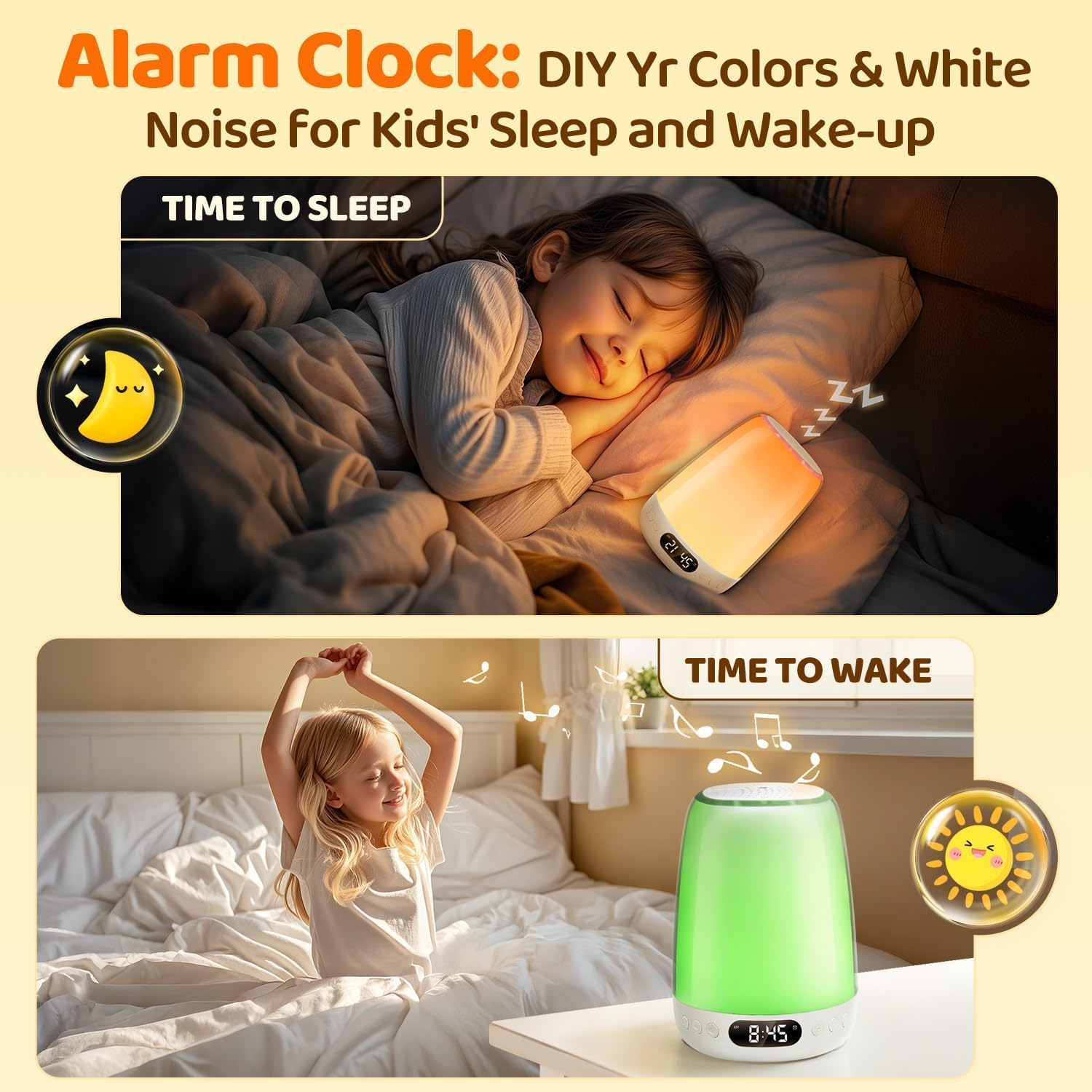
Utilize the alarm clock feature to customize sleep and wake-up routines with personalized colors and white noise.

The device features 14 built-in soothing sounds and functions as a Bluetooth speaker for playing music.
Întreţinere
- curatenie: Ștergeți dispozitivul cu o lavetă moale și uscată. Nu utilizați produse de curățare abrazive și nu scufundați dispozitivul în apă.
- Îngrijirea bateriei: Pentru a prelungi durata de viață a bateriei, evitați descărcarea completă frecventă a bateriei. Încărcați dispozitivul în mod regulat, mai ales dacă va fi depozitat pentru o perioadă lungă de timp.
- Depozitare: Depozitați dispozitivul într-un loc răcoros și uscat, ferit de lumina directă a soarelui și de temperaturi extreme.
Depanare
| Problemă | Cauza posibila | Soluţie |
|---|---|---|
| Dispozitivul nu pornește. | Baterie descărcată sau lipsă de energie. | Asigurați-vă că dispozitivul este încărcat complet folosind cablul USB furnizat. |
| Probleme de conexiune Bluetooth. | Device not in pairing mode, out of range, or interference. |
|
| Light or sound changes unexpectedly. | Accidental touch, app settings conflict, or minor software glitch. |
|
| Calitatea sunetului este slabă sau distorsionată. | Volume too high, poor Bluetooth connection, or audio source issue. |
|
Specificații
- Model: YYBSDSPUS
- Dimensiuni: 4" D x 4" L x 5.5" H
- Greutate: 1.44 lire sterline
- Sursa de alimentare: Battery Powered (Built-in 3000mAh Lithium Ion Battery)
- Tip sursă de lumină: LED
- Material: Plastic
- Metoda de control: Aplicație, atingere
- Tehnologie de conectivitate: Bluetooth
- Caracteristici ale luminii: 48 RGB Colors, 10 Brightness Levels, Dimmable, Sunrise Simulation
- Caracteristici de sunet: 14 Built-in White Noises & Lullabies, Bluetooth Speaker
- Opțiuni de cronometru: 30/60/90 minutes Auto Timer
- Caracteristici speciale: Kids Alarm Clock, Customized Settings, Cordless, Portable
Garanție și suport
The One Fire Sound Machine Baby Night Light comes with a 3 ani garantie. If you encounter any issues or have questions regarding your product, please do not hesitate to contact One Fire customer support. We are committed to providing excellent service and ensuring your satisfaction.
Pentru asistență, vă rugăm să consultați informațiile de contact furnizate pe ambalajul produsului sau site-ul oficial One Fire. website-ul.