1. Introducere
The ReTrak Premier Series Retractable Lightning to USB-C Charge and Sync Cable is designed for efficient and convenient charging and data transfer. Its retractable design ensures portability and tangle-free storage, making it ideal for on-the-go use. This cable supports 18W high-speed charging when paired with a compatible USB-C Power Delivery charger, allowing for faster device charging.

Image: The ReTrak Premier Series Retractable Lightning to USB-C Charge and Sync Cable in white, shown in its compact, retracted state.
Caracteristici cheie:
- Încărcare de mare viteză de 18 W: Charges devices up to 2.5 times faster than standard cables when connected to a USB-C Power Delivery charger.
- Construcție ultra-durabilă: Built with reinforced connectors and a thick cable jacket for enhanced longevity, designed to last significantly longer than standard cables.
- Portable and Tangle-Free: The 2.6-foot (1m) cable retracts for compact and convenient storage, preventing tangles.
- Transfer de date de mare viteză: Facilitates quick transfer of music, movies, and other data between compatible devices.
- Universal Compatibilitate: Works seamlessly with any device featuring a Lightning connector, including Apple iPhones and iPads.
2. Configurare
Extending and Retracting the Cable:
To extend the cable, gently pull both ends simultaneously until the desired length is reached. The cable can extend up to 2.6 feet (1 meter). To retract, pull both ends slightly further, then release. The cable will automatically retract into its housing. Avoid pulling only one end, as this can damage the retraction mechanism.

Image: Illustration showing how to extend the ReTrak cable by pulling from both ends, highlighting the Lightning and USB-C connectors.
Conectarea la dispozitive:
- Connect the Lightning connector end of the cable to your Apple device (e.g., iPhone, iPad, AirPods Pro).
- Connect the USB-C connector end of the cable to a compatible USB-C power adapter or a USB-C port on a computer for charging or data transfer.

Image: An iPad displaying a 100% charged battery icon, connected to a power source via the ReTrak USB-C to Lightning cable, illustrating USB Power Delivery capability.
3. Instrucțiuni de utilizare
Încărcarea dispozitivului:
Once connected, your device will begin charging. For optimal fast charging, ensure your power adapter is an 18W or higher USB-C Power Delivery charger. The cable is designed to deliver efficient power to compatible Apple devices.
Transfer de date:
Connect the USB-C end of the cable to a computer with a USB-C port to sync data, transfer files, or update software on your Apple device. The cable supports high-speed data transfer for quick and reliable file management.
Compatibilitate:
This cable is Apple MFi certified, ensuring full compatibility and safe operation with all Apple devices that utilize a Lightning connector. This includes various models of iPhone, iPad, and iPod.
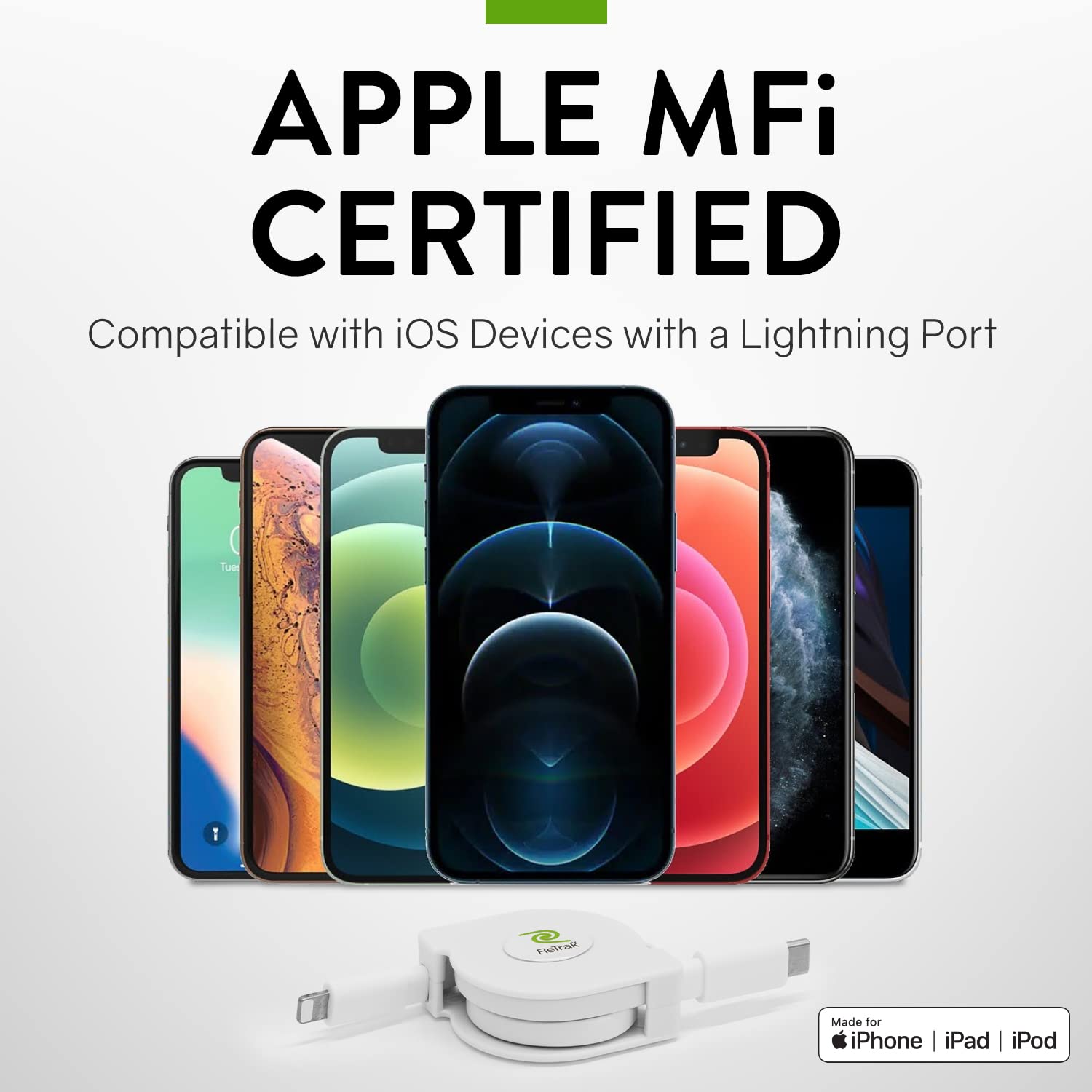
Image: A selection of Apple iPhone models displayed alongside the ReTrak cable, emphasizing its Apple MFi certification and compatibility with iOS devices.
4. Întreținere
To ensure the longevity and optimal performance of your ReTrak cable, follow these maintenance guidelines:
- Manipulare corectă: Always pull both ends of the cable simultaneously when extending or retracting. Avoid pulling only one end or applying excessive force, as this can damage the internal retraction mechanism.
- Depozitare: When not in use, keep the cable fully retracted to protect the connectors and prevent tangles. Store it in a clean, dry place away from extreme temperatures.
- curatenie: If the cable or connectors become dirty, gently wipe them with a soft, dry, lint-free cloth. Do not use harsh chemicals or abrasive materials.
- Evitați nodurile: While the cable is designed to be durable, avoid sharp bends or kinks, especially near the connectors, to prevent internal wire damage.
5. Depanare
If you encounter issues with your ReTrak cable, please refer to the following common troubleshooting steps:
| Problemă | Cauza posibila | Soluţie |
|---|---|---|
| Cable not charging device. | Loose connection, incompatible power adapter, damaged cable/port. | Ensure both ends are securely connected. Try a different power adapter or USB-C port. Test with another known-good cable to rule out device port issues. Inspect cable for visible damage. |
| Cable not retracting or extending properly. | Internal mechanism jam, improper pulling technique. | Gently pull both ends out completely, then release to allow the mechanism to reset. Ensure you are pulling both ends simultaneously and evenly. Avoid forcing the retraction. |
| Viteză lentă de încărcare. | Power adapter not 18W or higher, device limitations. | Ensure you are using an 18W or higher USB-C Power Delivery adapter. Check if your device supports fast charging. |
| Probleme legate de transferul de date. | Loose connection, computer port issue, software conflict. | Verify secure connections. Try a different USB-C port on your computer. Restart your computer and device. Ensure necessary drivers are installed. |
6. Specificații
Detailed specifications for the ReTrak Premier Series Retractable Lightning to USB-C Charge and Sync Cable:
| Caracteristică | Detaliu |
|---|---|
| Dimensiunile produsului | 1.5 x 0.75 x 4.5 inci (retractat) |
| Greutate | 2.4 uncii |
| Numărul de model | ETLTCWT |
| Marca | ReTrak |
| Tip conector | Lightning to USB-C |
| Tip cablu | USB |
| Lungimea cablului | 1 metru (2.6 picioare) |
| Caracteristica specială | High Speed Charging, Retractable |
| Dispozitive compatibile | Apple iPhone (5c, 5s, 6 plus, 6s, 6s plus, 13s, etc.), AirPods Pro, and other Lightning connector devices |
| Producător | Emerge Tech |
7. Garanție și asistență
Informații despre garanție:
Specific warranty details for this product are not provided in the available information. Please refer to the product packaging or the official ReTrak website-ul pentru cea mai recentă politică de garanție.
Asistență clienți:
For further assistance, technical support, or inquiries regarding your ReTrak Premier Series Retractable Lightning to USB-C Charge and Sync Cable, please visit the official ReTrak website or contact their customer service department. Contact information is typically available on the product packaging or the brand's official online presence.


