1. Introducere și Pesteview
The ErGear Height Adjustable Electric Standing Desk is designed to provide a versatile and ergonomic workspace, allowing users to seamlessly switch between sitting and standing positions. This manual provides comprehensive instructions for assembly, operation, maintenance, and troubleshooting to ensure optimal performance and longevity of your desk.
Caracteristici cheie:
- Stabilitate remarcabilă: Prezintă un cadru robust din oțel solid, cu conectori pentru coloana de ridicare de calitate aerospațială, asigurând stabilitatea chiar și la înălțime maximă.
- Reglare lină a înălțimii: Electric adjustment from 28.35" to 46.77" with memory settings.
- Motor îmbunătățit: Powerful and reliable lifting performance, tested for durability.
- Materiale sigure cu conținut scăzut de COV: Construit cu materiale care respectă standardele federale și statale din SUA privind siguranța aerului.
2. Configurare și asamblare
Carefully unpack all components and verify against the parts list in the included assembly instructions. Assembly typically takes about 30 minutes. A Philips head screwdriver is required (not included).

Image: Desk components and assembly instructions. All parts are clearly labeled for easy identification.
Follow the step-by-step instructions provided in the manual. Ensure all bolts are securely fastened. The desktop comes in two pieces, which align seamlessly once assembled.
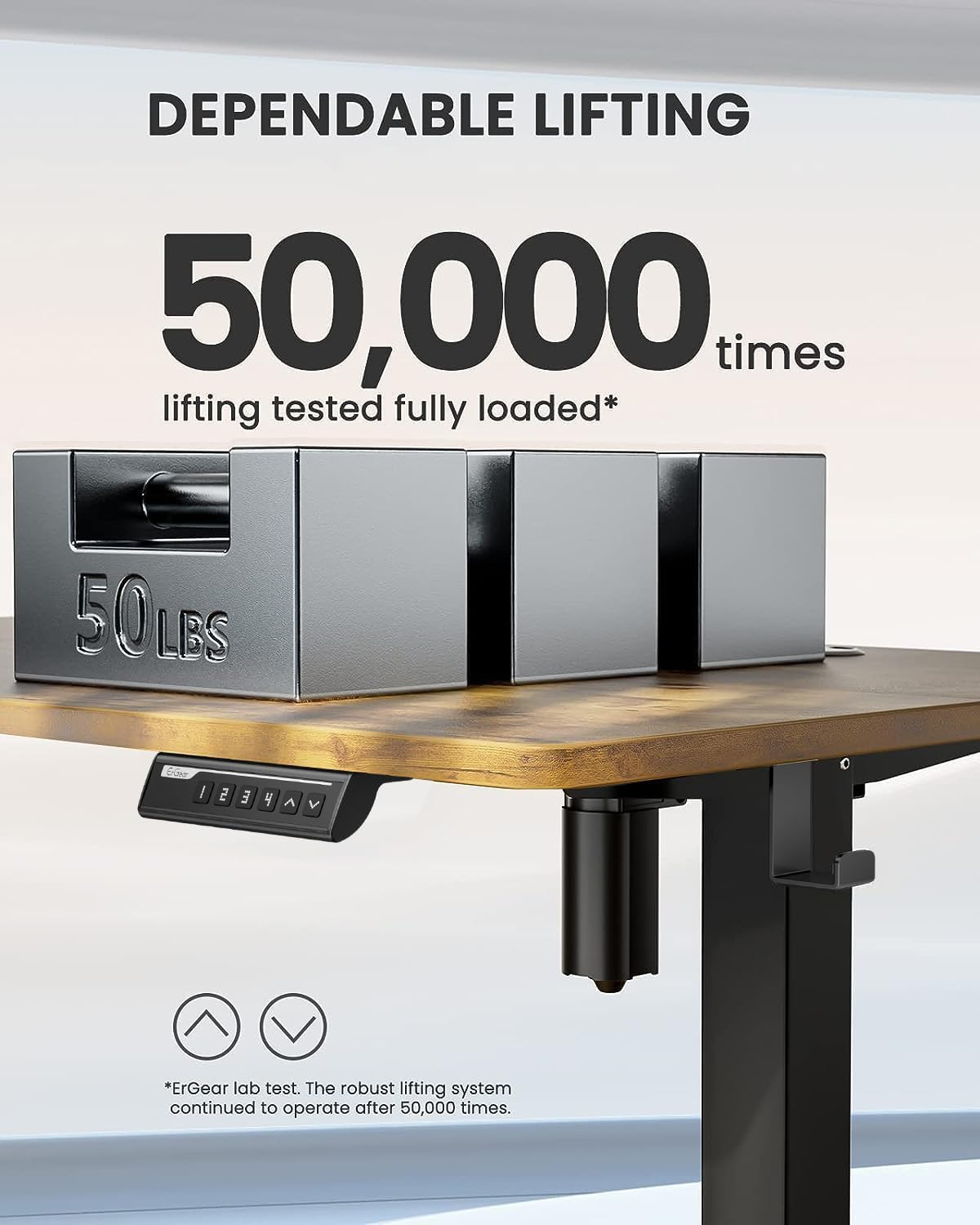
Image: Desk dimensions showing 24"D x 48"W x 46.46"H (max height) and 28.35"H (min height).
Sfat de asamblare:
The included Allen wrenches are sufficient, but an electric drill with appropriate bits can expedite the process. Ensure the desk is properly anchored for stability.
Videoclip oficial al Adunării:
Video: O analiză cuprinzătoareview of the assembly process and features of the ErGear Electric Standing Desk. (Source: Influencer)
3. Instrucțiuni de utilizare
The ErGear Electric Standing Desk features an intuitive control panel for easy height adjustment and memory presets.

Image: Close-up of the control panel with digital display, up/down arrows, and memory preset buttons (1, 2, 3, 4).
Reglarea înălțimii:
- Utilizați Sus (▲) şi Jos (▼) arrows to manually adjust the desk height. The current height is displayed on the digital screen.
- The desk can be adjusted from a minimum height of 28.35 inches to a maximum height of 46.77 inches.
Presetari de memorie:
- To save a preferred height: Adjust the desk to the desired height. Press and hold the S. button until the display blinks, then press one of the numbered preset buttons (1, 2, 3 sau 4) to save the height.
- To recall a saved height: Simply press the corresponding numbered preset button (1, 2, 3 sau 4Biroul se va muta automat în poziția salvată.

Image: The desk demonstrating its wide height range, suitable for both sitting and standing positions.
4. Întreținere
Întreținerea regulată asigură longevitatea și buna funcționare a biroului dumneavoastră ErGear pentru lucru în picioare.
- curatenie: Ștergeți suprafața de lucru și rama cu o lavetă moale șiamp pânză. Evitați agenții de curățare abrazivi sau substanțele chimice dure care pot deteriora finisajul.
- Organizare de cabluri: Periodically check and organize cables to prevent tangling and damage. The desk includes integrated cable management features at the rear.
- Îngrijirea motorului: The motor is designed for long-term reliability. Avoid overloading the desk beyond its maximum weight capacity of 176 pounds.
- Verificarea stabilității: Ensure all screws and connections remain tight. Re-tighten if any wobbling is observed.
5. Depanare
If you encounter any issues with your desk, refer to the common troubleshooting tips below:
| Problemă | Cauza posibila | Soluţie |
|---|---|---|
| Biroul nu se mișcă / Nu există curent | Power cable disconnected; Control panel malfunction. | Check all power connections. Unplug the desk for a few minutes and plug it back in to reset the control system. |
| Biroul se clatină | Loose connections; Uneven floor. | Ensure all assembly bolts are tightened. Adjust foot pads for stability on uneven surfaces. |
| Zgomot neobișnuit în timpul funcționării | Friction in moving parts; Power adapter noise. | Ensure no obstructions are in the lifting path. If power adapter makes noise, contact customer support for a replacement. |
| Presetările de memorie nu funcționează | Incorrect programming; Control panel issue. | Re-program the memory presets following the operating instructions. If issue persists, reset the desk by unplugging it. |
For further assistance, please refer to the contact information in the Warranty & Support section.
6. Specificații
- Marca: ErGear
- Număr de model: EGESD5V
- Dimensiuni produs: 24" D x 48" L x 46.46" H
- Culoare: Vintage Brown
- Material de baza: Oțel aliat
- Tip material superior: Lemn de inginerie
- Interval de reglare a înălțimii: 28.35" până la 46.77"
- Greutate maximă Recomandare: 176 lire sterline
- Număr de poziții de înălțime: 3 (Presetări de memorie)
- Caracteristica speciala: Sit and standing desk
- Componente incluse: Assembly Instructions with Diagram (1), Standing Desk, Storage Hook (2pcs), Basic Assembly Tools (including spare parts)
7. Garanție și asistență
The ErGear Height Adjustable Electric Standing Desk comes with a Garanție limitată. For detailed warranty information, please refer to the documentation included with your product or visit the official ErGear website-ul.
For customer support, technical assistance, or to inquire about replacement parts, please contact ErGear customer service through their official channels. You can also refer to the Manual de instalare (PDF) pentru detalii suplimentare.
Important Safety Information: Always follow the assembly instructions carefully. Ensure the desk is properly anchored to the floor for stability. Do not exceed the maximum weight limit of 176 pounds. Keep the work surface clear of items that could fall or cause obstruction when adjusting the desk height.


