Introducere
Mulțumesc pentru achizițieasing the Core Innovations 150" LCD Home Theater Projector. This manual provides essential information for setting up, operating, and maintaining your projector to ensure optimal performance and longevity. Please read this manual thoroughly before use and retain it for future reference.
Produs terminatview
The Core Innovations 150" LCD Home Theater Projector is designed to deliver an immersive viewing experience with its adjustable screen size and versatile connectivity options.

Componente și comenzi
Familiarize yourself with the projector's various ports and controls for seamless operation.

1. Headphone Jack (3.5mm)
2. Intrare AV
3. Slot pentru card Micro SD
4. HDMI Inputs 1 & 2
5. Port USB
6. DC IN (Power Input)

Ghid de instalare
- Despachetarea: Carefully remove the projector and all accessories from the packaging. Ensure all included components are present: Power Cord, User Manual, HDMI Cable, Remote Control, Projector Lens Cover.
- Plasare: Așezați proiectorul pe o suprafață stabilă și plană. Pentru o funcționare optimă viewing, position the projector directly in front of your projection surface (screen or wall). Ensure adequate ventilation around the projector.
- Conexiune de alimentare: Connect the included power cord to the DC IN port (6) on the projector and then plug it into a standard electrical outlet.
- Pornire: Apăsați butonul de pornire de pe proiector sau de pe telecomandă pentru a porni dispozitivul.
- Ajustarea focalizării: Rotate the focus adjustment knob located near the lens until the projected image appears clear and sharp.
- Corecție trapezoială: If the projected image appears trapezoidal (wider at the top or bottom), use the keystone correction feature to adjust it into a rectangular shape. This is typically done via a dial or digital setting on the projector or remote.

Instrucțiuni de operare
Conectarea dispozitivelor
Proiectorul acceptă diverse surse de intrare:
- HDMI: Connect your laptop, gaming console (PS5), Roku, or other HDMI-enabled devices to either HDMI Input 1 or 2 (4).
- USB: Insert a USB flash drive (up to 1000GB) into the USB Port (5) to play media files direct.
- Card Micro SD: Insert a Micro SD card into the Micro SD Card Slot (3) to access stored media.
- DE: Use the AV Input (2) for older devices with composite video and stereo audio outputs.
- VGA: Connect a computer via the VGA port for video output.


Adjusting Projection Size
The projector supports an adjustable screen size between 32 inches and 150 inches. Adjust the distance of the projector from the screen to achieve your desired projection size. Use the focus knob to maintain image clarity after adjusting the distance.

Ieșire audio
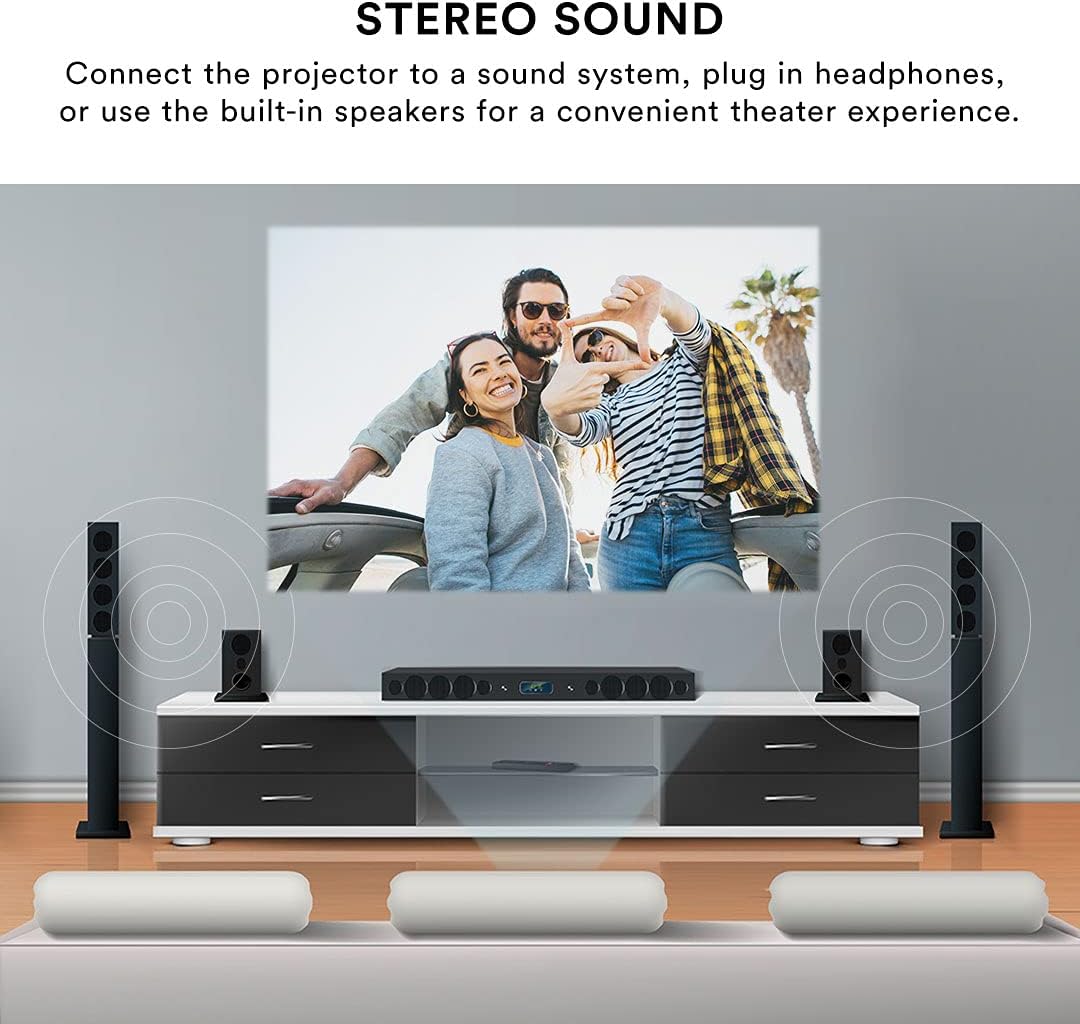
The projector features built-in speakers for convenient audio playback. For enhanced sound quality, you can connect external speakers or headphones using the 3.5mm Headphone Jack (1).
Telecomanda
The included remote control allows for effortless operation from a distance. Use it to power on/off, select input sources, navigate menus, adjust volume, and control playback.
Întreţinere
Întreținerea corectă asigură longevitatea și performanța proiectorului dumneavoastră.
- Curățarea lentilelor: Use a soft, lint-free cloth specifically designed for optical lenses to gently wipe the projector lens. Avoid using abrasive cleaners or excessive force, which can scratch the lens.
- Curatenie exterioara: Ștergeți exteriorul proiectorului cu o cârpă moale și uscată. Pentru petele persistente, ștergeți ușoramp Se poate folosi o lavetă, dar asigurați-vă că nu pătrunde lichid în dispozitiv.
- Ventilare: Ensure the projector's ventilation openings are clear and unobstructed. Do not place the projector on soft surfaces that may block airflow. Proper ventilation prevents overheating.
- Depozitare: When not in use for extended periods, store the projector in a cool, dry place, away from direct sunlight and extreme temperatures. Use the lens cover to protect the lens from dust.
Depanare
Dacă întâmpinați probleme cu proiectorul, consultați următoarele probleme și soluții frecvente:
| Problemă | Cauza posibila | Soluţie |
|---|---|---|
| Nicio imagine proiectată | Power cable disconnected; Incorrect input source selected; Device not connected properly. | Check power connection; Select the correct input source (HDMI, USB, AV); Ensure source device is powered on and connected securely. |
| Imaginea este neclară | Focus not adjusted; Projector too far/close to screen; Lens dirty. | Adjust the focus knob; Adjust projector distance; Clean the lens. |
| Imaginea este distorsionată (trapezoidală) | Proiectorul nu este perpendicular pe ecran. | Use keystone correction to adjust the image. |
| Nici un sunet | Volume too low; External speakers not connected; Source device audio settings. | Increase projector volume; Ensure external speakers are connected and powered; Check audio output settings on your source device. |
| Telecomanda nu funcționează | Batteries low/dead; Obstruction between remote and projector; Remote sensor blocked. | Replace batteries; Remove any obstructions; Ensure remote is pointed at the projector's IR sensor. |
| Projector is overheating or fan is loud | Blocked ventilation; Prolonged use. | Ensure ventilation openings are clear; Allow the projector to cool down if used for extended periods. |
Specificații
| Caracteristică | Detaliu |
|---|---|
| Marca | Inovații de bază |
| Numărul de model | CJR600BL |
| Dimensiunile produsului | 8.1 x 3.4 x 6.1 inci |
| Greutatea articolului | 2 lire sterline |
| Dimensiunea proiecției | 32" - 150" |
| Raport de contrast | 300:1 |
| Rezoluția afișajului | 1280 x 720 |
| Tehnologia de conectivitate | HDMI (x2), USB, Micro SD, AV, VGA |
| Audio | Built-in speakers, 3.5mm headphone jack |
| Factor de formă | Portabil |
| Componente incluse | Power Cord, User Manual, HDMI Cable, Remote Control, Projector Lens Cover |
Garanție și suport
Informații despre garanție
This Core Innovations projector comes with a Garanție limitată de 1 an from the date of purchase, covering 90 days for parts and labor. Please retain your proof of purchase for warranty claims.
Asistență pentru clienți
For technical assistance, troubleshooting beyond this manual, or warranty inquiries, please contact Core Innovations customer support. Refer to the contact information provided on the product packaging or the official Core Innovations website-ul.


