1. Introducere
This manual provides essential information for setting up, operating, maintaining, and troubleshooting your Google Pixel 6 Pro smartphone. The Pixel 6 Pro is a powerful 5G Android device featuring the custom Google Tensor processor, an advanced camera system, and enhanced security features, designed to deliver a smart and fast mobile experience.
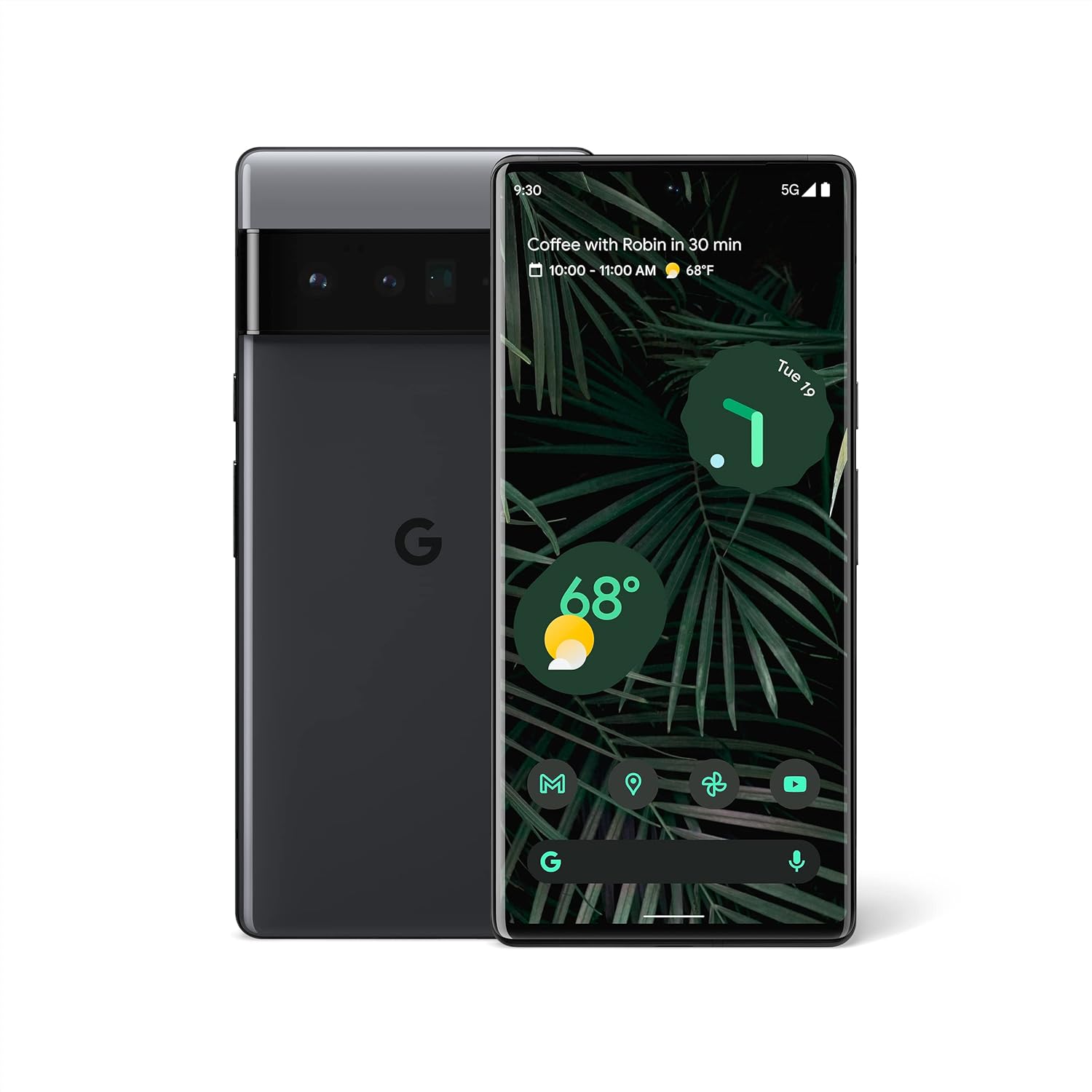
Figura 1.1: Față și spate view of the Google Pixel 6 Pro in Stormy Black. The front displays the home screen with time, weather, and app icons, while the back shows the distinctive camera bar and Google logo.
2. Ghid de instalare
2.1 Despachetare și inspecție inițială
La deschiderea ambalajului, asigurați-vă că sunt prezente toate componentele:
- Telefon mobil Google Pixel 6 Pro
- Cablu USB-C la USB-C
Verificați dispozitivul pentru a depista eventuale deteriorări fizice înainte de a continua.
2.2 Introducerea cartelei SIM
- Locate the SIM card tray on the side of your Pixel 6 Pro.
- Insert the SIM ejector tool (or a small paperclip) into the small hole on the tray and push gently until the tray pops out.
- Place your Nano-SIM card into the tray with the gold contacts facing down and the notched corner aligned.
- Împingeți cu grijă tava înapoi în slot până când se fixează în poziție cu un clic.
2.3 Pornirea și configurarea inițială
- Press and hold the Power button (located on the right side) until the Google logo appears on the screen.
- Urmați instrucțiunile de pe ecran pentru a selecta limba, a vă conecta la o rețea Wi-Fi și a vă conecta cu Contul Google.
- Vei fi ghidat în configurarea funcțiilor de securitate, cum ar fi deblocarea cu amprentă și blocarea ecranului.
2.4 Transferarea datelor de pe vechiul telefon
The Pixel 6 Pro offers a seamless way to transfer your messages, contacts, photos, and other data from your previous device during the initial setup process. Use the provided USB-C cable and follow the on-screen instructions.

Figure 2.1: A Google Pixel 6 Pro connected via USB-C cable to another smartphone, illustrating the data transfer process. The Pixel's screen shows options to copy messages, contacts, photos, and other data.
3. Operating Your Pixel 6 Pro
3.1 Caracteristici de afișare
The Pixel 6 Pro features a 6.7-inch LTPO QHD+ Smooth Display with a resolution of 1080 x 2340 pixels and a 120Hz refresh rate for fluid scrolling and responsiveness. The display is protected by Corning Gorilla Glass Victus for enhanced durability.
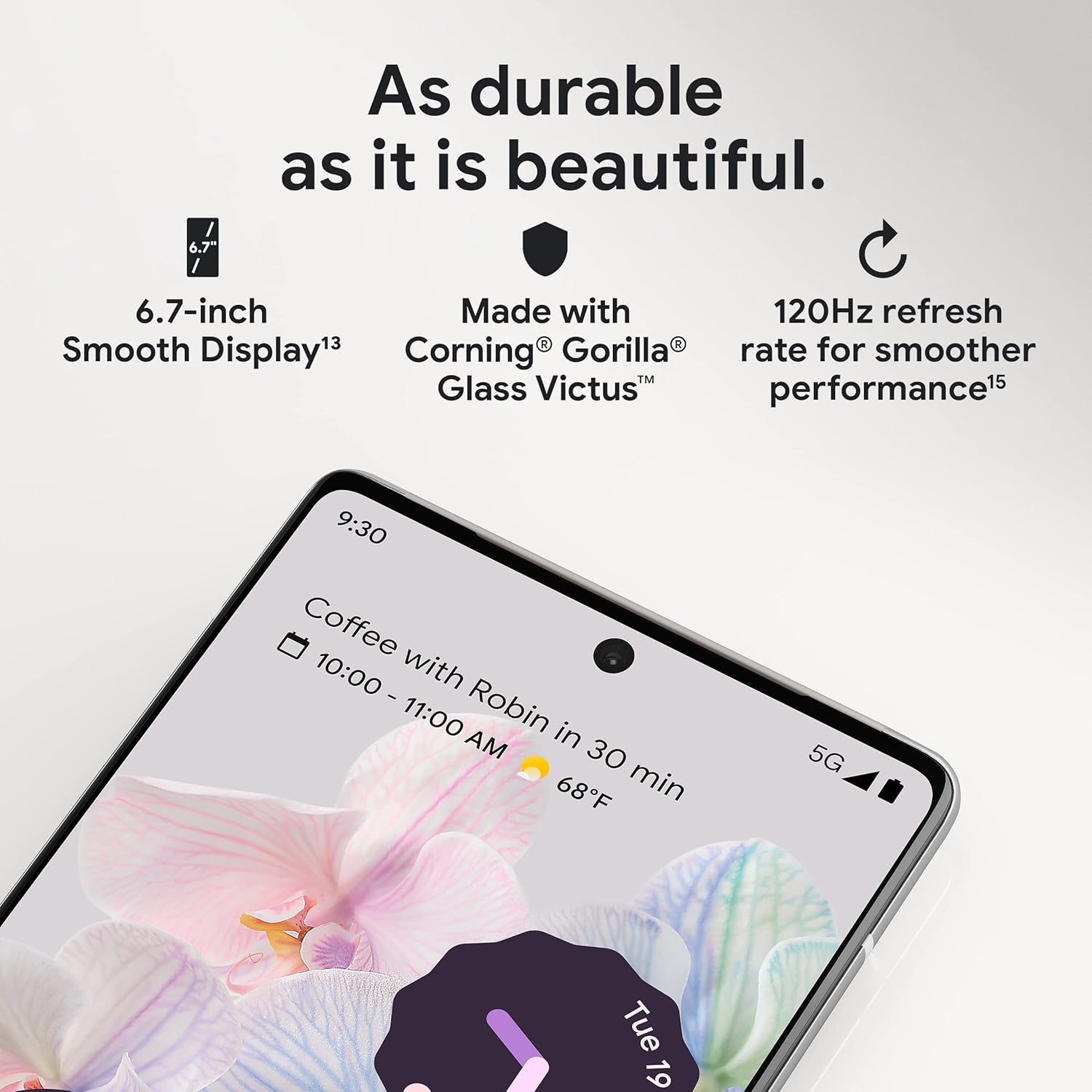
Figura 3.1: Un prim-plan view of the Pixel 6 Pro's display, highlighting its durability with Corning Gorilla Glass Victus and the smooth performance enabled by its 120Hz refresh rate.
Sistem de cameră 3.2
The Pixel 6 Pro is equipped with an advanced camera system:
- 50 MP Wide Camera: Captures 150% more light for detailed photos.
- 48 MP Telephoto Camera: Oferă zoom optic de 4x pentru subiecții aflați la distanță.
- 12 MP Ultrawide Camera: For expansive landscape and group shots.
- Camera frontală: Pentru selfie-uri și apeluri video de înaltă calitate.
Caracteristicile cheie ale camerei includ:
- Radieră magică: Removes unwanted objects or people from your photos.
- Modul de mișcare: Creates dynamic long-exposure shots.
- Modul portret: Artfully blurs backgrounds for professional-looking portraits.

Figura 3.2: Un intern view of the Pixel 6 Pro's camera array, detailing the 50 MP wide camera, 48 MP telephoto camera with 4x optical zoom, and 12 MP ultrawide camera.

Figure 3.3: Visual demonstrations of the Pixel 6 Pro's advanced camera tools: Magic Eraser removing background elements, Motion Mode capturing light trails, and Portrait Mode creating a blurred background effect.
3.3 Performanță
The Pixel 6 Pro is powered by the custom-built Google Tensor processor, which provides a significant boost in performance compared to previous Pixel models. This chip enables advanced on-device AI capabilities and contributes to maximum battery efficiency.
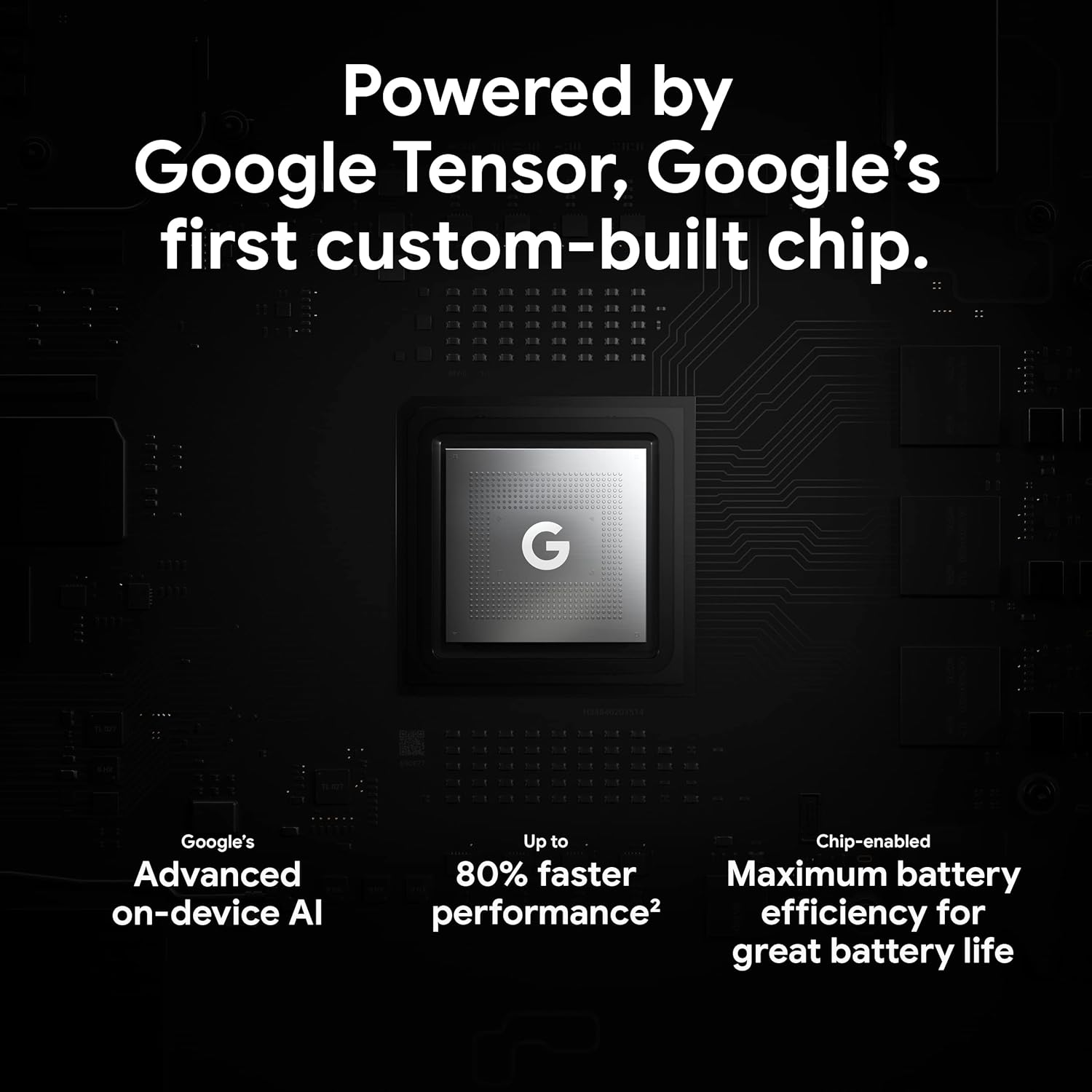
Figure 3.4: An illustration of the Google Tensor chip, highlighting its role in providing advanced on-device AI and up to 80% faster performance for improved battery efficiency.
3.4 Caracteristici de securitate
Your Pixel 6 Pro is built with robust security:
- Titan M2™ chip: Provides next-generation hardware security.
- Actualizări de securitate: Guaranteed 5 years of security updates to protect against threats.
- Protecție IP68 împotriva apei și prafului: Offers resistance against water and dust ingress.
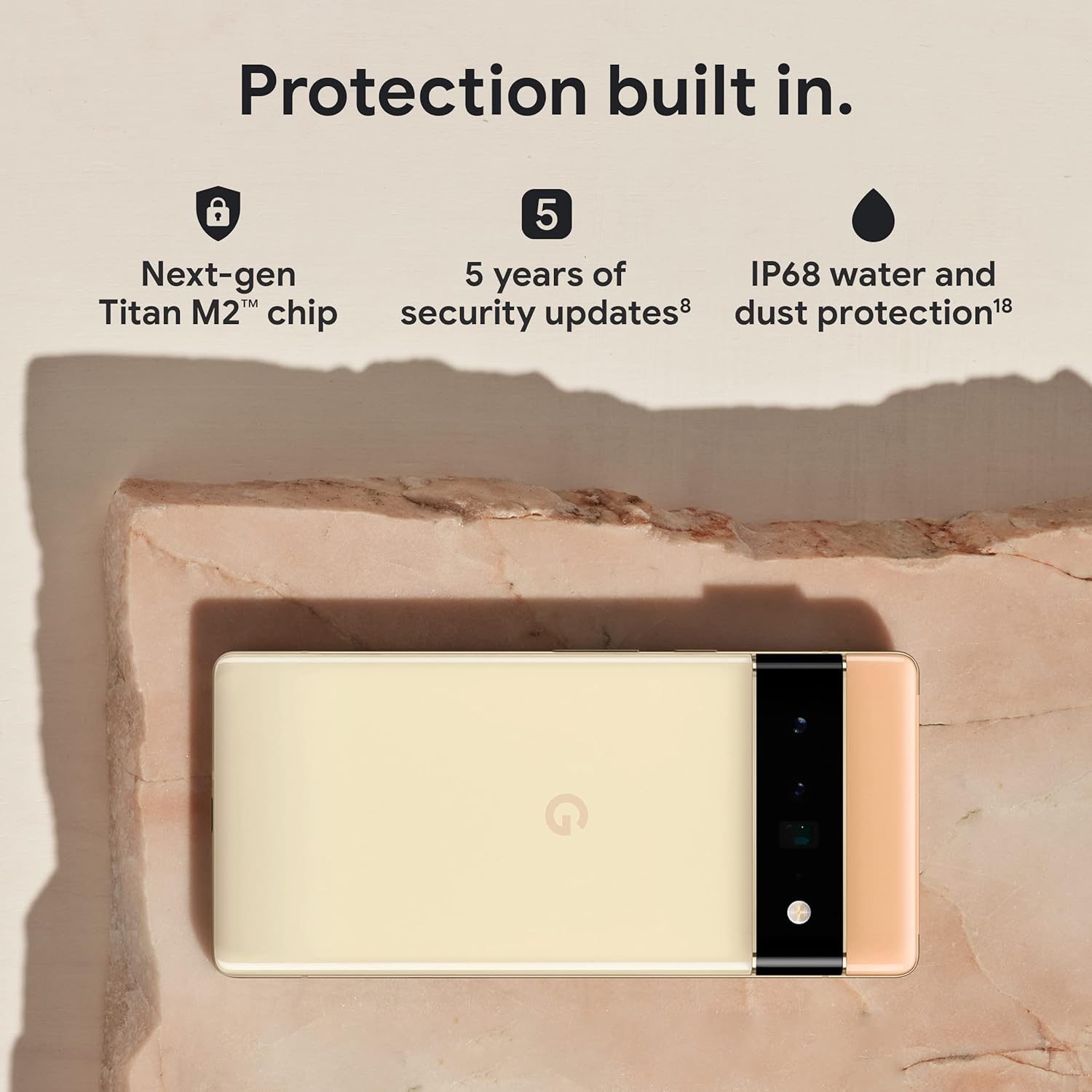
Figure 3.5: The Pixel 6 Pro shown alongside icons representing its built-in security features: the Titan M2 chip, 5 years of security updates, and IP68 water and dust protection.
3.5 Baterie și încărcare
The device is equipped with a large 5003 mAh battery. It supports fast wired charging (with a compatible 30W USB-C charger, sold separately) and adapts to your usage patterns to save power for frequently used applications, extending battery life beyond 24 hours.

Figura 3.6: O imagine de ansamblu view of a person using the Pixel 6 Pro, with icons illustrating the phone's battery capabilities: super-fast charging, power saving for frequently used apps, and extended battery life.
3.6 Software and User Interface
The Pixel 6 Pro runs on the Android 12 operating system, offering a modern and intuitive user interface. It includes features like Material You for personalized themes and enhanced privacy controls.
3.7 Translation Capabilities
The device comes with Google Translate pre-installed, allowing you to translate private chats, messages, and live video captions in up to 55 languages directly on your phone.
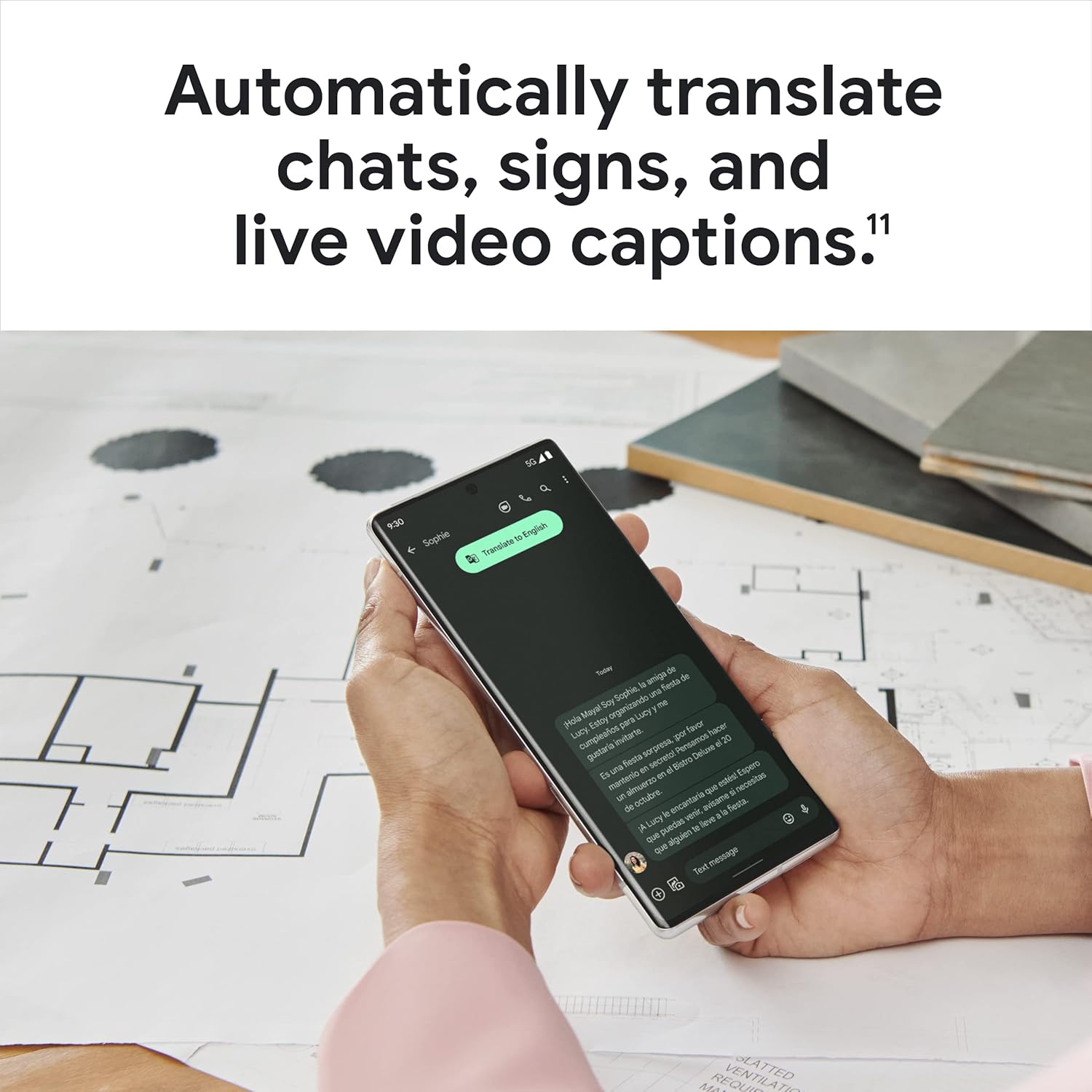
Figure 3.7: A user holding the Pixel 6 Pro, which displays a live translation of text on its screen, demonstrating the device's automatic translation capabilities for chats, signs, and live video captions.
3.8 Conectivitate
The Pixel 6 Pro supports various connectivity options for seamless integration with other devices and services:
- USB: Pentru încărcare și transfer de date.
- Wifi: Pentru acces la internet wireless.
- Bluetooth: Pentru conectarea accesoriilor wireless.
- NFC: Pentru plăți contactless și asociere rapidă.
4. Întreținere
4.1 Îngrijire generală
- Keep your device away from extreme temperatures, direct sunlight, and excessive moisture.
- Avoid dropping the phone or exposing it to strong impacts.
- Use a screen protector and a protective case to minimize damage from drops and scratches.
4.2 Curățarea dispozitivului
To clean your Pixel 6 Pro:
- Opriți dispozitivul înainte de curățare.
- Use a soft, lint-free cloth (e.g., microfiber cloth) to gently wipe the screen and body.
- Pentru pete persistente, ușor dampClătiți laveta cu apă sau cu un produs de curățare a ecranului special conceput pentru electronice. Evitați substanțele chimice dure sau materialele abrazive.
4.3 Actualizări de software
Regularly check for and install software updates. These updates often include performance improvements, new features, and critical security patches that keep your device running optimally and securely.
5. Depanare
5.1 Dispozitivul nu pornește
- Verificați bateria: Ensure the battery is charged. Connect the phone to a charger for at least 15-30 minutes.
- Repornire forțată: Apăsați și mențineți apăsat butonul de pornire timp de aproximativ 30 secunde.
- Check Charger/Cable: Try a different charger and USB-C cable to rule out faulty accessories.
5.2 Probleme de conectivitate la rețea
- Reporniți telefonul: A simple restart can often resolve temporary network glitches.
- Toggle Airplane Mode: Turn Airplane Mode on for a few seconds, then turn it off.
- Verificați cartela SIM: Asigurați-vă că cartela SIM este introdusă corect.
- Resetați setările de rețea: Go to Settings > System > Reset options > Reset Wi-Fi, mobile & Bluetooth. Note: This will erase saved Wi-Fi passwords.
5.3 Aplicațiile se blochează sau se blochează
- Force Close App: Swipe up from the bottom of the screen, find the problematic app, and swipe it away to close.
- Clear Cache/Data: Go to Settings > Apps > See all apps, select the app, then Storage & cache > Clear cache. If the issue persists, try Clear storage (this will delete app data).
- Actualizați aplicația: Asigurați-vă că aplicația este actualizată la cea mai recentă versiune din Magazinul Google Play.
- Reporniți telefonul: A full device restart can often resolve app-related issues.
5.4 Bateria se descarcă rapid
- Identify Usage: Go to Settings > Battery > Battery usage to see which apps are consuming the most power.
- Reglați luminozitatea ecranului: Lower screen brightness or enable adaptive brightness.
- Disable Unused Features: Turn off Wi-Fi, Bluetooth, GPS, or NFC when not in use.
- Actualizare aplicație de fundal: Limit apps running in the background.
6. Specificații
| Caracteristică | Caietul de sarcini |
|---|---|
| Dimensiunile produsului | 6.45 x 2.98 x 0.35 inci |
| Greutatea articolului | 7.4 uncii |
| Numărul de model al articolului | GA03149 |
| Sistem de operare | Android 12.0 |
| RAM | 12 GB |
| Capacitate de stocare a memoriei | 128 GB |
| Dimensiunea ecranului | 6.7 inchi |
| Rezoluţie | 1080 x 2340 |
| Rata de reîmprospătare | 120 Hz |
| Capacitatea bateriei | 5003 mAh |
| Timp de convorbire telefonică | 25.5 de ore |
| Timp de încărcare | 119 minutes (with compatible 30W charger) |
| Tehnologii de comunicații fără fir | Bluetooth, NFC, Wi-Fi |
| Tehnologii de conectivitate | Bluetooth, NFC, USB, Wi-Fi |
| Caracteristici speciale | High-Refresh-Rate Screen, Wireless Charging, Fast Charging, Powerful Camera System with Magic Eraser and Deblurring, Custom Google Tensor Processor |
| Culoare | Stormy Black |
| Ce este în cutie | Cell Phone, USB Cable |
7. Garanție și asistență
For detailed warranty information and customer support, please refer to the official Google support website or the warranty card included with your purchase. Google provides comprehensive support resources, including FAQs, troubleshooting guides, and contact options for technical assistance.
Visit the official Google Support page: support.google.com/pixelphone


