1. Introducere
The Dlyfull U12 12-Bay Battery Charger is designed for efficient and safe charging of Ni-MH and Ni-CD AA and AAA rechargeable batteries. Featuring dual input ports (Micro USB and Type-C) and intelligent LED indicators, this charger provides a reliable solution for your battery charging needs. It incorporates advanced safety features to protect both the batteries and the charger during operation.
2. Informații importante privind siguranța
Please read all safety instructions carefully before using the charger.
- Only charge Ni-MH and Ni-CD rechargeable batteries. Do not attempt to charge alkaline, carbon-zinc, or any other non-rechargeable battery types, as this may lead to leakage, rupture, or explosion.
- Always insert batteries in pairs for proper charging. The charger will not function correctly if an odd number of batteries is inserted.
- Ensure that the Micro USB and Type-C input ports are not used simultaneously. Use only one input port at a time.
- Do not expose the charger to rain or moisture. Keep it away from water and high humidity environments.
- Avoid operating the charger in extreme temperatures outside the specified range of -40°F to 140°F (-40°C to 60°C).
- Nu dezasamblați, modificați și nu încercați să reparați încărcătorul. Apelați la personal calificat pentru toate lucrările de service.
- A nu se lăsa la îndemâna copiilor și a animalelor de companie încărcătorul și bateriile.
- Deconectați încărcătorul de la sursa de alimentare atunci când nu îl utilizați sau înainte de curățare.

Figura 2.1: The Dlyfull U12 charger features multiple built-in protections including overcharge, reverse polarity, bad cell detection, short circuit, and a safety timer to ensure safe operation.
3. Conținutul pachetului
La deschiderea coletului, verificați dacă toate articolele sunt prezente și nedeteriorate:
- Dlyfull U12 12-Bay Battery Charger
- Cablu de încărcare USB (Micro USB)
- Manual de utilizare (acest document)
- (Optional, depending on purchase) Rechargeable AA/AAA Ni-MH/Ni-CD Batteries

Figura 3.1: Contents of the Dlyfull U12 battery charger package, including the charger unit, USB cable, and user manual.
4. Specificațiile produsului
| Caracteristică | Detaliu |
|---|---|
| Numărul de model | U12 |
| Dimensiunile produsului | 3.07 x 8.26 x 1.18 inchi (7.8 x 21 x 3 cm) |
| Greutatea articolului | 7.4 uncii (0.21 kilograme) |
| Tipuri de baterii compatibile | AA, AAA Ni-MH, Ni-CD Rechargeable Batteries |
| Vol. De intraretage | 5V/2A (Micro USB or Type-C) |
| Ieșire Voltage | 3 volți (DC) |
| Sloturi de încărcare | 12 (charges in pairs) |
| Culoare | White with Green/Red indicators |
| Producător | Dlyfull |
5. Configurare
- Conectați încărcătorul: Insert the provided Micro USB cable into the charger's Micro USB input port. Alternatively, you may use a Type-C cable with the Type-C input port. Connect the other end of the USB cable to a compatible 5V/2A power source, such as a USB wall adapter, computer USB port, power bank, or car charger.
- Pregătiți bateriile: Ensure that the batteries you intend to charge are Ni-MH or Ni-CD rechargeable AA or AAA batteries.
- Introduceți bateriile: Carefully insert the batteries into the charging slots, ensuring correct polarity (+ and - ends match the markings on the charger). Remember to insert batteries in pairs (e.g., 2, 4, 6, 8, 10, or 12 batteries at a time). The charger is designed to assess and charge batteries in pairs.

Figura 5.1: The Dlyfull U12 charger and its included USB cable, ready for connection to a power source.

Figura 5.2: The charger supports both Micro USB and Type-C inputs for versatile power connection.
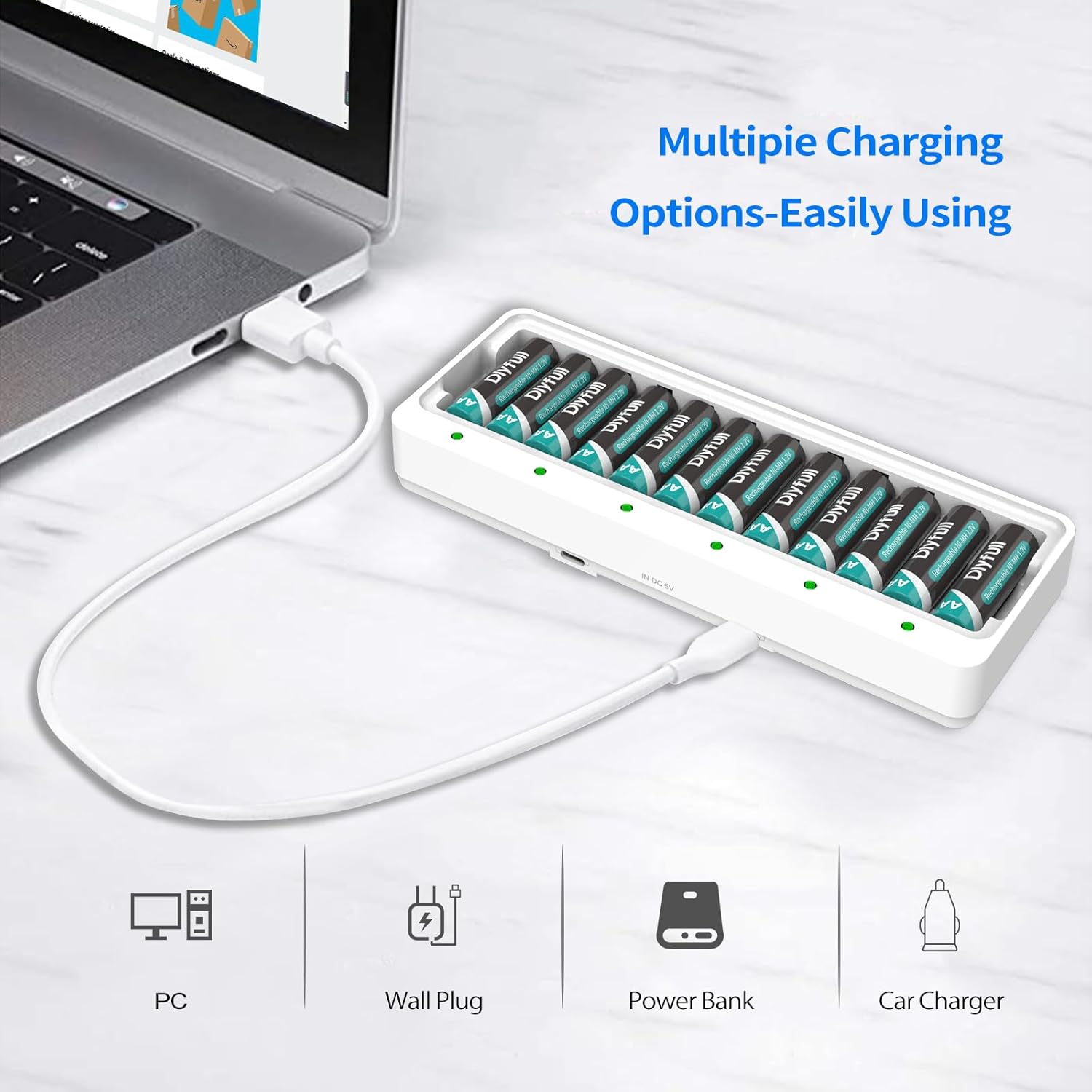
Figura 5.3: Multiple charging options are available, including connection to a PC, wall plug, power bank, or car charger.
Video demonstrativ de configurare
Video 5.1: This video demonstrates the unboxing, connection, and initial setup of the Dlyfull U12 battery charger, including how to properly insert batteries.
6. Instrucțiuni de utilizare
Once batteries are correctly inserted and the charger is connected to a power source, the charging process will begin automatically.
Stare indicator LED:
- Lumină roșie: Indicates that the batteries are currently charging.
- Lumină verde: Indicates that the batteries are fully charged.
- Red LED Flash: Indicates a problem with the battery (e.g., bad battery, non-rechargeable battery, or incorrect insertion). Remove the problematic battery and re-insert or replace if necessary.

Figura 6.1: Visual guide to the LED indicators on the Dlyfull U12 charger, showing red for charging, green for fully charged, and flashing red for errors.
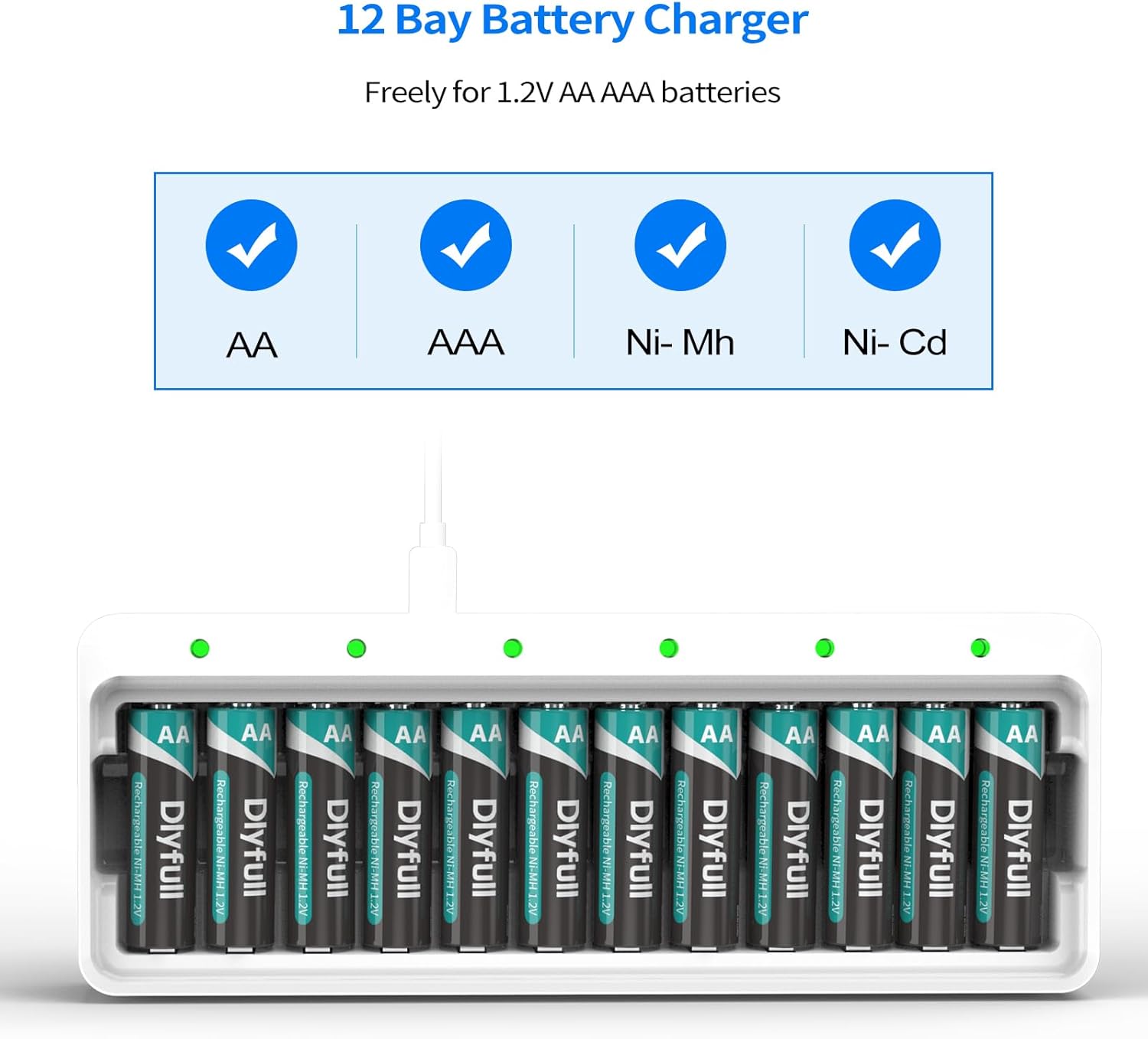
Figura 6.2: The Dlyfull U12 charger is compatible with AA and AAA Ni-MH/Ni-CD rechargeable batteries.
Trickle Charge Feature:
The charger utilizes a -ΔV intellectual cut-off charging method. Once batteries are fully charged (indicated by a green light), the charger automatically switches to a trickle charge mode. This feature helps to maintain the battery's charge and extend its overall lifespan by preventing overcharging.
7. Întreținere
- curatenie: Deconectați încărcătorul de la sursa de alimentare înainte de curățare. Folosiți o lavetă moale și uscată pentru a șterge suprafața încărcătorului. Nu utilizați substanțe de curățare abrazive sau solvenți.
- Depozitare: Store the charger in a cool, dry place away from direct sunlight and extreme temperatures. When storing batteries, it is recommended to remove them from the charger.
- Îngrijirea bateriei: For optimal battery life, avoid fully discharging batteries before recharging. Recharge batteries regularly, even if not fully depleted.
8. Depanare
| Problemă | Cauza posibila | Soluţie |
|---|---|---|
| Indicatorul LED clipește în roșu. | Bad battery, non-rechargeable battery, or incorrect battery insertion. | Remove the battery. Verify it is a rechargeable Ni-MH/Ni-CD battery and re-insert with correct polarity. If the issue persists, the battery may be faulty and needs replacement. |
| Batteries are not charging (no LED light). | Charger not connected to power, faulty USB cable, or batteries not inserted in pairs. | Ensure the USB cable is securely connected to both the charger and a working 5V/2A power source. Try a different USB cable or power source. Confirm batteries are inserted in pairs. |
| Încărcarea este lentă. | Low power input (less than 5V/2A). | Ensure your power adapter provides 5V/2A output for optimal charging speed. |
9. Garanție și asistență pentru clienți
The Dlyfull U12 Battery Charger comes with an 18 de luni garanție fără griji. For any product-related inquiries, technical support, or warranty claims, please contact Dlyfull customer service through the platform where you purchased the product. Please have your order number and product model (U12) ready when contacting support.