1. Introducere
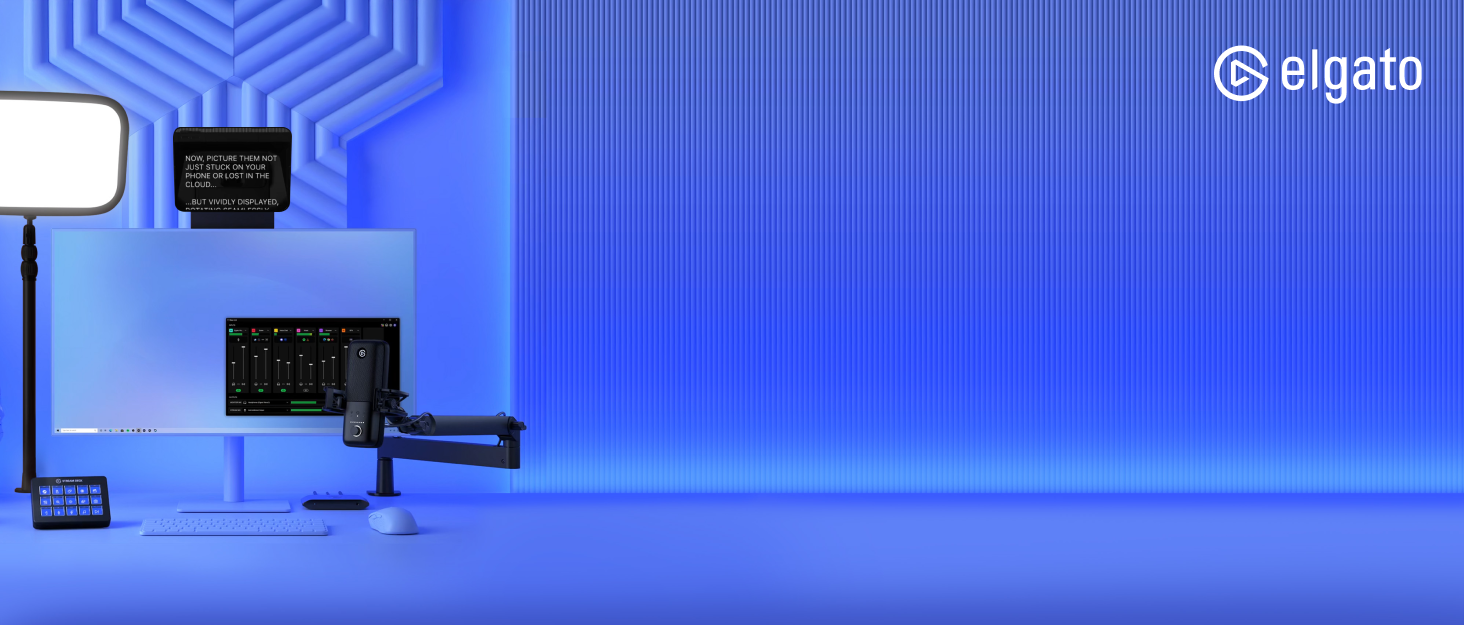
The Elgato Wave Mic Arm is a studio-grade boom arm designed for premium microphones. It provides extreme vertical reach to clear large monitors and offers full adjustability for precise microphone positioning. Internal springs and integrated cable channels with removable covers ensure a tidy and accessible setup. Thread adapters are included to ensure compatibility with standard microphone mounts.
Ce este în cutie
- Wave Mic Arm
- Extensie verticală
- Contragreutate
- 1/4" to 3/8" and 1/4" to 5/8" Adaptors
- Allen Wrench
- Ghid de pornire rapidă

2. Configurare
2.1 Birou Clamp Instalare
The Wave Mic Arm features a robust desk clamp that expands up to 60 mm (2.4 inches) to securely attach to most desktop surfaces. Ensure the clamp is tightened firmly to prevent movement during use.

2.2 Assembling the Arm
The mic arm consists of a lower and upper arm section. The riser extension can be optionally installed to add an additional 150 mm (5.9 inches) of height, allowing the arm to extend over taller monitors. Connect the arm sections and the riser (if used) to the desk clamp post.

2.3 Atașarea microfonului
The Wave Mic Arm is compatible with 1/4", 3/8", and 5/8" threads, ensuring broad compatibility with various microphones. Use the provided thread adapters as needed to match your microphone's mounting thread. Attach your microphone to the ball head at the end of the arm.


3. Funcționare
3.1 Adjusting the Arm
The Wave Mic Arm is fully adjustable with a ball head for precise microphone positioning and a swivel base for 360-degree rotation. Internal springs allow for smooth movement and stable positioning. Use the included Allen wrench to adjust the tension of the joints to match your microphone's weight (250g - 1000g / 0.55 - 2.2 lbs with accessories) and your preferred movement resistance.

3.2 Managementul cablurilor
Integrated cable channels with removable covers are built into the arm to keep your microphone cables tidy and out of sight. Gently route your cables through these channels for a clean and organized workspace.

3.3 Videoclipuri oficiale ale produselor
Video 1: Elgato High Profile Mic & Camera Boom Arm, So Smooth! This video demonstrates the smooth movement and high-profile capabilities of the Elgato Wave Mic Arm, suitable for various setups including cameras.
Video 2: Is this Highest Quality Microphone Arm on the Market?! This video provides an overview of the mic arm's features and build quality, highlighting its premium design and functionality.
Video 3: Review + Showcase of Elgato Wave Arm. This video showcases the Elgato Wave Mic Arm in action, demonstrating its flexibility and ease of use in a typical setup.
Video 4: Elgato Premium Boom Arm - This is my FAVORITE Boom Arm! A detailed review highlighting the premium features and user experience of the Elgato Wave Mic Arm.
Video 5: Elgato Wave Boom Arm Unbox and Setup! This video guides users through the unboxing and initial setup process of the Elgato Wave Mic Arm.
4. Întreținere
To ensure the longevity and optimal performance of your Elgato Wave Mic Arm, regular maintenance is recommended:
- curatenie: Wipe down the arm with a soft, dry cloth to remove dust and debris. Avoid using harsh chemicals or abrasive cleaners.
- Joint Tension: Periodically check the tension of the arm's joints. If the arm feels too loose or too stiff, use the provided Allen wrench to adjust the internal springs as described in Section 3.1.
- Canale de cablu: Ensure the cable channel covers are securely in place and that cables are not pinched or strained.
- Birou Clamp: Verificați dacă biroul este închisamp remains tightly secured to your desk surface. Re-tighten if any looseness is detected.
5. Depanare
If you encounter issues with your Elgato Wave Mic Arm, consider the following common solutions:
- Brațul nu menține poziția:
- Check if the microphone weight is within the supported range (250g - 1000g / 0.55 - 2.2 lbs).
- Adjust the tension of the internal springs using the Allen wrench (refer to Section 3.1).
- Asigurați-vă că biroul clamp este fixat ferm pe birou.
- Zgomot/Vibrații excesive:
- Verify that all connections (microphone to arm, arm to clamp) are tight.
- Ensure cables are properly routed within the cable channels and not causing tension or rubbing.
- Check if the desk surface is stable and not contributing to vibrations.
- Microphone Not Attaching:
- Confirm you are using the correct thread adapter (1/4", 3/8", or 5/8") for your microphone.
- Ensure the adapter is fully screwed into the microphone and the arm's ball head.
6. Specificatii tehnice
| Caracteristică | Caietul de sarcini |
|---|---|
| Raza orizontală | 780 mm / 30.7 in |
| Vertical Reach (without riser) | 750 mm / 29.5 in |
| Riser Extension | 150 mm / 5.9 in |
| Lungimea inferioară a brațului | 400 mm / 15.7 in |
| Lungimea superioară a brațului | 400 mm / 15.7 in |
| Birou Clamp Expansiune | Până la 60 mm / 2.4 in |
| Contragreutate | 260 g / 0.57 lbs |
| Mic Weight Range (with accessories) | 250 - 1,000 g / 0.55 - 2.2 lbs |
| Greutatea articolului | 4.92 lire sterline (2230 grame) |
| Dimensiunile produsului | 9.06 x 2.36 x 19.29 inci |
| Material | Alloy Steel, Aluminium |
| Culoare | Negru |
7. Garanție și asistență
7.1 Informații despre garanție
The Elgato Wave Mic Arm comes with a Garanție de 2 an de la producător de la data achiziției. Această garanție acoperă defectele de materiale și de fabricație în condiții normale de utilizare. Vă rugăm să păstrați dovada achiziției pentru reclamațiile în garanție.
7.2 Asistență pentru clienți
For technical assistance, troubleshooting, or warranty inquiries, please visit the official Elgato support website or contact their customer service team. Detailed support resources, FAQs, and contact information can be found at www.elgato.com/support.


