1. Introducere
Thank you for choosing the Pixio PX259 Prime Gaming Monitor. This manual provides essential information for setting up, operating, and maintaining your monitor to ensure optimal performance and longevity. Please read this manual thoroughly before using the product and retain it for future reference.
The Pixio PX259 Prime is a high-performance 24.5-inch gaming monitor featuring a 280Hz refresh rate, 1ms GTG response time, and a Fast Nano IPS panel, designed to deliver a smooth and immersive gaming experience.
2. Conținutul pachetului
Verificați dacă toate articolele sunt prezente în colet:
- Pixio PX259 Prime Monitor
- Suport monitor (bază și gât)
- Cablu DisplayPort
- Adaptor de curent alternativ
- Cablu de alimentare
- Manual de utilizare (acest document)

Image: The Pixio PX259 Prime monitor showcasing its 24.5-inch screen, 280Hz refresh rate, 1080p FHD resolution, and Fast IPS panel technology.
3. Asamblare
Urmați acești pași pentru a asambla monitorul:
- Scoateți cu grijă monitorul și componentele suportului din ambalaj.
- Atașați gâtul suportului la panoul monitorului. Asigurați-vă că se fixează în poziție cu un clic sau că este fixat cu șuruburi, dacă sunt furnizate.
- Attach the stand base to the stand neck. Tighten the thumb screw or screws from the bottom of the base to secure it.
- Așezați monitorul asamblat pe o suprafață stabilă și plană.
4. Conectivitate
The Pixio PX259 Prime offers versatile connectivity options. Refer to the image below for port locations.

Imagine: Spate view of the monitor displaying the DC power input, two DisplayPort 1.2 inputs (280Hz), two HDMI 2.0 inputs (240Hz), and an earphone jack.
Conectarea la un dispozitiv:
- Putere: Connect the power cable to the AC adapter, then plug the adapter into the monitor's DC IN port and a power outlet.
- DisplayPort: For optimal performance (280Hz refresh rate), connect your PC's graphics card to one of the monitor's DisplayPort 1.2 inputs using the provided DisplayPort cable.
- HDMI: Connect your device (e.g., gaming console, PC) to one of the monitor's HDMI 2.0 inputs. Note that HDMI 2.0 supports up to 240Hz.
- Ieșire audio: Connect headphones or external speakers to the earphone jack for audio.
5. Instrucțiuni de utilizare
Pornire/Oprire:
Apăsați butonul de alimentare situat pe monitor pentru a-l porni sau opri.
On-Screen Display (OSD) Navigation:
The monitor features a joystick-style button for navigating the OSD menu. Push the joystick in to access the main menu, then move it up, down, left, or right to select and adjust settings.
Setări cheie:
- Rata de reîmprospătare: Ensure your graphics card settings are configured to output at 280Hz (via DisplayPort) or 240Hz (via HDMI) for the smoothest experience.
- Timp de răspuns: The 1ms GTG response time is automatically enabled by the Fast IPS panel.
- AMD FreeSync Premium: Enable FreeSync in your monitor's OSD and your graphics card control panel for tear-free gaming.
- Setări de culoare: Adjust brightness, contrast, and color temperature to your preference. The monitor supports 101.34% sRGB for vibrant colors.
- Caracteristici de joc: Access built-in crosshairs and other game-specific enhancements through the OSD.
- Modul Eye Saver: Activate this mode to reduce blue light emission for comfortable extended viewing.
6. Caracteristici pesteview
The Pixio PX259 Prime is engineered with features to enhance your gaming and viewexperiență:
- Rata de actualizare 280Hz: Provides ultra-smooth motion and reduced input lag, crucial for competitive gaming.
- Timp de răspuns GTG de 1ms: Minimizes motion blur and ghosting, ensuring crisp visuals during fast-paced action.
- Fast Nano IPS Panel: Combines the wide viewing angles and color accuracy of IPS technology with the rapid response times typically found in TN panels.
- AMD FreeSync Premium: Synchronizes the monitor's refresh rate with your GPU's frame rate, eliminating screen tearing and stuttering.
- Culori vibrante: With 101.34% sRGB coverage, experience rich, accurate, and lifelike colors.
- Difuzoare duble: Equipped with integrated speakers for audio output.
- Modul Eye Saver: Reduces blue light to minimize eye strain during prolonged use.
- Gaming Ready: Features like customizable crosshairs are available to assist in gameplay.

Image: Monitor displaying a dynamic game scene, highlighting 280Hz Refresh Rate, 1ms (GTG) Response Time, Fast IPS Panel, and AMD FreeSync Premium.

Image: Visual comparison demonstrating the smoothness of 280Hz refresh rate versus a conventional 60Hz display in a gaming context.

Image: Visual comparison illustrating the difference between 4ms and 1ms GTG response time, showing reduced motion blur with 1ms.
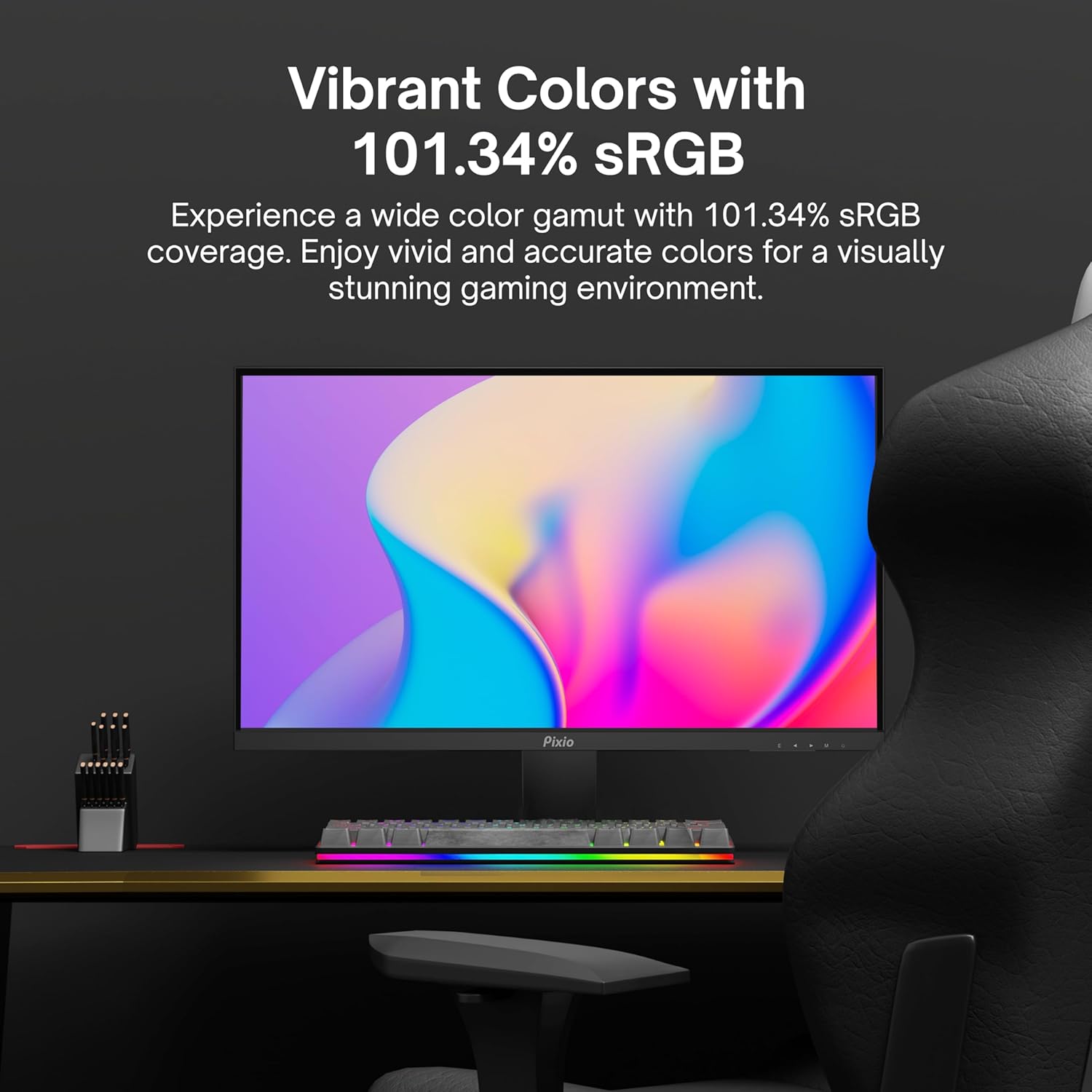
Image: Monitor displaying a colorful game environment, emphasizing the vibrant color reproduction with 101.34% sRGB.
Videoclipul produsului de mai susview:
Video: An official product video from Pixio showcasing the PX259 Prime 25-inch 1080p 280Hz Fast IPS 1ms Gaming Monitor, highlighting its features and performance.
7. Întreținere
- Curățarea ecranului: Ștergeți ușor ecranul cu o lavetă moale, fără scame. Pentru petele persistente, ștergețiampen the cloth with a small amount of screen cleaner (non-ammonia based) and wipe carefully.
- Curățarea C-uluiasing: Folosiți o cârpă moale și uscată pentru a șterge suprafața monitorului.asing. Evitați utilizarea de produse de curățare abrazive sau solvenți.
- Ventilare: Asigurați-vă că orificiile de ventilație ale monitorului nu sunt blocate pentru a preveni supraîncălzirea.
- Depozitare: Dacă depozitați monitorul pentru o perioadă lungă de timp, deconectați-l de la priză și depozitați-l într-un loc răcoros și uscat, de preferință în ambalajul original.
8. Depanare
- Fără putere:
- Asigurați-vă că cablul de alimentare este conectat corect la monitor și la o priză funcțională.
- Verificați dacă adaptorul de alimentare funcționează corect.
- Nici un semnal:
- Verify that the video cable (DisplayPort or HDMI) is securely connected to both the monitor and your device.
- Asigurați-vă că este selectată sursa de intrare corectă în meniul OSD al monitorului.
- Testați cu un alt cablu video sau port, dacă este disponibil.
- Rupere/Sacadare a ecranului:
- Enable AMD FreeSync Premium in both the monitor's OSD and your graphics card settings.
- Asigurați-vă că driverele grafice sunt actualizate.
- Incorrect Refresh Rate:
- Check your operating system's display settings and your graphics card control panel to set the refresh rate to 280Hz (DisplayPort) or 240Hz (HDMI).
- Ensure you are using a DisplayPort cable for 280Hz.
- Poor Picture Quality/Colors:
- Adjust brightness, contrast, and color settings in the OSD menu.
- Asigurați-vă că nu este deteriorat cablul video.
9. Specificații
Detailed technical specifications for the Pixio PX259 Prime monitor:
| Caracteristică | Caietul de sarcini |
|---|---|
| Numărul de model | PX259 Prime |
| Dimensiunea ecranului | 24.5 Inches (25 Inches equivalent) |
| Tip panou | Fast Nano IPS |
| Rezoluţie | FHD 1080p (1920 x 1080 pixeli) |
| Rata de reîmprospătare | 280Hz (144Hz Supported) |
| Timp de răspuns | 1 ms GTG |
| Raportul de aspect | 16:9 |
| Luminozitatea imaginii | 350 Candela |
| Sincronizare adaptivă | AMD FreeSync Premium |
| Conectivitate | 2x DisplayPort 1.2, 2x HDMI 2.0, Earphone Jack, DC In |
| Dimensiunile produsului | 7.09 x 21.98 x 16.52 inci |
| Greutatea articolului | 12.42 lire sterline |
| Compatibilitate VESA | 75x75mm (VESA Ready) |

Image: Diagram showing the dimensions of the Pixio PX259 Prime monitor, including width (21.98 inches), height (16.52 inches), and depth (7.09 inches).
10. Garanție și asistență
Pixio products are designed for reliability and performance. For specific warranty details, please refer to the warranty card included with your product or visit the official Pixio website. For technical support, troubleshooting assistance, or service inquiries, please contact Pixio customer support through their official channels.
Resurse online: For additional information, FAQs, and driver downloads, please visit the Magazinul Pixio pe Amazon.


