1. Produs terminatview
The Ratakee Digital Alarm Clock Radio is designed to provide reliable timekeeping, dual alarm functionality, and AM/FM radio reception. It features a large LED display with adjustable brightness for comfortable viewing day and night. This manual provides detailed instructions for setting up and operating your device.

Imagine: față view of the Ratakee Digital Alarm Clock Radio, displaying the time 12:00 in blue LED digits.
2. Configurare
2.1 Conexiune la alimentare
To power the clock radio, plug the AC adapter into any standard 110V wall outlet. The display will illuminate, indicating the unit is receiving power.
2.2 Instalarea bateriei de rezervă
For battery backup, insert two (2) AAA batteries (not included) into the battery compartment located on the bottom of the unit. These batteries will preserve your time and alarm settings during a power outage, but will not power the display or alarm functions.
2.3 Setarea inițială a orei
Upon first power-up or after a prolonged power interruption without battery backup, the display may show a default time. Refer to the 'Setting Time' section under 'Operating' for instructions on how to set the current time.
3. Instrucțiuni de utilizare
3.1 Setarea orei
- Țineți apăsat butonul SETAREA OREI apăsați butonul până când cifrele orei încep să clipească.
- Utilizați ORĂ şi MINUT butoane pentru a regla ora.
- Presa SETAREA OREI din nou pentru a confirma și a ieși din modul de setare a orei.
3.2 Luminozitate afișaj (Dimmer)
The clock features a 1.6-inch LED display with adjustable brightness. To adjust the display brightness:
- Apăsați tasta DIMMER button repeatedly to cycle through the 4 available brightness levels. Select the level most comfortable for your environment.

Image: Comparison of the clock display at high and low brightness settings, demonstrating the dimmer function.
3.3 Setting Alarms (Dual Alarm)
This clock supports two independent alarms (Alarm 1 and Alarm 2). Each alarm can be set to a beep sound or a radio station.
- Țineți apăsat butonul ALARMA 1 or ALARMA 2 apăsați butonul până când cifrele orei alarmei clipesc.
- Utilizați ORĂ şi MINUT butoane pentru a seta ora dorită a alarmei.
- Apăsați tasta ALARMA 1 or ALARMA 2 button again to select the alarm source (Beep or Radio). The corresponding icon will appear on the display.
- Apăsați tasta ALARMA 1 or ALARMA 2 button a third time to confirm and activate the alarm.
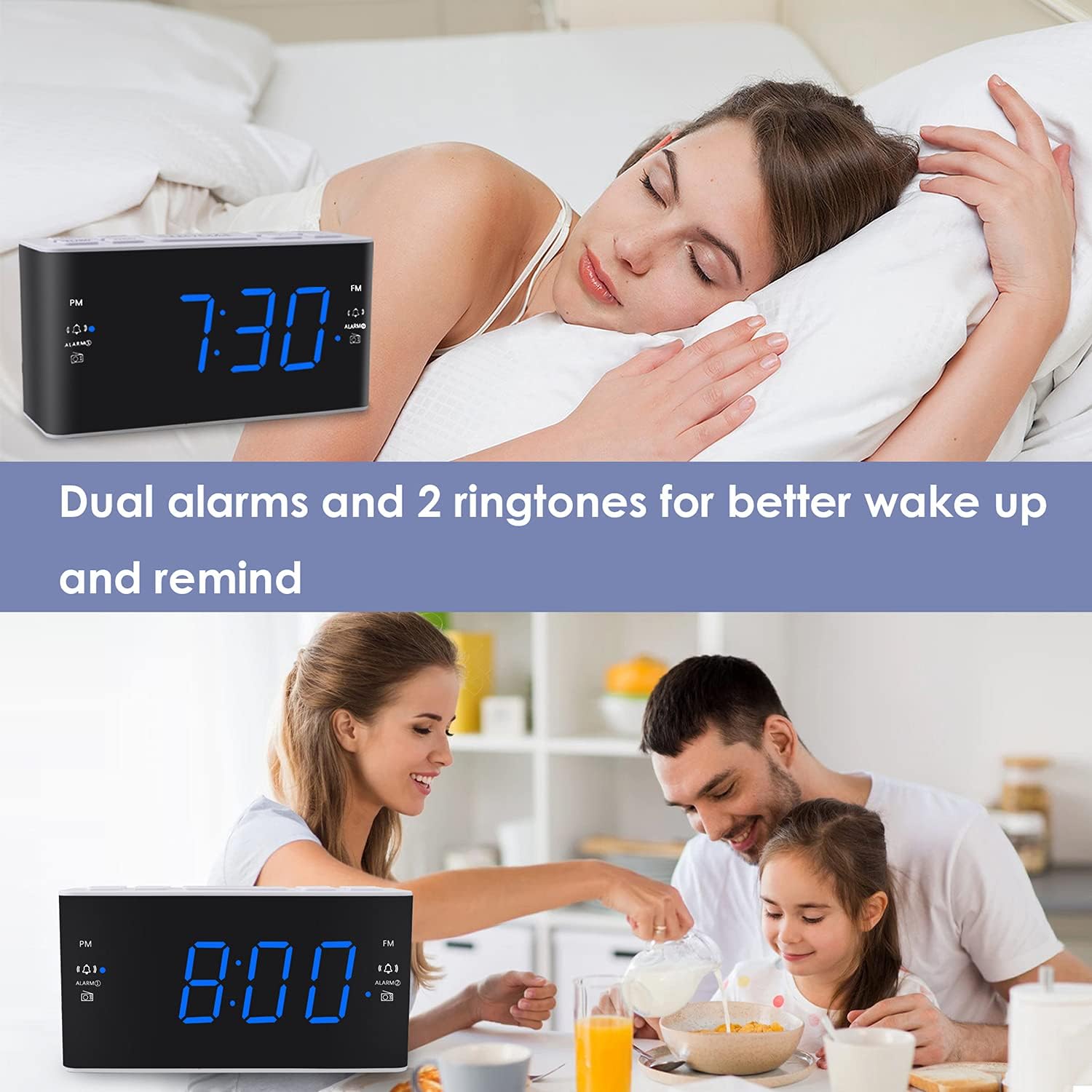
Image: Visual representation of the dual alarm feature, showing the clock used for different wake-up scenarios.
3.4 Funcția Snooze
Când sună o alarmă, apăsați butonul mare PUI DE SOMN button on top of the unit to temporarily silence the alarm for 9 minutes. The alarm will sound again after this period. You can repeat the snooze function up to 5 times.
To turn off the alarm completely for 24 hours, press any other button on the clock (e.g., Radio, Time Set, Alarm 1/2) while the alarm is sounding.
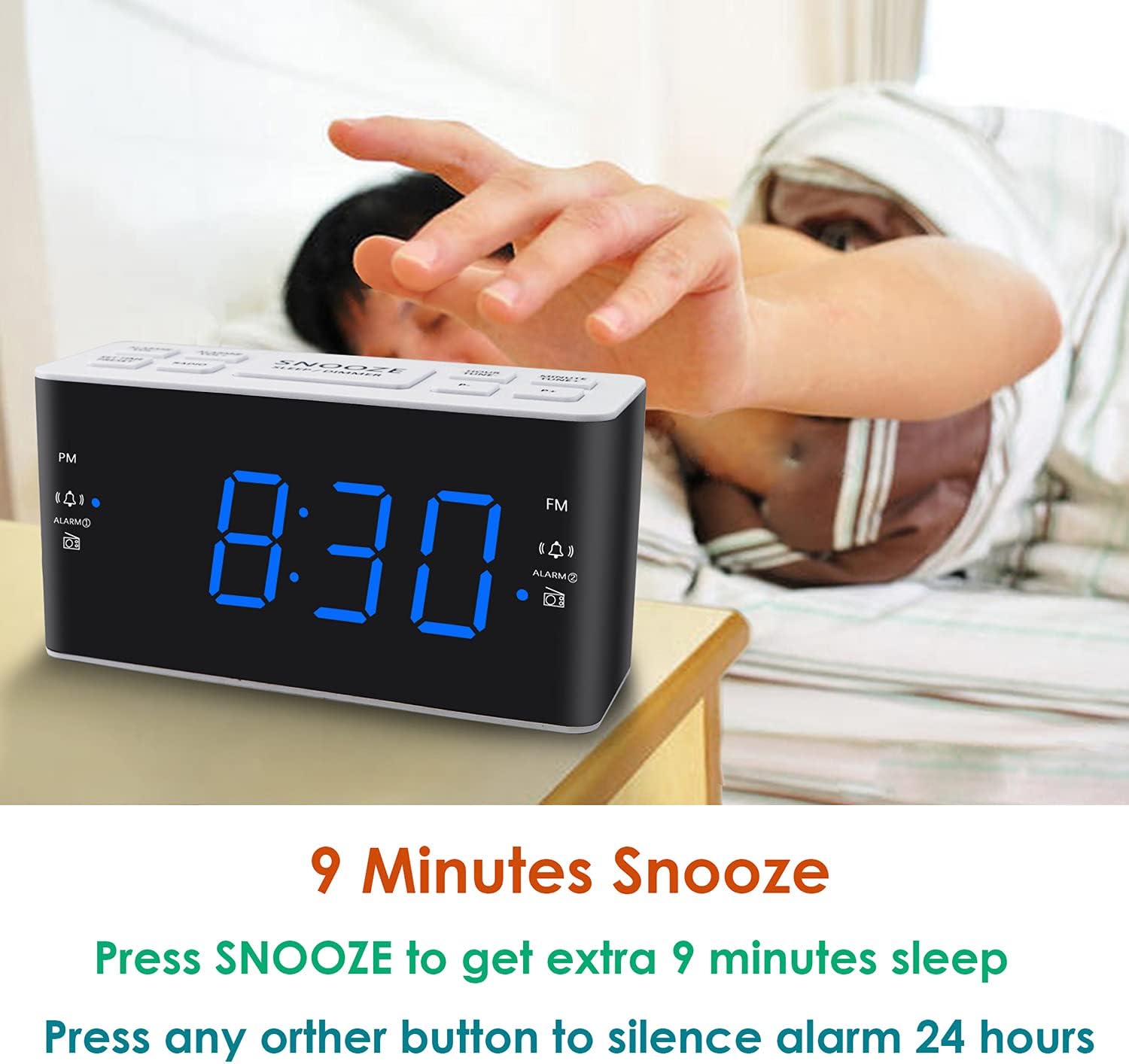
Image: Demonstrates the easy access and function of the snooze button for an additional 9 minutes of sleep.
3.5 Funcționarea radioului AM/FM
The clock radio features digital tuning for AM and FM bands.
- Apăsați tasta RADIO buton pentru a porni sau opri radioul.
- Utilizați TUNE+ şi TON- butoane pentru a regla manual frecvența dorită.
- Apăsați și mențineți apăsat TUNE+ or TON- pentru a scana automat următorul post disponibil.
- Reglați volumul folosind VOL+ şi VOL- buttons (0-15 levels).
3.6 Saving Radio Presets
You can save up to 20 AM stations and 20 FM stations for quick access.
- Acordați postul de radio dorit.
- Țineți apăsat butonul PRESETARE apăsați butonul până când numărul presetat clipește.
- Utilizați TUNE+ or TON- pentru a selecta numărul presetat dorit (P01-P20).
- Presa PRESETARE din nou pentru a confirma și a salva postul.
Pentru a reapela o presetare salvată, apăsați scurt butonul PRESETARE Apăsați butonul în mod repetat pentru a parcurge posturile salvate.
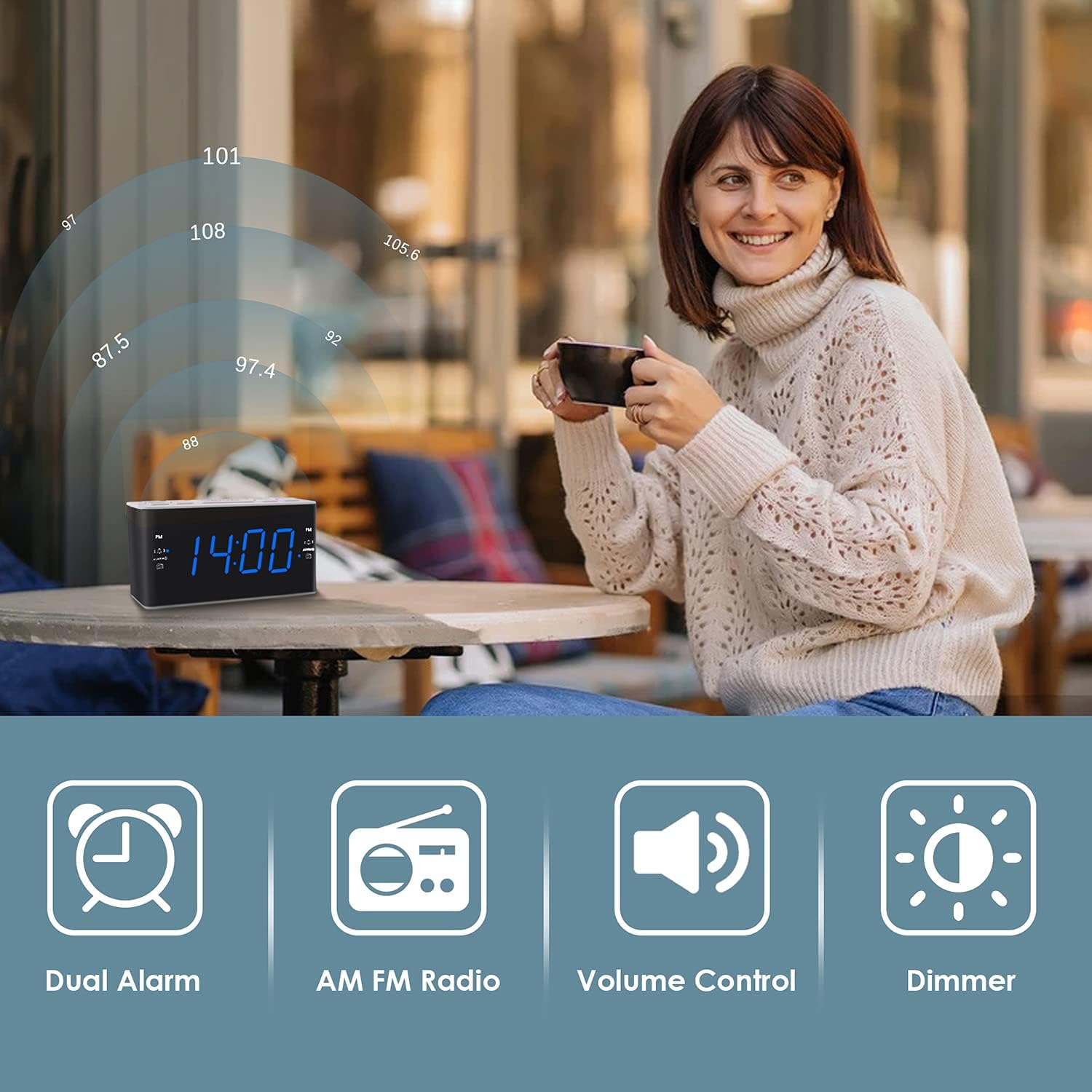
Image: Illustrates the various features of the clock radio, including AM/FM radio functionality.
3.7 Temporizator de repaus
Temporizatorul de oprire vă permite să adormiți cu radioul, care se va opri automat după o perioadă setată.
- În timp ce radioul este pornit, apăsați butonul DORMI button repeatedly to cycle through the available sleep timer durations (10-90 minutes).
- Radioul va reda pe durata selectată, apoi se va opri automat.
4. Întreținere
4.1 Curățare
To clean the clock radio, gently wipe the surface with a soft, dry cloth. Do not use abrasive cleaners, waxes, or solvents as they may damage the finish. Ensure the unit is unplugged before cleaning.
4.2 Înlocuirea bateriei
If the clock loses time or alarm settings during a power outage, the AAA backup batteries may need replacement. Replace both batteries simultaneously with new ones, ensuring correct polarity.
5. Depanare
If you encounter issues with your Ratakee Digital Alarm Clock Radio, please refer to the following common solutions:
- Fără alimentare/Afișaj oprit: Ensure the AC adapter is securely plugged into both the clock and a working wall outlet. Check if the outlet has power.
- Alarma nu sună: Verify that the alarm is activated (alarm icon visible on display) and the alarm time is correctly set. Check the alarm volume level.
- Radio Static/Poor Reception: Extend the FM wire antenna fully for better reception. Try repositioning the clock radio to a different location to improve signal strength. For AM reception, rotate the unit to find the best signal.
- Time/Settings Lost After Power Outage: Ensure fresh AAA batteries are installed correctly in the battery backup compartment.
Dacă problema persistă după încercarea acestor soluții, vă rugăm să contactați serviciul de asistență pentru clienți pentru asistență suplimentară.
6. Specificații
| Marca | Ratakee |
| Numărul de model | H249US |
| Culoare | Led albastru |
| Dimensiunile produsului | 15.49 x 7.87 x 5.59 cm |
| Greutatea articolului | 350 g |
| Material | Plastic |
| Tip de afișare | LED |
| Sursa de alimentare | AC Powered (110V) |
| Bateria de rezervă | 2 x baterii AAA (nu sunt incluse) |
| Gama de frecvențe FM | 87.5-108 MHz |
| AM Frecvență | 520-1710 KHz |
| Caracteristici speciale | Alarm, Brightness Dimmer, Radio |

Image: Product dimensions of the Ratakee Digital Alarm Clock Radio.
7. Garanție și asistență
Ratakee is committed to providing quality products and customer satisfaction. If you have any questions regarding the operation, setup, or performance of your alarm clock radio, please do not hesitate to contact our customer support team.
In the event that the product is deemed defective, you may be eligible for a hassle-free replacement or refund. For specific inquiries or to report an issue, please reach out to us directly. We are dedicated to assisting you and ensuring a positive experience with your Ratakee product.
