Introducere
This manual provides instructions for the setup, operation, and maintenance of your HP w200 HD Digital Webcam. Please read this manual thoroughly before using the device to ensure proper functionality and longevity.
The HP w200 webcam offers 720P HD video at 30 frames per second, a built-in microphone, and a wide-angle view, making it suitable for various video communication applications.
Conținutul pachetului
- HP w200 HD Digital Webcam
Înființat
The HP w200 webcam features a plug-and-play design, requiring no additional driver installation for most operating systems.
Cerințe de sistem
- Operating Systems: Windows XP (SP2, SP3), Vista, 7, 8, 10; Mac OS X 10.6 or higher.
- Available USB port.
Etape de instalare
- Pozitionarea Webcamera:
Atașați webcam to your monitor or place it on a flat surface using its adjustable clip. The clip allows for secure placement and angle adjustment.

Image: The HP w200 webcam demonstrating its 720-degree wide view angle, 270-degree swivel adjustment, and up-down adjustment capabilities. The webcam is shown mounted on a surface, highlighting its flexible design.
- Conectarea la computer:
Conectați webcam's USB cable into an available USB port on your computer. The device is plug-and-play, meaning your operating system should automatically detect and install the necessary drivers.
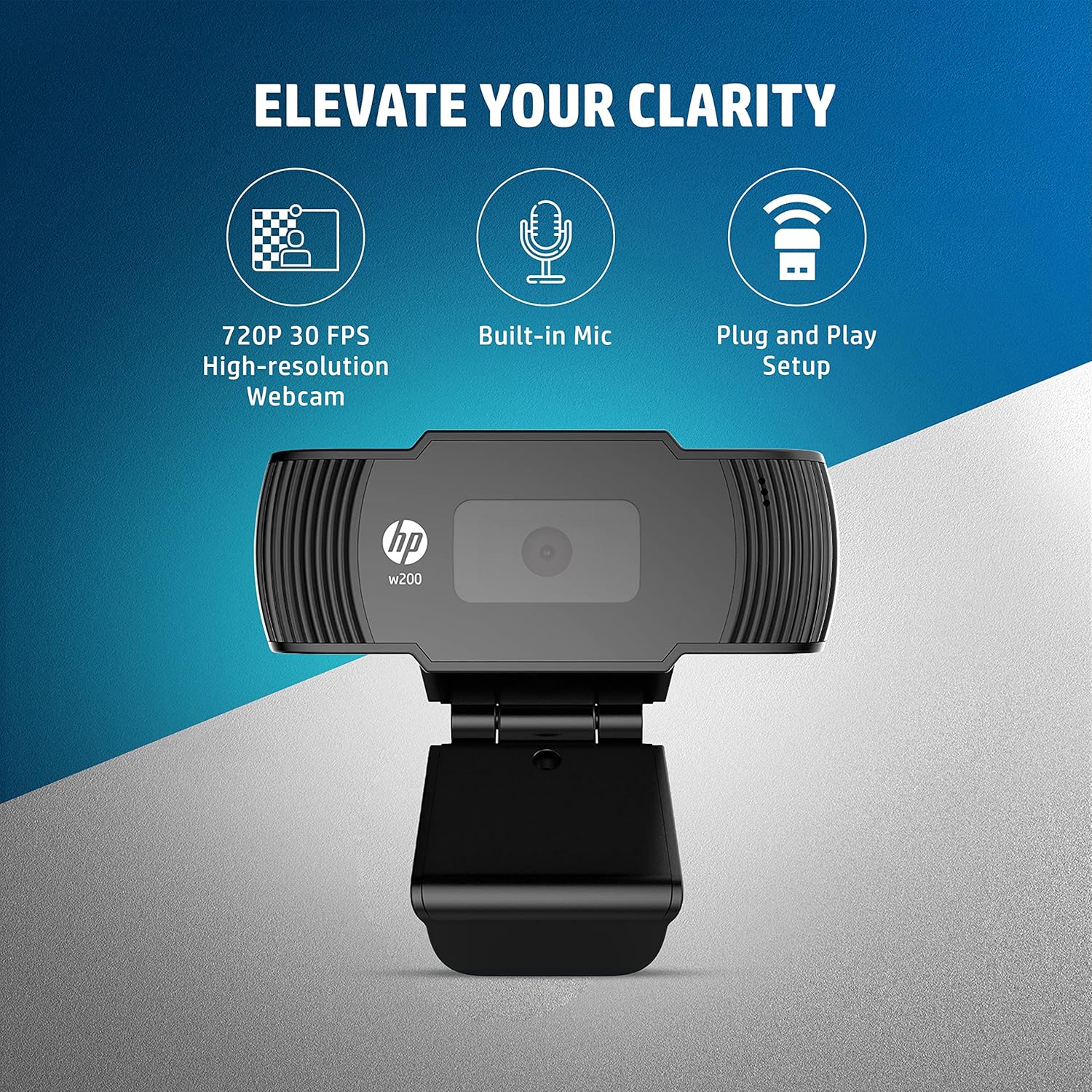
Image: A visual representation of the HP w200 webcam's key features: 720P 30 FPS high-resolution, built-in microphone, and plug-and-play setup. The image emphasizes the ease of use and core functionalities.
- Verificare:
After connecting, open a video conferencing application (e.g., Zoom, Skype, Microsoft Teams) or your operating system's camera application to verify that the webcam is recognized and functioning correctly.
Instrucțiuni de operare
The HP w200 webcam is designed for ease of use with various video communication platforms.
Folosind Webcam for Video Calls
- Lansați aplicația: Open your preferred video calling application (e.g., Zoom, Skype, Microsoft Teams, Facebook Messenger, YouTube, WhatsApp, Google Hangouts, Line, Viber, WeChat).
- Selecteaza dispozitivul: In the application's settings, navigate to the audio and video input options. Select "HP w200 Webcam" as your video device and "HP w200 Microphone" (or similar) as your audio input device.
- Ajustați poziția: Reglați webcam's position and angle using its 270-degree swivel and up-down adjustment to achieve the desired view.
- Start Communication: Begin your video call or recording. The webcam will provide 720P HD video at 30 frames per second.
Utilizarea microfonului
The webcam includes a single digital microphone for audio input. Ensure it is selected as the default microphone in your application settings for clear communication.
Întreţinere
To ensure optimal performance and longevity of your HP w200 webcameră, urmați aceste instrucțiuni de întreținere:
- Curățarea lentilei: Ștergeți ușor webcam lens with a soft, lint-free cloth. Avoid using harsh chemicals or abrasive materials that could scratch the lens.
- Depozitare: Când nu este utilizat, păstrați fișierul webcam in a clean, dry environment away from extreme temperatures and direct sunlight.
- Îngrijirea cablului: Evitați îndoirea sau răsucirea excesivă a cablului USB pentru a preveni deteriorarea internă.
Depanare
| Problemă | Soluție posibilă |
|---|---|
| WebCamera nu a fost detectată de computer. |
|
| No video output in application. |
|
| No audio input from microphone. |
|
| Calitate video slabă. |
|
Specificații
| Caracteristică | Detaliu |
|---|---|
| Numărul de model | W200 |
| Rezoluție video | Max. 1280 x 720P |
| Frame Rate | Max. 30 FPS |
| Tip de focalizare | Fix |
| Microfon | Single Digital Mic |
| Ajustabilitate | Swivel 270°, Up-Down Adjustable Clip |
| Conectivitate | USB |
| Dimensiuni (L x l x H) | 1.14 x 3.15 x 0.94 inci (aprox. 29 x 80 x 24 mm) |
| Greutate | 3.81 uncii (aproximativ 108 grame) |
| Culoare | Negru |
| Tehnologia senzorului foto | CMOS |
| Format de captură video | MP4 |

Image: The HP w200 webcam with its physical dimensions and weight indicated. The image shows the length as 80 mm, height as 32.9 mm, and weight as 108g, providing a clear understanding of its compact size.
Informații despre garanție
This HP w200 webcamera vine cu o 1 ani garanție producător de la data achiziției. Vă rugăm să păstrați dovada achiziției pentru reclamațiile în garanție. Garanția acoperă defectele de materiale și de fabricație în condiții normale de utilizare.
Sprijin
For further assistance or technical support, please visit the official HP support website or contact HP customer service. Refer to your product packaging or the HP website pentru date de contact specifice din regiunea dvs.