1. Introducere
This manual provides essential information for the safe and effective operation of your SHARP FPK50UW Plasmacluster Air Purifier. This air purifier is designed to improve indoor air quality through a triple filtration system and Plasmacluster Ion Technology, covering areas up to 1,253 sq. ft. (based on 1 air change per hour).
Please read this manual thoroughly before using the appliance and retain it for future reference.
2. Instrucțiuni importante de siguranță
- Deconectați întotdeauna purificatorul de aer înainte de curățare, efectuarea de întreținere sau atunci când nu îl utilizați.
- Nu utilizați unitatea cu un cablu sau un ștecher deteriorat. Dacă cablul sau ștecherul sunt deteriorate, contactați serviciul de asistență pentru clienți.
- Nu blocați orificiile de admisie sau de evacuare a aerului. Asigurați suficient spațiu în jurul unității pentru o circulație corectă a aerului.
- Keep the unit away from water or other liquids. Do not use in wet environments such as bathrooms.
- Acest aparat nu este destinat utilizării de către persoane (inclusiv copii) cu capacități fizice, senzoriale sau mentale reduse sau cu lipsă de experiență și cunoștințe, cu excepția cazului în care acestea au fost supravegheate sau instruite cu privire la utilizarea aparatului de către o persoană responsabilă pentru siguranța lor. .
- Folosiți doar filtre de schimb SHARP originale.
3. Componentele produsului
Familiarize yourself with the main parts of your SHARP FPK50UW Air Purifier.
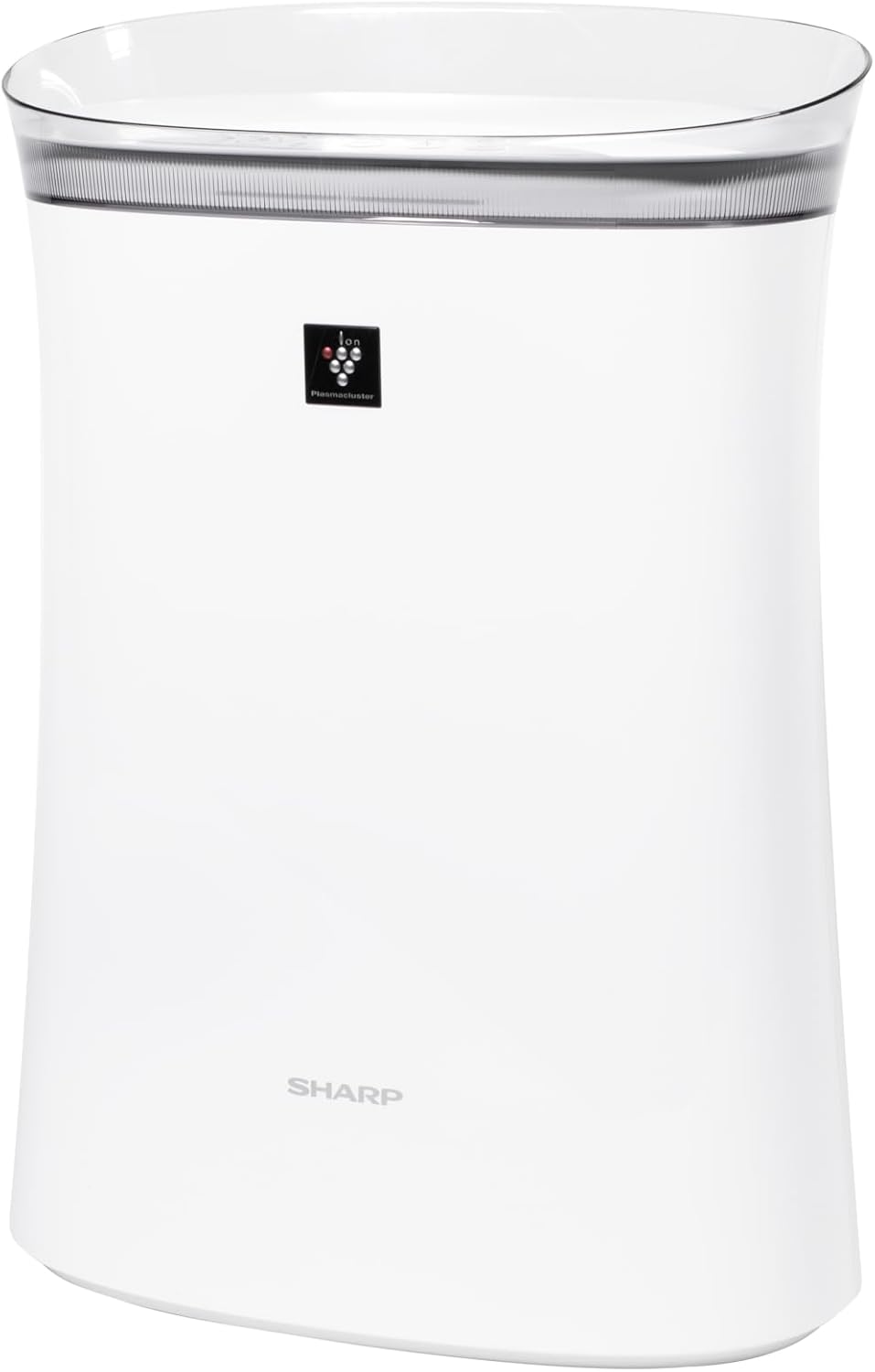
Figura 3.1: Faţă view of the SHARP FPK50UW Air Purifier. This image displays the sleek, white design of the unit with the SHARP logo and Plasmacluster indicator on the front panel.

Figura 3.2: Spate view of the SHARP FPK50UW Air Purifier. The rear panel features the air intake grille and the power cord.

Figura 3.3: Control Panel. This image shows the touch-sensitive buttons for power, fan speed, Plasmacluster, Express Clean, and timer functions.
Lista componentelor:
- Unitatea principala
- Washable Microscreen Pre-filter (installed)
- Activated Carbon Deodorizing Filter (installed)
- True HEPA Filter (installed)
- Cablu de alimentare (atașat)
4. Setup and Filter Installation
Before operating your air purifier, ensure all filters are properly installed and packaging removed.
Pași inițiali de configurare:
- Despachetați unitatea: Scoateți cu grijă purificatorul de aer din ambalaj.
- Scoateți panoul din spate: Gently pull the back panel of the unit to detach it.
- Eliminați filtrele: Take out the pre-filter, activated carbon filter, and True HEPA filter.
- Remove Plastic Packaging: Remove all plastic bags and protective wrapping from the activated carbon filter and True HEPA filter. The pre-filter does not have plastic wrapping.
- Reinstalați filtrele: Insert the True HEPA filter first, followed by the activated carbon filter, and then the pre-filter. Ensure they are oriented correctly as indicated on the filters or unit.
- Reattach Back Panel: Securely reattach the back panel.
- Plasare: Place the air purifier on a firm, level surface, ensuring at least 8 inches of clearance from walls or furniture for optimal airflow.
- Conectare: Connect the power cord to a standard electrical outlet.

Figura 4.1: Spate view with the back panel removed, revealing the pre-filter and main filters inside the unit.

Figura 4.2: The True HEPA filter and Activated Carbon filter are shown removed from the air purifier, with the internal fan visible.
5. Funcționare
The control panel allows you to manage the air purifier's functions.
Funcțiile panoului de control:
- ON/OFF Button (Power): Apăsați pentru a porni sau opri unitatea.
- Buton pentru viteza ventilatorului: Cycles through fan speeds: Max, Med, and Sleep.
- Plasmacluster ON/OFF Button: Activates or deactivates the Plasmacluster Ion Technology.
- Express Clean Button: Initiates a 60-minute high-speed cleaning cycle before returning to the previous setting.
- Buton cronometru: Sets the operating timer for 2, 4, or 8 hours. The unit will automatically turn off after the selected time.
- Light ON/OFF (Press 3 sec.): Press and hold the Timer button for 3 seconds to turn the display lights on or off.
- Filter Reset (Press 3 sec.): After replacing filters, press and hold the Plasmacluster button for 3 seconds to reset the filter indicator.
6. Întreținere
Întreținerea regulată asigură o performanță optimă și prelungește durata de viață a purificatorului de aer.
Întreținerea filtrului:
- Prefiltru: The washable microscreen pre-filter should be cleaned regularly (e.g., monthly) by vacuuming or rinsing with water. Ensure it is completely dry before reinstalling.
- Activated Carbon Deodorizing Filter & True HEPA Filter: These filters are designed for long life, lasting up to 2 years depending on the environment and usage. Replace them when the filter indicator light illuminates or when you notice a decrease in performance or increased odors. These filters are not washable.
Curățarea unității:
- Exterior: Ștergeți exteriorul unității cu o cârpă moale și uscată. Pentru petele persistente, folosiți un prosopamp o lavetă cu un detergent blând, apoi ștergeți-o pentru a o usca.
- Air Outlets/Inlets: Periodically vacuum or wipe the air outlets and inlets to remove dust accumulation.
7. Depanare
Dacă întâmpinați probleme cu purificatorul de aer, consultați tabelul următor pentru probleme frecvente și soluții.
| Problemă | Cauza posibila | Soluţie |
|---|---|---|
| Unitatea nu pornește | Power cord not plugged in; Power outage; Unit malfunction | Ensure power cord is securely plugged in; Check household circuit breaker; Contact customer support if issue persists. |
| Flux de aer slab | Filters are dirty or clogged; Air inlets/outlets blocked | Clean or replace filters; Ensure no obstructions around the unit. |
| Miros neobișnuit | Activated carbon filter needs replacement; New unit odor | Replace activated carbon filter; New unit odor typically dissipates within a few days of use. |
| Plasmacluster indicator not lit | Plasmacluster function is off; Ion generator needs cleaning | Press the Plasmacluster button to activate; Refer to maintenance section for ion generator cleaning (if applicable to model). |
If the problem persists after attempting these solutions, please contact SHARP customer support.
8. Specificații
| Caracteristică | Detaliu |
|---|---|
| Numărul de model | FPK50UW |
| Marca | Ascuțit |
| Dimensiunile produsului | 8.2" D x 15.1" L x 21.3" H |
| Acoperirea suprafeței podelei | Up to 1,253 sq. ft. (1 air change/hr); 259 sq. ft. (4.8 air changes/hr) |
| Nivel de zgomot | 22 dB (Sleep mode) |
| Tip controler | Buton de control |
| Wattage | 50 wați |
| Greutatea articolului | 11 lire sterline |
| Sistem de filtrare | Washable Pre-filter, Activated Carbon Filter, True HEPA Filter |
| Caracteristici speciale | Plasmacluster Ion Technology, Express Clean Mode, Timer Function |
| Certificari | ENERGY STAR Rated, AHAM Verifide Tested, CARB Certified |
| UPC | 074000663794 |
9. Garanție și asistență pentru clienți
Your SHARP FPK50UW Air Purifier comes with a Garanție limitată de 1 an pentru piese și manoperă.
For warranty claims, technical assistance, or to purchase replacement filters, please contact SHARP customer support:
- Website: Vizitați site-ul oficial SHARP website pentru resurse de asistență și informații de contact.
- Telefon: Refer to your product registration card or the SHARP website for the appropriate customer service number.
Please have your model number (FPK50UW) and proof of purchase ready when contacting support.


