1. Introducere
Thank you for choosing the POPOMAN MTM120B Laser Distance Meter. This device is designed for precise and efficient distance measurements, offering various functions including area, volume, and Pythagorean calculations. It features a USB rechargeable battery, a clear LCD with backlight, and data storage capabilities. Please read this manual thoroughly before using the device to ensure safe and optimal performance.
2. Instrucțiuni de siguranță
To prevent injury and damage to the device, observe the following safety precautions:
- Siguranța laserului: This product emits a Class 2 laser. Do not stare directly into the laser beam or point it at other people. Avoid direct eye exposure.
- Nu dezasamblați și nu modificați dispozitivul. Reparațiile trebuie efectuate numai de către personal de service autorizat.
- Nu lăsați dispozitivul la îndemâna copiilor.
- Nu utilizați dispozitivul în medii explozive sau în apropierea materialelor inflamabile.
- Protejați dispozitivul de temperaturi extreme, umiditate și vibrații puternice.
- Ensure the measurement surface is suitable for laser reflection; highly reflective or transparent surfaces may affect accuracy.
3. Conținutul pachetului
Verificați dacă toate articolele sunt prezente în colet:
- 1 x POPOMAN MTM120B Laser Distance Meter
- 1 x cablu de încărcare USB
- 1 x Manual de utilizare
- 1 x Reflective Plate (Laser Target)
- 1 x pungă portabilă
- 1 x curea de mână

Figura 3.1: Contents of the POPOMAN MTM120B package, including the laser distance meter, USB cable, user manual, laser target, portable pouch, and hand strap.
4. Produs terminatview
Familiarize yourself with the components and controls of your POPOMAN MTM120B Laser Distance Meter.

Figura 4.1: Faţă view of the POPOMAN MTM120B Laser Distance Meter with key components labeled.
4.1. Componentele dispozitivului
- Laser On: Indicates when the laser is active.
- Alimentare electrică: Indicator de nivel al bateriei.
- Unghi: Displays the current tilt angle (Electronic Angle Sensor).
- Afişa: LCD screen showing measurements, modes, and settings.
- Turn on / Measuring (READ button): Powers on the device, activates the laser, and initiates measurements.
- Subtraction / Sound button: Used for subtraction calculations and toggling sound on/off.
- Addition button: Used for addition calculations.
- Area / Volume / Pythagorean Measuring (FUNC button): Comută ciclic prin diferite moduri de măsurare.
- Reference Point / Unit Switch button: Changes the measurement reference point (front/rear) and switches measurement units (m/in/ft/ft+in).
- butonul Salvare: Stores current measurement data.
- Turn off / Remove (OFF CLEAR button): Oprește dispozitivul sau șterge măsurătoarea curentă.
5. Configurare
5.1. Încărcarea bateriei
The POPOMAN MTM120B features a built-in rechargeable lithium battery. Before first use, fully charge the device.
- Localizați portul de încărcare USB de pe lateralul dispozitivului.
- Connect the provided USB charging cable to the device and to a standard USB power source (e.g., laptop, power bank, AC adapter, car charger).
- The battery indicator on the display will show charging status. A full charge typically takes approximately 30 minutes and provides power for up to 8,000 measurements.
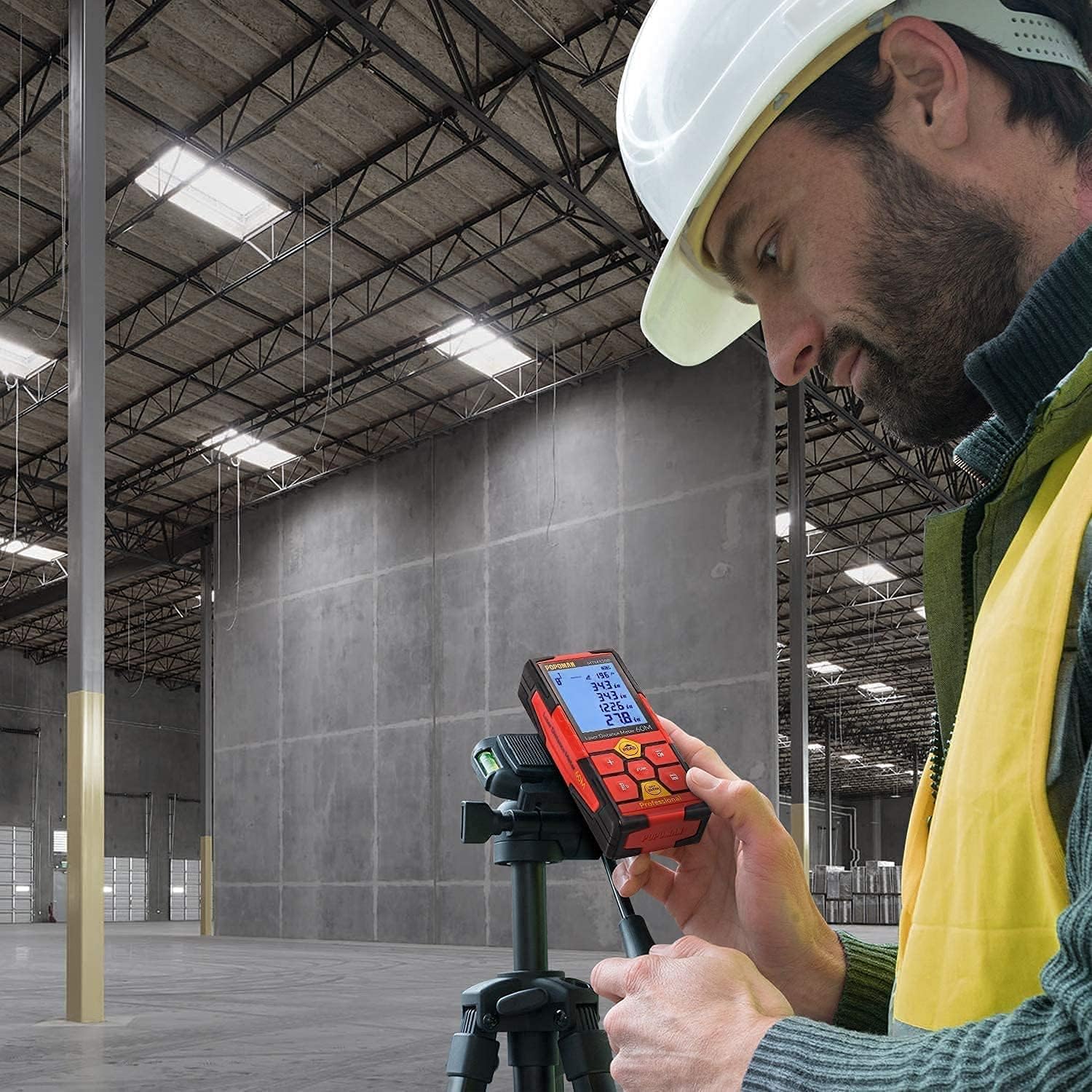
Figura 5.1: Various methods for charging the POPOMAN MTM120B, including laptop, power bank, AC adapter, and car charger.
5.2. Pornire/Oprire
- Pentru a porni: Apăsați tasta CITIRE butonul. Afișajul se va aprinde.
- Pentru a opri: Țineți apăsat butonul OPRIT ȘTERG timp de câteva secunde. Dispozitivul se va opri automat și după o perioadă de inactivitate pentru a economisi bateria.
6. Instrucțiuni de utilizare
6.1. Măsurare de bază
- Apăsați tasta CITIRE button once to activate the laser. A red laser dot will appear.
- Îndreptați punctul laser spre punctul țintă.
- Apăsați tasta CITIRE button again to take a single measurement. The measured distance will be displayed on the screen.
6.2. Schimbarea unităților de măsură
Apăsați tasta Comutator punct de referință / unitate button repeatedly to cycle through available units: meters (m), inches (in), feet (ft), and feet + inches (ft+in).
6.3. Changing Reference Point
The device can measure from its front edge or its rear edge. Press and hold the Comutator punct de referință / unitate button to toggle between front and rear reference points. An icon on the display will indicate the active reference point.
6.4. Măsurare continuă (urmărire)
In continuous measurement mode, the device constantly updates the distance as you move it.
- From standby, press and hold the CITIRE button until "MIN/MAX" appears on the display.
- Move the device slowly. The display will show the current distance, as well as the minimum and maximum distances recorded during the session.
- Presa CITIRE din nou pentru a opri măsurarea continuă.
6.5. Măsurarea zonei
- Apăsați tasta ANGAJAT button once until the area icon (a square) appears on the display.
- Măsurați prima latură (de exemplu, lungimea) apăsând CITIRE.
- Măsurați a doua latură (de exemplu, lățimea) apăsând CITIRE.
- Zona calculată va fi afișată.
6.6. Măsurarea volumului
- Apăsați tasta ANGAJAT button twice until the volume icon (a cube) appears on the display.
- Măsurați lungimea apăsând CITIRE.
- Măsurați lățimea apăsând CITIRE.
- Măsurați înălțimea apăsând CITIRE.
- Volumul calculat va fi afișat.
6.7. Măsurarea pitagoreică (măsurarea indirectă)
This mode allows indirect measurement of heights or distances using the Pythagorean theorem.
- Apăsați tasta ANGAJAT button three or four times until a Pythagorean icon appears (e.g., a triangle with one side flashing).
- Follow the on-screen prompts to measure the required sides of the triangle (e.g., hypotenuse, base).
- Dispozitivul va calcula și va afișa partea necunoscută.
6.8. Adunarea și scăderea
After taking a measurement, you can add or subtract subsequent measurements.
- Take a first measurement.
- Apăsați tasta + button for addition or the - buton pentru scădere.
- Take the next measurement. The result will be added to or subtracted from the previous total.
- Repeat as needed. Press CITIRE to finalize the calculation.
6.9. Electronic Angle Sensor
The device features an electronic angle sensor that displays the tilt angle in real-time on the screen, useful for leveling or specific indirect measurements.

Figura 6.1: The device display indicating the real-time electronic angle measurement.
6.10. Data Storage (Memory)
The POPOMAN MTM120B can store up to 99 sets of measurement data.
- After a measurement is displayed, press the Salva button to store it.
- To recall stored data, press and hold the Salva buton. Utilizați + şi - buttons to navigate through the stored records.
- To exit memory view, apăsați tasta OPRIT ȘTERG buton.

Figura 6.2: The device display showing multiple stored measurement data sets, indicating the 99-set memory feature.
6.11. Modul Mute
To operate the device silently, press the Subtraction / Sound button to toggle the sound on or off. This is useful in quiet environments.
7. Întreținere
- curatenie: Folosiți un moale, damp cloth to clean the device. Do not use abrasive cleaners or solvents. Pay special attention to keeping the laser lens clean.
- Depozitare: Store the device in its portable pouch in a cool, dry place when not in use. Avoid direct sunlight and extreme temperatures.
- Îngrijirea bateriei: Although the device has a built-in lithium battery, it is recommended to charge it periodically if not used for extended periods to maintain battery health.
- Dispozitivul are un grad de protecție IP54, ceea ce înseamnă că este protejat împotriva pătrunderii prafului și a stropilor de apă din orice direcție. Cu toate acestea, nu este impermeabil și nu trebuie scufundat.
8. Depanare
If you encounter issues with your POPOMAN MTM120B, refer to the table below for common problems and solutions.
| Problemă | Cauza posibila | Soluţie |
|---|---|---|
| Dispozitivul nu pornește. | Baterie descărcată. | Încărcați dispozitivul folosind cablul USB furnizat. |
| Măsurători inexacte. |
|
|
| Afișajul este slab iluminat sau ilizibil. | Low battery or strong ambient light. | Charge the device. Move to an area with less direct sunlight. |
| No sound feedback. | Mute mode is active. | Apăsați tasta Subtraction / Sound button to toggle sound on. |
9. Specificații
| Model | POPOMAN MTM120B |
| Interval de măsurare | 0.05 m până la 50 m |
| Precizie | ± 2.0 mm |
| Unități de măsură | m / in / ft / ft+in |
| Clasa laser | Clasa 2 |
| International Protection (IP) Rating | IP54 (protejat împotriva prafului și stropilor de apă) |
| Afişa | LCD de 2.25 inci cu iluminare din spate |
| Memorie de date | 99 de seturi |
| Tip baterie | Baterie reîncărcabilă cu litiu |
| Timp de încărcare | Approx. 30 minutes (for full charge) |
| Durata de viață a bateriei | Approx. 8,000 measurements per charge |
| Automatic Laser Shut-off | 30 secunde (aprox.) |
| Automatic Device Shut-off | 180 secunde (aprox.) |
| Dimensiunile produsului | 11.7 x 5.2 x 2.6 cm |
| Greutatea produsului | 260 g |
| Fir de trepied | 1/4 inch |
10. Garanție și asistență
10.1. Informații despre garanție
The POPOMAN MTM120B Laser Distance Meter comes with a 24-month quality commitment de la data achiziției. Această garanție acoperă defectele de fabricație și asigură că produsul îndeplinește standardele de performanță specificate în condiții normale de utilizare.
The warranty does not cover damage caused by misuse, unauthorized modification, accidents, or normal wear and tear.
10.2. Asistență pentru clienți
If you have any questions, require technical assistance, or need to claim warranty service, please contact POPOMAN customer support. Refer to the contact information provided on the product packaging or the official POPOMAN website pentru cele mai actualizate canale de asistență.