1. Introducere
Thank you for choosing the Rapoo M500 Silent Wireless Mouse. This manual provides detailed instructions on how to set up, operate, and maintain your mouse to ensure optimal performance and a seamless user experience.
1.1. Conținutul pachetului:
- Rapoo M500 Silent Wireless Mouse
- Receptor USB (stocat în interiorul mouse-ului)
- AA Batteries (pre-installed)

The Rapoo M500 Silent Wireless Mouse, shown alongside its compact USB receiver. The mouse features an ergonomic design with a scroll wheel and multiple buttons.
2. Caracteristici cheie
- Conectivitate multimodală: Seamlessly switch between Bluetooth 3.0, Bluetooth 4.0, and 2.4 GHz wireless via USB receiver. Connect up to three devices simultaneously.
- Adjustable High-Resolution Sensor: Equipped with an optical sensor offering adjustable DPI settings from 600 to 1600 DPI for precise and smooth cursor control.
- Silent Click Design: Enjoy a quiet working environment with specially designed silent click buttons, reducing click noise by up to 90%.
- Durată de viață extinsă a bateriei: Advanced energy-saving technology provides up to 12 months of battery life on two AA batteries.
- Ergonomic și portabil: Designed for right-handed users, offering comfortable grip and a compact, lightweight form factor for easy portability.
- Compatibilitate largă: Compatible with Windows and Mac operating systems, and functions reliably on various surfaces.

This image illustrates the multi-device connection capability of the Rapoo M500 mouse, showing it wirelessly connected to a laptop via 2.4G, a tablet via Bluetooth 3.0/4.0, and a smartphone via Bluetooth 5.0, highlighting its versatility.

A close-up of a hand using the Rapoo M500 mouse, emphasizing its silent click feature with an accompanying graphic indicating a 90% reduction in click noise.

The Rapoo M500 mouse is shown being easily slipped into a jeans pocket, illustrating its compact and lightweight design, making it highly portable for users on the go.
3. Ghid de instalare
3.1. Instalarea bateriei
The Rapoo M500 mouse comes with pre-installed AA batteries. If you need to replace them:
- Deschideți capacul compartimentului bateriilor situat pe partea inferioară a mouse-ului.
- Introduceți două baterii AA, asigurându-vă că polaritatea este corectă (+/-).
- Închideți capacul compartimentului bateriei.
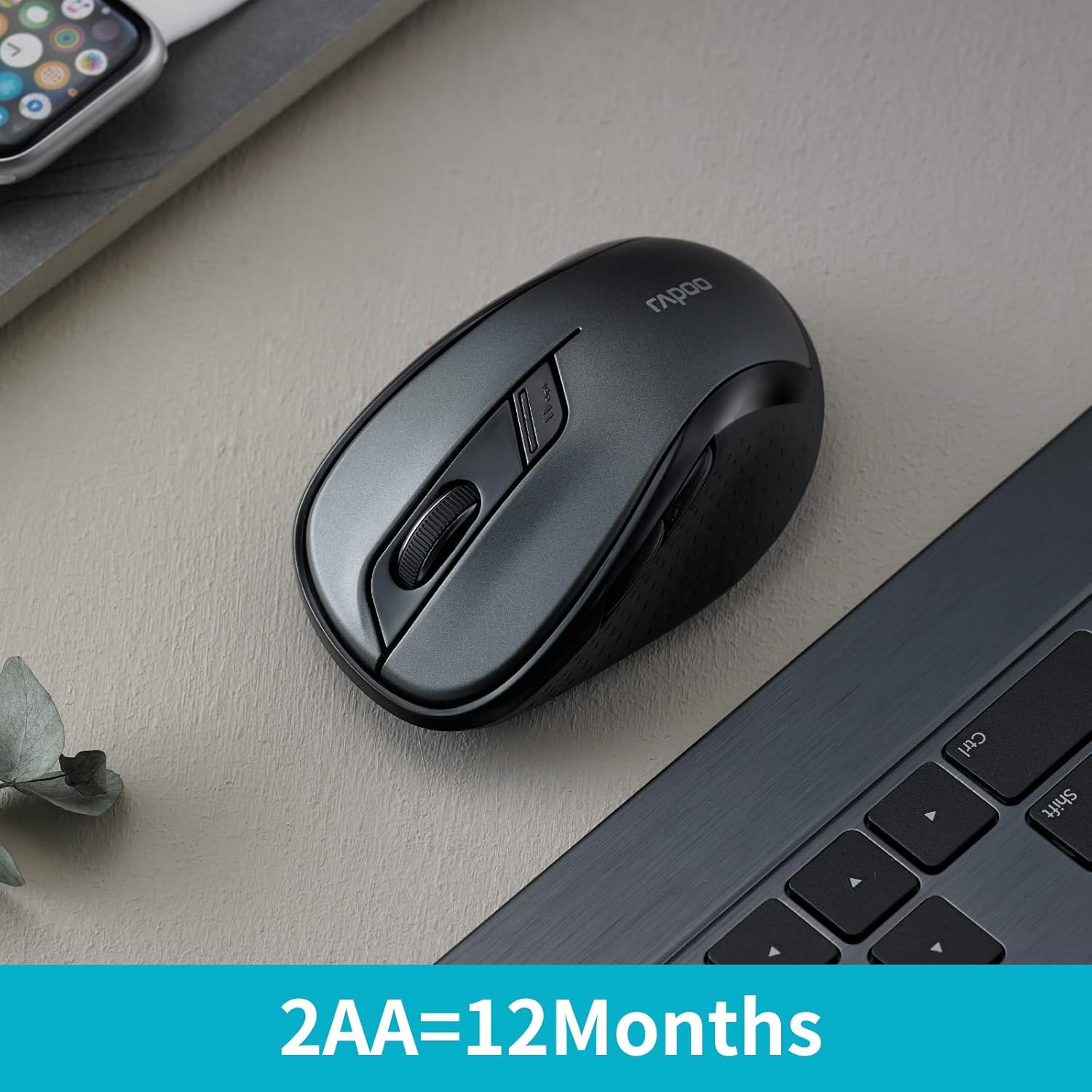
The Rapoo M500 mouse is displayed on a desk next to a laptop, with text highlighting its impressive battery life of 12 months powered by two AA batteries.
3.2. Connecting via 2.4 GHz Wireless (USB Receiver)
- Localizați receptorul USB din compartimentul pentru baterii al mouse-ului.
- Conectați receptorul USB la un port USB disponibil de pe computer.
- Porniți mouse-ul folosind comutatorul de alimentare de pe partea inferioară.
- Mouse-ul ar trebui să se conecteze automat la computer.
3.3. Conectarea prin Bluetooth
The Rapoo M500 supports Bluetooth 3.0 and 4.0. You can pair it with up to two Bluetooth devices.
- Porniți mouse-ul folosind comutatorul de alimentare de pe partea inferioară.
- Press the device switching button (usually on the underside or top, refer to diagram in Specifications section) to select a Bluetooth channel (e.g., green blinking light for BT1, blue blinking light for BT2).
- Press and hold the device switching button for approximately 3 seconds until the indicator light starts blinking rapidly, indicating pairing mode.
- Pe computer sau dispozitiv, accesați setările Bluetooth și căutați dispozitive noi.
- Select "Rapoo M500" from the list of available devices to complete the pairing process.
4. Utilizarea mouse-ului
4.1. Comutarea dispozitivelor
The Rapoo M500 allows you to switch between connected devices (one 2.4 GHz USB and two Bluetooth devices) by pressing the device switching button located on the underside of the mouse.
- Press once for 2.4 GHz mode (no blinking light).
- Press again for Bluetooth Device 1 (green blinking light).
- Press again for Bluetooth Device 2 (blue blinking light).
4.2. Ajustarea DPI-ului
The mouse features an adjustable DPI sensor, allowing you to change cursor speed and precision.
- Locate the DPI switch button, usually near the scroll wheel.
- Press the DPI button to cycle through available DPI settings (e.g., 600, 1000, 1300, 1600 DPI).
- Viteza cursorului se va schimba în mod corespunzător.
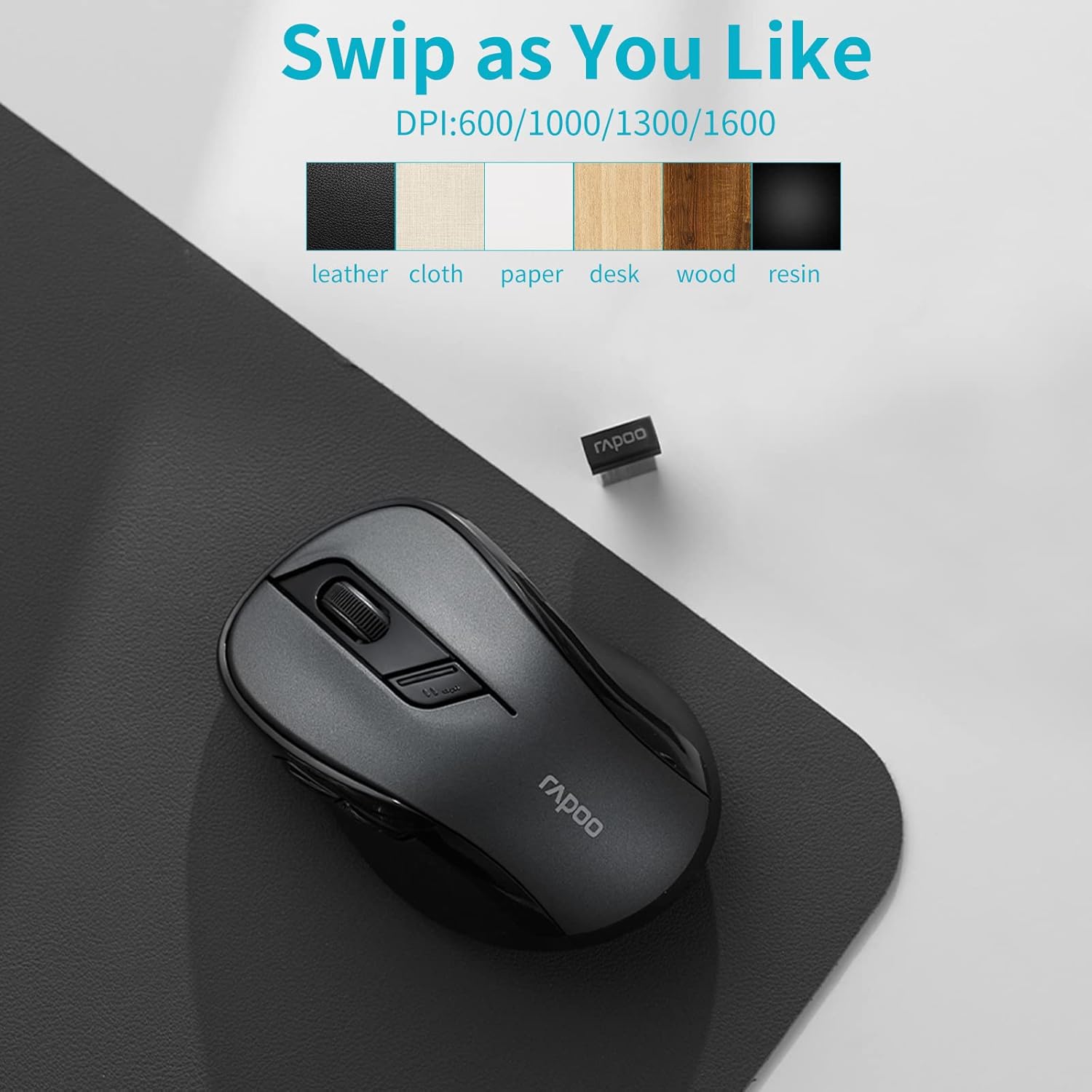
Rapoo M500 mouse on a mousepad, showing various DPI settings and compatible surfaces like leather, cloth, paper, desk, wood, and resin.
4.3. Programmable Buttons (Driver Customization)
For advanced customization, you can download the Rapoo driver software from the official Rapoo website. Acest software vă permite să:
- Assign custom functions to mouse buttons.
- Adjust scroll speed and other settings.

A computer screen displays the Rapoo driver customization software, allowing users to personalize button functions, scroll settings, and other mouse behaviors for an optimized experience.
5. Întreținere
5.1. Curățarea mouse-ului
Pentru a asigura performanțe optime și longevitate, curățați mouse-ul în mod regulat:
- Folosiți o cârpă moale, fără scame dampcu apă sau cu o soluție de curățare blândă.
- Ștergeți ușor suprafața mouse-ului.
- Evitați utilizarea substanțelor chimice dure sau a materialelor abrazive.
- Nu permiteți pătrunderea lichidelor în interiorul mouse-ului.
5.2. Înlocuirea bateriei
When the mouse's performance degrades or the indicator light signals low battery, replace the AA batteries as described in the "Battery Installation" section (3.1).
6. Depanare
| Problemă | Soluție posibilă |
|---|---|
| Mouse not responding (2.4 GHz) |
|
| Mouse not connecting via Bluetooth |
|
| Mișcarea cursorului este neregulată sau lentă |
|
| Butoanele nu funcționează |
|
7. Specificațiile produsului
| Caracteristică | Detaliu |
|---|---|
| Marca | RAPOO |
| Numele modelului | RP M500 BL |
| Tehnologia de conectivitate | Bluetooth (3.0, 4.0), 2.4 GHz Wireless (USB) |
| Tehnologia de detectare a mișcării | Optic |
| Senzor DPI | Adjustable 600-1600 DPI |
| Numărul de butoane | 7 |
| Orientarea mâinii | Dreptaci |
| Sursa de alimentare | Battery (2 x AA, included) |
| Durata medie a bateriei | Până la 12 luni |
| Dispozitive compatibile | Notebook, Personal Computer, Tablet |
| Sisteme de operare | Windows 10, Windows XP, Mac OS X 10.0 Cheetah, Chrome OS |
| Dimensiunile produsului | 9.8 x 6.1 x 3.8 cm; 59 g |
| Culoare | Negru |

A detailed diagram of the Rapoo M500 mouse highlighting its key features with numbered callouts: 1. Silent Click, 2. Ergonomic design, 3. Bluetooth and USB receiver connectivity, 4. High precision tracking, 5. Forward/Back Buttons, and 6. 12 months battery life with two AA batteries.
8. Garanție și asistență
For warranty information and technical support, please refer to the official RAPOO website or contact your local dealer. Keep your purchase receipt for warranty claims.
Suport online: Vizita www.rapoo.com for drivers, FAQs, and support resources.


