1. Introducere
The Intel Core i7-9700K is a 9th Generation desktop processor designed for high-performance computing. Featuring 8 cores and a base clock speed of 3.60 GHz, with Intel Turbo Boost Technology 2.0 enabling speeds up to 4.90 GHz, this unlocked processor is suitable for demanding applications, gaming, and content creation. It includes Intel UHD Graphics 630 and supports Intel Optane Memory. Please note that a thermal solution is not included with this processor and must be purchased separately.
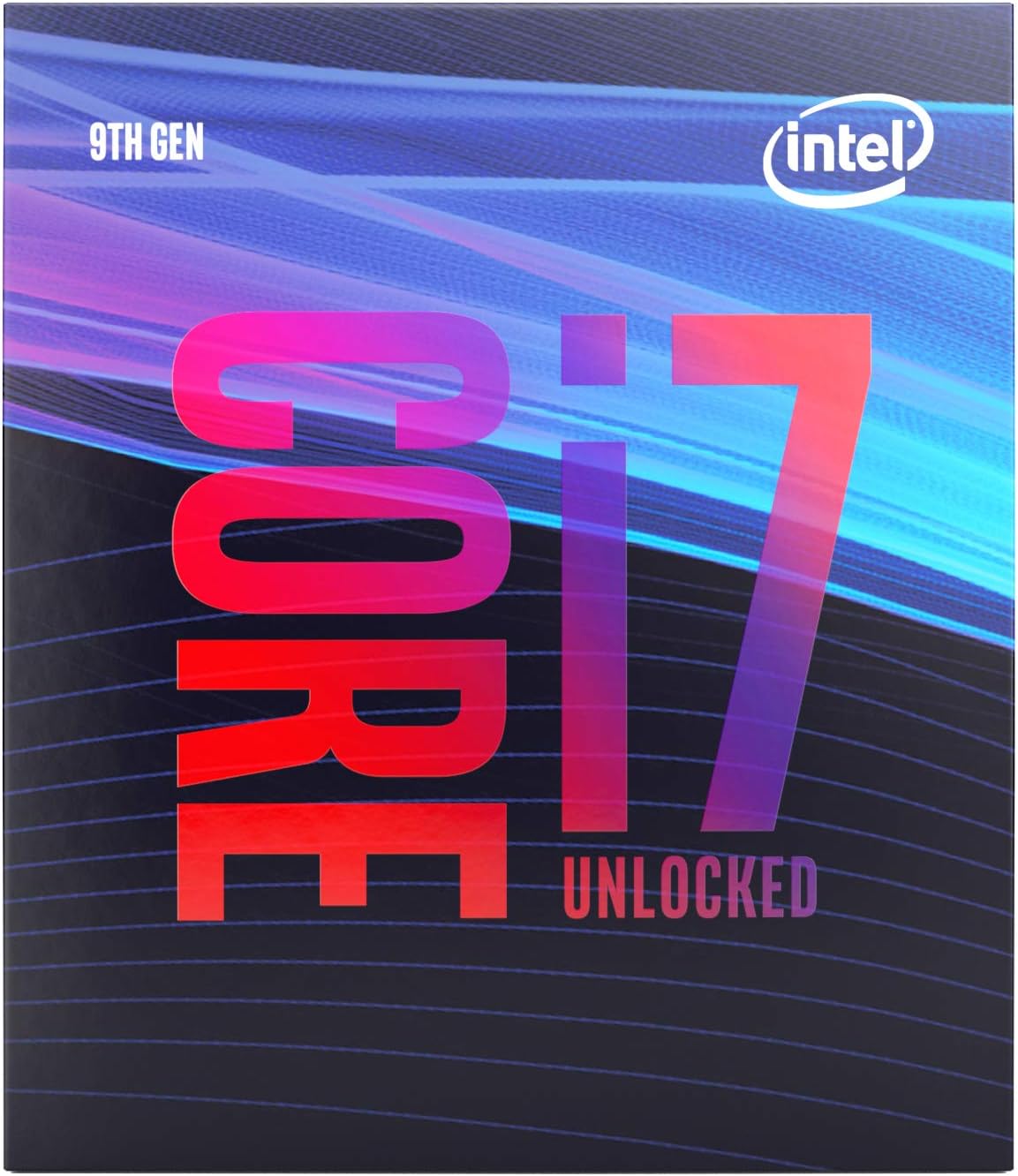
Image 1.1: Packaging for the Intel Core i7-9700K Desktop Processor.
2. Configurare și instalare
2.1. Cerințe de compatibilitate
- Placa de baza: Compatible only with motherboards based on Intel 300 Series Chipsets, featuring an LGA1151 socket. Ensure your motherboard BIOS is updated to support 9th Generation Intel Core processors.
- Soluție de răcire: A thermal solution (CPU cooler) is NU included in the box. A high-performance CPU cooler is required for proper operation, especially when utilizing the processor's unlocked potential for overclocking.
- Memorie: Supports DDR4 2666 MHz memory. Maximum capacity of 64 GB in a dual-channel architecture.
2.2. Instalare fizică
Before beginning installation, ensure your system is powered off and unplugged. Refer to your motherboard's manual for specific instructions on CPU installation. Handle the processor by its edges to avoid touching the gold contacts or the integrated heat spreader (IHS).
- Deschideți maneta de fixare a soclului procesorului de pe placa de bază.
- Carefully align the processor with the socket, ensuring the gold triangle on the CPU matches the triangle on the socket.
- Gently place the processor into the socket without forcing it.
- Close the socket retention lever to secure the processor.
- Apply a thin, even layer of thermal paste to the center of the processor's IHS.
- Install your chosen CPU cooler according to its manufacturer's instructions.

Imaginea 2.1: Sus view of the Intel Core i7-9700K processor, showing the integrated heat spreader.
Video 2.1: An official Intel video showcasing the Intel Core i7-9700K processor in its retail box. This video provides a visual overview al ambalajului produsului.
3. Operarea procesorului
3.1. Key Features and Performance
The Intel Core i7-9700K processor is built for robust performance across various tasks. Its 8 cores provide strong multi-threaded capabilities, while Intel Turbo Boost Technology 2.0 dynamically increases clock speed up to 4.9 GHz when needed, optimizing performance for both single and multi-threaded applications.
- 8 nuclee / 8 fire de execuție: Delivers efficient processing for multitasking and demanding workloads.
- Up to 4.90 GHz Processor Frequency: Achieved through Intel Turbo Boost Technology 2.0 for enhanced speed.
- 12 MB Intel Smart Cache: Provides quick access to frequently used data.
- 95W TDP: Indicates the thermal design power, requiring adequate cooling.

Image 3.1: Visual representation of the Intel Core i7-9700K's core specifications including core count, frequency, cache, and TDP.
3.2. Advanced Technologies
- Unlocked & Overclockable: The 'K' designation signifies an unlocked multiplier, allowing advanced users to manually adjust clock speeds for further performance gains.
- Intel Turbo Boost Max Technology 3.0: Identifies the fastest cores on the processor and directs critical workloads to them, providing increased performance on lightly threaded applications.
- Intel Optane Memory Support: Enhances system responsiveness by accelerating traditional hard drives.
- Grafica Intel UHD 630: Integrated graphics solution capable of handling everyday visual tasks and light gaming without a dedicated graphics card.

Imaginea 3.2: Pesteview of advanced features such as unlocked status, Turbo Boost Max Technology, Optane Memory support, and integrated graphics.

Image 3.3: Illustrates the potential for increased in-game frame rates when using the Intel Core i7-9700K processor, particularly when streaming and recording.
Video 3.1: An official Intel video highlighting the performance capabilities of 9th Generation Intel Core i5, i7, and i9 processors, demonstrating their suitability for gaming and demanding tasks.
4. Întreținere
Proper maintenance ensures the longevity and optimal performance of your processor. The primary concern for CPU maintenance is effective cooling.
- Sistem de racire: Regularly inspect your CPU cooler (fan, heatsink, or liquid cooling system) for dust accumulation. Clean dust from heatsink fins and fan blades using compressed air.
- Pastă termică: Over time, thermal paste can dry out and become less effective. If you notice increased CPU temperatures, consider reapplying fresh thermal paste. This typically involves removing the cooler, cleaning off old paste, and applying new paste.
- Flux de aer: Ensure your PC case has adequate airflow. Keep intake and exhaust vents clear of obstructions and regularly clean case fans.
5. Depanare
Dacă întâmpinați probleme cu procesorul Intel Core i7-9700K, luați în considerare următorii pași de depanare:
- Sistemul nu pornește/Nu se afișează:
- Verify the CPU is correctly seated in the motherboard socket.
- Verificați toate conexiunile de alimentare la placa de bază și la procesor.
- Ensure RAM modules are properly installed.
- Confirm your motherboard BIOS is updated to support 9th Gen processors.
- Probleme de supraîncălzire:
- Check if the CPU cooler is properly installed and making good contact with the CPU's IHS.
- Ensure thermal paste has been applied correctly.
- Verify CPU cooler fans are spinning and not obstructed.
- Clean any dust from the heatsink and case fans.
- Instabilitate/Blocaje ale sistemului:
- If overclocked, revert to default settings to check for stability.
- Asigurați-vă că sursa de alimentare (PSU) furnizează suficientă apătage pentru toate componentele.
- Rulați instrumente de diagnosticare a memoriei pentru a verifica dacă există probleme cu memoria RAM.
For more detailed troubleshooting, consult your motherboard's manual or Intel's official support resources.
6. Specificații
| Caracteristică | Caietul de sarcini |
|---|---|
| Modelul procesorului | Intel Core i7-9700K |
| Miezuri / Fire | 8 nuclee / 8 fire de execuție |
| Viteză de bază a ceasului | 3.60 GHz |
| Frecvența Turbo maximă | 4.90 GHz |
| Cache | 12 MB memorie cache inteligentă Intel |
| TDP | 95W |
| Tip de soclu | LGA1151 |
| Chipset-uri compatibile | Seria Intel 300 |
| Grafică integrată | Intel UHD Graphics 630 |
| Suport memorie | DDR4 2666 MHz, Dual Channel, Max 64 GB |
| Intel Optane Memory Support | Da |
| Deblocat | Da |
| Numărul de model al articolului | BX80684I79700K |
| Dimensiunile produsului | 4.57 x 3.98 x 2.76 inci |
| Greutatea articolului | 1.59 uncii |
7. Garanție și asistență
Intel provides a limited warranty for its processors. Performance and product warranties may vary depending on system configuration and may not apply if the processor is operated beyond its published specifications (e.g., extreme overclocking). For specific warranty details and support, please visit the official Intel support website-ul sau contactați comerciantul dvs.
For comprehensive information about performance and benchmark results, and to learn more about Intel technologies, visit www.intel.com/benchmarks şi support.intel.com.


