Introducere
This manual provides essential information for the setup, operation, maintenance, and troubleshooting of your My Arcade Pocket Player Handheld Game Console. Please read this guide thoroughly before use to ensure proper functionality and to maximize your gaming experience.
Caracteristicile produsului
- Original Inspired Artwork: For an authentic retro look.
- 2.75 Inch Full Color Display: Provides a clear and vibrant gaming experience.
- Lightweight Compact Size: Designed for comfortable grip and portability.
- Caracteristici audio: Includes a front-facing speaker, volume controls, and a 3.5mm headphone jack.
- Opțiuni de alimentare: Can be powered by Micro USB (cable not included) or 4 AAA batteries (not included).
- Pre-loaded Games: Features classic titles including Pac-Man, Pac-Mania, and Pac-Panic.
Ce este în cutie
Upon opening your My Arcade Pocket Player package, you should find the following items:
- My Arcade Pocket Player Handheld Game Console
- Şnur
- Ghidul utilizatorului (acest manual)
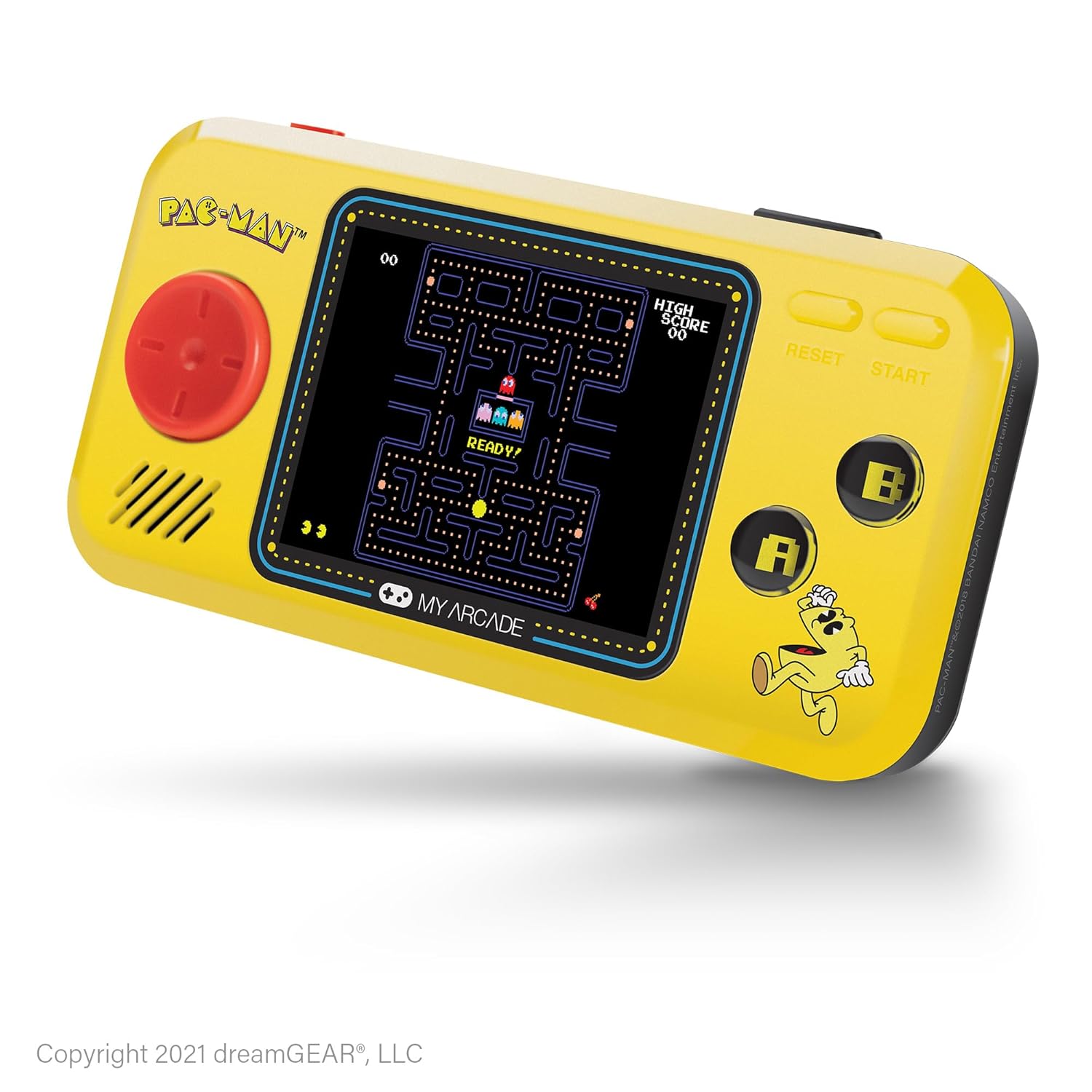
Imagine: față view of the My Arcade Pocket Player Pac-Man Edition. The console is yellow with a red directional pad on the left, a color screen in the center displaying Pac-Man gameplay, and 'A' and 'B' buttons on the right.
Înființat
1. Instalarea bateriei
The My Arcade Pocket Player requires 4 AAA batteries (not included) for portable use. Follow these steps to install them:
- Locate the battery compartments on the back of the console.
- Gently slide open the battery compartment covers.
- Insert 4 new AAA batteries, ensuring correct polarity (+/-) as indicated inside the compartments.
- Închideți bine capacele compartimentului bateriei.
Imagine: Spate view of the My Arcade Pocket Player, highlighting the two battery compartments on either side.
2. Pornire/Oprire
To power on the console, slide the red power switch located on the top edge of the device to the 'ON' position. To power off, slide the switch to the 'OFF' position.
3. Micro USB Power
The console can also be powered via a Micro USB cable (not included). Connect one end of the Micro USB cable to the Micro USB port on the top edge of the console and the other end to a compatible USB power source (e.g., a USB wall adapter, computer USB port). The device will draw power directly from the USB connection.
Instrucțiuni de operare
1. Selecția jocului
After powering on, the console will display a game selection menu. Use the directional pad (D-pad) on the left to navigate through the available games (Pac-Man, Pac-Mania, Pac-Panic). Press the 'START' button to select a game.
2. Controale
- Pad direcțional (D-pad): Controls character movement in-game and menu navigation.
- 'A' Button: Typically used for action, confirmation, or adding credits in some games.
- 'B' Button: Typically used for secondary actions or canceling.
- 'START' Button: Initiates gameplay, pauses the game, or selects menu options.
- 'RESET' Button: Returns to the main game selection menu.
3. Controlul volumului
Use the volume buttons (+ and -) located on the top edge of the console to adjust the sound level of the built-in speaker.
4. Utilizarea căștilor
For private listening, plug any standard 3.5mm headphones into the headphone jack located on the top edge of the console.

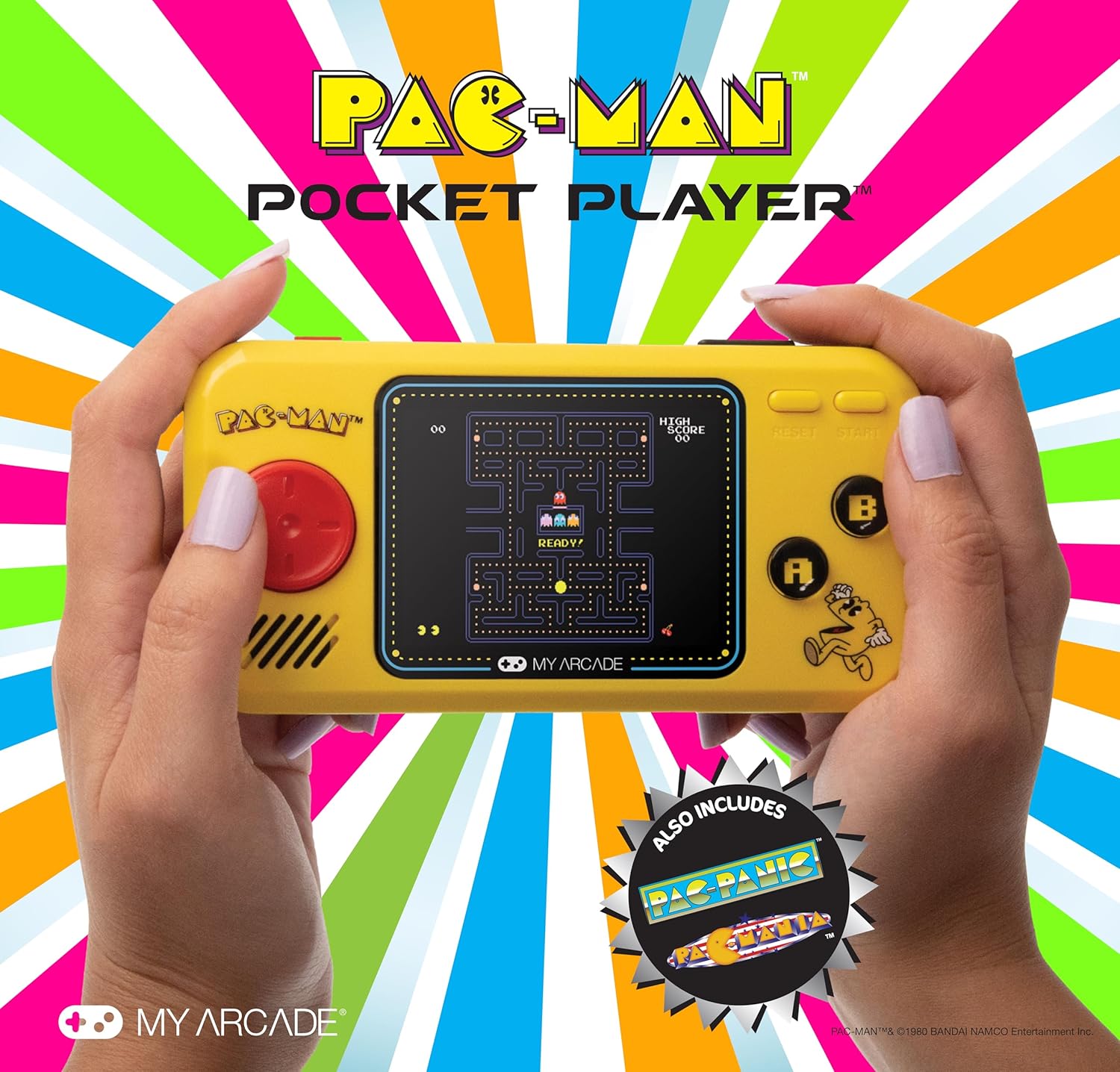
Image: A person holding the My Arcade Pocket Player, demonstrating its compact size and ease of use during gameplay.
Întreţinere
- curatenie: Use a soft, dry cloth to clean the console's exterior. Do not use liquid cleaners or aerosols.
- Depozitare: Store the console in a cool, dry place away from direct sunlight and extreme temperatures.
- Îngrijirea bateriei: Scoateți bateriile dacă dispozitivul nu va fi utilizat pentru o perioadă lungă de timp, pentru a preveni scurgerile.
- Evitați picăturile: While durable, avoid dropping the console to prevent damage to internal components or the screen.
Depanare
- Console does not power on:
- Asigurați-vă că bateriile sunt instalate corect, cu polaritatea corespunzătoare.
- Înlocuiți bateriile vechi cu altele noi.
- Verificați dacă întrerupătorul de alimentare este în poziția „ON”.
- If using Micro USB, ensure the cable and power source are functional.
- Fara sunet:
- Check the volume level using the '+' button.
- If headphones are plugged in, sound will output through them. Disconnect headphones to use the speaker.
- Screen is blank or distorted:
- Power off and then on the console.
- Asigurați-vă că bateriile nu sunt descărcate.
Specificații
| Numărul de model | DGUNL-3227 |
| Dimensiunea ecranului | 2.75 Inches (Full Color LCD) |
| Dimensiunile produsului | 1.4 cm L x 4.3 cm l x 7.5 cm Î |
| Greutatea articolului | 6.4 uncii (aproximativ 0.4 lbs) |
| Sursa de alimentare | 4 AAA Batteries (not included) or Micro USB (cable not included) |
| Tip controler | Button Control (Directional Pad, A/B buttons, Start, Reset) |
| Numărul de jucători | 1 |
| Material | Plastic |
| UPC | 845620032273 |

Image: The My Arcade Pocket Player with an overlay indicating its dimensions: 5.38 inches in length, 2.75 inches in height, and 0.88 inches in depth, with a 2.75-inch screen size.
Garanție și suport
For warranty information or technical support, please contact My Arcade customer service. Refer to the packaging or the official My Arcade website pentru cele mai recente date de contact.
Important: Acest produs poate conține substanțe chimice cunoscute de Statul California ca fiind cancerigene și cauzând malformații congenitale sau alte probleme reproductive. Pentru mai multe informații, vă rugăm să vizitați www.p65warnings.ca.gov.


