Introducere
This manual provides essential information for the safe and efficient operation of your Skyworth 49 M20 Full HD LED Smart TV. Please read it thoroughly before using the product and retain it for future reference.
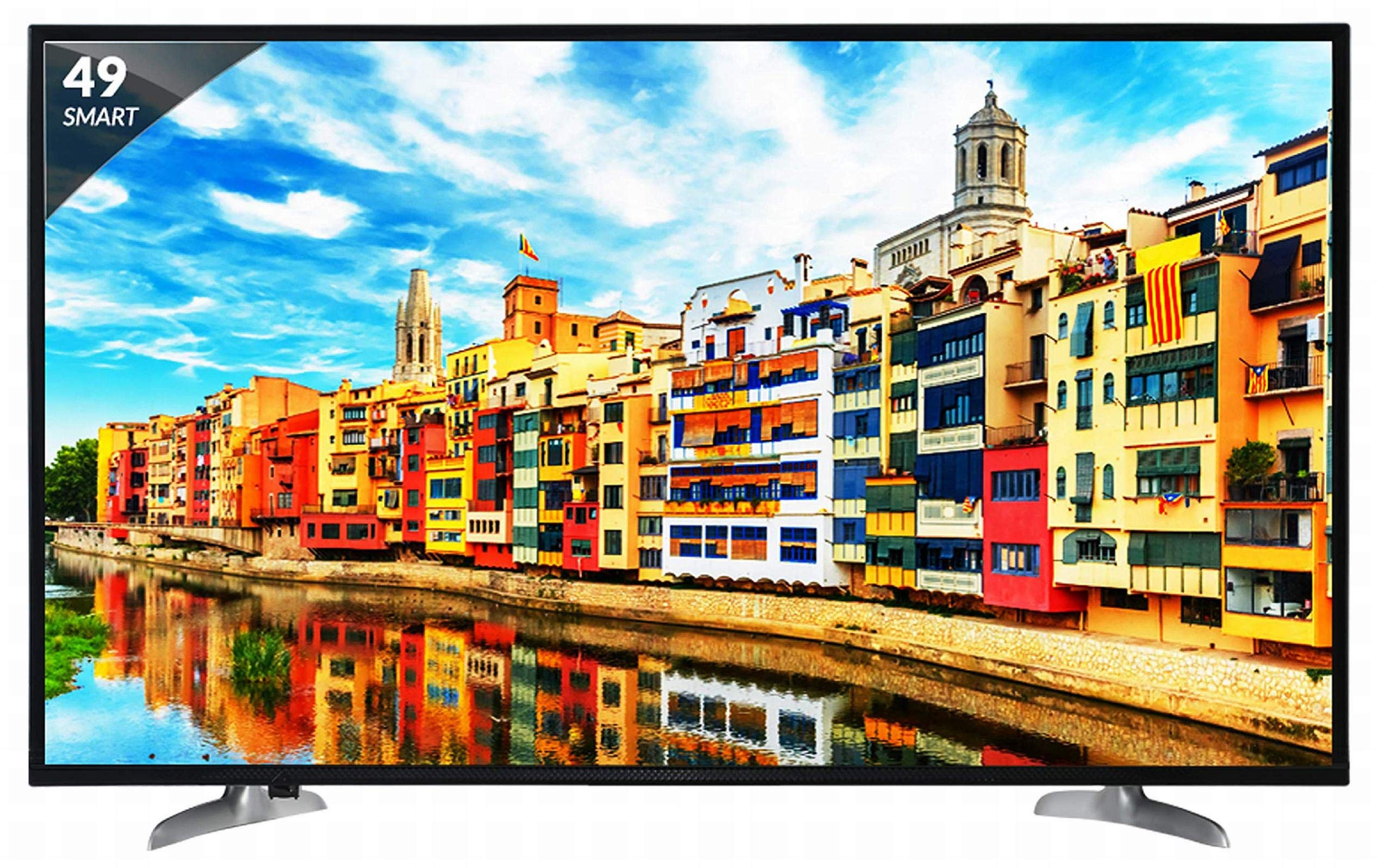
Figura 1: Față view of the Skyworth 49 M20 Full HD LED Smart TV.
Configurare și instalare
Unpacking the TV
Scoateți cu grijă toate componentele din ambalaj. Asigurați-vă că sunt prezente toate articolele enumerate mai jos.
Ce este în cutie:
- 1 TV LED
- 1 suport de masă
- 1 Suport de montare pe perete
- 1 Manual de utilizare
- 1 card de garanție
- 1 Telecomandă
- 2 baterii AAA
- 1 Power Cable / Power Supply Adapter
Videoclip 1: Despachetare și prima utilizareview of the Skyworth 49 M20 Smart TV.
Instalare stand
If using the table-top stand, attach it securely to the base of the TV using the provided screws. Refer to the diagram for correct orientation.
Montare pe perete
For wall mounting, use the included wall mount bracket. It is recommended to seek professional assistance for wall mounting to ensure safety and proper installation. Contact Skyworth at 18001210108 for installation services.

Figura 2: lateral view of the TV, illustrating the slim design and stand attachment points.
Conectivitate
Your Skyworth 49 M20 TV offers various ports for connecting external devices.
Porturi disponibile:
- 3 porturi HDMI: For connecting set-top boxes, Blu-Ray players, gaming consoles, and other HDMI-enabled devices.
- 2 porturi USB: For connecting hard drives, USB flash drives, and other USB devices to play media files.
- 1 port VGA: For connecting laptops or desktop computers.

Figure 3: Rear panel of the TV, highlighting the various input and output ports.

Figura 4: Detaliat view of the connectivity ports including HDMI, USB, and VGA.
Operarea televizorului inteligent
Pornire/Oprire
Connect the power cable to the TV and a power outlet. Press the power button on the remote control or on the TV to turn it on or off.
Expertul de configurare inițială
Upon first power-on, the TV will guide you through an initial setup process, including language selection, network connection, and channel scanning.
Funcții Smart TV
The Skyworth 49 M20 is an Android-based Smart TV with built-in Wi-Fi, offering access to a variety of applications and online content.
- Wi-Fi încorporat: Conectați-vă la rețeaua de domiciliu pentru acces la internet.
- Netrange App Store: Download and install applications for movies, music, games, and more.
- Instalați APK-ul: Allows installation of additional applications via APK files.
- Sky Share: Partajați fișiere media files (videos, pictures) from your mobile phone to the TV.
- Rețea de domiciliu: Access media content from other devices on your home network.
- Servicii de internet acceptate: Includes Twitter and YouTube.

Figure 5: The Smart TV home screen interface, showing various app icons.

Figure 6: The Netrange App Store interface, displaying available applications.
Videoclipul 2: Terminatview of the Skyworth Full HD IPS Smart LED TV features, including display, smart functions, and connectivity.
Display și audio
Tehnologia de afișare
The TV features a 49-inch Full HD (1920x1080p) IPS LED panel with a 60 Hz refresh rate. The IPS technology provides a wide 178-degree viewunghi de filmare, asigurând o calitate consistentă a imaginii din diferite poziții.
Sistem audio
Equipped with 20 Watts output and down-firing speakers, the TV delivers clear audio. DTS Sound technology enhances the audio experience.
Specificatii tehnice
| Caracteristică | Detaliu |
|---|---|
| Model | 49 M20 |
| Dimensiunea ecranului | 49 inch (124.5 cm) |
| Tehnologia de afișare | IPS LED Panel |
| Rezoluţie | Full HD (1920 x 1080p) |
| Rata de reîmprospătare | 60 Herți |
| Viewunghiul ing | 178 de grade |
| Sistem de operare | Android |
| Procesor | ARM Quad Core Processor |
| GPU | Dual Core 3D GPU |
| RAM | 512 MB |
| ROM | 4 GB |
| Conectivitate | 3 HDMI, 2 USB, 1 VGA, Built-in Wi-Fi |
| Ieșire audio | 20 wați |
| Tehnologie de sunet | DTS Sound, Down Firing Speakers |
| Dimensiunile produsului (Lxlxh) | 111.1 x 27.1 x 68.9 cm |
| Greutatea articolului | 16 kg |
| baterii | 2 baterii AAA (incluse pentru telecomandă) |

Figure 7: Summary of key TV features including screen size, connectivity, display, sound, and smart TV capabilities.
Depanare
This section addresses common issues you might encounter with your TV. For more complex problems, please contact customer support.
Fără putere
- Asigurați-vă că cablul de alimentare este conectat corect atât la televizor, cât și la o priză funcțională.
- Verificați dacă priza funcționează conectând un alt dispozitiv.
- Verify that the power indicator light on the TV is on.
Fără imagine/sunet
- Confirmați că este selectată sursa de intrare corectă (de exemplu, HDMI 1, AV).
- Check all cable connections (HDMI, AV, etc.) between the TV and external devices.
- Asigurați-vă că volumul nu este redus la dezactivare sau setat prea jos.
Probleme de conexiune Wi-Fi
- Reporniți routerul Wi-Fi și televizorul.
- Asigurați-vă că televizorul se află în raza de acțiune a routerului Wi-Fi.
- Verificați dacă parola Wi-Fi introdusă este corectă.
Telecomanda nu funcționează
- Înlocuiți bateriile AAA din telecomandă.
- Asigurați-vă că nu există obstacole între telecomandă și senzorul IR al televizorului.
Îngrijire și întreținere
Curățarea ecranului
Ștergeți ușor ecranul cu o lavetă moale, fără scame. Pentru petele persistente, ștergeți ușorampClătiți laveta cu apă sau cu un produs specializat de curățare a ecranelor. Evitați utilizarea substanțelor chimice dure sau a materialelor abrazive.
Curatenie generala
Wipe the TV's frame and stand with a soft, dry cloth. Do not spray cleaning liquids directly onto the TV.
Ventilare
Asigurați o ventilație adecvată în jurul televizorului pentru a preveni supraîncălzirea. Nu blocați orificiile de ventilație din spatele televizorului.
Garanție și suport
Informații despre garanție
Your Skyworth 49 M20 TV comes with a 2-year standard manufacturer warranty from Skyworth. Please retain your purchase invoice for warranty claims.
Asistență pentru clienți
For installation, wall mounting, product demonstration, or any service-related queries, please contact Skyworth directly at 18001210108. Provide the product's model name (49 M20) and seller's details from your invoice.
Acest produs este eligibil pentru înlocuire/rambursare în termen de 10 zile de la livrare în cazul oricăror defecte, deteriorări sau caracteristici care nu corespund descrierii furnizate.


