Introducere
This manual provides essential information for the proper setup, operation, and maintenance of your Rapoo N1600 3-Button Quiet Wired Mouse. Designed for comfort and efficiency, the N1600 features a quiet click mechanism, ergonomic shape, and precise 1000 DPI optical tracking for a smooth user experience.
The Rapoo N1600 mouse is built for endurance, versatility, and comfort, helping you power through tasks with ease on various computer systems.
Video: Pesteview of the Rapoo Wired Silent Mouse, highlighting its quiet operation and design.
Video: Demonstration of the RX100WH Rapoo Wired Silent Mouse, showcasincaracteristicile sale.
Înființat
The Rapoo N1600 mouse is designed for simple plug-and-play functionality, requiring no additional software or drivers for most operating systems.
- Conectați cablul USB: Locate an available USB port on your computer (desktop or laptop). Insert the USB-A connector of the mouse cable into the USB port.
- Recunoașterea sistemului: Your operating system (Windows, Mac OS, Linux, Chrome OS) will automatically detect and install the necessary drivers. This process usually takes a few seconds.
- Începeți utilizarea: Odată recunoscut, mouse-ul este gata de utilizare imediată.

Image: The Rapoo N1600 wired mouse in white, showcasing its simple and clean design.

Image: A graphic illustrating the USB connection feature of the mouse.

Image: The Rapoo N1600 mouse featuring its 5-foot long cable, providing ampam acces la diverse configurații.
Instrucțiuni de operare
The Rapoo N1600 mouse offers standard 3-button functionality with a focus on quiet operation and ergonomic comfort.
- Butonul din stânga: Primary click function for selecting items, opening applications, and interacting with user interfaces. Features a 95% reduced click sound.
- Butonul din dreapta: Secondary click function, typically used for accessing context menus or special functions within applications. Also features a 95% reduced click sound.
- Rotiță de defilare: Folosit pentru derularea verticală a documentelor și web pages. The grille anti-slip pattern ensures accurate scrolling. The scroll wheel itself is designed for quiet operation.
- Urmărire optică: The 1000 DPI high-definition optical tracking engine provides responsive and smooth cursor control on various surfaces.

Image: A diagram illustrating the soft click buttons (Left, Right, and Middle Roller) of the Rapoo N1600 mouse.

Image: The white Rapoo N1600 mouse with a graphic indicating that silent switches reduce click noise.

Image: A layered diagram showing the Rapoo N1600 mouse's high-performance engine can be used on various surfaces like resin, wood, paper, cloth, and cortex.
Întreţinere
To ensure the longevity and optimal performance of your Rapoo N1600 mouse, follow these simple maintenance guidelines:
- curatenie: Utilizați un material moale, uscat sau ușor damp cloth to wipe the exterior of the mouse. Avoid using harsh chemicals, solvents, or abrasive cleaners, as these can damage the surface.
- Senzor optic: Periodically inspect the optical sensor on the underside of the mouse for dust or debris. Use a soft brush or compressed air to gently clean the sensor area. Do not touch the sensor directly with your fingers.
- Îngrijirea cablului: Evitați îndoirile bruște sau tragerea excesivă a cablului USB pentru a preveni deteriorarea internă. Depozitați cablul cu grijă atunci când nu îl utilizați.
- Depozitare: Când nu este utilizat pentru perioade lungi de timp, depozitați mouse-ul într-un mediu curat și uscat, ferit de temperaturi extreme.
Depanare
If you encounter issues with your Rapoo N1600 mouse, try the following troubleshooting steps:
- Mouse-ul nu răspunde:
- Asigurați-vă că cablul USB este conectat corect la un port USB funcțional al computerului.
- Încearcă să conectezi mouse-ul la un alt port USB.
- Reporniți computerul.
- Mișcarea cursorului este neregulată sau săltăreață:
- Clean the optical sensor on the underside of the mouse for any dust or debris.
- Asigurați-vă că utilizați mouse-ul pe o suprafață adecvată. Suprafețele foarte reflectorizante sau transparente pot afecta urmărirea. Se recomandă un mouse pad.
- Butoanele sau rotița de derulare nu funcționează:
- Asigurați-vă că mouse-ul este conectat corect.
- Testați mouse-ul pe un alt computer pentru a determina dacă problema este cu mouse-ul sau cu setările computerului.
- Noisy Clicks:
- The N1600 is designed for quiet clicks. If you experience unexpected noise, ensure the buttons are not obstructed.
Specificații
| Caracteristică | Detaliu |
|---|---|
| Numărul de model | 1014-07X03-800 (N1600) |
| Dimensiunile produsului | 4.65 x 2.48 x 1.57 inchi (118 mm x 63 mm x 40 mm) |
| Greutatea articolului | 3.46 uncii (84.46 g) |
| Tehnologia de conectivitate | USB cu fir |
| Tehnologia de detectare a mișcării | Optic |
| DPI | 1000 DPI |
| Butoane | 3 (Stânga, Dreapta, Rotiță de derulare/Buton mijloc) |
| Caracteristici speciale | Ergonomic Design, Soundless (Quiet Click) |
| Compatibilitate | Mac OS, Linux, Windows, Chrome OS |
| Producător | Shenzhen Rapoo Technology Co., Ltd. |

Image: A diagram showing the dimensions of the Rapoo N1600 mouse: 118mm (4.65 inches) length, 63mm (2.48 inches) width, and 40mm (1.57 inches) height, with an item weight of 84.46g.
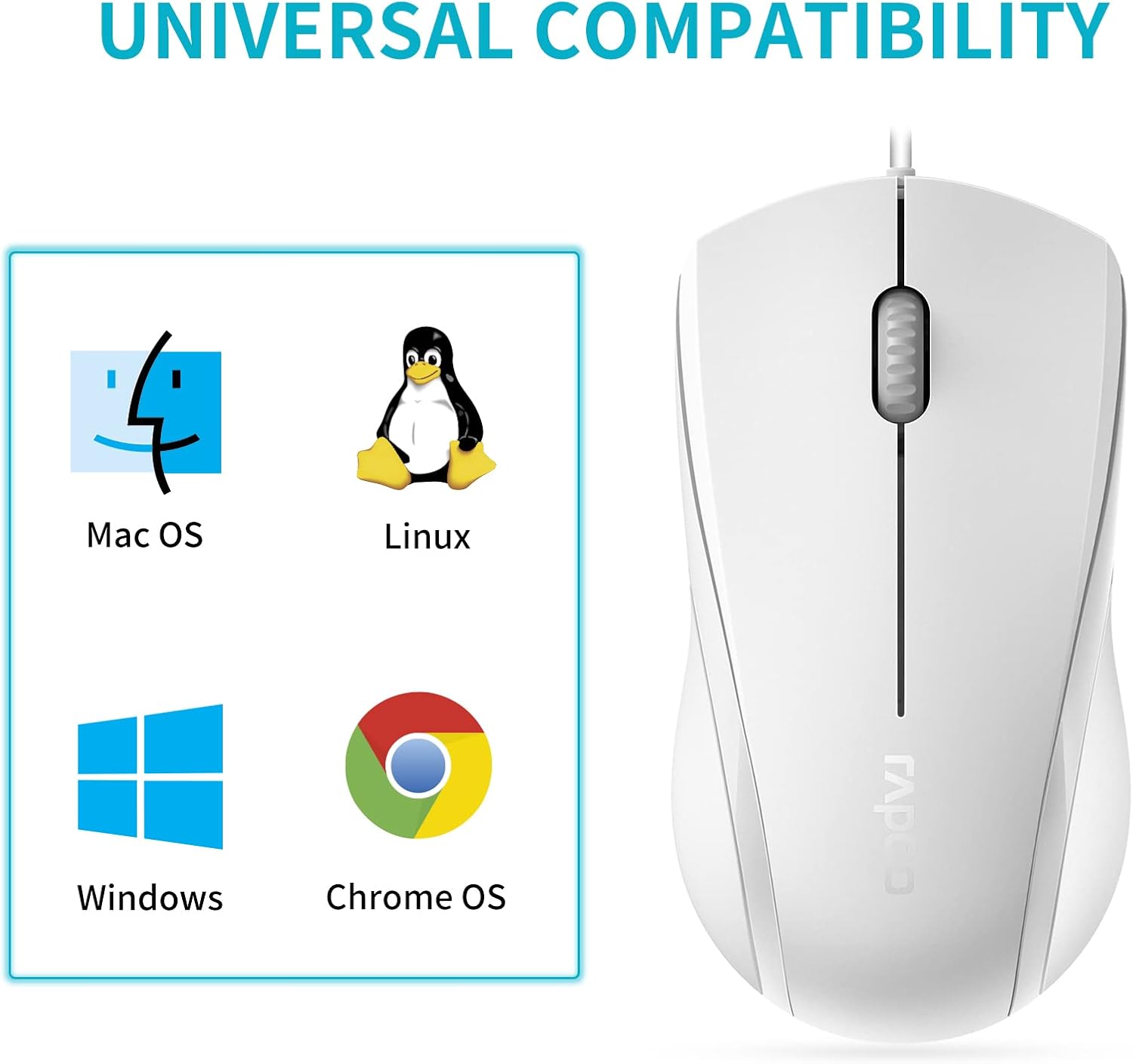
Image: A graphic illustrating the universal compatibility of the Rapoo N1600 mouse with Mac OS, Linux, Windows, and Chrome OS.
Garanție și suport
Rapoo is committed to providing quality products and customer satisfaction. The Rapoo N1600 mouse comes with a standard warranty, details of which can be found on the official Rapoo website-ul sau contactând asistența pentru clienți.
For any inquiries, technical assistance, or warranty claims, please contact Rapoo customer support. Rapoo offers 7/24 customer support to assist you with your product needs.
Pentru mai multe informații, vă rugăm să vizitați Rapoo Official Store.


