1. Introducere
The Avantree Torpedo Plus is a versatile portable Bluetooth speaker designed to deliver high-quality audio with minimal latency. Featuring aptX Low Latency technology, it ensures audio-visual synchronization when paired with compatible transmitters. This manual provides detailed instructions for setting up, operating, and maintaining your speaker.

Figure 1: Avantree Torpedo Plus Portable Bluetooth Speaker
2. Ce se află în cutie
- Avantree Torpedo Plus Speaker
- Type C USB Charging Cable (100CM / 3FT)
- Audio Cable (120CM / 4FT)
- Ghid rapid de utilizare
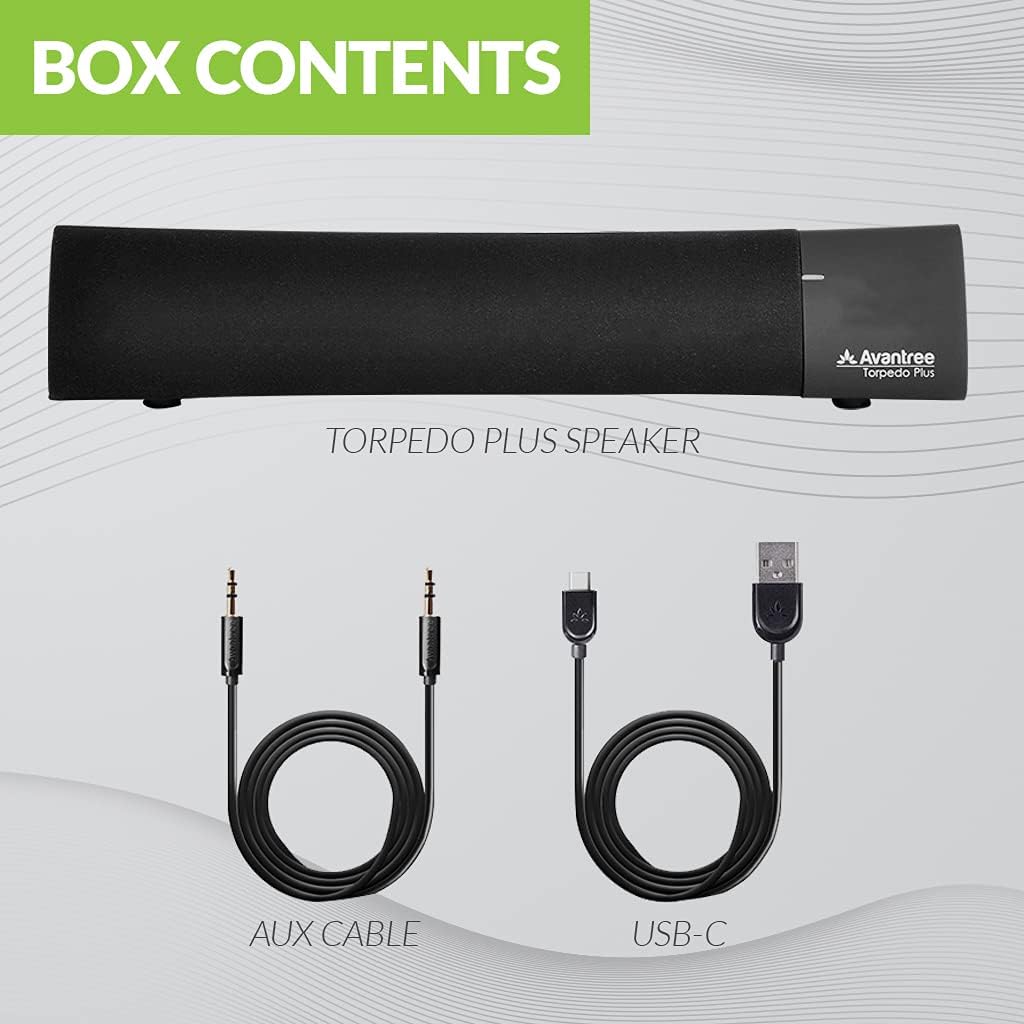
Figure 2: Included accessories with the Torpedo Plus speaker.
3. Produs terminatview
The Torpedo Plus features a compact design with intuitive controls. It includes dual 5W speakers for clear sound output and supports multiple sound modes for a customized listening experience.

Figura 3: Intern view highlighting the dual 5W power drivers.
The speaker is lightweight and portable, making it suitable for various environments, from a desktop setup to on-the-go use.
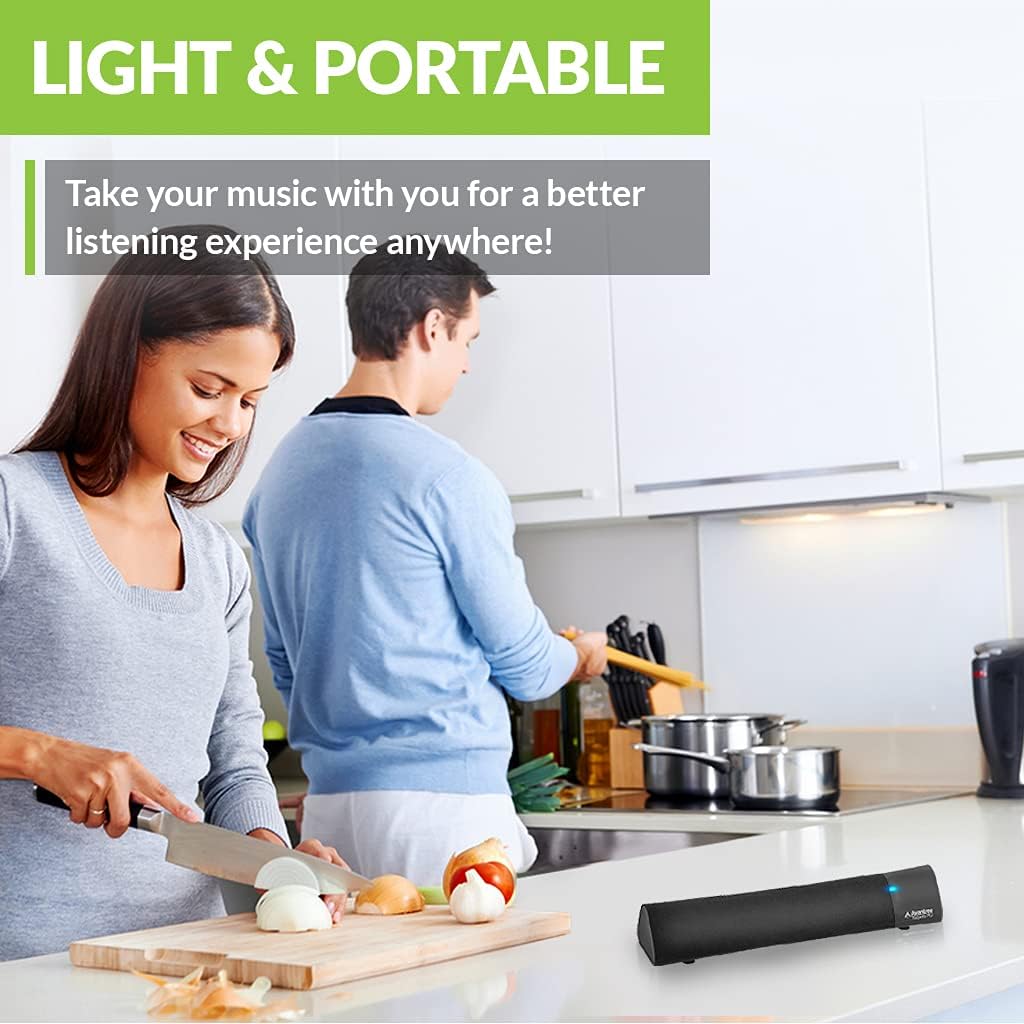
Figure 4: Portability of the Torpedo Plus speaker in a kitchen setting.
4. Configurare
4.1 Pornire
- Connect the provided Type C USB charging cable to the speaker's charging port.
- Plug the other end of the USB cable into a DC 5V/1A power source (e.g., computer USB port, USB wall adapter).
- The speaker will indicate its power status via an LED indicator.
4.2 Initial Pairing (Bluetooth)
- Asigurați-vă că difuzorul este pornit și în modul de asociere Bluetooth (de obicei, indicat de un LED intermitent).
- On your device (laptop, phone, tablet), enable Bluetooth and search for "Avantree Torpedo Plus".
- Select the speaker to pair. Once connected, the LED indicator will show a solid light.

Figure 5: Easy setup and Bluetooth pairing with a laptop.
5. Instrucțiuni de utilizare
5.1 Conexiune Bluetooth
After initial pairing, the speaker should automatically reconnect to your last paired device when powered on and within range.
5.2 Conexiune cu fir (AUX)
- Connect one end of the provided 3.5mm audio cable to the AUX input port on the speaker.
- Connect the other end to the audio output jack of your device (e.g., TV, computer).
- The speaker will automatically switch to AUX mode or you may need to select it using the mode button/control.
5.3 moduri de sunet
The Torpedo Plus features Digital Signal Processing (DSP) with three distinct sound modes:
- Sunet surround 3D: Enhances spatial audio for an immersive experience.
- Mod bas: Boosts low frequencies for richer bass.
- Balanced Audio Mode: Oferă un sunet neutru profesionalfile suitable for various content.
Refer to the quick user guide for specific instructions on how to switch between these modes.

Figure 6: Available sound modes for personalized audio.
5.4 Low Latency Audio
When used with an aptX Low Latency enabled Bluetooth transmitter, the Torpedo Plus delivers audio in perfect synchronization with video, eliminating noticeable delays.

Figure 7: Enjoying low latency audio with the speaker while watching TV.
5.5 Videoclip oficial al produsului
Watch this official video from AvantreeDirect USA for a visual overview of the Avantree aptX Low Latency Portable Bluetooth 5.0 Speaker.
Video 1: Avantree aptX Low Latency Portable Bluetooth 5.0 Speaker overview.
6. Întreținere
- Keep the speaker away from water and excessive moisture.
- Curățați suprafața cu o lavetă moale și uscată. Nu utilizați produse de curățare abrazive.
- Evitați expunerea difuzorului la temperaturi extreme.
- Depozitați într-un loc răcoros și uscat atunci când nu este utilizat pentru perioade lungi de timp.
7. Depanare
7.1 Fara putere
- Ensure the USB charging cable is securely connected to both the speaker and a working power source.
- Verificați dacă sursa de alimentare este activă.
7.2 Fără sunet
- Bluetooth: Check if the speaker is successfully paired and connected to your device. Ensure the volume on both the speaker and your device is turned up.
- AUX: Confirm the 3.5mm audio cable is fully inserted into both the speaker and your device. Ensure your device's audio output is set to the correct port.
- Check if the speaker is in the correct input mode (Bluetooth or AUX).
7.3 Întârziere audio (latență)
- For optimal low latency performance, ensure your Bluetooth audio source (e.g., TV, PC) is connected via an aptX Low Latency compatible Bluetooth transmitter.
- Ensure the speaker is operating in aptX Low Latency mode if applicable (refer to quick user guide for LED indicators).
8. Specificații
| Caracteristică | Detaliu |
|---|---|
| Versiune Bluetooth | V5.0 |
| Codec audio | aptX LL, aptX, SBC |
| Asistență Profiles | A2DP V1.3, AVRCP V1.5 |
| Port de încărcare | Tip C |
| Timp de încărcare | 3 de ore |
| Încărcare Voltage | DC 5V/1A |
| Baterie încorporată | 2200 mA / 3.7 V |
| Timp de joacă | 7 de ore |
| Putere de ieșire | 5W × 2 |
| Raspuns in frecventa | 50 Hz~20 KHz |
| Dimensiune | 275 mm x 60mm x 50 mm (10.83" x 2.36" x 1.97") |
| Greutatea produsului | 480 g (0.026 uncii) |
| Tehnologia comunicațiilor fără fir | Bluetooth |
| Tehnologia de conectivitate | Auxiliar, Bluetooth |
| Gama Bluetooth | 30 de metri (100 de picioare) |
| Latență audio | 40 de milisecunde |
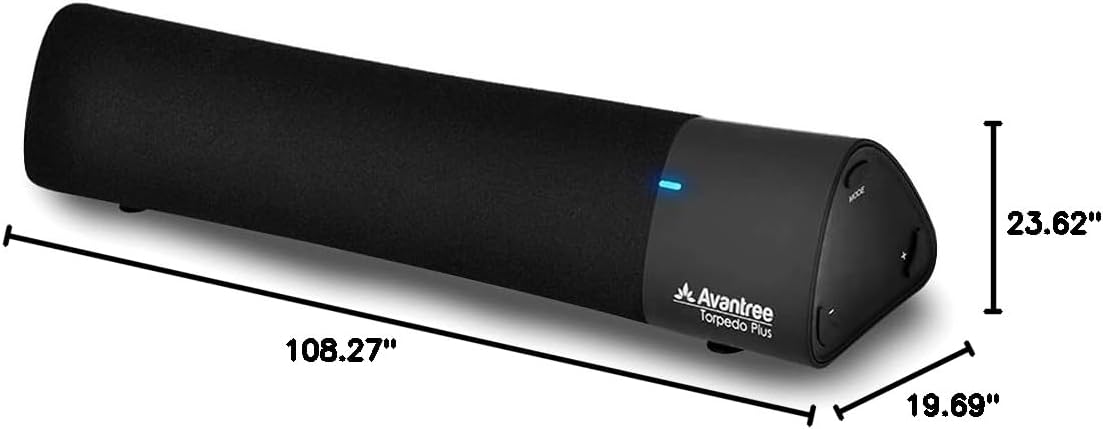
Figura 8: Dimensiunile produsului.
9. Garanție și asistență
The Avantree Torpedo Plus comes with a full 24-month warranty. For support, please visit the official Avantree website-ul sau contactați serviciul pentru clienți.
Vizitați Avantree Store pentru mai multe informații și produse.


