1. Introducere
This manual provides instructions for the proper setup, operation, maintenance, and troubleshooting of your Onn ONA11HO089 Soft-Touch USB Keyboard. Please read this manual thoroughly before using the product to ensure optimal performance and longevity.
The Onn ONA11HO089 is a full-sized, black USB keyboard designed for comfortable and efficient typing across various compatible devices.
2. Configurare
Setting up your Onn ONA11HO089 keyboard is a simple plug-and-play process. No additional drivers are typically required for most operating systems.
- Despachetați tastatura: Scoateți cu grijă tastatura din ambalaj.
- Localizați un port USB: Identify an available USB-A port on your computer, laptop, gaming console, or tablet.
- Conectați cablul USB: Insert the USB connector of the keyboard cable into the chosen USB port.
- Recunoașterea sistemului: Your operating system should automatically detect and install the necessary drivers for the keyboard. This process may take a few moments.
- Test the Keyboard: Deschideți un editor de text sau orice aplicație care acceptă introducerea de text și tastați pentru a confirma că tastatura funcționează corect.
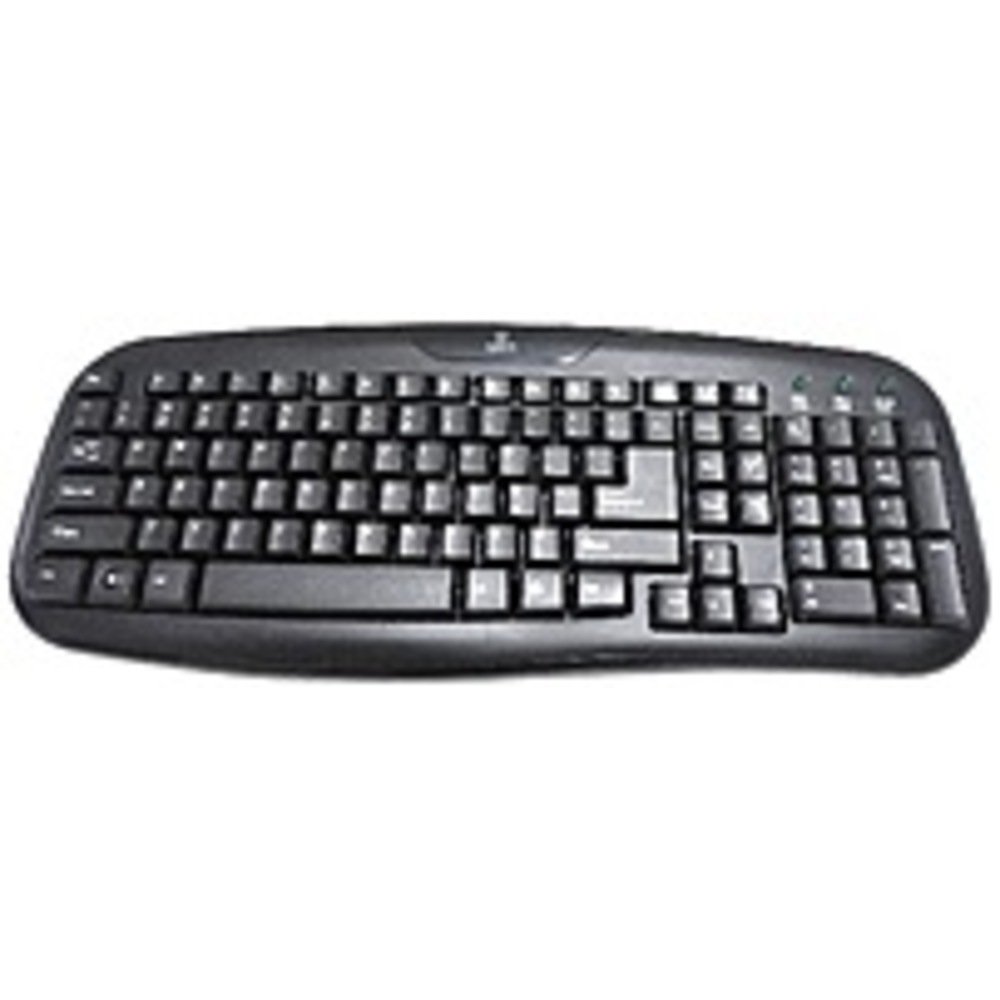
Figure 2.1: The Onn ONA11HO089 USB Keyboard. Connect the USB cable to an available port on your device.
3. Utilizarea tastaturii
The Onn ONA11HO089 keyboard offers a standard layout for intuitive typing. Its soft-touch keys are designed for comfortable and responsive input.
- Tastare de bază: Use the alphanumeric keys for standard text input. The keyboard features a full QWERTY layout, including a numeric keypad for data entry.
- Taste funcționale: The F1-F12 keys provide various functions, often used in combination with the Fn key on laptops, though this keyboard is a standalone unit and these keys typically perform their standard functions directly.
- Chei speciale: Utilize keys like Ctrl, Alt, Schimbare, și Windows/Command key for shortcuts and system commands.
- Soft-Touch Experience: The tactile switches provide a comfortable typing experience, reducing fatigue during extended use.
- Compatibilitate: This keyboard is compatible with various devices including PCs, laptops, gaming consoles, and tablets that support USB keyboard input.
Figure 3.1: The key layout of the Onn ONA11HO089 keyboard, showing the standard QWERTY arrangement and numeric keypad.
4. Întreținere
Proper maintenance can extend the life of your keyboard and ensure consistent performance.
- curatenie:
- Deconectați tastatura de la dispozitiv înainte de curățare.
- Folosiți o cârpă moale, fără scame dampened with water or a mild cleaning solution to wipe the surface of the keys and casing.
- Pentru praf și resturi între taste, folosiți aer comprimat.
- Evitați utilizarea substanțelor chimice dure, a produselor de curățare abrazive sau a umidității excesive, deoarece acestea pot deteriora tastatura.
- Keycap Wear: Over time and with heavy use, the lettering on the keycaps may show signs of wear. This is a common characteristic of printed keycaps. Gentle use and regular cleaning can help minimize this, but it is not indicative of a functional defect.
- Depozitare: Când nu este utilizată, depozitați tastatura într-un mediu curat și uscat, ferit de temperaturi extreme și de lumina directă a soarelui.
5. Depanare
If you encounter issues with your Onn ONA11HO089 keyboard, refer to the following common troubleshooting steps:
| Problemă | Cauza posibila | Soluţie |
|---|---|---|
| Tastatura nu răspunde. |
|
|
| Anumite taste nu funcționează. |
|
|
| Intrarea de la tastatură este întârziată sau neregulată. |
|
|
6. Specificații
Below are the technical specifications for the Onn ONA11HO089 Soft-Touch USB Keyboard:
- Model: ONA11HO089
- Marca: Onn
- Tehnologie de conectivitate: USB
- Descrierea tastaturii: Ergonomic
- Tip comutator: Tactil
- Culoare: Negru
- Sursa de alimentare: USB Powered
- Dispozitive compatibile: Consolă de jocuri, Laptop, PC, Tabletă
- Dimensiuni produs: 18 x 1.25 x 7 inchi (aproximativ 45.7 x 3.2 x 17.8 cm)
- Greutatea articolului: 1.38 livre (aproximativ 0.63 kg)
- Data primului disponibil: 5 ianuarie 2017
7. Garanție și asistență
For warranty information regarding your Onn ONA11HO089 Soft-Touch USB Keyboard, please refer to the documentation included with your purchase or visit the official Onn webTermenii și condițiile de garanție pot varia în funcție de regiune și de comerciant.
If you require technical support or have questions not covered in this manual, please contact Onn customer service through their official website-ul sau informațiile de contact furnizate împreună cu produsul dumneavoastră.


