Manual de utilizare multimetru digital portabil KEYSIGHT U1242C
Model: U1242C
1. Introducere
The KEYSIGHT U1242C is a robust and reliable handheld digital multimeter (DMM) designed for professional and industrial use. It offers high accuracy, durability, and advanced features for various electrical measurements. This manual provides essential information for the safe and efficient operation, maintenance, and troubleshooting of your U1242C DMM.
Caracteristicile cheie includ:
- 50,000 counts resolution on dual display
- 0.03% basic DC voltage acuratețea
- True RMS AC measurement
- Data logging to DMM (max. 200 points) & PC with software bundle
- IP 67 certified for dust and water resistance
- Withstands up to 3-meter (10 feet) drop
- Lanterna LED incorporata
2. Informații de siguranță
WARNING: Read and understand all safety instructions before operating this device. Failure to follow these instructions may result in injury or damage to the meter.
- Acest produs este destinat exclusiv utilizării profesionale.
- Respectați întotdeauna codurile de siguranță locale și naționale.
- Nu utilizați contorul dacă pare deteriorat sau dacă izolația este compromisă.
- Asigurați-vă că sondele de testare sunt în stare bună și conectate corect înainte de a efectua măsurători.
- Nu depășiți limitele maxime de intrare pentru nicio funcție.
- Aveți grijă când lucrați cu voltagpeste 30V AC RMS, 42V peak sau 60V DC. Aceste voltajetagreprezintă un pericol de șoc.
- Always turn off the circuit power and discharge all high-voltagcondensatoarele înainte de a efectua teste de rezistență, continuitate sau diode.
- Înlocuiți bateria și siguranțele numai cu cele de tipul și puterea specificate.
3. Produs terminatview
3.1 Față View

This image displays the front of the KEYSIGHT U1242C Digital Multimeter, showing its large orange casing, the dual display screen, the rotary dial for function selection, and the input jacks for test leads. Various buttons for functions like Max/Min, Hz, Log, Hold, and Range are visible around the display.
3.2 Latura View
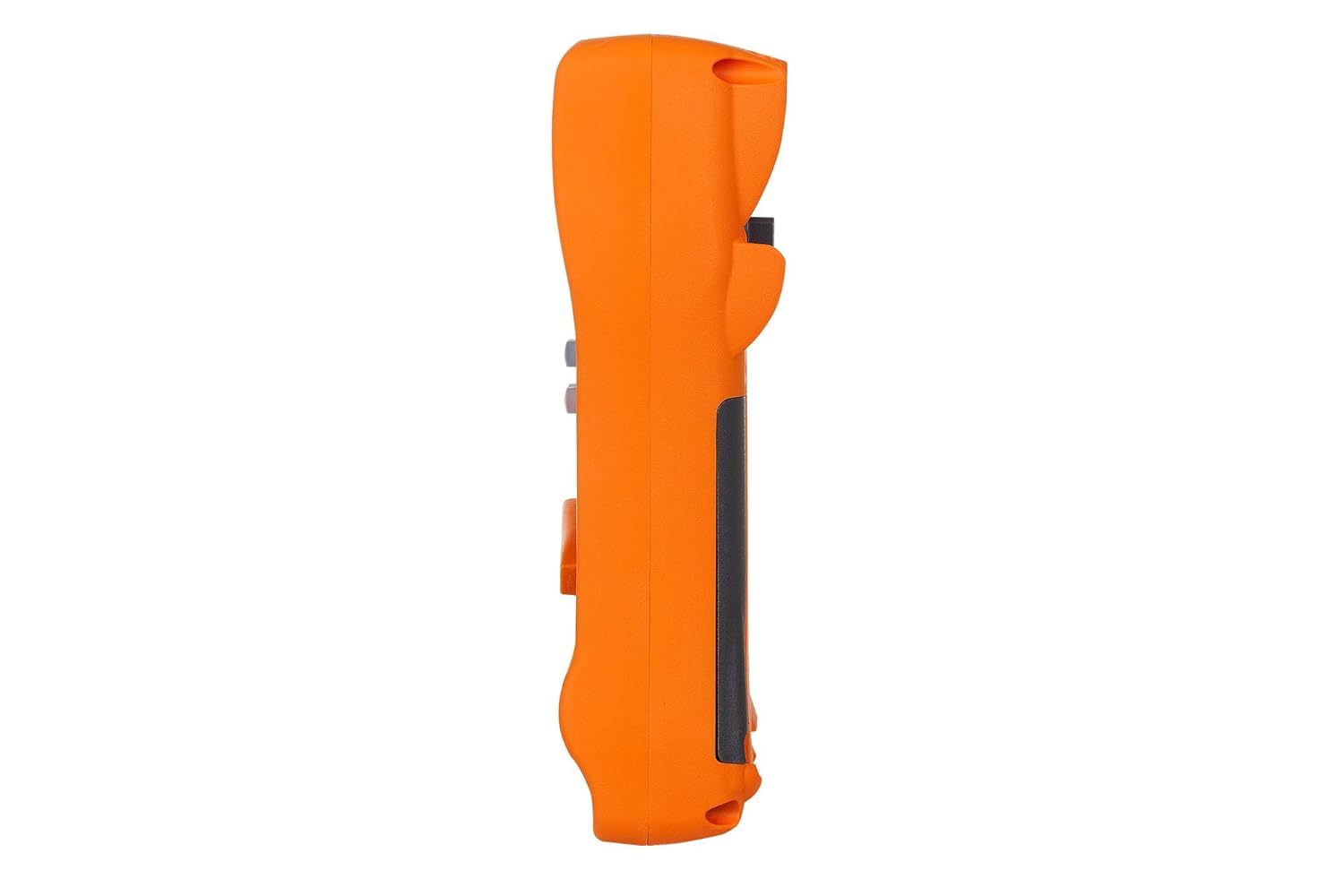
Această imagine prezintă partea profile of the KEYSIGHT U1242C Digital Multimeter, highlighting its ergonomic design and the textured grip on the orange casing. The side view emphasizes the compact and robust build of the device.
3.3 Înapoi View

This image presents the back of the KEYSIGHT U1242C Digital Multimeter, revealing the battery compartment cover, the kickstand for hands-free operation, and the product label with model and serial number information. The robust construction of the casing is also evident.
3.4 Comenzi și conectori
- Afişa: Large dual display for primary and secondary readings.
- Comutator rotativ: Selectează funcțiile de măsurare (Volumtage, Curent, Rezistență etc.).
- Butoane funcționale: Max/Min, Hz, Log, Hold, Range, View, Shift.
- Mufe de intrare:
- VΩHz: Intrare pentru voltage, resistance, frequency, capacitance, and diode tests.
- COM: Intrare comună pentru toate măsurătorile.
- mAµA: Intrare pentru miliampere și microampmăsurători de curent.
- 10A MAX FUSED: Input for high current measurements (up to 10A).
4. Configurare
4.1 Instalarea bateriei
- Asigurați-vă că multimetrul este oprit.
- Localizați compartimentul bateriilor pe spatele contorului.
- Folosiți o șurubelniță pentru a slăbi șurubul care fixează capacul bateriei.
- Scoateți capacul bateriei.
- Insert the specified batteries (e.g., 4 x AAA batteries) observing the correct polarity (+/-).
- Puneți la loc capacul bateriei și strângeți bine șurubul.
4.2 Conectarea cablurilor de testare
Always connect the test leads to the appropriate input jacks for the measurement you intend to perform. Incorrect connection can lead to damage to the meter or personal injury.
- Pentru majoritatea măsurătorilor (Voltage, Resistance, Continuity, Diode, Capacitance, Frequency), connect the black test lead to the COM mufa și cablul de testare roșu la VΩHz jack.
- For current measurements (mA/µA), connect the black test lead to the COM mufa și cablul de testare roșu la mAµA jack.
- For high current measurements (up to 10A), connect the black test lead to the COM mufa și cablul de testare roșu la 10A MAX FUSED jack.
5. Instrucțiuni de utilizare
This section outlines the basic steps for performing common measurements with your U1242C DMM.
5.1 Măsurarea AC/DC Voltage
- Rotiți comutatorul rotativ la volumul dorittage range (V~ for AC, V- for DC). The meter may have an auto-ranging feature.
- Conectați cablul de testare negru la COM mufa și cablul de testare roșu la VΩHz jack.
- Conectați sondele de testare în paralel pe circuitul sau componenta care urmează să fie măsurată.
- Citiți voltage valoarea pe display.
5.2 Măsurarea curentului alternativ/continuu
CAUTION: Never connect the meter in parallel with a voltagsursa de curent atunci când măsurați curentul. Acest lucru poate arde siguranța sau deteriora contorul.
- Turn the rotary switch to the desired current range (A~ for AC, A- for DC, or mA/µA ranges).
- Conectați cablul de testare negru la COM jack.
- For mA/µA measurements, connect the red test lead to the mAµA jack. For 10A measurements, connect the red test lead to the 10A MAX FUSED jack.
- Deschideți circuitul unde urmează să se măsoare curentul și conectați multimetrul în serie cu circuitul.
- Citiți valoarea curentă de pe afișaj.
5.3 Măsurarea rezistenței
- Rotiți comutatorul rotativ în intervalul Ω (Ohmi).
- Conectați cablul de testare negru la COM mufa și cablul de testare roșu la VΩHz jack.
- Asigurați-vă că circuitul sau componenta este dezactivată înainte de a măsura rezistența.
- Conectați sondele de testare la componenta care urmează să fie măsurată.
- Citiți valoarea rezistenței pe afișaj.
5.4 Test de continuitate
- Turn the rotary switch to the continuity symbol (speaker icon).
- Conectați cablul de testare negru la COM mufa și cablul de testare roșu la VΩHz jack.
- Asigurați-vă că circuitul este dezactivat.
- Conectați sondele de testare la circuit sau la componentă.
- The meter will beep if continuity is detected (resistance below a certain threshold).
5.5 Înregistrarea datelor
The U1242C supports data logging. Refer to the detailed user manual for specific instructions on activating and managing data logging functions, including connecting to a PC with the software bundle for extended logging capabilities.
6. Întreținere
6.1 Curățare
Ștergeți suprafața contoruluiasing cu anunțamp o lavetă și un detergent blând. Nu utilizați abrazive sau solvenți. Asigurați-vă că aparatul de măsură este complet uscat înainte de utilizare.
6.2 Înlocuirea bateriei
When the battery indicator appears on the display, replace the batteries as described in Section 4.1. Prompt battery replacement ensures accurate readings and proper operation.
6.3 Înlocuirea siguranței
WARNING: Always replace blown fuses with fuses of the exact same type and rating to maintain safety and performance.
- Asigurați-vă că multimetrul este oprit (OFF) și că toate sondele de testare sunt deconectate.
- Deschideți compartimentul bateriei așa cum este descris în Secțiunea 4.1.
- Locate the fuse(s) inside the compartment.
- Gently remove the blown fuse.
- Insert a new fuse of the correct rating (e.g., 10A/1000V for the 10A input).
- Puneți la loc capacul bateriei și strângeți bine șurubul.
6.4 Calibrare
The U1242C is factory calibrated. For continued accuracy, periodic calibration by a qualified service center is recommended. Refer to KEYSIGHT's official support channels for calibration services.
7. Depanare
| Problemă | Cauza posibila | Soluţie |
|---|---|---|
| Contorul nu pornește | Baterii uzate sau instalate incorect | Înlocuiți bateriile, verificați polaritatea |
| No reading or "OL" (Overload) displayed | Incorrect function selected; Open circuit; Input exceeds range | Select correct function; Check circuit continuity; Select higher range or auto-range |
| Citiri inexacte | Low battery; Dirty test leads; Environmental interference; Needs calibration | Replace battery; Clean leads; Move away from interference; Consider calibration |
| Măsurarea curentului nu funcționează | Blown fuse; Incorrect lead connection; Meter not in series | Check/replace fuse; Verify lead connection; Ensure meter is in series with circuit |
8. Specificații
| Caracteristică | Caietul de sarcini |
|---|---|
| Numărul de model | U1242C |
| Afișează numărătorii | 50,000 |
| Basic DC Voltage Precizia | 0.03% |
| Măsurarea AC | RMS adevărat |
| Evaluare de protecție la pătrundere (IP). | IP 67 |
| Protecție împotriva căderii | Până la 3 metri (10 picioare) |
| Sursa de alimentare | Alimentat cu baterie |
| Greutatea articolului | 1 livră (16 uncii) |
| Producător | KEYSIGHT |
| Data primului disponibil | 22 mai 2018 |
9. Garanție și asistență
9.1 Declinarea răspunderii legale
Keysight Technologies products are classified as industrial monitoring and control equipment designed exclusively for professional or industrial use and related training programs. Keysight products are designed and certified to meet national industrial safety standards (such as Electrical Equipment for Measurement, Control and Laboratory Use) where products are sold solely for use by trained professionals. Keysight products are not intended for consumer use in a residential setting and may not meet consumer level standards for EMC and other regulated radiated emissions. Keysight products are intended for use in the country where the product was originally sold.
9.2 Suport tehnic
For technical assistance, service, or warranty claims, please contact KEYSIGHT customer support through their official website or authorized service centers. Provide your product model number (U1242C) and serial number when seeking support.


