Introducere
The Steelcase Gesture office chair is designed to adapt to various body types and work postures, providing ergonomic support and comfort for extended periods. This manual provides essential information for setting up, operating, maintaining, and troubleshooting your Gesture chair to ensure optimal performance and longevity.

Image: The Steelcase Gesture Office Chair, showcasing its ergonomic design and modern aesthetic.
Înființat
Your Steelcase Gesture chair typically arrives fully assembled. Please refer to the included assembly instructions for any specific details regarding unboxing and initial placement. Ensure the chair is placed on a stable, level surface. The chair is designed with wheels suitable for carpeted surfaces.

Image: A visual representation of the chair's simple assembly process, highlighting its minimal parts and tool-free setup.
Instrucțiuni de operare
The Gesture chair features intuitive adjustments located on the right side, within easy reach. Familiarize yourself with these controls to customize your seating experience.
Official Adjustment Video
Video: Steelcase Gesture Chair Adjustment Video. This video demonstrates how to use the various adjustment features of the chair.
- Reglarea înălțimii scaunului: To raise the seat, lift your body weight slightly and pull the lever located on the right side upwards. To lower the seat, remain seated and pull the same lever upwards. Adjust until your feet are flat on the floor and your knees are at a 90-degree angle.
- Reglarea adâncimii scaunului: The seat depth can be adjusted to relieve pressure on the back of your legs and improve circulation. While seated, turn the knob located on the right side, beneath the seat, away from you to extend the seat, and towards you to retract it. Position the seat depth so there are 2-3 inches between the front edge of the seat and the back of your knees.
- Back Tension and Recline: The chair offers a full recline range with three settings and an upright back lock. The back tension knob, also on the right side, controls how easy or difficult it is to recline. Turn it forward for more resistance and backward for less. Use the variable back stop to set your preferred recline limit or lock the back upright.
- 360-Degree Arm Adjustments: The armrests feature height, depth, width, and pivot adjustments. Lift the lever under the arm to adjust height. Push the arm in or out to adjust width. Grasp the arm caps and slide them in any direction to adjust their position. These versatile adjustments allow for optimal comfort and flexibility, supporting the full range of motion of the human arm.
- Optional Lumbar Support: If your chair is equipped with optional lumbar support, grasp the handles on both sides of the chair's back and slide them up or down to your desired position at the lower back.
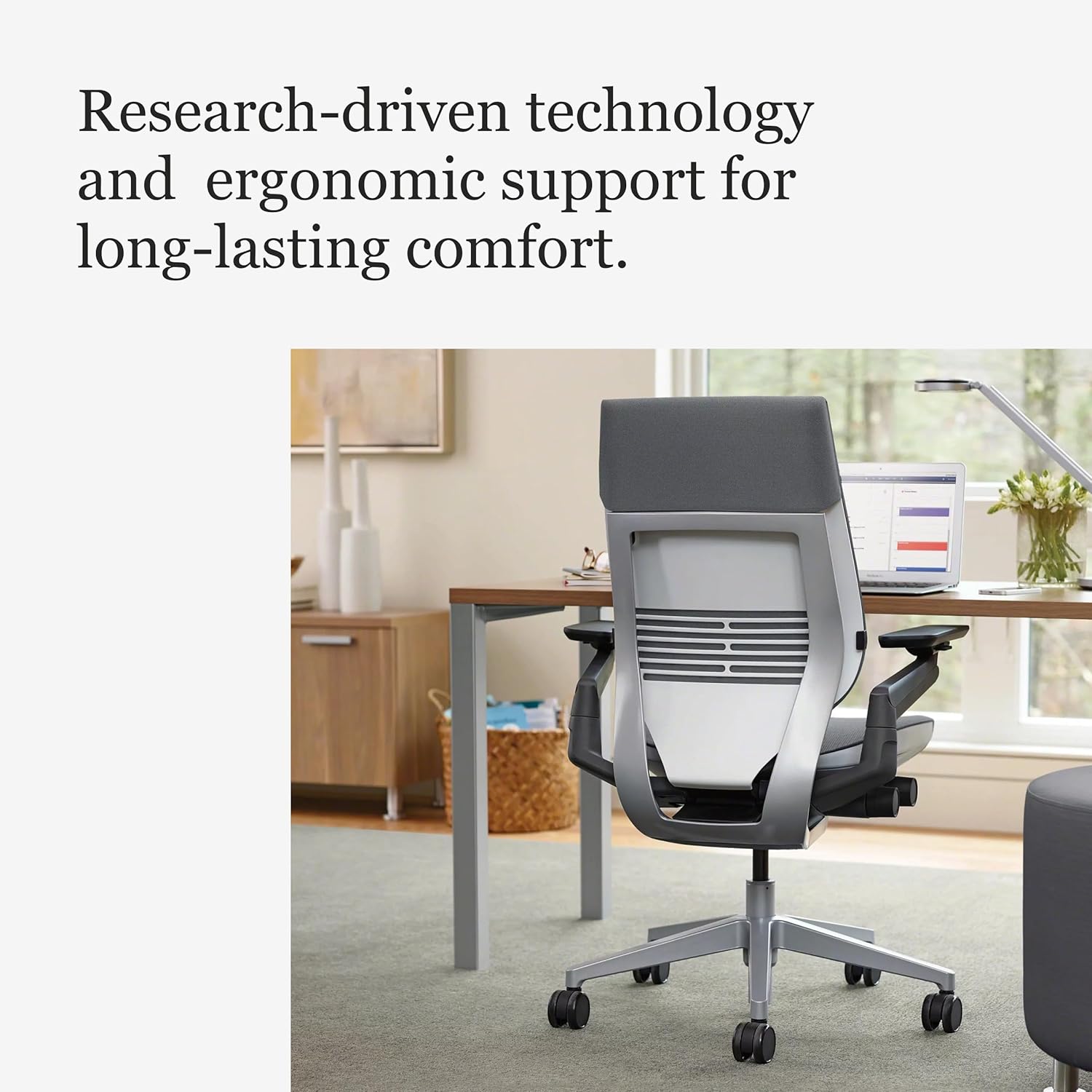
Image: A user demonstrating the versatile 360-degree armrest adjustments for personalized support.

Image: A user adjusting the seat depth using the intuitive controls located beneath the seat.
Întreţinere
To maintain the appearance and functionality of your Steelcase Gesture chair, follow these guidelines:
- Spălare locală: For fabric surfaces, spot wash with a mild detergent and water. Test on an inconspicuous area first.
- Curățare regulată: Dust and vacuum the chair regularly to prevent dirt buildup.
- Evitați substanțele chimice dure: Do not use abrasive cleaners, solvents, or strong chemicals, as these can damage the fabric and finishes.
- Îngrijirea roților: Periodically check the wheels (casters) for any debris like hair or lint and clean them to ensure smooth movement.
Depanare
If you encounter any issues with your Steelcase Gesture chair, consider the following:
- Adjustment Not Working: Ensure all levers and knobs are fully engaged or disengaged as required for the specific adjustment. Sometimes a slight shift in body weight is needed.
- Scârțâit sau zgomot: Check for any loose components. Applying a small amount of silicone-based lubricant to moving parts (avoiding fabric) may resolve minor squeaks.
- Caster Movement Issues: Clean any hair or debris from the casters. Ensure the chair is on an appropriate surface (e.g., carpet casters on carpet).
If problems persist, please contact Steelcase customer support for further assistance.
Specificații
| Caracteristică | Detaliu |
|---|---|
| Marca | Steelcase |
| Numele modelului | Gest |
| Culoare | Graphite Gray Fabric |
| Dimensiunile produsului | 32.5" D x 27.5" L x 21.25" H |
| Dimensiune | Standard Height Range (16" - 21") (Pack of 1) |
| Material | Polyester & Polyester Blend (Fill Material: Foam) |
| Greutate maximă recomandată | 400 lire sterline |
| Caracteristici speciale | Adjustable Height, Arm Rest, Ergonomic, Seat Lock |
| Stilul brațului | With arms (360-degree) |
| Număr de poziții înclinate | 3 |
| Recomandare de suprafață | Covor |
| Greutatea articolului | 70 lire sterline |
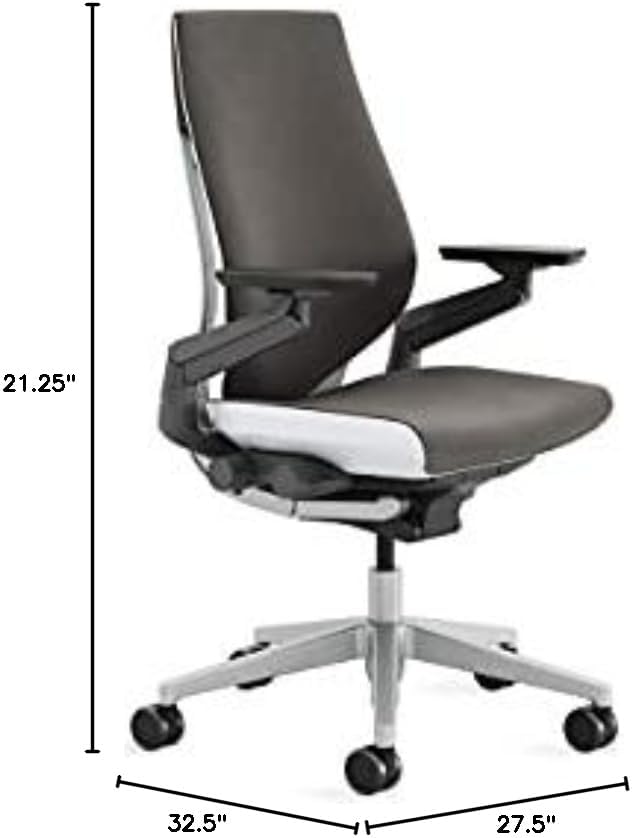
Image: Detailed dimensions of the Steelcase Gesture Office Chair.
garanție
The Steelcase Gesture chair is backed by a 12-year warranty, reflecting the manufacturer's commitment to quality and durability. This warranty covers defects in materials and workmanship under normal use.
Sprijin
For additional support, parts, or service inquiries, please visit the official Steelcase website-ul lor sau contactați departamentul lor de asistență pentru clienți. De asemenea, puteți consulta Magazinul Steelcase pe Amazon pentru informații despre produse și resurse.


